The app made for your Trezor
The Trezor Suite app makes it easy and secure to manage, buy, sell, and swap your crypto all in one place.
Loading
2M+ Customers
10+ Years in Bitcoin

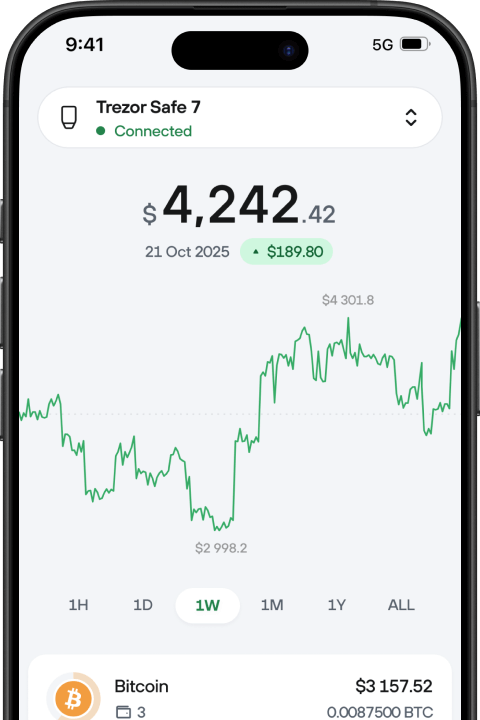



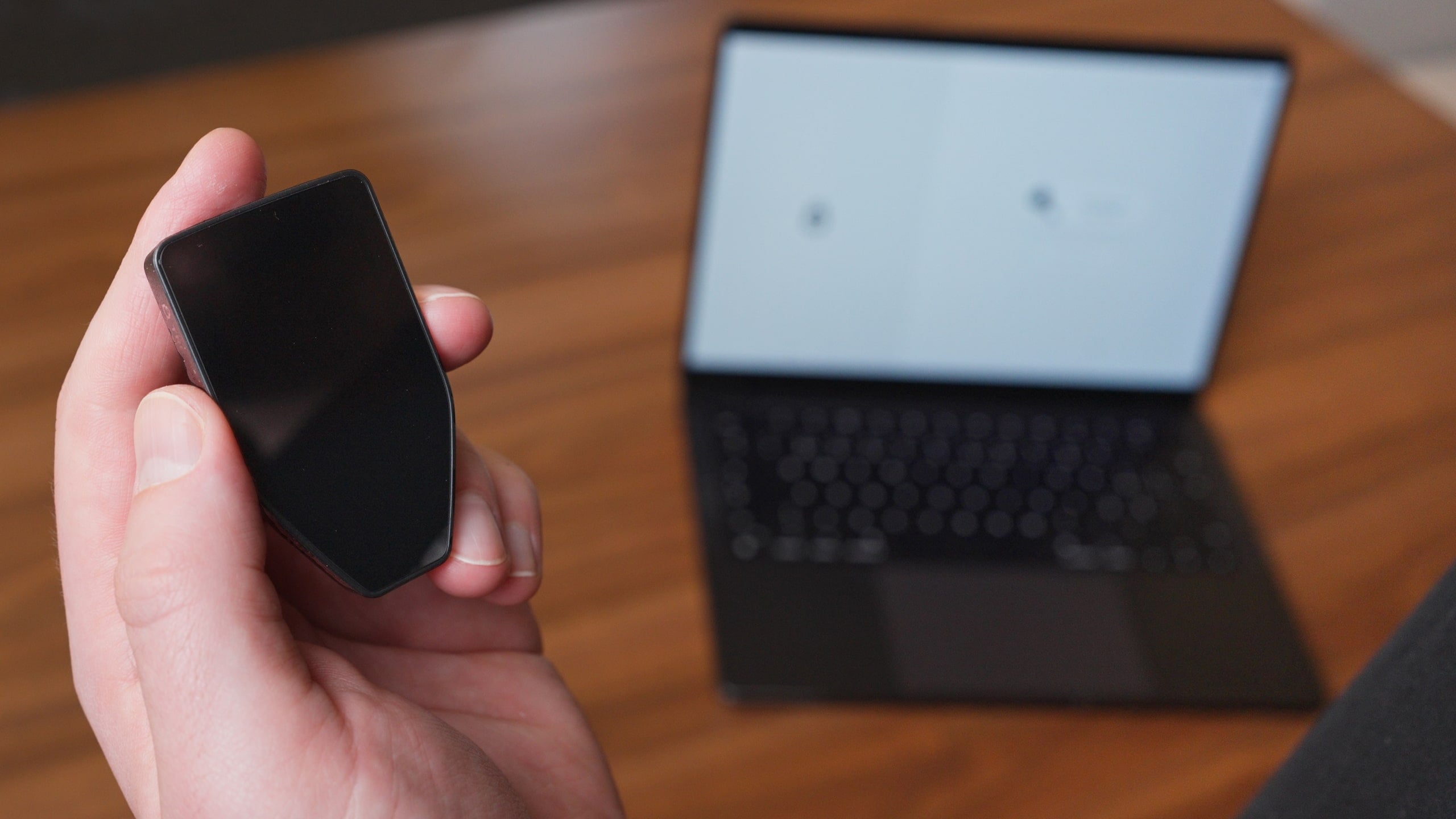
Trezor Suite is the official app for managing your Trezor hardware wallet.
Yes. All Trezor devices work with Android. Trezor Safe 7 also works with iOS via Bluetooth.
For iPhone users who want full Trezor Suite functionality from their phone, such as sending, buying, selling, and device management—Trezor Safe 7 is the best choice. Its Bluetooth connection ensures seamless compatibility with iOS.
Other Trezor models (Trezor Safe 5, Safe 3, and earlier) rely on a wired connection. On iOS, wired accessories require Apple-specific licensing that isn’t supported by these models. This means they can be used to track your portfolio, view assets, and buy through integrated providers on iOS, but a desktop or Android device is required to sign transactions.
Trezor devices are compatible with popular third-party wallet apps like MetaMask, Rabby, Electrum, Exodus, and Wasabi. However, Trezor Suite is recommended for the most seamless and secure experience since it’s built specifically for Trezor hardware.
Wireless security comes built in with the Trezor Safe 7. Both Bluetooth and USB-C connections are secured with Trezor Host Protocol (THP), which encrypts every command and transaction to ensure no one can intercept, alter, or inject malicious messages. The wallet stays invisible to unknown devices and uses open-source encryption to ensure it connects only with trusted devices and applications. This means you get secure, encrypted communication whether you connect wirelessly or with a cable.
Your crypto is not stored on your Trezor, so losing the device does not mean losing your funds. They remain on the blockchain and are secured by your wallet backup. By entering your wallet backup (the list of words you created when setting up your Trezor), you can restore access on a new Trezor device or another compatible wallet.
Trezor was the first hardware wallet and has set the standard for over 10 years. With open-source code, independent security audits, and the Trezor Suite app, you get unmatched transparency and usability. With devices like the Safe 7, you also benefit from full iOS and Android support, a transparent Secure Element, and quantum-ready security.
Trading is available on iOS for Trezor Safe 7. For Trezor Safe 3, Trezor Safe 5, Trezor Model T, and Trezor Model One, iOS support is limited: these devices don’t support the required connection, so you can track your portfolio, buy, and receive crypto, but trading is only possible through Trezor Suite on desktop or Android.