
What is a hardware wallet?
A hardware wallet is a physical device that gives you security and complete ownership of your crypto.It lets you store your crypto access offline, protected from online threats and accessible only by you.

Own it. Protect it. Grow it.
All with Trezor.
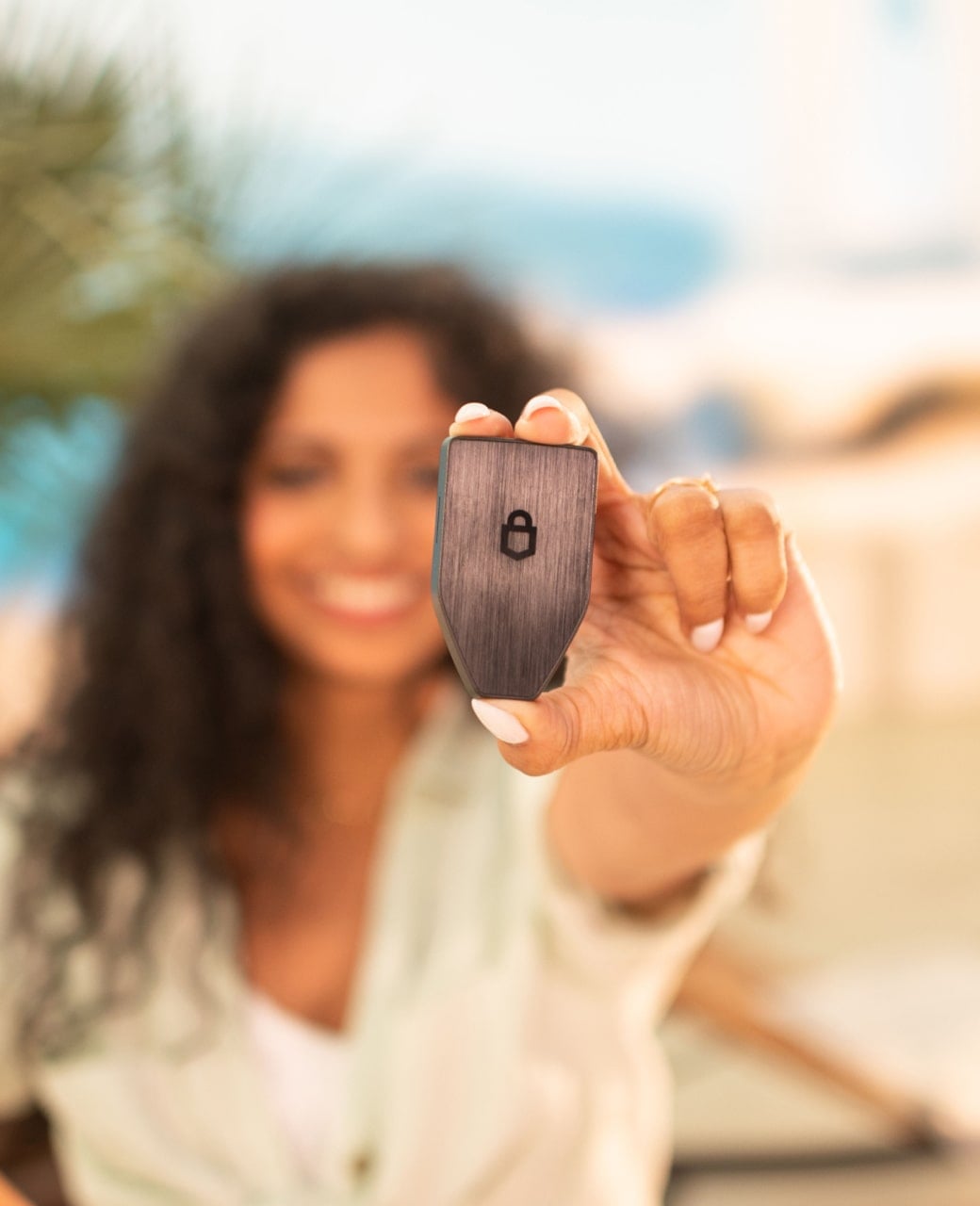 Stay safe when exchanges fail
A hardware wallet shields you from account freezes, hacks & exchange collapses.
 Your crypto today, tomorrow & forever
With a hardware wallet, your crypto isn’t tied to any app or exchange—it's truly yours to keep forever.
 Buy, sell & swap with Trezor
Manage your assets directly in Trezor Suite—secure & easy to use.
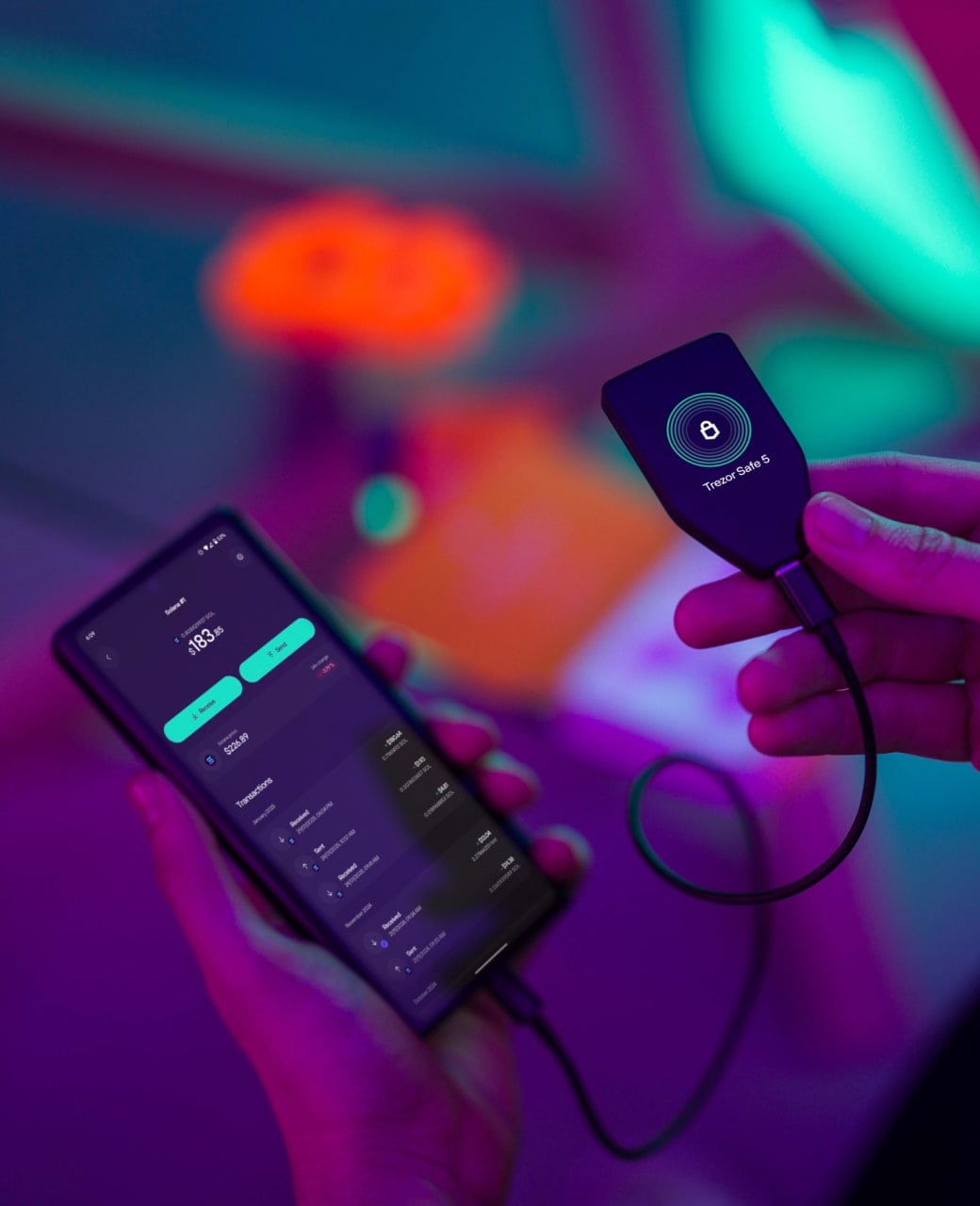 Track your crypto anytime, anywhere
With Trezor Suite on your mobile, it’s easy to check your assets on the go.
Backed up & instantlyrestorable if lost

Simple setup,lasting protection


Trezor is trusted by millions of crypto users since 2014
Supporting you at every step
Your questions, answered
A hardware wallet is a small, physical device that keeps your crypto safe. It stores your important info securely and away from the internet, so it’s protected from hackers and viruses. When you want to move your crypto, you use the device to approve the action—without ever putting your info online.
No, your Trezor wallet never connects to the internet—keeping your sensitive information protected from online threats.
A hot wallet stores your private keys on a device that’s connected to the internet - such as a mobile wallet app, desktop wallet, or browser extension. Because the keys are on an internet-connected device, they’re more exposed to hacks, malware, and outages. A hardware wallet like Trezor stores your private keys in a secure offline device, keeping them isolated from the internet even when you connect it to make a transaction.
Trezor devices are built to last for years with proper care. There’s no built-in expiration—you only need to replace it if the hardware is damaged.
Trezor is a one-time purchase—no monthly fees, ever. You can use both the device and Trezor Suite without any ongoing costs.
A hardware wallet keeps your private keys completely offline, protecting them from online threats like hacking, malware, and account freezes. Hot wallets - such as a mobile wallet app, desktop wallet, or browser extension - are convenient for quick access, but keep your keys on internet-connected devices, which increases their exposure to attacks. Many people use a hardware wallet for long-term storage and a hot wallet for small, everyday amounts.
Connect Trezor > Open Trezor Suite > Select account > Generate and copy receive address > Paste into sending app or exchange. Voilà!
Lost your Trezor? Don’t worry—your funds are safe if you have your wallet backup. Just set up a new Trezor and enter the wallet backup words you wrote down during setup. Make sure your backup is stored safely—without it, you won’t be able to recover your assets.
A hardware wallet stores the information needed to access and manage your coins. This information stays safely inside the device and never goes online. Even if your phone or computer is hacked, your coins will stay protected on a hardware wallet.