Network reserve for Base, Optimism, and Solana
When you Sell, Swap or Send either Base, Optimism or Solana, Trezor Suite will automatically reserve a small amount to cover the associated network fees.
If you attempt to spend 100% of your funds and have nothing left to pay network / gas fees, the transaction may fail.
When the Network reserve feature is enabled, you’ll see the following information banner on the Sell, Swap and Send screens:
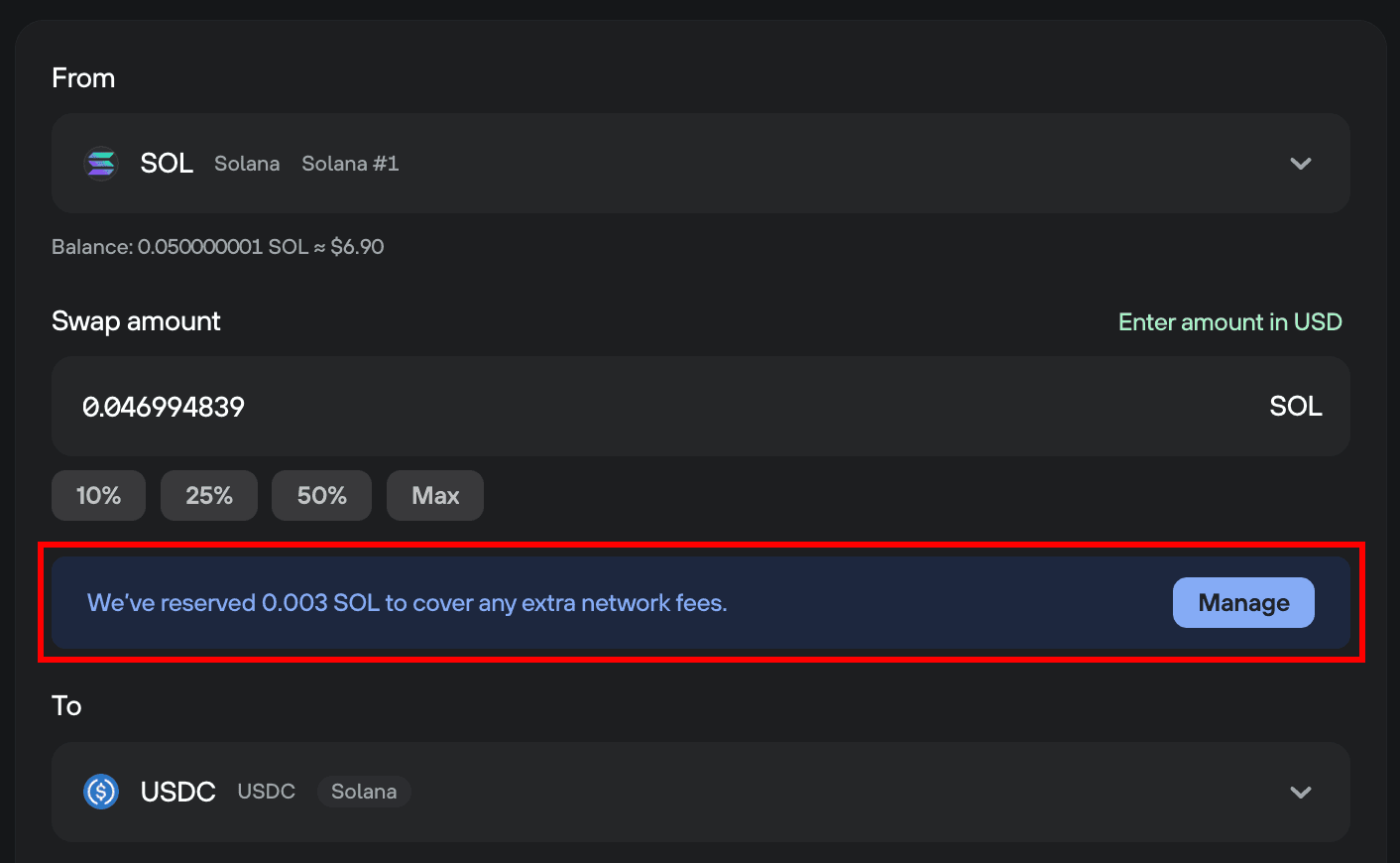
To disable the feature, click Manage, and you’ll be taken directly to the Networks settings menu, where you can toggle the feature off:

You can access Networks settings any time by navigating to: ⚙️ Settings > Application > Networks
Was this article helpful?