Trezor Safe 5 - Violet Ore
4.47 reviews
Trezor Safe 5 - Violet Ore

Trezor Safe 5

Exceptional convenience with a vibrant color touchscreen & confirmation haptic feedback. Experience advanced crypto security.

Enhanced usability with a 1.54” touchscreen
- &
Crypto management with the Trezor Suite app
  • Black Graphite
  • Green Beryl
  • Violet Ore
Violet Ore

Ask Hal AI

Seriously secure,
intuitively easy

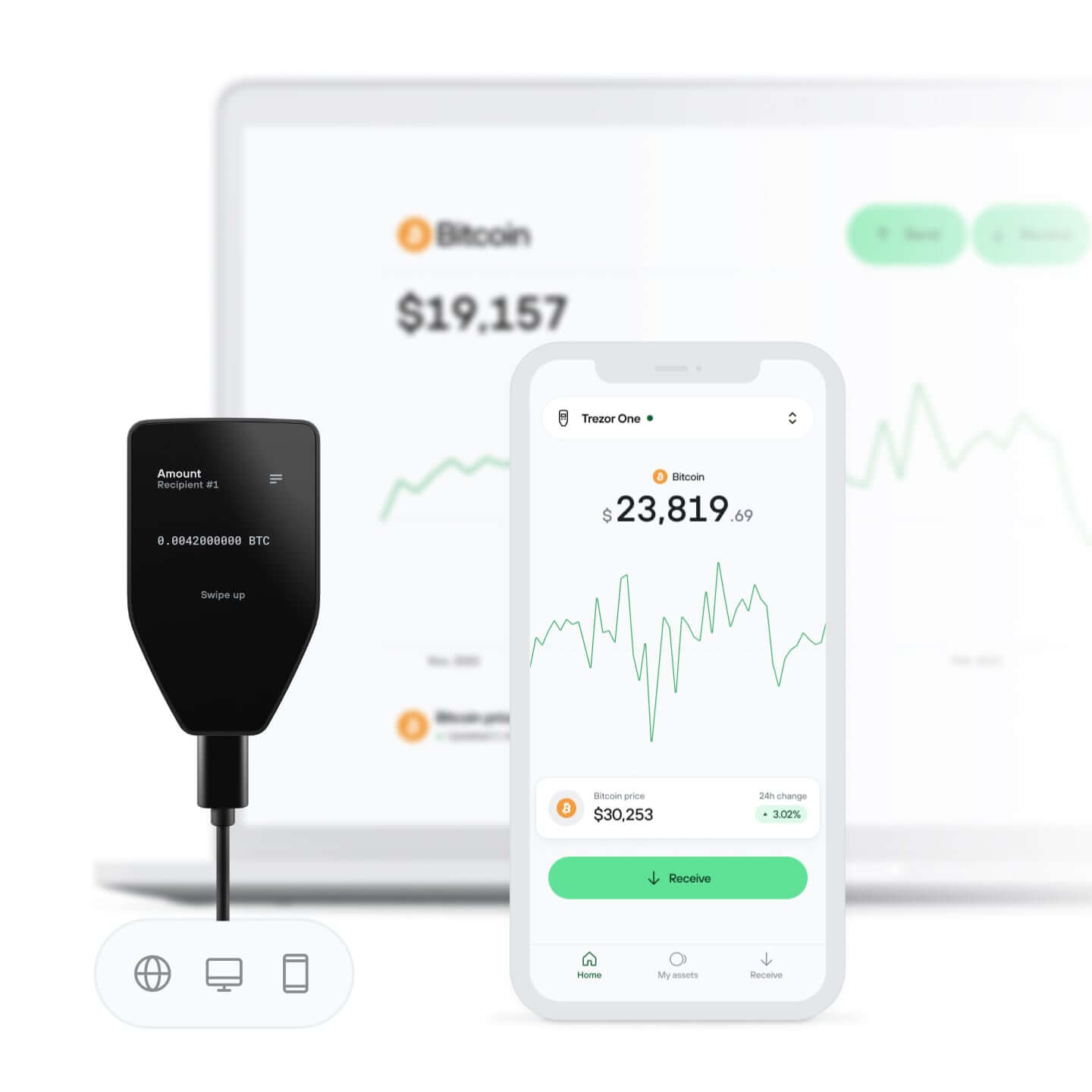
Vibrant color touchscreen & Trezor Touch haptic feedback

View. Tap. Feel. Confirm.

Your crypto, your control

Absolute control of every transaction with on-device confirmation
Protected by Secure Element

Protected by Secure Element

The best defense against both online and offline threats
Security starts with open-source

Security starts with open-source

Transparent wallet design makes your Trezor better and safer

Scratch-free with Gorilla Glass

Proven & resilient screen protection keeps your crypto crystal clear

Clear & simple wallet backup

Recover access to your digital assets with a new backup standard
Confidence from day one

Confidence from day one

Packaging & device security seals protect your Trezor’s integrity

Manage your crypto
in Trezor Suite app

  • Send, receive, trade & stake your coins
  • Track your portfolio balance
  • View your portfolio history
Discover the app
Trezor Suite app
Collection of popular cryptocurrency coins supported by Trezor Suite app - top view

Supports 1000s
of coins & tokens

Check your coins
Collection of popular cryptocurrency coins supported by Trezor Suite app - bottom view

Specs

Trezor Safe 5

Trezor Safe 5 is an advanced hardware wallet designed for cryptocurrency users who prioritize both security and user-friendliness. With its vibrant color touchscreen and tactile feedback features from the Trezor Touch haptic engine, it offers an intuitive experience that’s easy to navigate.

Based on a decade of open-source security and privacy development, the Trezor Safe 5 provides a reliable foundation for safeguarding your cryptocurrency assets. It employs the NDA-free EAL 6+ Secure Element along with PIN and passphrase protection, ensuring strong defense against both online and offline threats. The addition of an enhanced 20-word wallet backup standard allows for a seamless transition from a Standard Single-share Backup to an Advanced Multi-share Backup, enhancing wallet recovery protection with added security measures.

The Trezor Safe 5 seamlessly integrates with the complete Trezor ecosystem, which includes user-friendly desktop and mobile apps. This integration simplifies tasks such as buying, selling, and exchanging cryptocurrencies. Additionally, users have access to a wide array of third-party services, enabling them to tailor their cryptocurrency experience to their individual preferences and requirements.

Whether you’re new to hardware wallets or an experienced cryptocurrency user, Trezor Safe 5 offers proven security and convenience for storing, managing, and using your crypto.

At a glance

Color touchscreen
1.54' Color display240 x 240 pixels
Gorilla® Glass 3Scratch-resistant all-glass surface
USB-C connection
Send, receive, & trade
MicroSD card slot

Connect Trezor

Device security

protectedCertified Chip EAL6+
security and design
& protection

Backup & recovery

Privacy

Increase privacy with
Protect identity with

Authentication

Use your Trezor as a FIDO2 Standard

Product details

Product size & weight65.9x40x8 mm / 23 g
2.6x1.6x0.3 in / 0.8 oz
Package size & weight145x92x21 mm / 75 g
5.7x3.6x0.8 in / 2.6 oz
Operating temperature-20°C to +60°C / -4°F to +140°F
CPU160MHz embedded ARM processor (Cortex M33)

What's in the box?

Trezor Safe 5 hardware wallet
USB-C → USB-C cable
2x 20-word wallet backup cards
Start-up guide
Trezor stickers

Safety & certifications

All Trezor devices are CE and RoHS certified meeting all quality, reliability, and environmental standards. Trezors are X-ray safe and suitable for air travel.

Material

Durable PC-ABS plastic, tamper-evident casing, anodized aluminum backplates, and intricate laser engraving

What our customers say

4.4

/ 5

based on 7 reviews
All the reviews come from verified buyers that have purchased this product.
5
4x
4
2x
3
1x
2
0x
1
0x
Anonymous user
July 11, 2026
While I am deeply impressed with the Trezor Safe 5 hardware, it is incredibly easy to connect to Android, and the physical touchscreen makes verifying addresses a breeze, the mobile software ecosystem introduces clear friction for active Web3 users. ​Specifically, three distinct limitations stand out when using the device on mobile: ​1. Inconsistent Mobile Web3 Wallet Support ​Connecting the Trezor Safe 5 to third-party Web3 apps on Android is hit-or-miss. For example, I am able to seamlessly use the cold wallet with the Rabby Android app. However, if you try to use it with Phantom or other major Web3 mobile wallets, it simply isn't possible. This fragments the user experience, as you are forced back to a desktop browser extension if your preferred dApp wallet doesn't natively support Trezor's USB-OTG communication on Android. ​2. Desktop vs. Mobile Feature Disparity (Solana Staking) ​The official Trezor Suite Android app still functions more like a companion tracker than a complete desktop replacement. For instance, if you want to stake Solana (SOL), you cannot complete the process within the Android app. You are forced to exit the mobile interface entirely and log into either the web platform or the desktop application on a computer to initiate or manage your stakes. For a modern hardware wallet, full native feature parity on Android should be the standard. ​3. Restricted Validator Selection ​When you do use Trezor Suite to stake Solana, you are completely locked out of choosing your own validator. Trezor forces you to use their single official partner, Everstake. While this automated "one-click" setup is friendly for beginners, it prevents more advanced users from browsing validator lists, comparing dynamic commission fees, or actively supporting network decentralization by choosing smaller, independent validators.
Anonymous user
July 9, 2026
Its an excellent hardware wallet. The touchscreen is great and the security is top-notch. It's a bit pricey, but worth it.
Anonymous user
June 30, 2026
Super! Mehr Blockchains wäre noch besser.
Anonymous user
June 26, 2026
Good device. One think left desired. I hate spam calls, I hate spam emails and texts. I can’t stand dusting transactions and others showing up on my transaction history even though Trezor Suite “blurs” it. I want an option or toggle so I can completely hide them from my view and stop cluttering up everything. Please work on that. If you can identify and blur them, it should very very easy to give us an option to totally hide it.
Trezor Support

Hello,

Thanks for the great review and for sharing this suggestion. We completely understand how dusting transactions can clutter your history. We’ll pass your feedback about adding a toggle to fully hide them to our team. It’s a thoughtful idea and we appreciate you taking the time to suggest it.

Thanks for helping us improve!

Anonymous user
June 23, 2026
The device is very glitchy: touchpad shudders and pauses, then enters 10 digits; lags all over. Seems the hardware is not robust or shielded.
Trezor Support

Hello! Thanks for taking the time to share your experience with us.

We’re sorry to hear you’ve been running into issues with the touchpad responsiveness and input delays. That definitely isn’t the experience we want our users to have. We understand how frustrating it can be when entering your PIN or navigating the device becomes unreliable.

There are a few factors that can sometimes affect touch interactions, but we’d love to take a closer look at what’s happening in your case. Please feel free to reach out to our Support team so we can help troubleshoot the issue and check whether there might be a hardware-related problem.

Your questions, answered

What’s the difference between Trezor Safe 5 and Trezor Safe 3?
The Trezor Safe 5 focuses on comfort and usability with its vibrant color touchscreen and haptic feedback, while also incorporating a Secure Element chip for security. The Trezor Safe 3 utilizes a two-button interface for managing coins and tokens and also includes a Secure Element chip for added device security.