Trezor Expert Onboarding Session
New to Trezor or just want a no-fuss setup? Join a friendly, 1:1 live session (available in English) to get step-by-step help setting up your Trezor.
Correctly set up your Trezor hardware wallet
Discover how to manage your crypto
Boost your confidence in a 60-minute session
Onboarding Session
For new users to set up the wallet & understand basic principles of self-custody
Consultation Session
For existing users to ask questions & receive guidance for advanced features
Price doesn't include a Trezor hardware wallet. Get one from the Trezor Shop.
How does Trezor Expert help?
Set up with confidence
Get your hardware wallet set up, learn the basics, and feel good about using your Trezor in the crypto world.
Get a personal approach
Have your questions answered and learn about self-custody and crypto security in a one-on-one session.
Learn from the Experts
Find out how to navigate the crypto world safely and securely with your Trezor hardware wallet.
Made for everyone
Whether you're new to crypto, unsure about tech, or already familiar with hardware wallets, this session simplifies the process of setting up your Trezor.
This is how it works
1
Buy
Add a Trezor Expert Onboarding Session to the cart and complete your order. If you don’t have a Trezor hardware wallet, be sure to add one to your cart.
2
Book
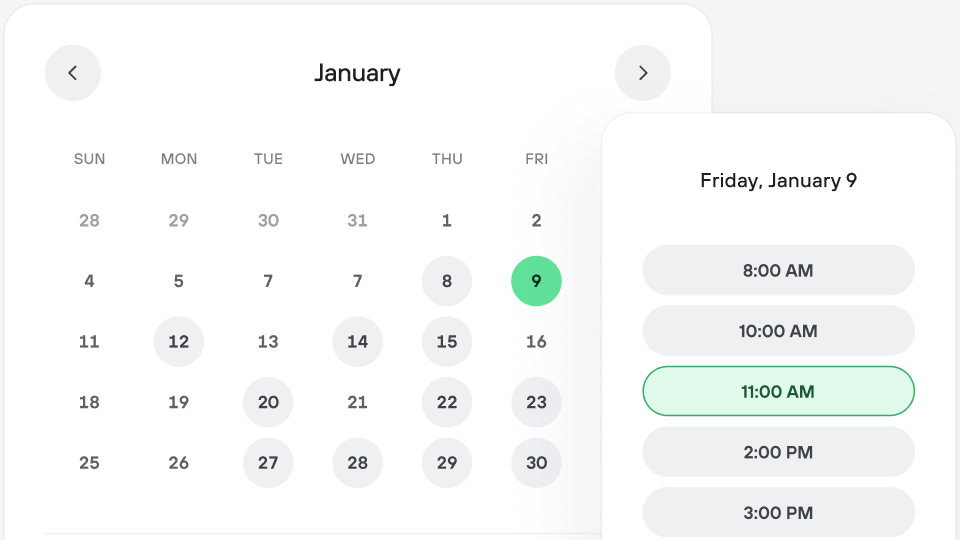
Once you complete your purchase, click on the link in your order confirmation email to book your session. Simply select a date and time.
3
Confirm
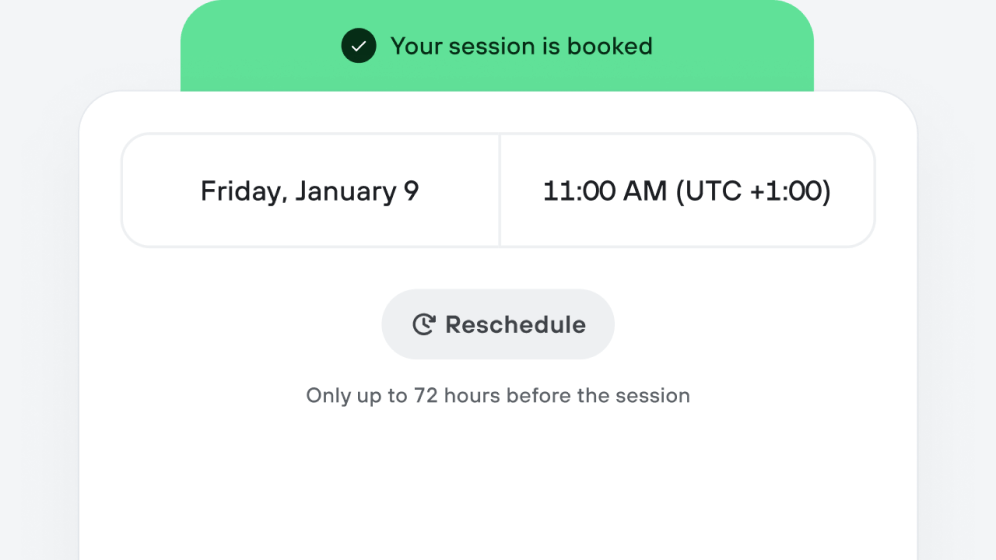
You’ll receive a booking confirmation once everything is set. You can reschedule up to 72 hours before the start of your scheduled session.
4
Join
Grab your Trezor hardware wallet, sit by your computer, and click the session link in your email to join your Trezor Expert Onboarding Session. Happy Trezoring!
Hardware Wallet
Setup Session
Personal 1:1 guide for Trezor hardware wallet setup
60-minute live, online Trezor Expert Onboarding Session in English
Available for all Trezor hardware wallets
*It’s necessary to have a Trezor device with you for this session.
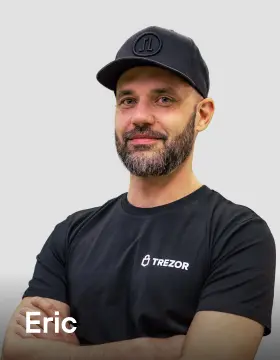
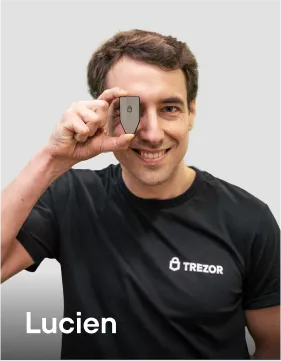
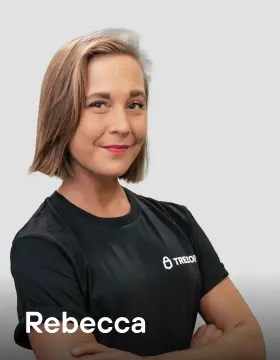
Meet our TrezorExperts
Get to know our awesome team of Trezor Experts. They're here to walk you through setting up your hardware wallet with ease and give you the confidence to kickstart your crypto journey!









Session prep &
good-to-knows
Be sure to have both your Trezor hardware wallet and computer ready for the session.
Book your Trezor Expert Onboarding Session within 180 days of completing your order.
Keep sensitive info such as your or safe. Trezor Expert will never ask for it.
Feel free to turn on your camera during the session, but only the voice of the Trezor Expert is recorded for liability purposes.
Make yourself comfy in a quiet, private space (free from onlookers) with a stable connection.
Ask about other Trezor products or services, but we don't give financial advice.
Frequently asked questions
Who is a Trezor Expert Onboarding Session for?
A Trezor Expert Onboarding Session is for individuals seeking hands-on hardware wallet setup, basic training, security insights, and a confidence boost with their Trezor device in a live, personalized session led by a certified Trezor guru.
Do I need a Trezor hardware wallet for the session?
Yes, it’s necessary to have a Trezor hardware wallet with you during the session. This ensures you can follow the setup process step by step, enabling our Trezor Expert to provide tailored guidance for your Trezor device.
Which hardware wallet is the Trezor Expert Onboarding Session compatible with?
Trezor Expert Onboarding Sessions are available for all Trezor hardware wallets.
How do I schedule my Trezor Expert Onboarding Session?
After completing your order on the Trezor Shop, you’ll get a purchase confirmation email with a link to schedule your session. Select a date and time from the available options, and you’ll soon be on your way to setting up your Trezor.
Can I reschedule my session?
You can reschedule your Trezor Expert Onboarding Session once, but you must do so at least 72 hours before the session begins. Rescheduling isn’t possible if your session is scheduled to start within 72 hours.
How do I prepare for the session?
After completing your order, you’ll receive a link to watch a prep video. Additionally, make sure you have a compatible USB cable, pen, stable internet connection, secure environment, and your Trezor device ready in your hands.
What topics will the session cover?
Trezor Expert Onboarding Sessions are designed to get your Trezor hardware wallet up and running. This includes connecting your Trezor, setting up a PIN, creating a wallet backup, and a general overview of the Trezor Suite app.
Is the Trezor Expert Onboarding Session secure?
Yes! The Trezor Expert Onboarding Session is designed for your privacy and security. No private data is shared during the session. Only the voice of the Trezor Expert is recorded for liability purposes.