Trade crypto in Trezor Suite
Trezor Suite has a Trade section where you can buy, sell, swap, and place large over-the-counter trades, all without your funds leaving your custody. This article explains how Trade works and what to expect.
How Trade works
Trezor Suite Trade covers four trading types. The first three are available on both desktop and mobile; Concierge is desktop only.
- Buy crypto in Trezor Suite: purchase crypto with fiat
- Sell crypto in Trezor Suite: convert crypto to fiat, paid out to a card or bank account
- Swap crypto in Trezor Suite: exchange one cryptocurrency for another
- Concierge trading in Trezor Suite: large trades over €50,000 / $50,000, available to users in the SEPA area
Each option works with vetted third-party providers integrated into Suite. Transactions are confirmed on your Trezor device, and any crypto you receive arrives directly in your Trezor wallet.
Integrated providers
Trezor Suite works with a curated list of providers. Each one covers different services and regions:
- Buy: Anycoin, Banxa, BTC Direct, Mercuryo, MoonPay, Paybis, Revolut, Topper
- Sell: Banxa, BTC Direct, MoonPay
- Swap, centralized (CEX): ChangeHero, Changelly, ChangeNOW, Godex, SideShift.ai
- Swap, decentralized (DEX): 1inch, LI.FI
- Concierge: BTC Direct
Available providers depend on your country, payment method, and the asset you're trading. Trezor Suite shows only the providers available for your specific trade.
How offers are matched
Trezor Suite shows you the best available offer first. Matching is based on:
- The asset you're trading and the amount
- Your payment method (Buy and Sell)
- Your country of residence
- Live exchange rates
- Provider availability and KYC requirements
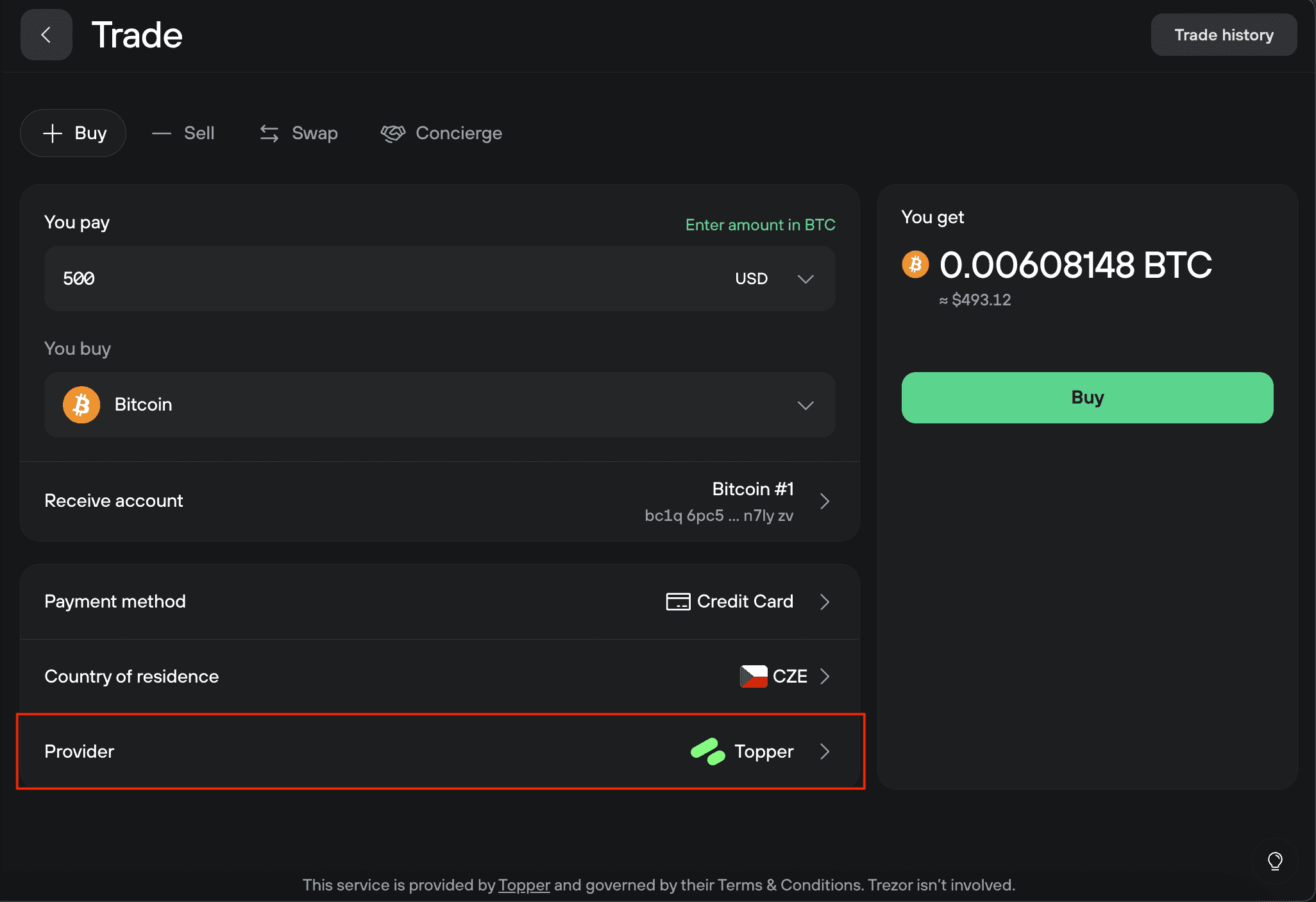
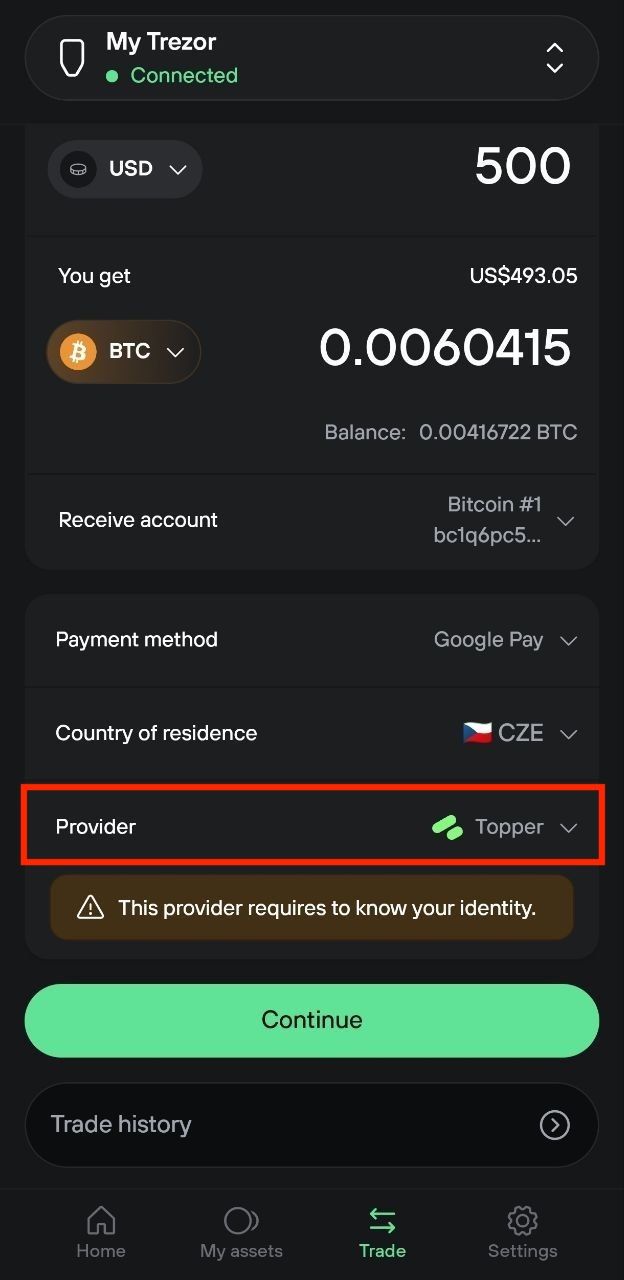
To see other options, select the Provider field on the Trade screen. This opens a comparison view with every provider available for your trade.
Understanding fees
Trading fees in Trezor Suite are dynamic. They change in real time based on blockchain congestion, provider pricing, liquidity, and the payment method you select. Exact fee amounts can't be displayed in advance.
To see the total cost of a trade, compare the input amount (what you send) with the output amount (what you receive). All fees are included in that figure.
What to expect when you trade
When you confirm a trade, your transaction is processed by the provider you selected. The provider handles payment, identity checks where required, and any post-trade communication.
A few things worth knowing:
- KYC ("know your customer") is provider-side. Some providers require identity verification, especially for Buy and Sell. Suite indicates which providers require KYC before you confirm.
- Swap providers are mostly non-KYC, especially decentralized exchanges. See Swap crypto in Trezor Suite for details on CEX vs DEX.
- For Buy, crypto is sent to your Trezor wallet automatically once payment clears.
- For Sell, fiat payouts go to the bank, card, or other account you provide to the provider during checkout.
Trezor doesn't collect or store the personal data you provide to providers. KYC and payment details flow directly between you and the provider.
Many Buy providers require some level of KYC. If you want to buy crypto through these providers, you will have to go through the process while being guided step-by-step. This data exchange happens strictly between you and the provider.
Swap providers are mostly non-KYC, allowing you to exchange cryptocurrencies freely.
For non-custodial exchanges, any assets you buy will be instantly transferred into your Trezor as soon as the transaction clears.