Safe & secure Play wallet
Take control of your Play assets with total confidence in the Trezor ecosystem.
- Secured by your hardware wallet
- Use with compatible hot wallets
- Trusted by over 2 million customers
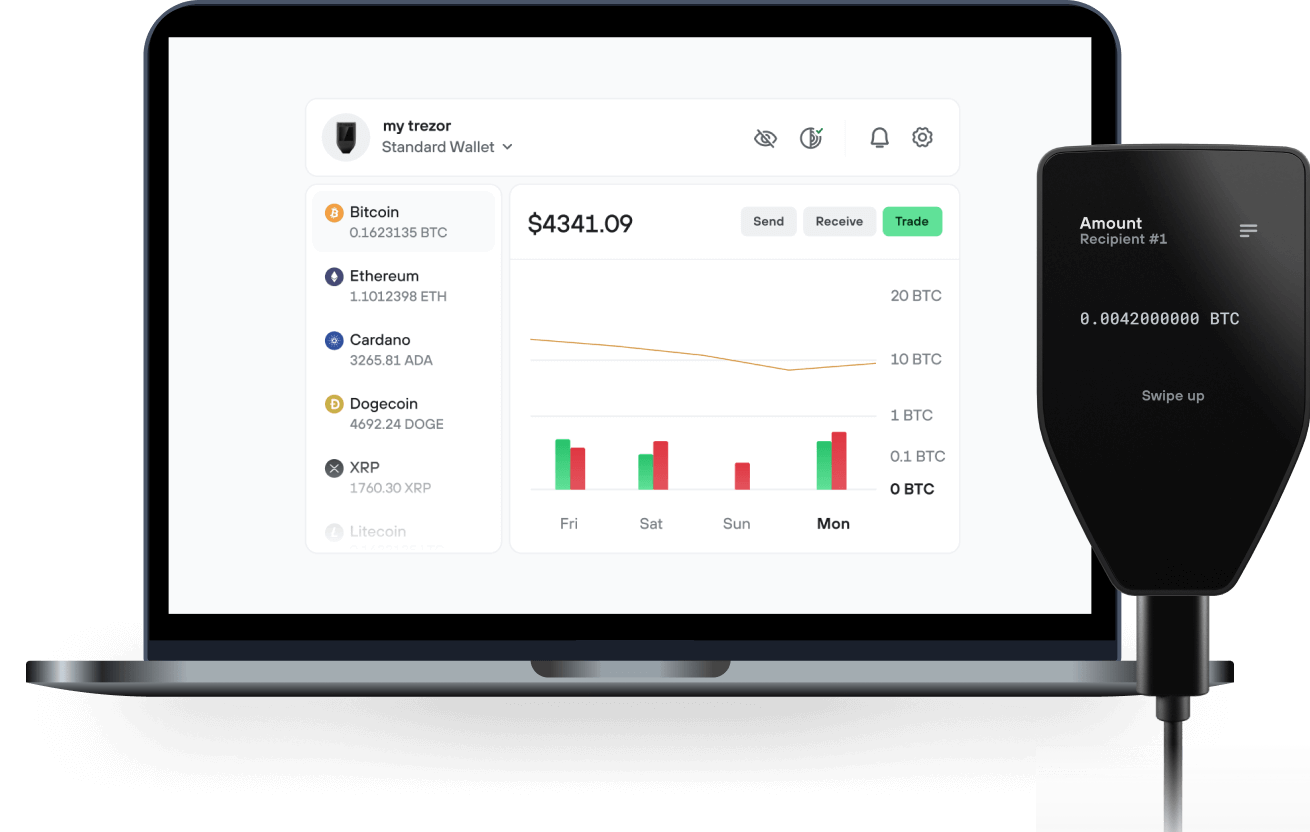
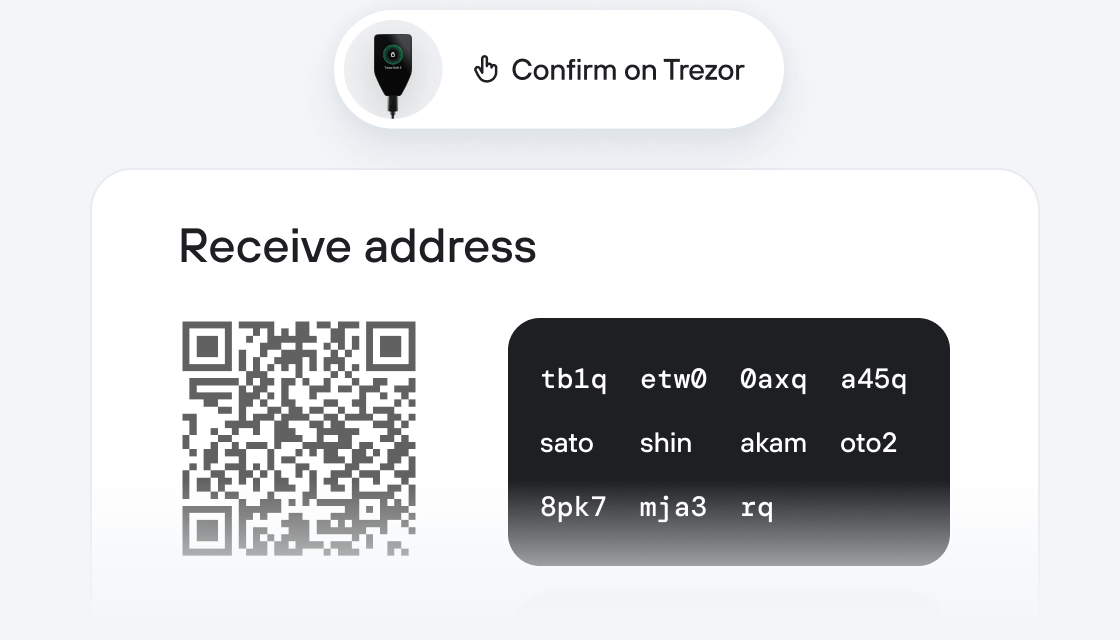
Send & receive your Play with the Trezor Suite app

Send & receive
Swap
Trezor hardware wallets that support Play
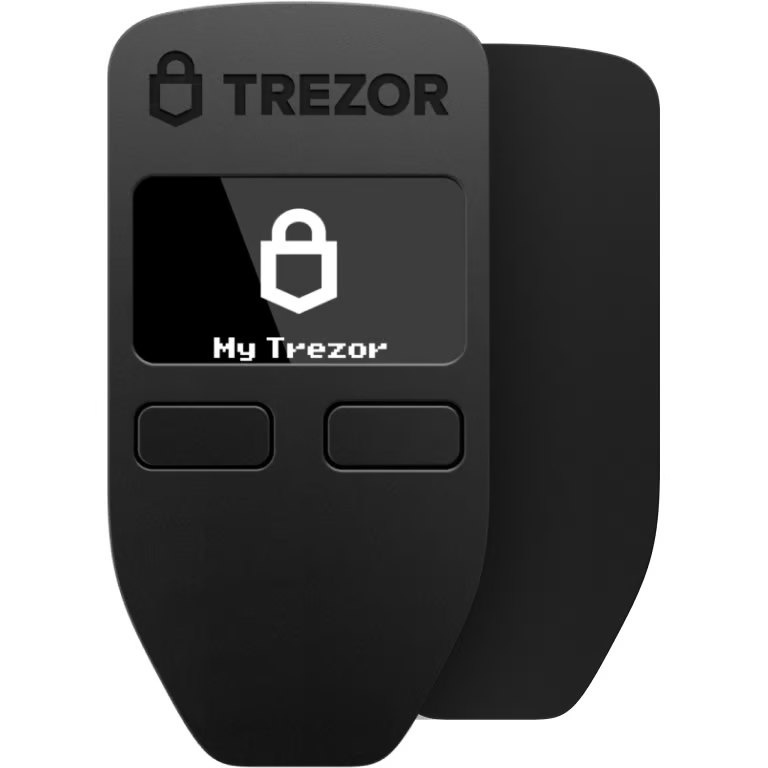

Sync your Trezor with wallet apps
Manage your Play with your Trezor hardware wallet, compatible with multiple wallet apps.
Trezor Suite
MetaMask
Rabby
Supported Play Network
- Polygon POS
Why a hardware wallet?
Go offline with Trezor
- You own 100% of your coins
- Your wallet is 100% safe offline
- Your data is 100% anonymous
- Your coins aren’t tied to any company
Online exchanges
- If an exchange fails, you lose your coins
- Exchanges are targets for hackers
- Your personal data may be exposed
- You don’t truly own your coins
How to PLAY on Trezor
Connect your Trezor
Install Trezor Suite app
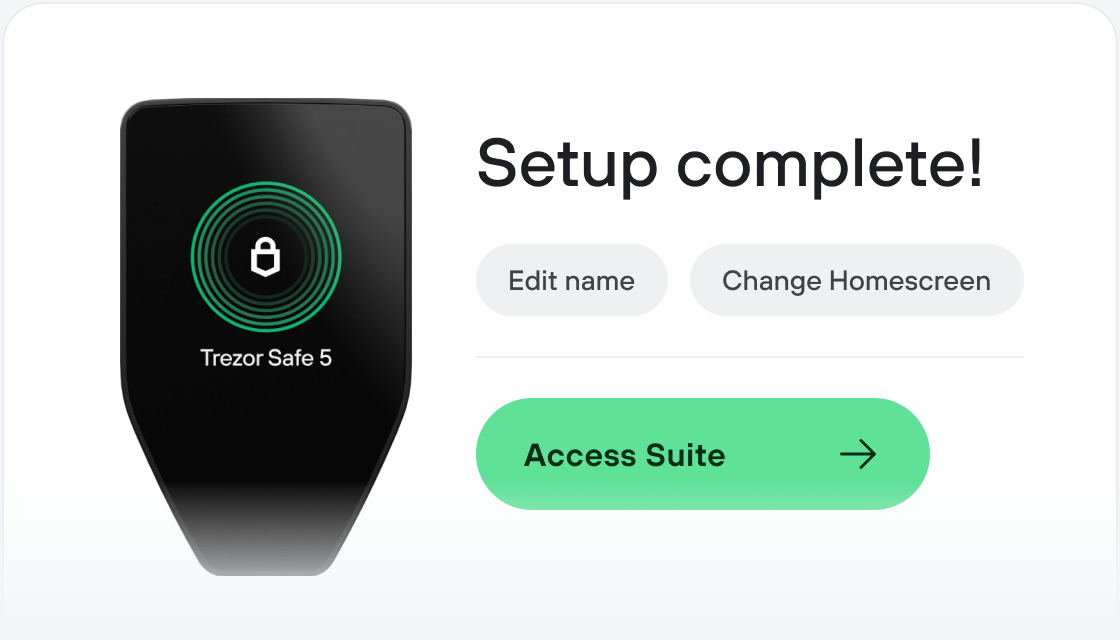
Transfer your PLAY
Make the most of your PLAY
Trezor keeps your PLAY secure
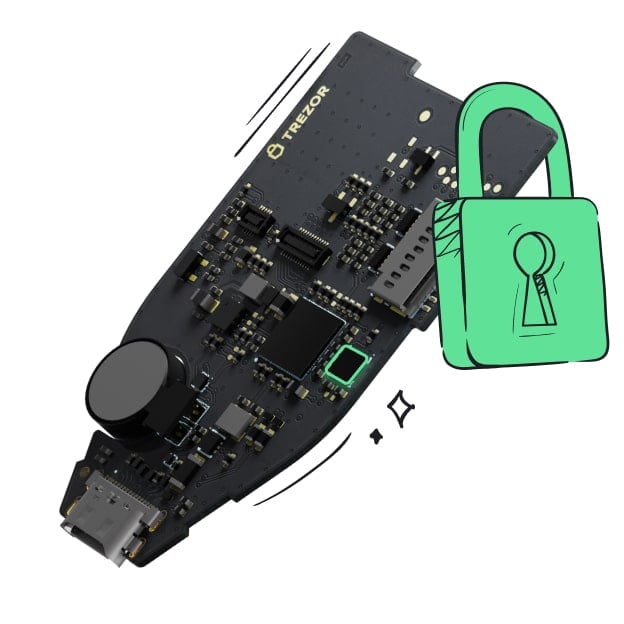 Protected by Secure Element
The best protection against both online and offline threats
 Your tokens, your control
Absolute control over every transaction with on-device confirmation
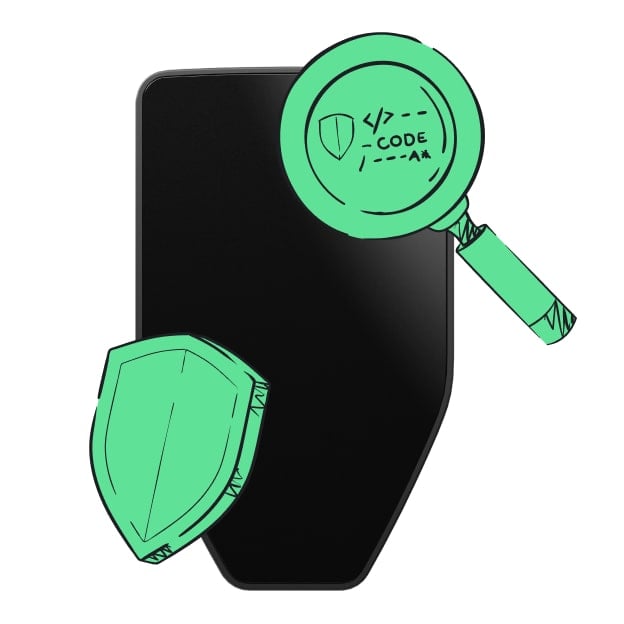 Security begins with open-source
A transparent wallet design makes your Trezor better and safer
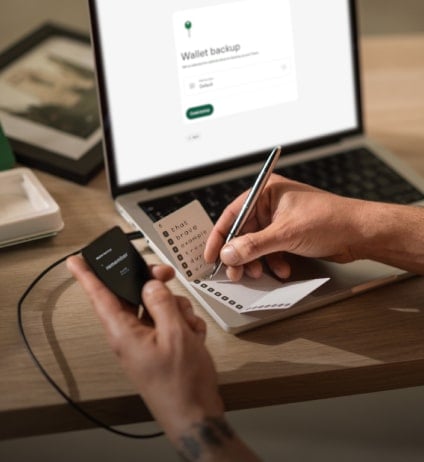 Clear & simple wallet backup
Recover access to your digital assets with a new backup standard
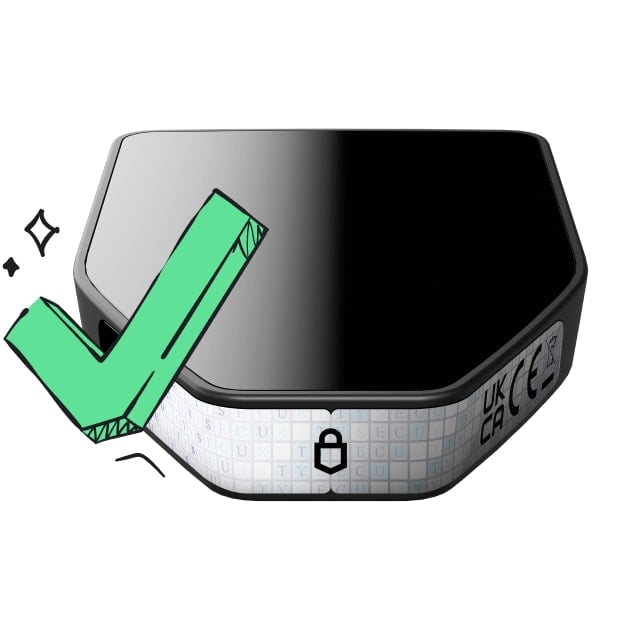 Confidence from day one
Packaging & device security seals protect your Trezor’s integrity
LuxPlay is a fully on-chain iGaming ecosystem on Polygon focused on transparent, provably fair gameplay. Current titles include BullsEye and CloseCall (BTC price-prediction games), with additional games such as SlotLux, LuxBingo and LuxPoker in development. Game rules, prize pools and payouts are enforced by smart contracts; outcomes are verifiable on-chain. For randomness-based titles LuxPlay integrates Chainlink VRF, and for price-settlement it uses Chainlink Price Feeds. Rounds and prize distribution are automated via on-chain logic for predictable operation.
$PLAY is the ecosystem’s utility token used for gameplay, fees and access to features across LuxPlay titles. Contracts programmatically split gameplay fees to prize pools, referral rewards and designated operations wallets, with addresses and parameters visible on-chain for auditability. LuxPlay is product-first (no investment promises), non-custodial, and designed so anyone can independently verify results, balances and distributions directly from the blockchain.