Safe & secure Laura AI wallet
Take control of your Laura AI assets with complete confidence in the Trezor ecosystem.
- Secured by your hardware wallet
- Use with compatible hot wallets
- Trusted by over 2 million customers
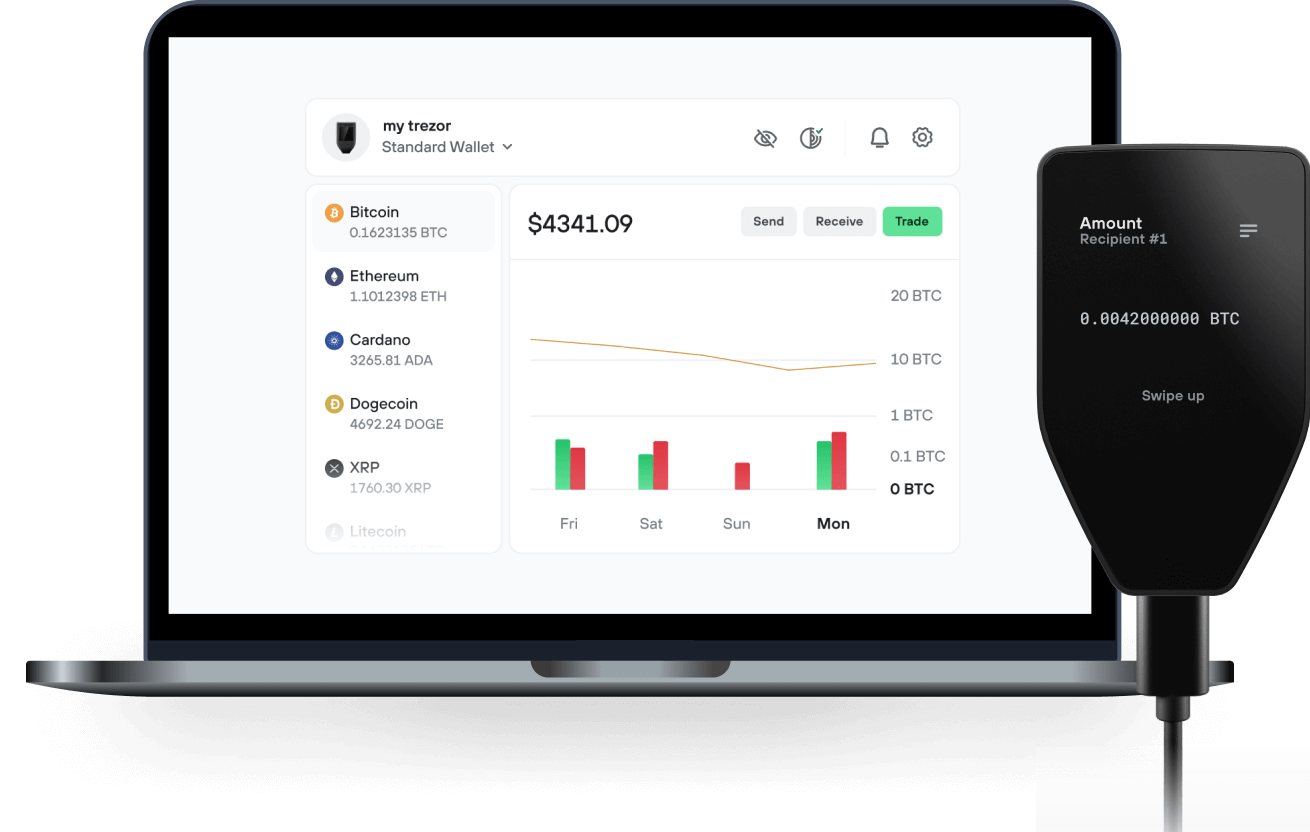
Send & receive your Laura AI with the Trezor Suite app

Send & receive
Trezor hardware wallets that support Laura AI
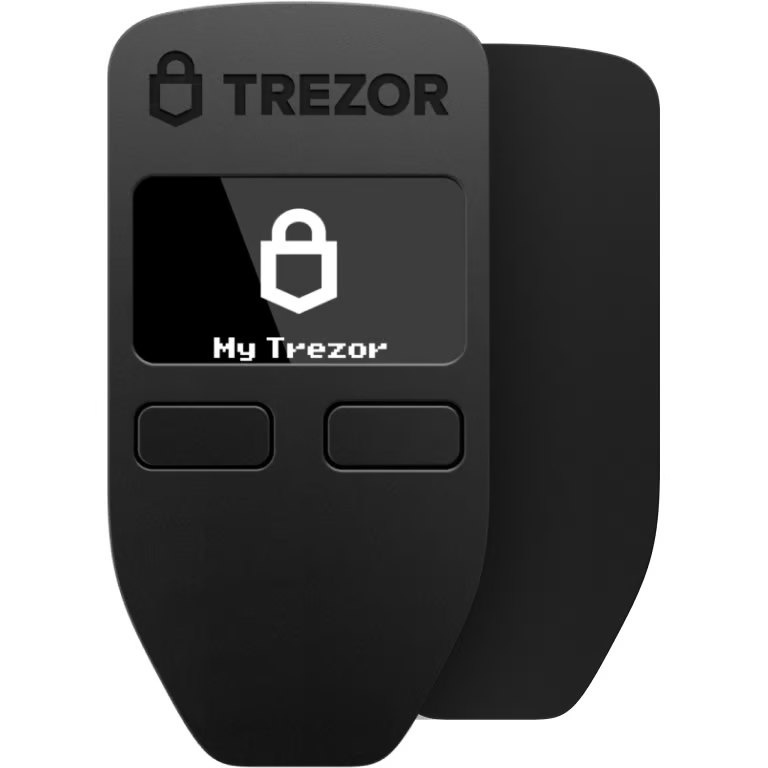

Sync your Trezor with wallet apps
Manage your Laura AI with your Trezor hardware wallet synced with several wallet apps.
Trezor Suite
MetaMask
Rabby
Supported Laura AI Network
- Ethereum
Why a hardware wallet?
Go offline with Trezor
- You own 100% of your coins
- Your wallet is 100% safe offline
- Your data is 100% anonymous
- Your coins aren’t tied to any company
Online exchanges
- If an exchange fails, you lose your coins
- Exchanges are targets for hackers
- Your personal data may be exposed
- You don’t truly own your coins
How to LAURA on Trezor
Connect your Trezor
Open a third-party wallet app
Manage your assets
Make the most of your LAURA
Trezor keeps your LAURA secure
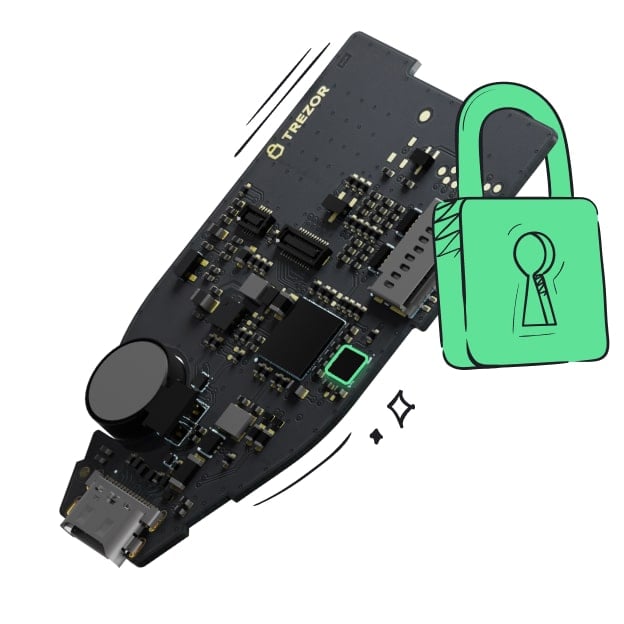 Protected by Secure Element
The best defense against both online and offline threats
 Your tokens, your control
Absolute control of every transaction with on-device confirmation
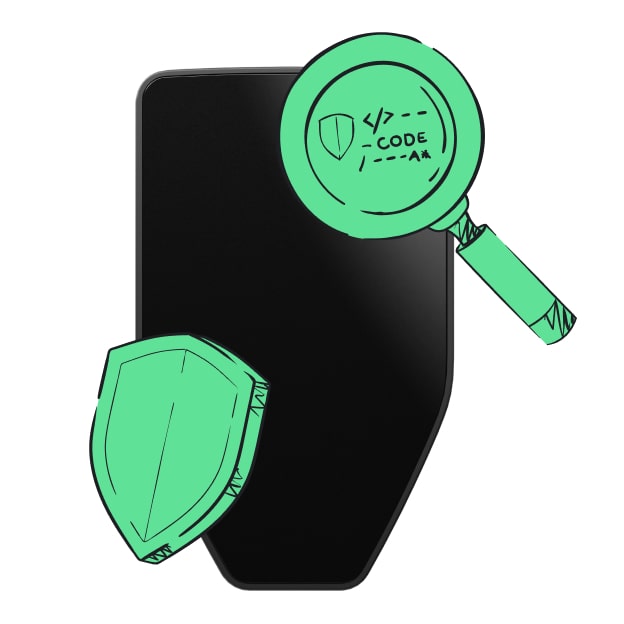 Security starts with open-source
Transparent wallet design makes your Trezor better and safer
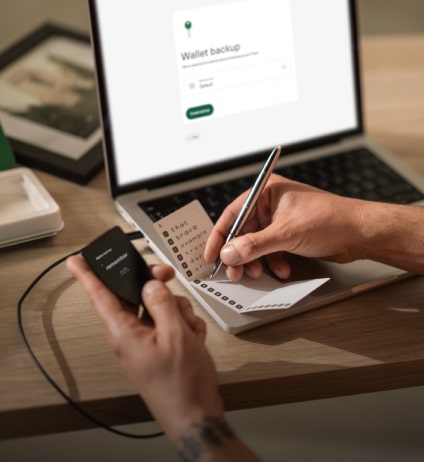 Clear & simple wallet backup
Recover access to your digital assets with a new backup standard
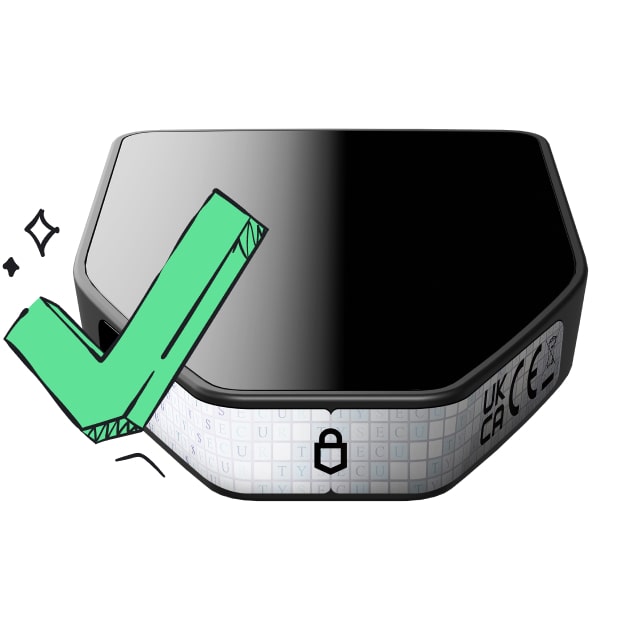 Confidence from day one
Packaging & device security seals protect your Trezor’s integrity
AI Powered Pathfinder Find the best route with | Ai Powered Pathfinder
Laura Aggregator is built on a unique architecture with a pathfinder algorithm. Our unique algorithm's structure can be developed, re-programmed, and has self-learning capabilities.
Pathfinder Structure: 01. Max Output Equation
A mathematical equation is created to get the maximum output from the integrated liquidity providers. The result of this equation gives the best received amount.
It creates an equation in accordance with the pathfinder route finding structure by controlling all liquidity pools. This equation is not fixed, it changes itself according to the terms and conditions. Therefore, it uses many data types as input.
- HCA Data Processing
All required data is instantly accessed and converted to High Conversion Argument (HCA). This converted data is sent to the max output equation.
The data needed to solve the equation are provided. It is then finalized using the HCA module powered by artificial intelligence. It is then forwarded to the next step to find the max output figure.
- Find All Paths
It searches and finds all possible routes between two tokens and filters out unnecessary routes by filtering within certain criteria.
Pathfinder, which is prepared to take a maximum of 5 tokens between the input token and the output token, performs a filtering to reduce the almost infinite number of outputs. It eliminates very low liquidity pools, identifies tokens that can be matched between them, and prepares them to offer a multiple path.
- Laura Pathfinder: Assemble
All obtained data and formulas are sent to AI powered pathfinder algorithm.
All data is assembled at this stage. After many calculations and formula analysis, it brings together the scattered data and creates the data needed to confirm the swap transaction.