Safe & secure IncogniFi wallet
Take control of your IncogniFi assets with complete confidence in the Trezor ecosystem.
- Secured by your hardware wallet
- Use with compatible hot wallets
- Trusted by over 2 million customers
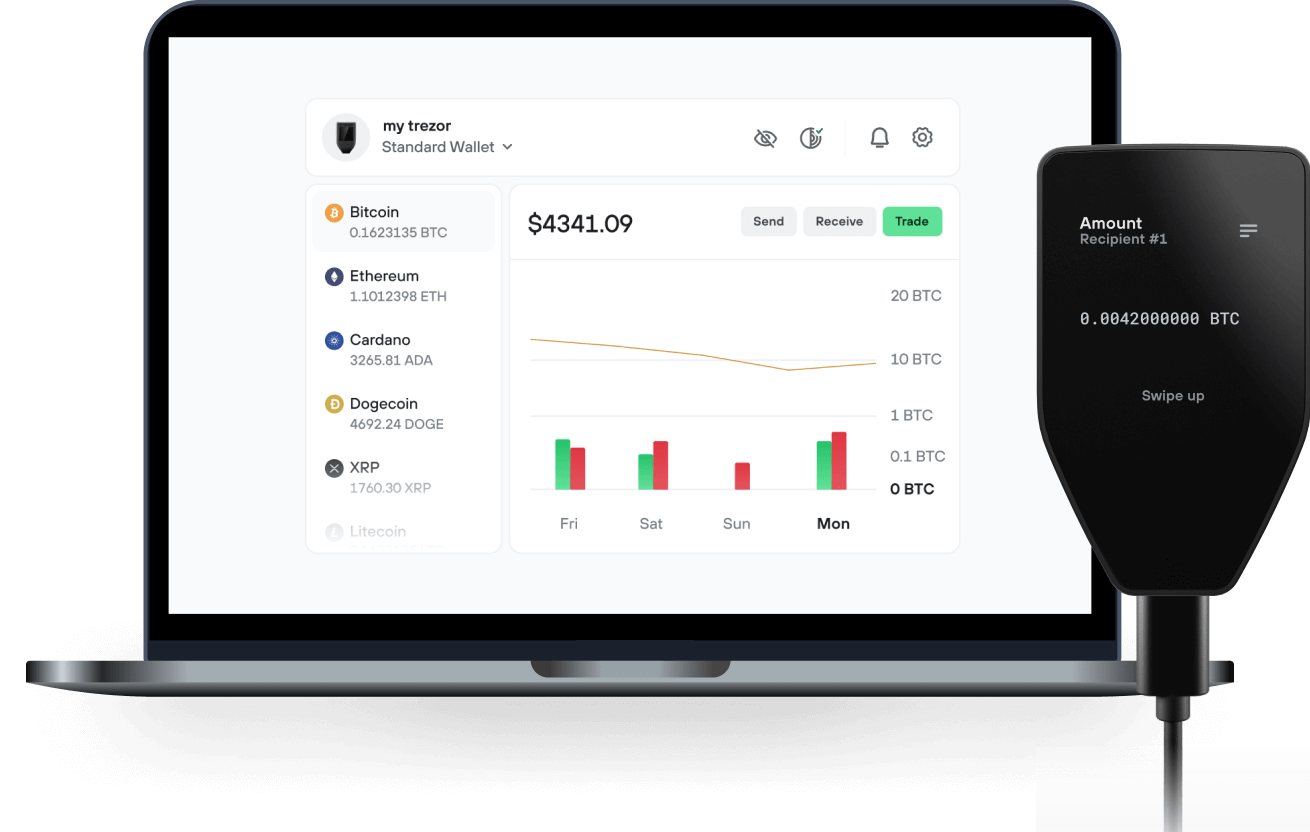
Send & receive your IncogniFi with the Trezor Suite app

Send & receive
Trezor hardware wallets that support IncogniFi
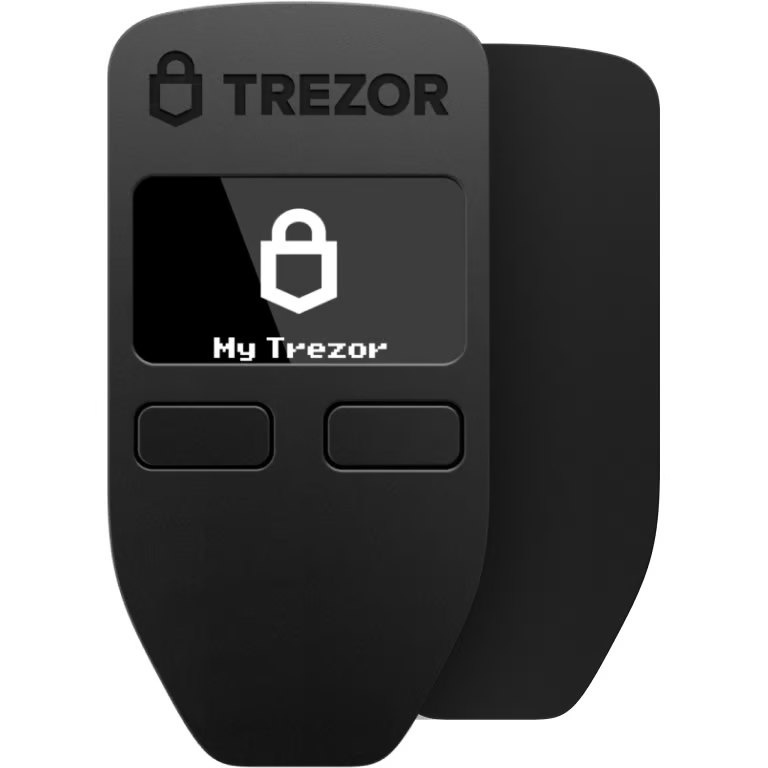

Sync your Trezor with wallet apps
Manage your IncogniFi with your Trezor hardware wallet synced with several wallet apps.
Trezor Suite
MetaMask
Rabby
Supported IncogniFi Network
- Ethereum
Why a hardware wallet?
Go offline with Trezor
- You own 100% of your coins
- Your wallet is 100% safe offline
- Your data is 100% anonymous
- Your coins aren’t tied to any company
Online exchanges
- If an exchange fails, you lose your coins
- Exchanges are targets for hackers
- Your personal data may be exposed
- You don’t truly own your coins
How to INFI on Trezor
Connect your Trezor
Open a third-party wallet app
Manage your assets
Make the most of your INFI
Trezor keeps your INFI secure
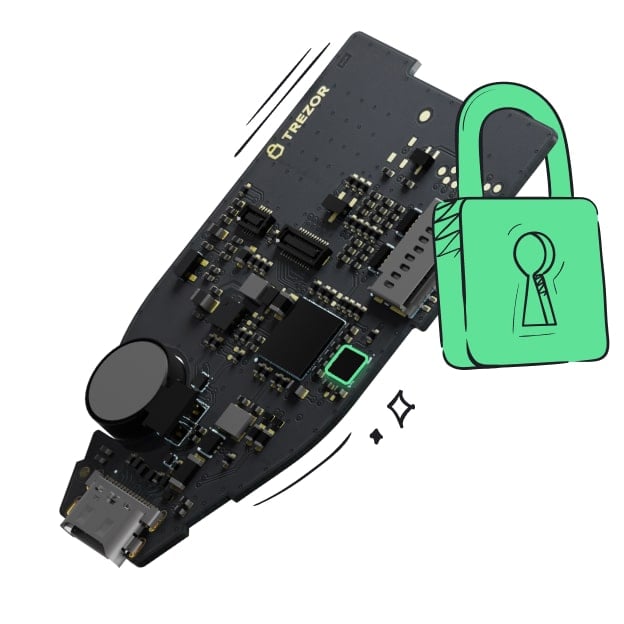 Protected by Secure Element
The best defense against both online and offline threats
 Your tokens, your control
Absolute control of every transaction with on-device confirmation
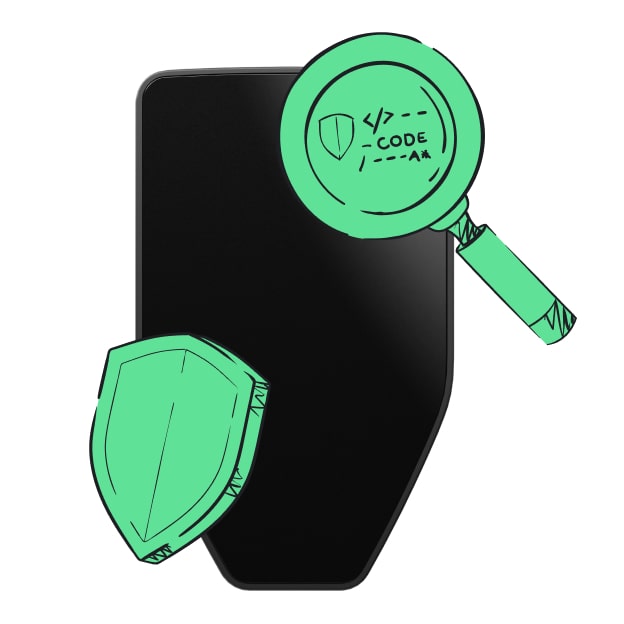 Security starts with open-source
Transparent wallet design makes your Trezor better and safer
 Clear & simple wallet backup
Recover access to your digital assets with a new backup standard
 Confidence from day one
Packaging & device security seals protect your Trezor’s integrity
As highlighted by Vitalik in a recent article, privacy is simulteanously one of Crypto's most important features, as well as one of its most prominent existential threats. Over the last few years, while providers of privacy tools have gained negative media attention (i.e. Tornado Cash), the importance of safeguarding privacy in a Web3 environment has been highlighted by several high profile kidnapping and robbery cases of wealthy Crypto individuals. Moreover, the rise of bots and copytraders have increased the need for users to be able to transact privately, without anyone following their every move.
As such, while private transactions can be abused by malicious actors and people looking to use cryptocurrency to hide the source of their funds, privacy should be a right and people should not be forced to share their balances, transactions or online movement. This view has been shared by many prominent figure in the Ethereum ecosystem, most importantly by earlier mentioned developer Vitalik Buterin, who is a renowned supporter of dApps such as Railgun and Tornado Cash.
While the importance of privacy in Web3 is thus generally agreed upon, the offering of privacy tools remains fragmented. As described in the next chapter, IncogniFi aims to change that, by creating a one-stop-shop privacy hub for browsing, communicating, transacting and storing crypto in a private way.
IncogniFi is an advanced privacy ecosystem, comprising a fully private, anonymous and secure VPN Browser, a Private W2W Communication Tool, a Password & Key Manager, a Non-Custodial Wallet and a Privacy Dex.
Ecosystem Products
- VPN Browser
- W2W Private Messenger
- Password & Key Manager
- Non-Custodial Wallet
- Privacy Dex