Understanding Energy and Bandwidth: staking TRON with your Trezor

By Luganodes — External Contributor to Trezor Blog
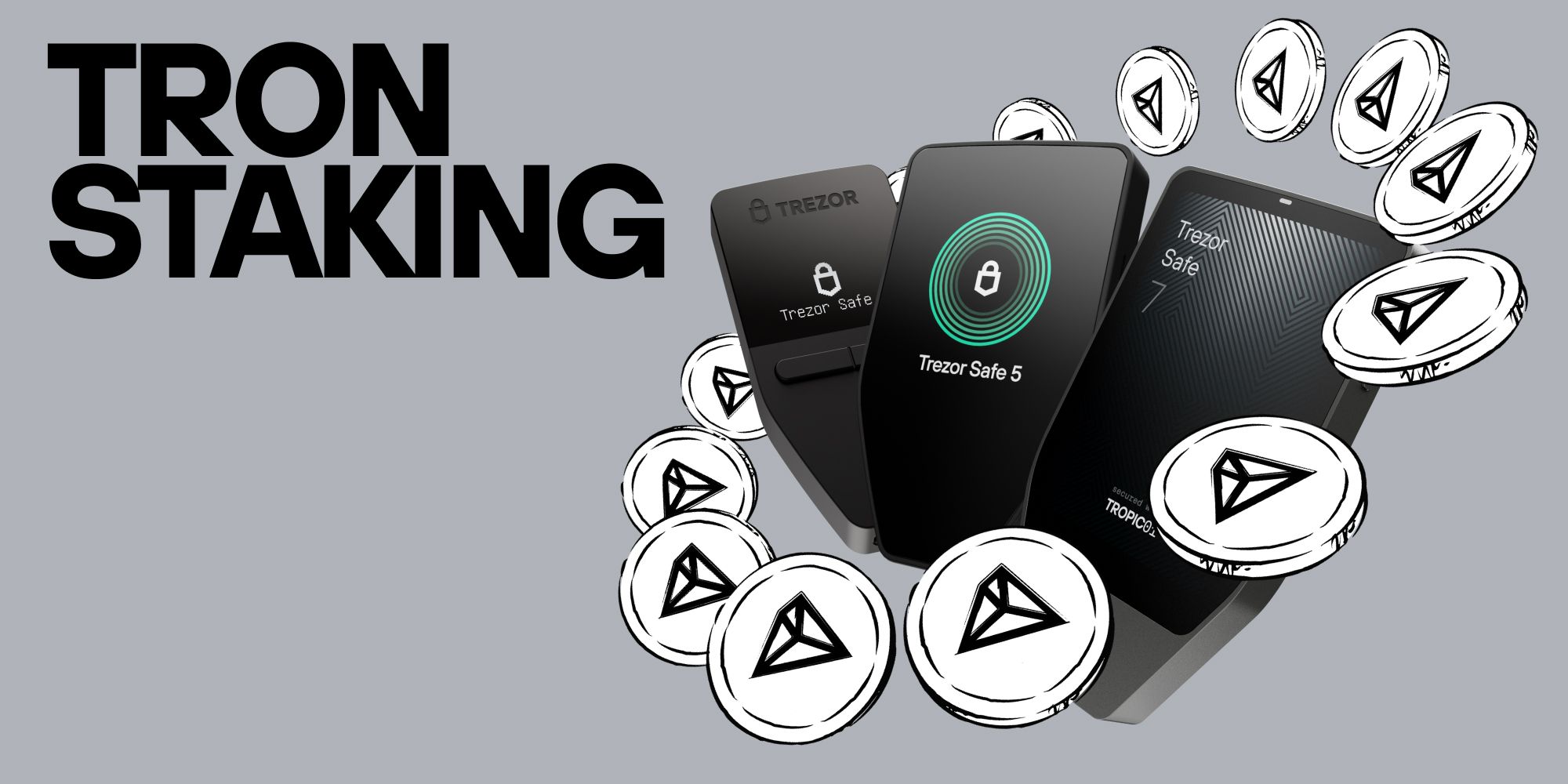
TRON doesn't charge gas fees like Ethereum. Instead, it runs on two resources, Bandwidth and Energy, that you earn by staking (freezing) your TRX. Bandwidth for sending transactions, and Energy for executing contracts, including stablecoin operations.
If you hold TRX, or maybe some USDT on TRON, you may have noticed that things work a little differently here.
TRON is one of the most widely used networks in crypto, especially for stablecoins, but it doesn't behave like the gas-based chains you may be used to. When you stake, it even asks you to make a choice: do you want Energy, or Bandwidth?
Trezor and Luganodes, a TRON Super Representative, are here to walk you through it. Once you understand the two resources, the rest falls into place.
Why doesn't TRON charge gas fees?
On most chains, every transaction costs a gas fee paid in the native coin. TRON takes a different approach. Instead of paying a fee each time, you can stake your TRX to earn network resources, and those resources cover your transactions for free.
There are two of them, and the easiest way to picture them is a mobile phone plan.
Bandwidth is your data allowance for simple actions, like sending TRX from your Trezor to another wallet. Every active account gets 600 free Bandwidth points every 24 hours, usually enough for a couple of basic transfers a day at no cost.
Energy is the processing power needed to run smart contracts. On TRON, any token that isn't native TRX, including stablecoins like USDT, is a smart contract. So every time you send USDT, it uses Energy to run the contract and a little Bandwidth to broadcast the transaction.
The catch: the network gives you a limited amount of free Bandwidth, but no free Energy.
What happens if I don't have enough?
If you try to send USDT without any Energy, TRON simply burns a small amount of your TRX to cover it. Your transaction still goes through; you just pay for it out of your balance.
For the occasional transfer, that's fine. But if you use USDT regularly, those little burns add up quickly. If you'd rather not watch your TRX slowly drain, there's a better way: stake it.
Why should I stake my TRX?
Staking on TRON (also called freezing) does two useful things at once.
It makes your transactions free. When you stake in Trezor Suite, you choose whether to earn Bandwidth or Energy. If you mostly send TRX, Bandwidth is handy. If you hold and move stablecoins, Energy is almost always the smarter pick. Stake enough for Energy and you can send USDT straight from your Trezor without paying network fees. Your Energy pool depletes as you use it and refills gradually over 24 hours.
It earns you rewards. For every 1 TRX you stake, you receive 1 TRON Power (TP). Think of TRON Power as your voting weight: you use it to vote for network validators, known on TRON as Super Representatives. These validators produce blocks and share a portion of the rewards with the people who voted for them, currently working out to roughly 3 to 3.5% a year.
So the same staked TRX both powers your transactions and pays you a yield. That's the part that makes TRON's model click.
How do I choose a Super Representative?
Your rewards depend on the Super Representative you vote for, so it's worth picking a reliable one. Look for consistent block production, a strong track record, and a fair share of rewards passed back to voters.
Luganodes, for example, has been in the TRON Super Representative set since its entry in June 2022, maintaining 99.9% block production over that time. Staking is also completely non-custodial: your staked TRX never leaves your Trezor wallet and never goes to the representative. Only your future rewards depend on them staying reliable.
Throughout all of this, your private keys stay offline, protected by your Trezor's Secure Element. You approve every freeze, vote, and claim physically on the device.
A few TRON quirks worth knowing
TRON has a handful of nuances that surprise newcomers, but they're good to know upfront.
Account activation. A brand-new TRON address is technically "inactive" until its first transaction, which carries a one-time activation fee of about 1 TRX. This is normal and paid by whoever sends the first transaction into the address.
The 14-day unstaking wait. Under TRON's Stake 2.0 model, unstaking isn't instant. When you unstake, your TRX enters a mandatory 14-day waiting period before you can withdraw it, and it stops earning rewards during that time. Plan around it if you think you'll need the funds.
Rewards don't compound automatically. Your staking rewards build up separately from your stake. To grow them, claim them (you can do this once every 24 hours) and stake them again.
Ready to stake?
That's the whole model: two resources, one choice, and a stake that both powers your transactions and earns you rewards, all while your keys stay safely on your Trezor.
When you're ready to do it, Trezor Suite walks you through the exact steps, freezing your TRX, choosing your resource, and voting for a Super Representative, each confirmed on your device. Follow the step-by-step guide to staking TRX in Trezor Suite and you'll be set up in a few minutes.
Own your keys, understand your resources, and make your TRX work for you.