Safe & secure Tin Hat Cat wallet
Take control of your Tin Hat Cat assets with complete confidence in the Trezor ecosystem.
- Secured by your hardware wallet
- Use with compatible hot wallets
- Trusted by over 2 million customers
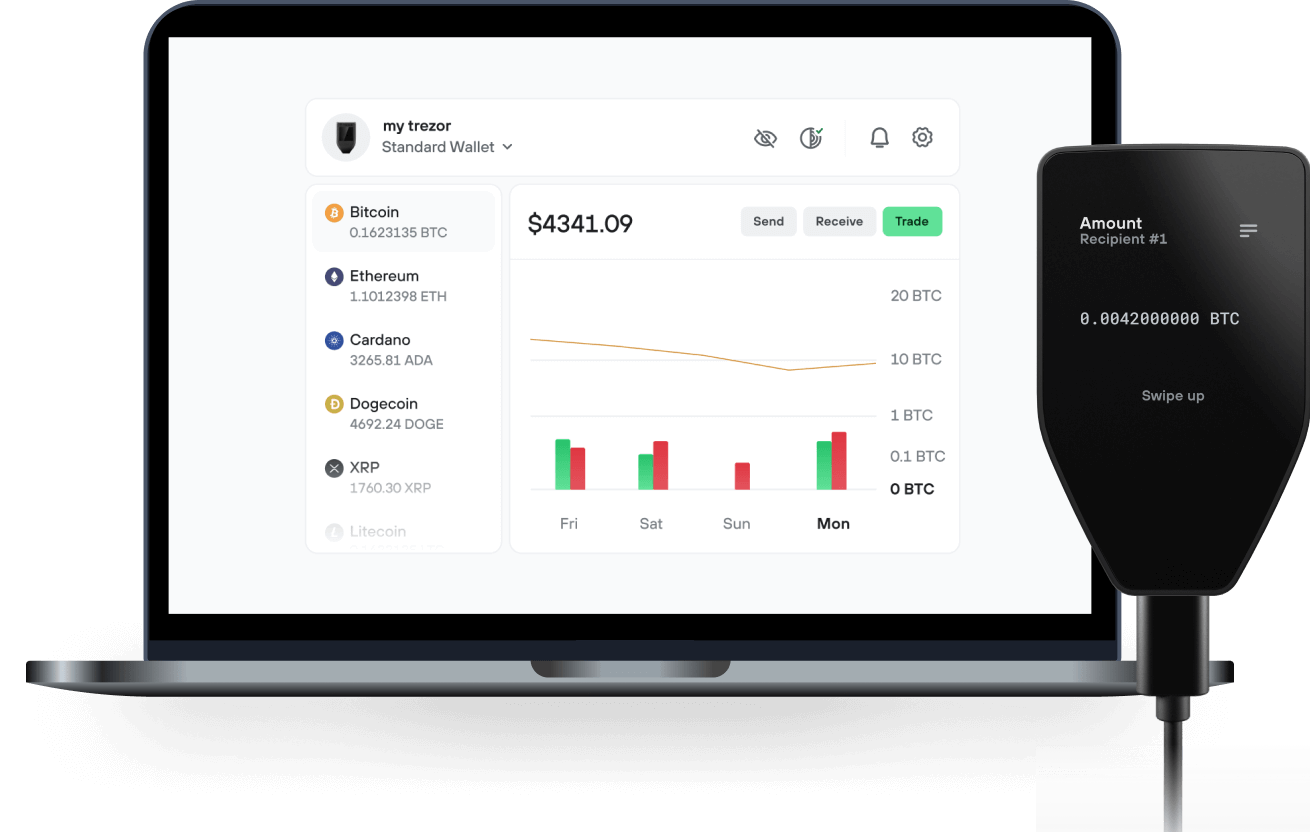
Send & receive your Tin Hat Cat with the Trezor Suite app

Send & receive
Trezor hardware wallets that support Tin Hat Cat
Sync your Trezor with wallet apps
Manage your Tin Hat Cat with your Trezor hardware wallet synced with several wallet apps.
Trezor Suite
MetaMask
Rabby
Supported Tin Hat Cat Network
Why a hardware wallet?

Go offline with Trezor
- You own 100% of your coins
- Your wallet is 100% safe offline
- Your data is 100% anonymous
- Your coins aren’t tied to any company
Online exchanges
- If an exchange fails, you lose your coins
- Exchanges are targets for hackers
- Your personal data may be exposed
- You don’t truly own your coins
How to THC on Trezor
Connect your Trezor
Open a third-party wallet app
Manage your assets
Make the most of your THC
Trezor keeps your THC secure
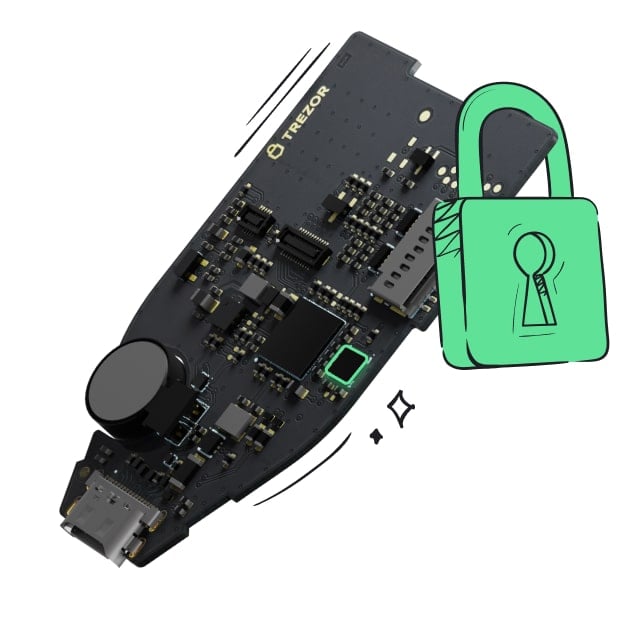 Protected by Secure Element
The best defense against both online and offline threats
 Your tokens, your control
Absolute control of every transaction with on-device confirmation
 Security starts with open-source
Transparent wallet design makes your Trezor better and safer
 Clear & simple wallet backup
Recover access to your digital assets with a new backup standard
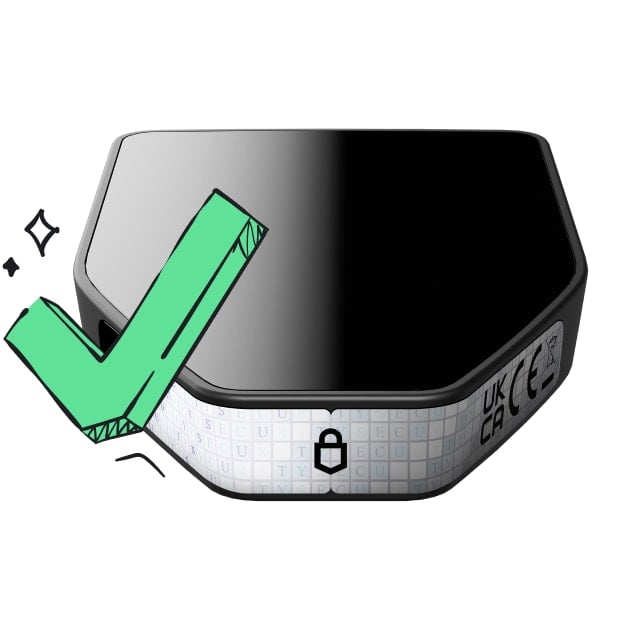 Confidence from day one
Packaging & device security seals protect your Trezor’s integrity
TinHatCat (THC) is a community memecoin on Robinhood Chain. The project uses a cat in a tinfoil hat as its mascot and the phrase "Stay Purranoid" as its tagline. It is a conspiracy-themed meme brand. The token has no stated product, revenue, staking system, or governance function. Activity is limited to community channels and trading on decentralized markets.
The brand predates the Robinhood Chain deployment. Project materials describe a meme that began on Fantom, was later associated with Sonic, and was relaunched on Robinhood Chain in early September 2026 through the Pons launchpad. The Robinhood Chain contract published by the project is 0x11fDdcAc2c8B3dF9a06730cA888adD8Ba07Ea27d. The total supply is 1,000,000,000 THC. The official channels listed by the project are tinhatcat.com, X (@TinHat_Cat), and Telegram (t.me/THCTinHatCatPortal).
TinHatCat is an independently deployed community token. It is not issued, operated, or endorsed by Robinhood Markets. It is not a stock token and does not represent a claim on any brokerage account or underlying asset. As with other memecoins, the price depends on liquidity and attention and can change quickly.