Billetera Tin Hat Cat segura y protegida
Toma el control de tus Tin Hat Cat activos con total confianza en el ecosistema de Trezor.
- Protegido por tu billetera física
- Usa con billeteras digitales compatibles
- Con la confianza de más de 2 millones de clientes
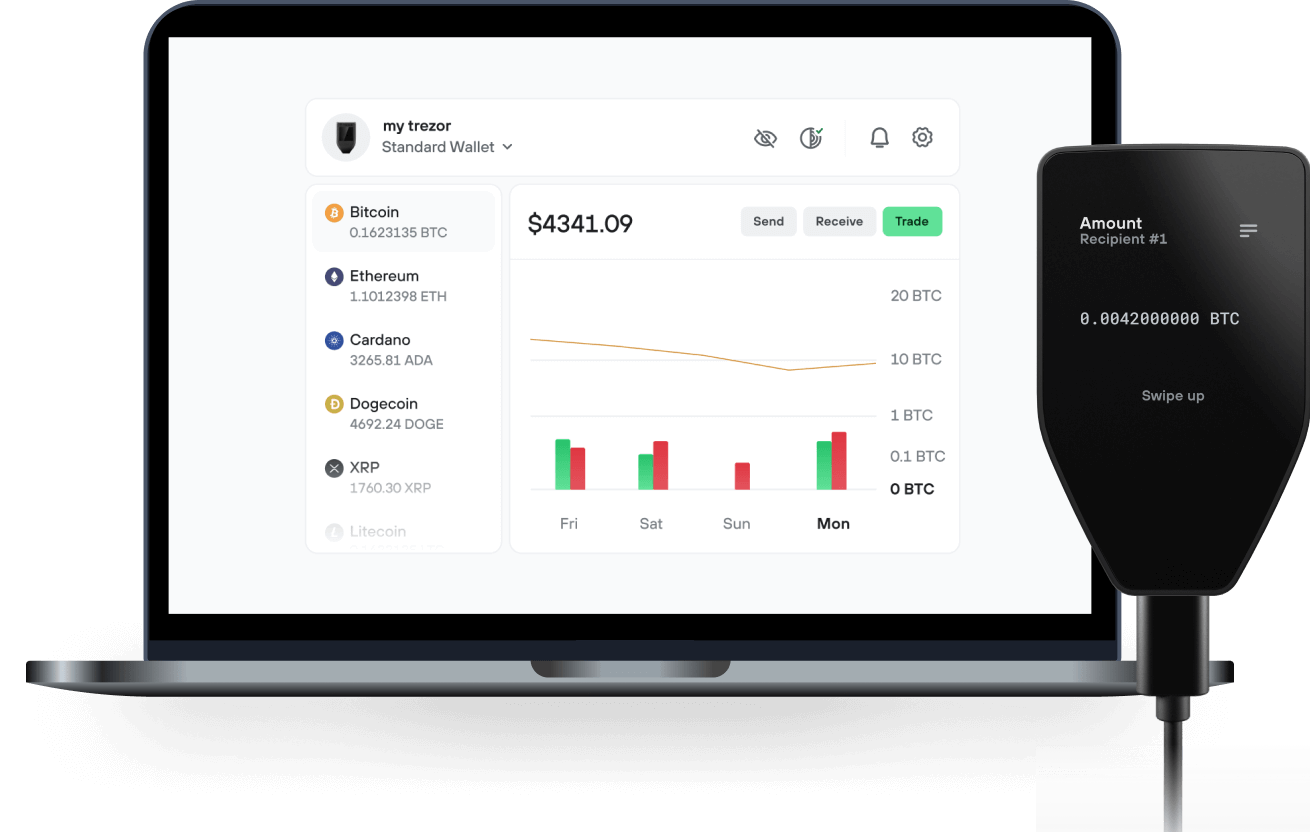
Envía y recibe tu Tin Hat Cat con la app Trezor Suite

Enviar y recibir
Billeteras físicas Trezor compatibles con Tin Hat Cat
Sincroniza tu Trezor con apps de billeteras
Gestiona tus Tin Hat Cat con tu billetera física Trezor sincronizada con apps de billeteras.
Trezor Suite
MetaMask
Rabby
Red Tin Hat Cat Compatible
¿Por qué una billetera física?
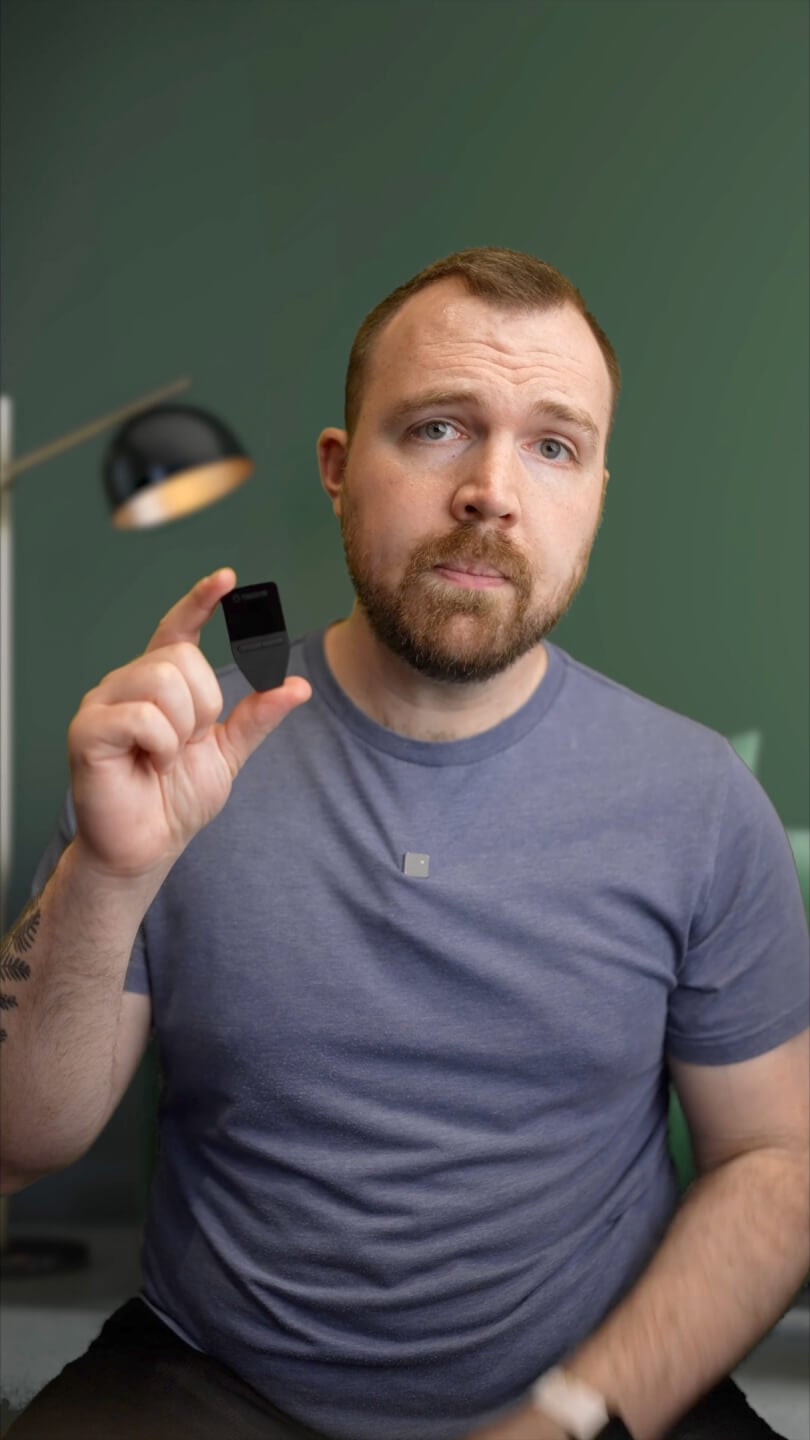
Desconéctate con Trezor
- Tus monedas son 100% tuyas
- Tu billetera está 100% segura offline
- Tus datos son 100% anónimos
- Tus monedas no están atadas a una compañía
Exchanges en línea
- Si un exchange falla, pierdes tus monedas
- Los exchanges son blanco de los hackers
- Tu información personal puede ser expuesta
- Tus monedas no son realmente tuyas
¿Cómo usar THC en Trezor?
Conectar tu Trezor
Abre una app de billetera de terceros
Gestiona tus activos
Aprovecha al máximo tus THC
Trezor mantiene tus THC seguros
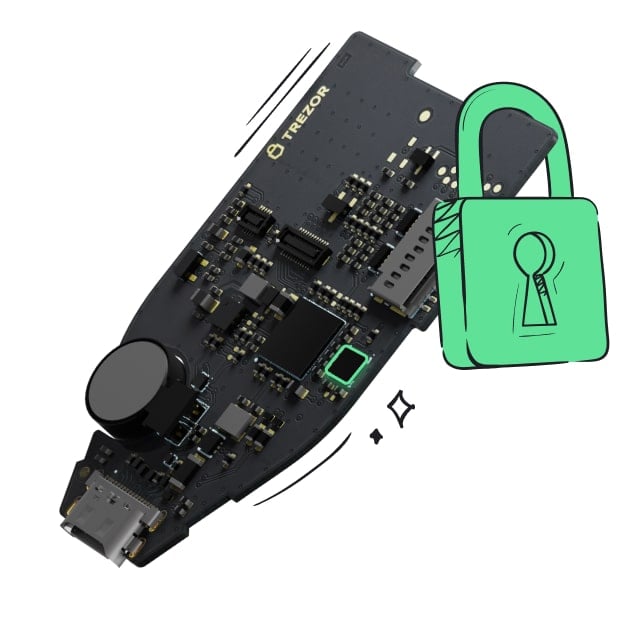 Protegido por Elemento Seguro
La mejor defensa contra amenazas tanto online como offline
 Tus tokens, bajo tu control
Control absoluto de cada transacción con confirmación directa en el dispositivo
 La seguridad empieza por código abierto
Un diseño de billetera de forma transparente hace que tu Trezor sea más seguro y confiable
 Copia de seguridad de billetera clara y sencilla
Recupera el acceso a tus activos digitales con nuevo estándar de copia de seguridad
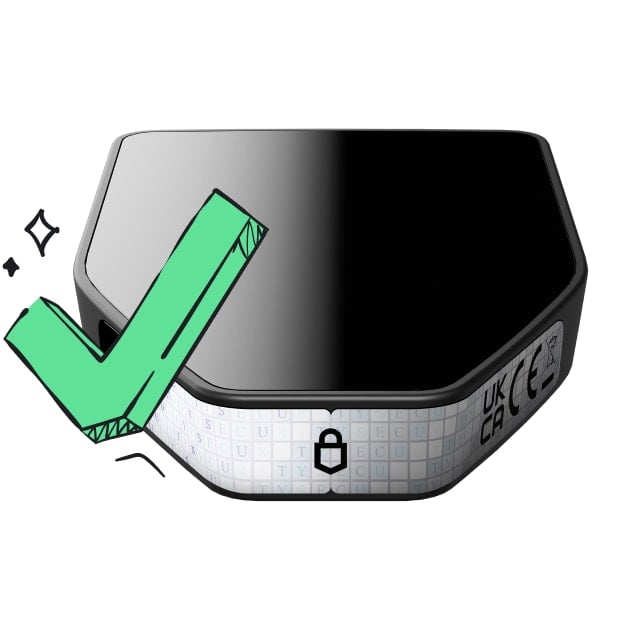 Confianza desde el primer día
El embalaje y los sellos de seguridad del dispositivo protegen la integridad de tu Trezor
TinHatCat (THC) is a community memecoin on Robinhood Chain. The project uses a cat in a tinfoil hat as its mascot and the phrase "Stay Purranoid" as its tagline. It is a conspiracy-themed meme brand. The token has no stated product, revenue, staking system, or governance function. Activity is limited to community channels and trading on decentralized markets.
The brand predates the Robinhood Chain deployment. Project materials describe a meme that began on Fantom, was later associated with Sonic, and was relaunched on Robinhood Chain in early September 2026 through the Pons launchpad. The Robinhood Chain contract published by the project is 0x11fDdcAc2c8B3dF9a06730cA888adD8Ba07Ea27d. The total supply is 1,000,000,000 THC. The official channels listed by the project are tinhatcat.com, X (@TinHat_Cat), and Telegram (t.me/THCTinHatCatPortal).
TinHatCat is an independently deployed community token. It is not issued, operated, or endorsed by Robinhood Markets. It is not a stock token and does not represent a claim on any brokerage account or underlying asset. As with other memecoins, the price depends on liquidity and attention and can change quickly.