Safe & secure Monero wallet
Use the security of your Trezor hardware wallet to safely manage your Monero.
- Secured by your hardware wallet
- Trusted by over 2 million customers
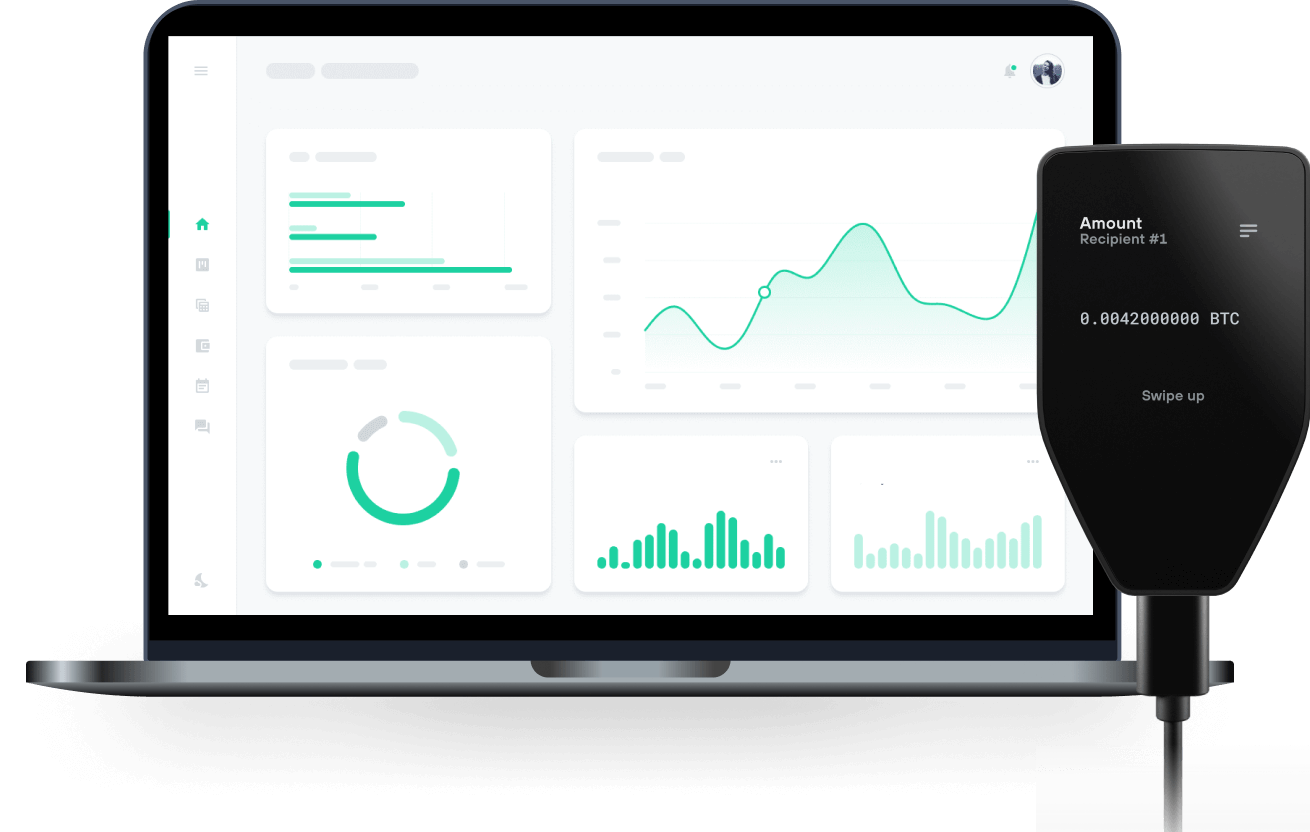
Send & receive your Monero with Trezor Hardware wallets

Send & receive
Swap
Trezor hardware wallets that support Monero
Sync your Trezor with wallet apps
Manage your Monero with your Trezor hardware wallet, compatible with multiple wallet apps.
Monero CLI/GUI
- Feather
Supported Monero Network
- Monero
Why a hardware wallet?
Go offline with Trezor
- You own 100% of your coins
- Your wallet is 100% safe offline
- Your data is 100% anonymous
- Your coins aren’t tied to any company
Online exchanges
- If an exchange fails, you lose your coins
- Exchanges are targets for hackers
- Your personal data may be exposed
- You don’t truly own your coins
How to XMR on Trezor
Connect your Trezor
Open a third-party wallet app
Manage your assets
Make the most of your XMR
Trezor keeps your XMR secure
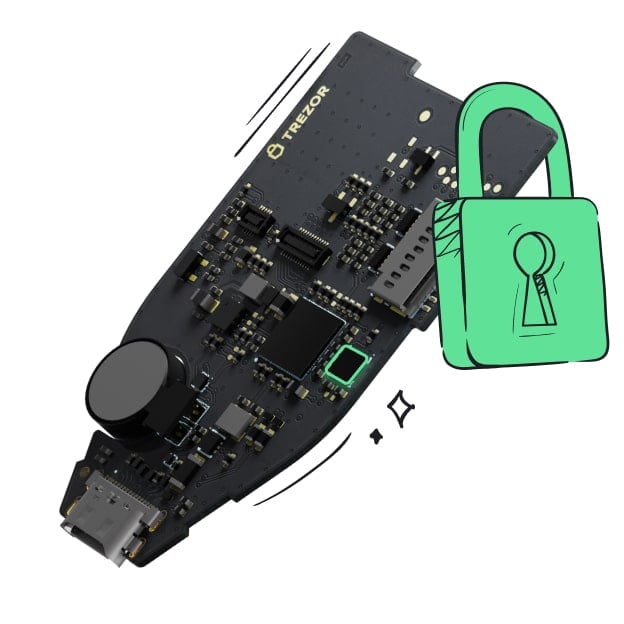 Protected by Secure Element
The best protection against both online and offline threats
 Your tokens, your control
Absolute control over every transaction with on-device confirmation
 Security begins with open-source
A transparent wallet design makes your Trezor better and safer
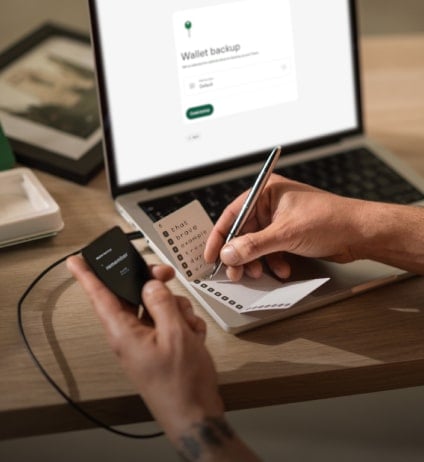 Clear & simple wallet backup
Recover access to your digital assets with a new backup standard
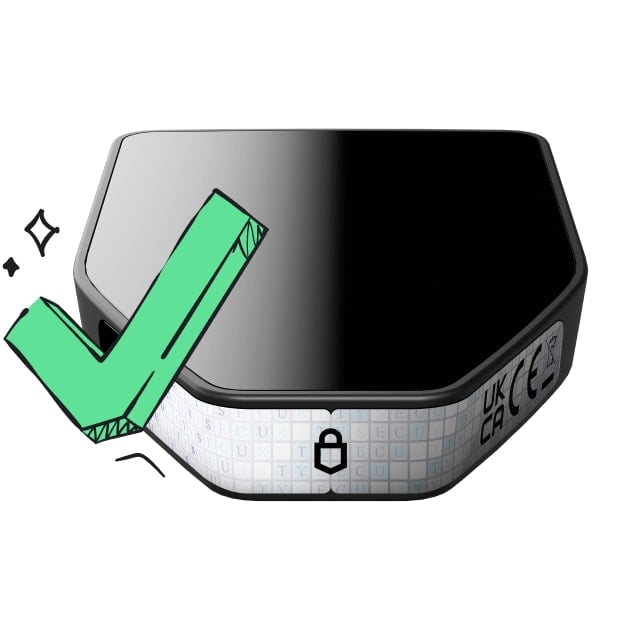 Confidence from day one
Packaging & device security seals protect your Trezor’s integrity
Communities
Frequently asked questions
If you’re looking for a secure way to store and manage your Monero (XMR), Trezor is an excellent choice. As one of the most trusted hardware wallets available, it offers robust security by keeping access to your Monero offline, protecting you from hacks, malware, and other online threats.
While the Trezor Suite app doesn’t natively support Monero, you can still use your Trezor hardware wallet in combination with third-party wallets to safely send, receive, and track your Monero transactions. With Trezor's top-tier security features, it’s a solid option for anyone serious about protecting their Monero holdings.
Yes, using a Monero wallet can be free, especially when you're using a Trezor hardware wallet. Once you have your Trezor device, pair it with a third-party wallet app to manage your XMR without any additional fees. Third-party wallet apps allow you to easily send, receive, and manage your Monero while leveraging the security of your Trezor device.
Although the Trezor hardware wallet requires an upfront purchase, there are no ongoing subscription fees for managing Monero with supported third-party apps. Just connect your Trezor, and you'll be able to access and track your Monero securely.
Keep in mind that while using the wallet is free, any transactions on the Monero network may incur a small network fee, paid in XMR, when sending funds. So while there’s no cost to use your Trezor wallet itself, network fees apply when moving your Monero. Overall, managing Monero with a Trezor hardware wallet is a secure and cost-effective way to protect your assets.
The best place to keep Monero is on a Trezor hardware wallet, which provides top-notch security for your funds. Self-custody is key when managing cryptocurrencies like Monero, meaning you should take full control of your digital assets instead of leaving them on exchanges.
If you have your XMR on an online exchange, it's important to transfer your funds to a Trezor hardware wallet immediately. This keeps your private keys offline and safe from online threats, ensuring maximum protection for your Monero.
Getting and setting up a Monero wallet is straightforward, especially when using a Trezor hardware wallet like the Trezor Safe 3 or Trezor Safe 5. To get started, purchase your Trezor device from the official Trezor Shop to ensure it's a genuine product. Once your Trezor arrives, download and install the Trezor Suite app to set up your Trezor device. Open the app, plug your Trezor into your computer, and follow the setup instructions. If it's your first time, you'll set up a new wallet and create a wallet backup—be sure to write down your wallet backup and store it securely.
While Monero (XMR) is not natively supported in the Trezor Suite app, you can still manage your Monero securely using third-party wallet apps in combination with your Trezor device. These apps allow you to generate a Monero address, send, and receive Monero while keeping your private keys safely stored offline on your Trezor.
By following these steps, you'll have a secure Monero wallet that combines the benefits of Trezor's hardware security with the functionality of trusted third-party apps. Enjoy managing your XMR safely and securely!
To securely buy Monero (XMR), start by picking a reliable online exchange. Just create an account, complete any required verification, and fund it with fiat or another crypto. After you have your Monero, make sure to transfer it to your Trezor hardware wallet for maximum security.
Since Monero isn’t directly supported in the Trezor Suite app, you’ll want to use a third-party wallet app. Connect your Trezor to the wallet app and generate a receive address. Then, hop back to the online exchange, hit "Withdraw," paste the address, and initiate the transfer. Once it’s confirmed, access to your Monero will be safe and sound on your Trezor hardware wallet, well-protected from any online threats!