Safe & secure Illuvium wallet
Take control of your Illuvium assets with complete confidence in the Trezor ecosystem.
- Secured by your hardware wallet
- Use with compatible hot wallets
- Trusted by over 2 million customers
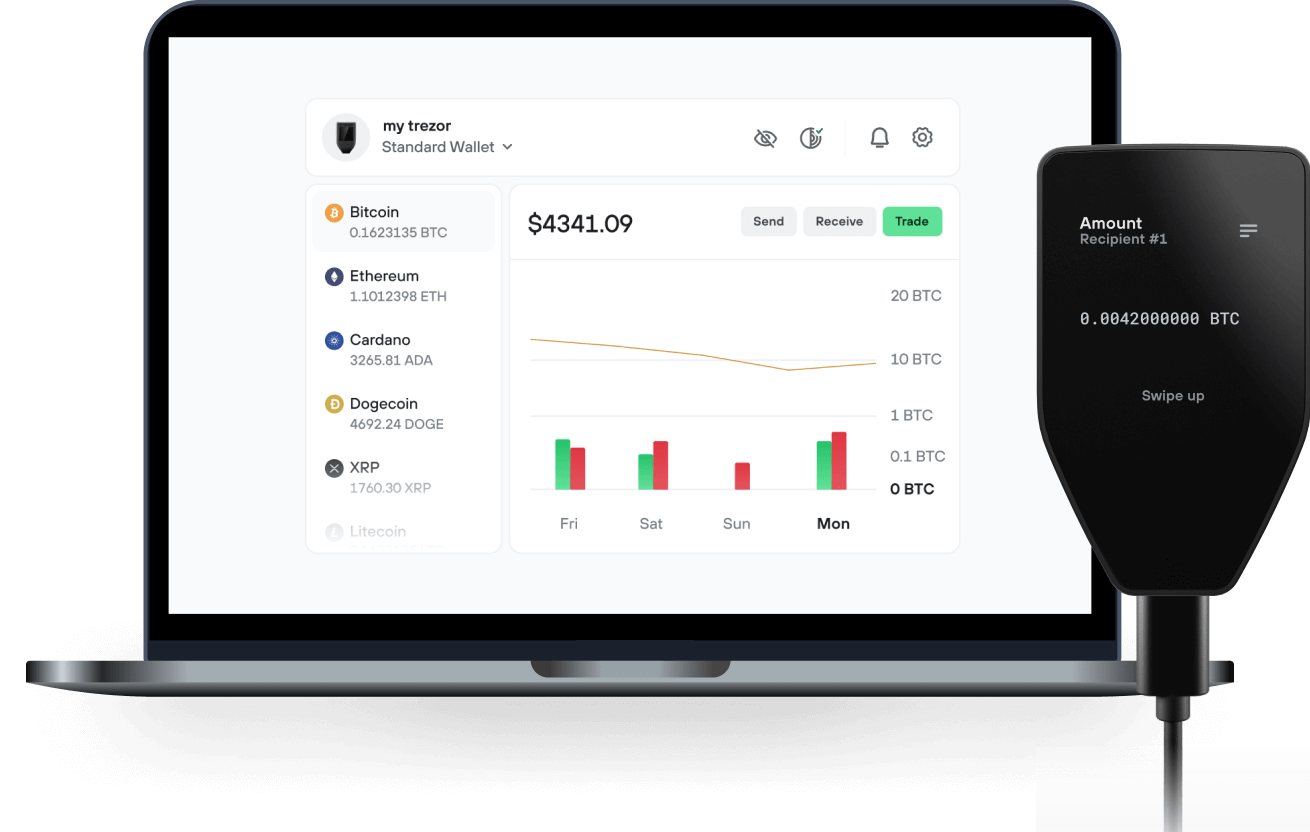
Send & receive your Illuvium with the Trezor Suite app

Send & receive

Buy & swap
Trezor hardware wallets that support Illuvium
Sync your Trezor with wallet apps
Manage your Illuvium with your Trezor hardware wallet synced with several wallet apps.
Trezor Suite
MetaMask
Rabby
Supported Illuvium Networks
- Ethereum
- Energi
Why a hardware wallet?
Go offline with Trezor
- You own 100% of your coins
- Your wallet is 100% safe offline
- Your data is 100% anonymous
- Your coins aren’t tied to any company
Online exchanges
- If an exchange fails, you lose your coins
- Exchanges are targets for hackers
- Your personal data may be exposed
- You don’t truly own your coins
How to ILV on Trezor
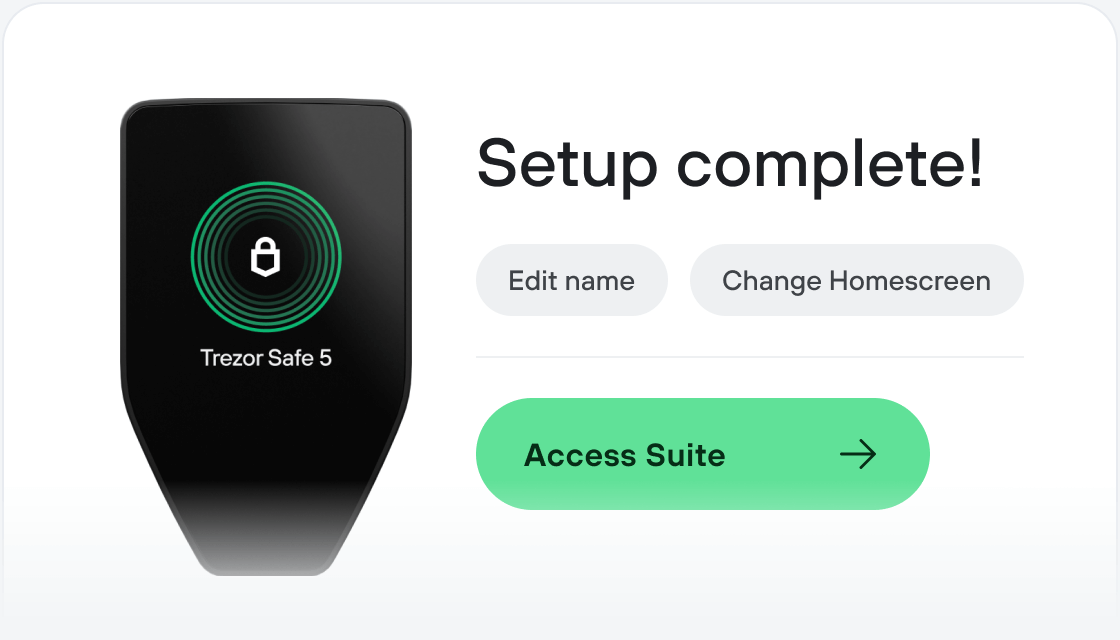
Connect your Trezor
Install Trezor Suite app
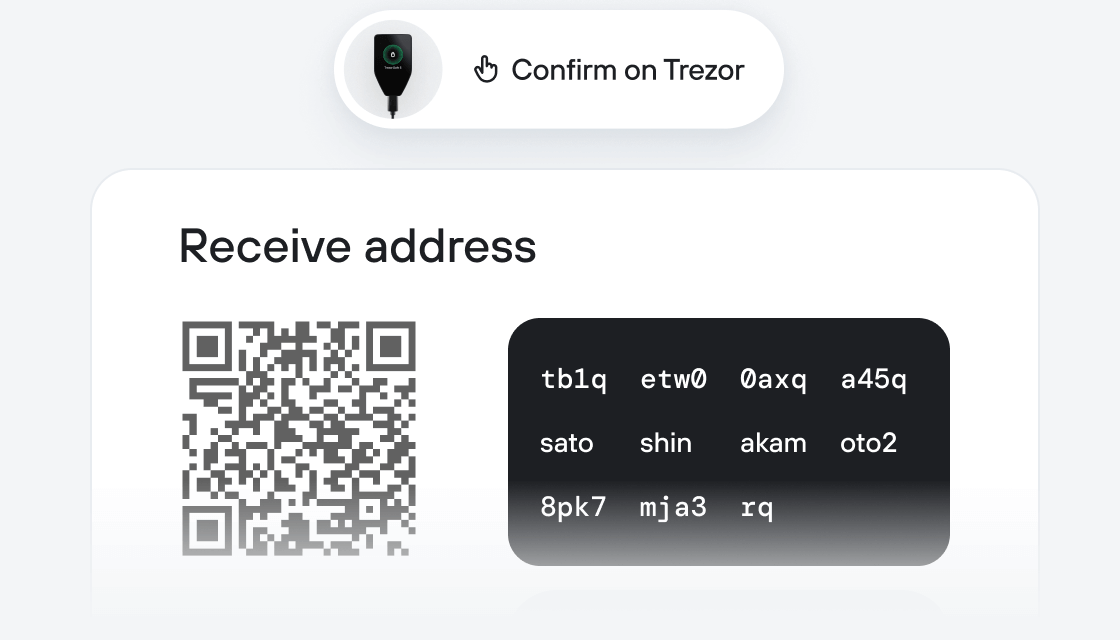
Transfer your ILV
Make the most of your ILV
Trezor keeps your ILV secure
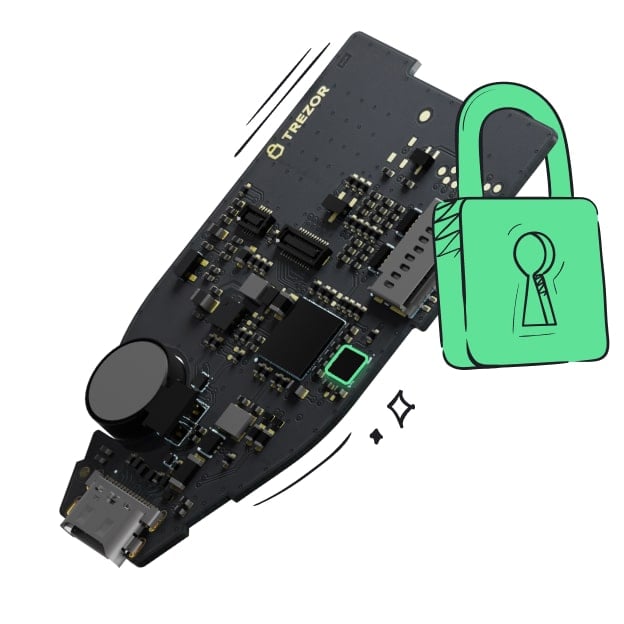 Protected by Secure Element
The best defense against both online and offline threats
 Your tokens, your control
Absolute control of every transaction with on-device confirmation
 Security starts with open-source
Transparent wallet design makes your Trezor better and safer
 Clear & simple wallet backup
Recover access to your digital assets with a new backup standard
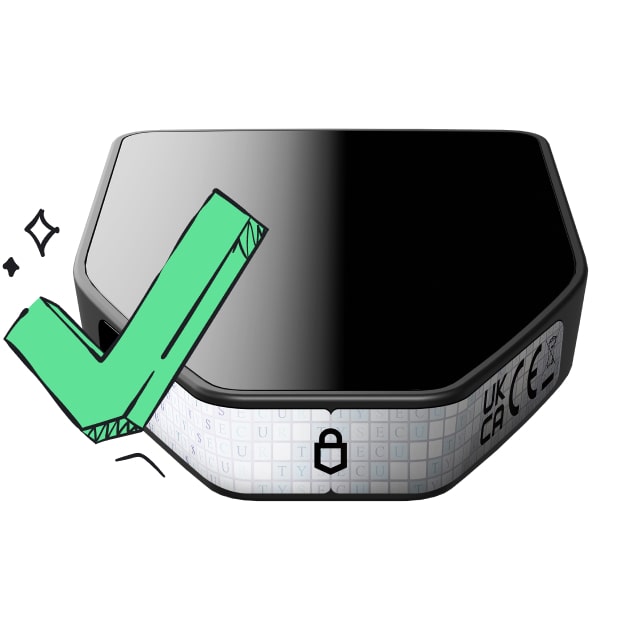 Confidence from day one
Packaging & device security seals protect your Trezor’s integrity
Illuvium is a decentralized franchise of interconnected, high-quality games built on the Ethereum network. Its main value proposition is to merge high-production-value gaming with verifiable digital asset ownership, known as the play-to-earn model. The project is an open-world fantasy role-playing game where players capture collectible creatures called Illuvials, which are represented as non-fungible tokens (NFTs). The project's economic model mandates that 100% of the game’s generated revenue is distributed back to those who stake the project's native token.
Illuvium achieves scalability and efficiency by processing the majority of its transactions, including NFT minting and trading, on Immutable X. This is a Layer 2 scaling solution that utilizes Zero-Knowledge Rollups (zk-Rollups), a technology that bundles hundreds of transactions off-chain and sends a cryptographic proof of their validity back to Ethereum. This method allows the game to achieve high speeds and eliminates gas fees for players while maintaining Ethereum's core security. Key features include an interoperable game universe where digital assets are designed to be used across multiple titles, as well as the ability for players to trade assets on the IlluviDex marketplace with zero transaction fees.
The ILV token serves as the primary utility and governance token, allowing holders to participate in the project's Decentralized Autonomous Organization (DAO) to vote on future development and economic policies. Token holders can stake ILV to earn rewards funded by in-game revenue, and a synthetic version of the token is used as in-game currency. The project was co-founded by brothers Kieran and Aaron Warwick, with development backed by early venture capital firms like Delphi Digital and IOSG Ventures. Key partnerships are in place with Immutable X for its core Layer 2 infrastructure and Chainlink for a decentralized oracle used to ensure fair randomization in gameplay.