Safe & secure GraphLinq Wrapped ETH wallet
Use the security of your Trezor hardware wallet to safely manage your GraphLinq Wrapped ETH.
- Secured by your hardware wallet
- Trusted by over 2 million customers
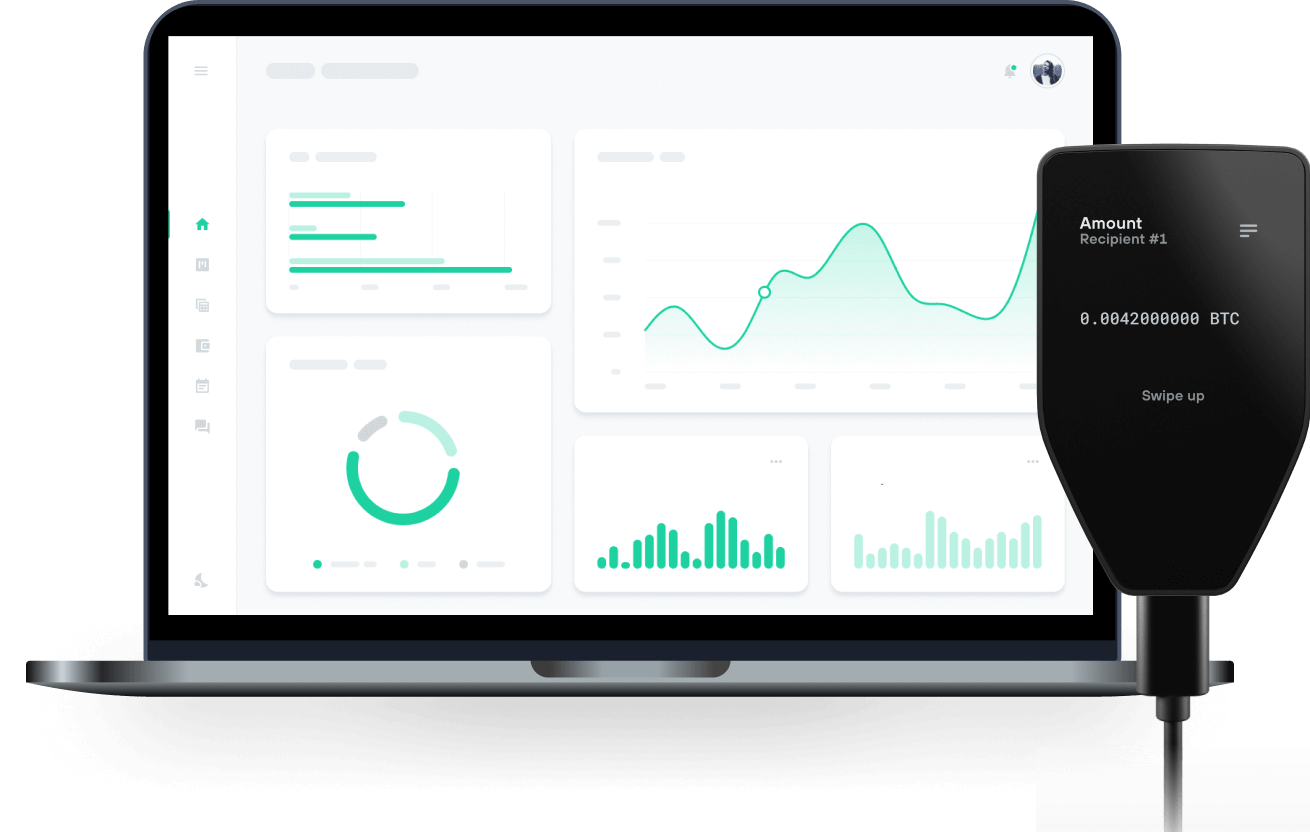
Send & receive your GraphLinq Wrapped ETH with Trezor Hardware wallets

Send & receive
Trezor hardware wallets that support GraphLinq Wrapped ETH
Sync your Trezor with wallet apps
Manage your GraphLinq Wrapped ETH with your Trezor hardware wallet synced with several wallet apps.
MetaMask
Rabby
Supported GraphLinq Wrapped ETH Network
Why a hardware wallet?

Go offline with Trezor
- You own 100% of your coins
- Your wallet is 100% safe offline
- Your data is 100% anonymous
- Your coins aren’t tied to any company
Online exchanges
- If an exchange fails, you lose your coins
- Exchanges are targets for hackers
- Your personal data may be exposed
- You don’t truly own your coins
How to WETH on Trezor
Connect your Trezor
Open a third-party wallet app
Manage your assets
Make the most of your WETH
Trezor keeps your WETH secure
 Protected by Secure Element
The best defense against both online and offline threats
 Your tokens, your control
Absolute control of every transaction with on-device confirmation
 Security starts with open-source
Transparent wallet design makes your Trezor better and safer
 Clear & simple wallet backup
Recover access to your digital assets with a new backup standard
 Confidence from day one
Packaging & device security seals protect your Trezor’s integrity
WETH is the wrapped version of ETH on the GraphLinq Chain. This token is utilized for all financial transactions on the protocol and to fulfill community needs. It can be used on the GraphLinq Hub, the DeFi core product of the GLQ Chain, which features its own decentralized exchange (DEX). Additionally, GLQ is required to pay transaction gas fees, which are very low.
The GraphLinq Hub offers features that appeal to experienced traders and newcomers, making their experience smoother, easier, and more rewarding.
What features await you in GraphLinq Hub?
• Supplying Liquidity and Earning LP Trading Fees As a cornerstone of DeFi, liquidity provision is central to GraphLinq Hub's functionality. Users can become liquidity providers (LPs) through its robust liquidity pool ecosystem. By supplying liquidity, you enhance market efficiency, earn trading fees as a reward, and support a liquid ecosystem on the GraphLinq Chain.
• Swapping ERC20/GraphLinq Chain Tokens Smooth token swaps are crucial for seamless transactions. GraphLinq Hub aims to provide a streamlined solution for swapping ERC20 and GraphLinq Chain tokens.
• Earning Yields Through Farming Pools Farming pools on GraphLinq Hub allow you to earn yields by staking your tokens. This is an excellent way to maximize your ROI and benefit from the potential growth of the GraphLinq ecosystem.