Billetera GraphLinq Wrapped ETH segura y protegida
Usa la seguridad de tu billetera física Trezor para gestionar de forma segura tu GraphLinq Wrapped ETH.
- Protegido por tu billetera física
- Con la confianza de más de 2 millones de clientes
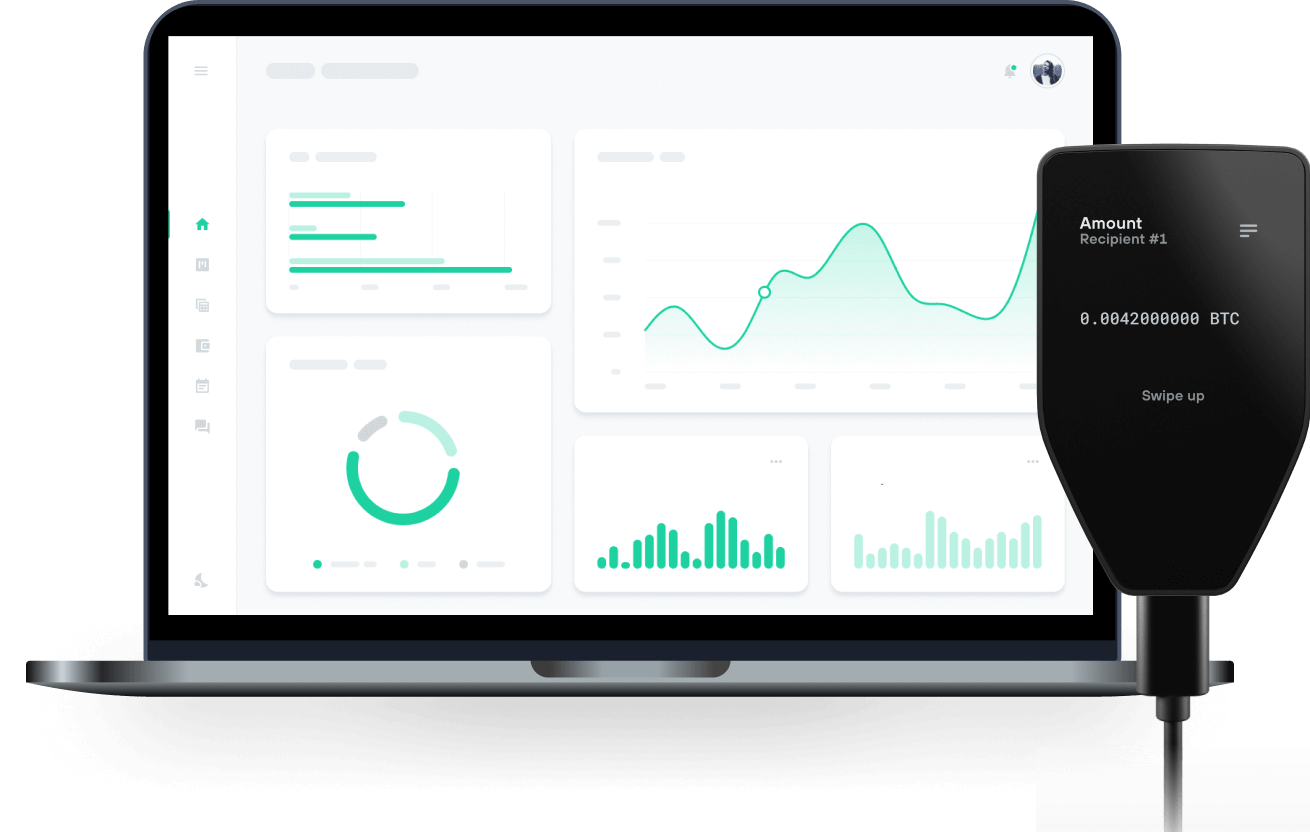
Envía y recibe tu GraphLinq Wrapped ETH con las billeteras físicas de Trzor

Enviar y recibir
Billeteras físicas Trezor compatibles con GraphLinq Wrapped ETH
Sincroniza tu Trezor con apps de billeteras
Gestiona tus GraphLinq Wrapped ETH con tu billetera física Trezor sincronizada con apps de billeteras.
MetaMask
Rabby
Red GraphLinq Wrapped ETH Compatible
¿Por qué una billetera física?

Desconéctate con Trezor
- Tus monedas son 100% tuyas
- Tu billetera está 100% segura offline
- Tus datos son 100% anónimos
- Tus monedas no están atadas a una compañía
Exchanges en línea
- Si un exchange falla, pierdes tus monedas
- Los exchanges son blanco de los hackers
- Tu información personal puede ser expuesta
- Tus monedas no son realmente tuyas
¿Cómo usar WETH en Trezor?
Conectar tu Trezor
Abre una app de billetera de terceros
Gestiona tus activos
Aprovecha al máximo tus WETH
Trezor mantiene tus WETH seguros
 Protegido por Elemento Seguro
La mejor defensa contra amenazas tanto online como offline
 Tus tokens, bajo tu control
Control absoluto de cada transacción con confirmación directa en el dispositivo
 La seguridad empieza por código abierto
Un diseño de billetera de forma transparente hace que tu Trezor sea más seguro y confiable
 Copia de seguridad de billetera clara y sencilla
Recupera el acceso a tus activos digitales con nuevo estándar de copia de seguridad
 Confianza desde el primer día
El embalaje y los sellos de seguridad del dispositivo protegen la integridad de tu Trezor
WETH is the wrapped version of ETH on the GraphLinq Chain. This token is utilized for all financial transactions on the protocol and to fulfill community needs. It can be used on the GraphLinq Hub, the DeFi core product of the GLQ Chain, which features its own decentralized exchange (DEX). Additionally, GLQ is required to pay transaction gas fees, which are very low.
The GraphLinq Hub offers features that appeal to experienced traders and newcomers, making their experience smoother, easier, and more rewarding.
What features await you in GraphLinq Hub?
• Supplying Liquidity and Earning LP Trading Fees As a cornerstone of DeFi, liquidity provision is central to GraphLinq Hub's functionality. Users can become liquidity providers (LPs) through its robust liquidity pool ecosystem. By supplying liquidity, you enhance market efficiency, earn trading fees as a reward, and support a liquid ecosystem on the GraphLinq Chain.
• Swapping ERC20/GraphLinq Chain Tokens Smooth token swaps are crucial for seamless transactions. GraphLinq Hub aims to provide a streamlined solution for swapping ERC20 and GraphLinq Chain tokens.
• Earning Yields Through Farming Pools Farming pools on GraphLinq Hub allow you to earn yields by staking your tokens. This is an excellent way to maximize your ROI and benefit from the potential growth of the GraphLinq ecosystem.