Safe & secure Dawn wallet
Take control of your Dawn assets with complete confidence in the Trezor ecosystem.
- Secured by your hardware wallet
- Use with compatible hot wallets
- Trusted by over 2 million customers
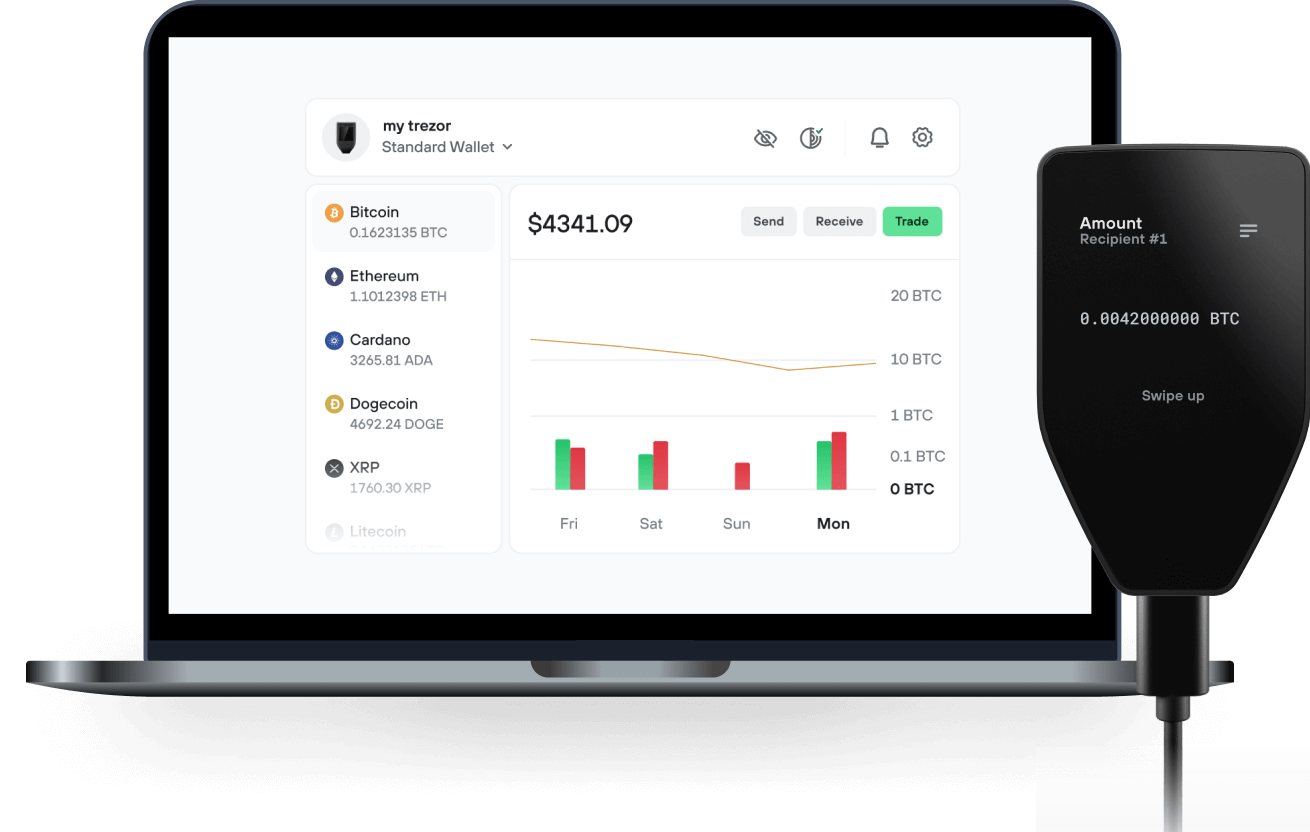
Send & receive your Dawn with the Trezor Suite app

Send & receive
Trezor hardware wallets that support Dawn

Sync your Trezor with wallet apps
Manage your Dawn with your Trezor hardware wallet synced with several wallet apps.
Trezor Suite
Backpack
NuFi
Supported Dawn Network
- Solana
Why a hardware wallet?
Go offline with Trezor
- You own 100% of your coins
- Your wallet is 100% safe offline
- Your data is 100% anonymous
- Your coins aren’t tied to any company
Online exchanges
- If an exchange fails, you lose your coins
- Exchanges are targets for hackers
- Your personal data may be exposed
- You don’t truly own your coins
How to DAWN on Trezor
Connect your Trezor
Open a third-party wallet app
Manage your assets
Make the most of your DAWN
Trezor keeps your DAWN secure
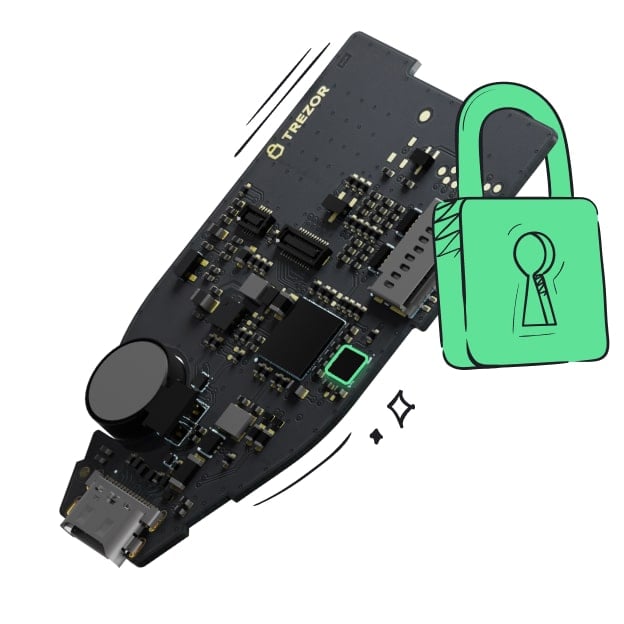 Protected by Secure Element
The best defense against both online and offline threats
 Your tokens, your control
Absolute control of every transaction with on-device confirmation
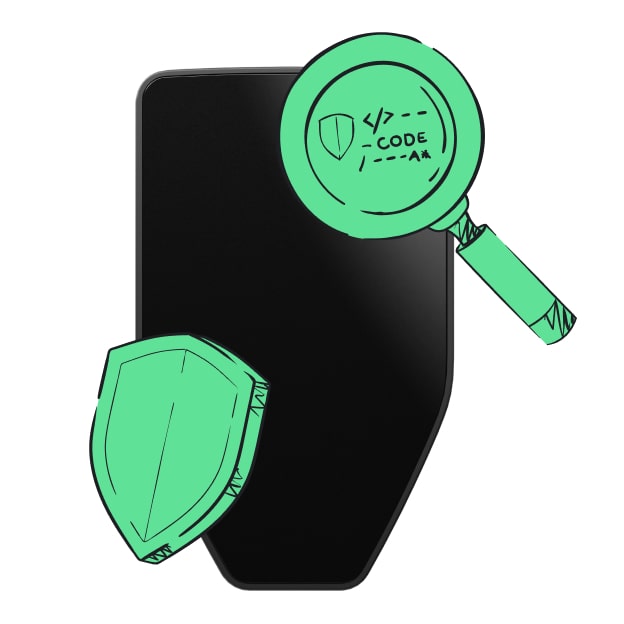 Security starts with open-source
Transparent wallet design makes your Trezor better and safer
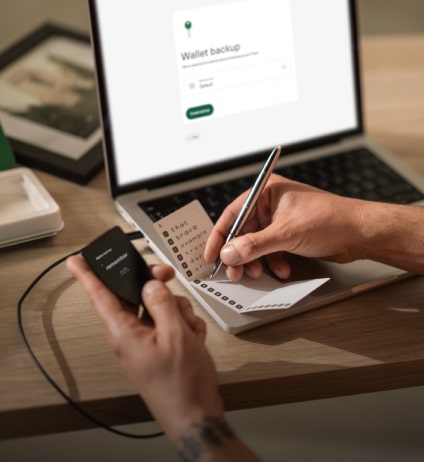 Clear & simple wallet backup
Recover access to your digital assets with a new backup standard
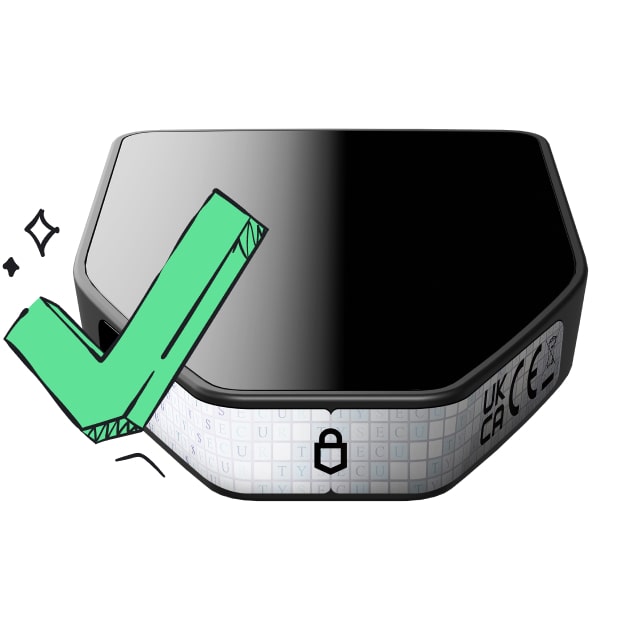 Confidence from day one
Packaging & device security seals protect your Trezor’s integrity
Dawn is the first data-driven launchpad on Solana, built to transform the way meme coins and trend-based tokens are discovered, created, and deployed. Instead of being “just another launchpad,” Dawn is a real-time monitoring and intelligence platform that tracks thousands of data sources across the internet to identify emerging signals before they go viral.
At its core, Dawn is about solving one of the biggest challenges in the meme coin and trend-token space: narrative discovery. Most traders and creators are forced to react late, chasing memes that have already peaked. Dawn flips this dynamic by continuously scanning global news outlets, social media, viral publishers, and even niche signals like international zoos and video platforms to detect early signs of momentum. These signals are displayed in a Trello-style workspace, where users can prioritize, organize, and act on what matters most to them.
When a user spots a trend they want to act on, they can click Tokenize. Dawn’s built-in AI engine instantly generates a token name, ticker, and description — reducing the creative and technical friction of launch to just a few clicks. If a logo is required, Dawn provides a link to a relevant image from the source of the trend. From there, users can connect their Solana wallet and deploy directly to Pump.fun (with Meteora integration coming soon).
Once deployed, tokens are tracked in real time. Users can manage their own launches within their workspace and also access the Live Feed, which streams all Dawn-created tokens as they go live across the ecosystem. This makes Dawn not only a tool for creators, but also for traders who want to catch new opportunities faster.
The project is powered by $DAWN, the native Solana token that will fuel the platform. $DAWN is designed to scale the ecosystem, unlock advanced features, and reward early adopters. By aligning the growth of the platform with its community, Dawn ensures that the success of the ecosystem directly benefits its users.
In short, Dawn is about turning moments into markets. By combining real-time data, AI-powered token creation, and seamless Solana deployment, Dawn is building the infrastructure layer that makes meme markets smarter, faster, and more accessible.