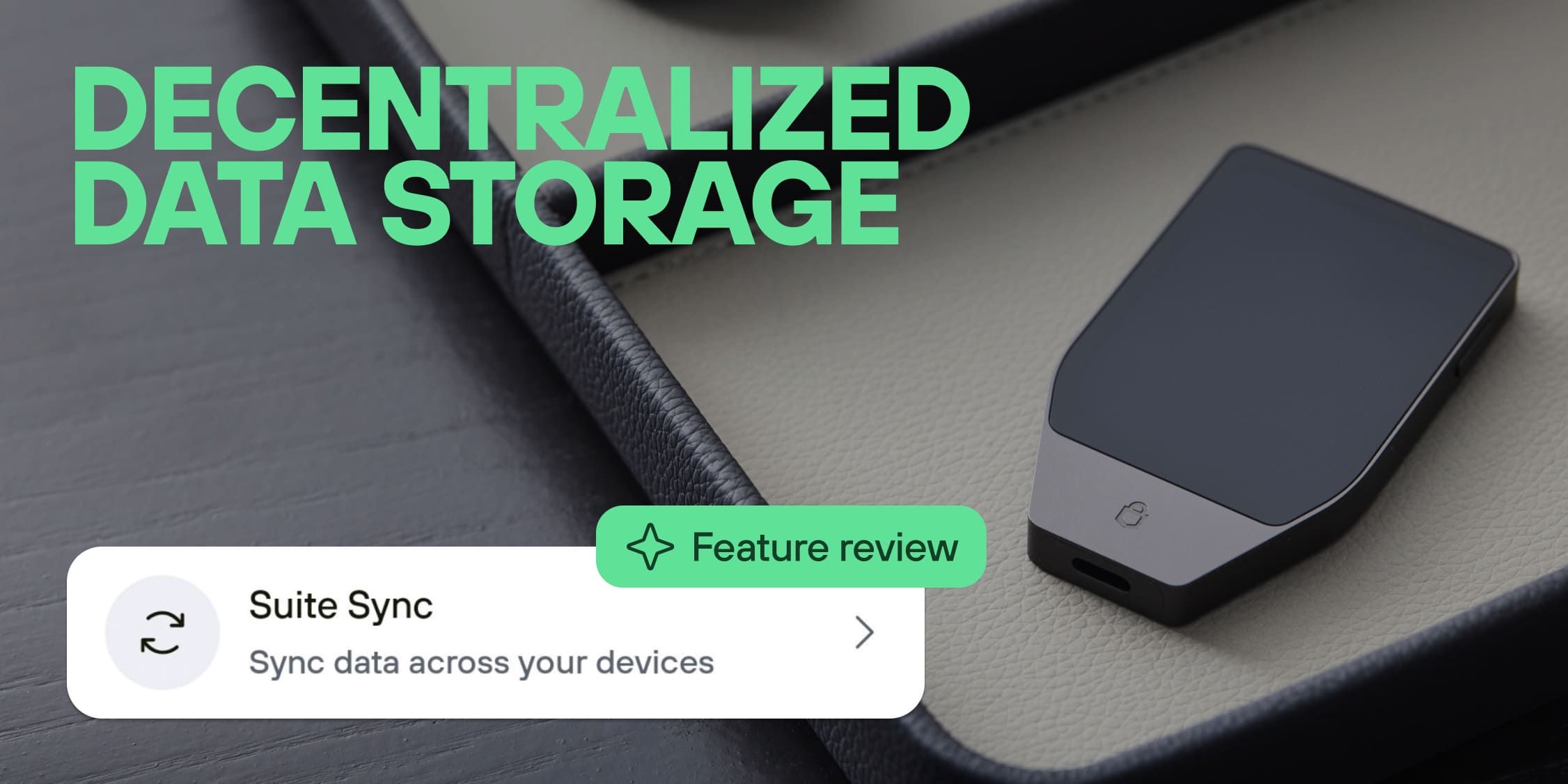
Permissionless storage with Suite Sync

Suite Sync is now live in Trezor Suite on desktop and mobile. Your wallet labels are encrypted on your device using keys derived from your wallet backup, synced across every device you use, and stored on Trezor's own server, not Google's or Dropbox's. If you're already using legacy labeling, migration is a single action. Users who want to remove any dependency on Trezor can run their own server. If you're new to labels and try to assign a label for the first time, Suite Sync is already on by default.
What is Suite Sync? A new standard for wallet data storage
Suite Sync is our new open-source approach to store and sync wallet labels across every device running Trezor Suite. Labels are encrypted on your device, tied to your wallet backup, and synced without requiring Google Drive, Dropbox, or any third-party account.
What’s changing?
If you've been labeling in Trezor Suite for a while, you know that syncing wallet labels across your devices meant connecting Trezor Suite to Google Drive, Dropbox, or another local storage alternative. Your encrypted label data lived on their servers.
Let’s say you’ve built up hundreds of labels over the years across your accounts, helping you identify your transactions and spending, so you can spot which coins came from where. Without Suite Sync, you will be reliant on these local storage solutions to sync data across multiple devices.
This isn’t ideal because:
- We want to avoid using a cloud account to store label data.
- Mobile syncing isn’t as reliable, and occasionally, the Dropbox authentication can expire, causing labels to disappear or become difficult to view until the connection is restored.
“Ok… so where are my labels stored with Suite Sync then?”
When you migrate to Suite Sync, your wallet labels, account names, and address notes are encrypted on the phone or computer running Trezor Suite, tied to your , and synced across desktop, mobile, and web. Your labels are encrypted before leaving your device, and the encrypted data is stored on Trezor's servers by default, with only your wallet backup able to decrypt it.
Your labels without Google Drive or Dropbox
With Suite Sync, you can…
- Label once. With native cross-device sync, your labels will show up on every device, automatically.
- Ditch Google Drive, Dropbox, and other storage options
- Use Trezor’s server by default (the server code is open-source), or you can remove that dependency and self-host without limits.
As the encryption keys are derived from your wallet backup using , you can switch devices, reinstall the app, or even lose a phone or Trezor device, and the labels will still be there when the wallet backup is restored.
Only the wallet backup can decrypt them. So, you get added control and more privacy without losing usability. Because the data is encrypted, Trezor has no access to it beyond storing it.
Already using labels? Migrate in one step
If your labels currently live in Dropbox, Google Drive, or local storage, moving them over is a one-time action. You pick the source, confirm on your Trezor, and the migration runs without overwriting anything.
We recently added automigration. If you already have Dropbox or Google Drive connected to Suite, the legacy data is automatically migrated once you turn Suite Sync on.
Manual migration is still there for those who have legacy labels, but do not want them enabled when they use Suite Sync for the first time.
The legacy system is still available if you aren’t ready to migrate yet.
New to labels? It's already on!
Suite Sync is on by default and stored on Trezor’s own, open-source infrastructure instead of a third-party. Simply label your accounts on desktop, confirm on your Trezor, and when you open the mobile app, the labels will already be there.
This is just the beginning…
Today, Suite Sync stores wallet labels. But the underlying architecture opens the door to a broader model of wallet-anchored encrypted data storage.
If we zoom out, this technology could become a permissionless, decentralized data storage system.
Think: ‘Not your keys, not your data’.
It’s encrypted, wallet-anchored data storage that any application can build on. So it could eventually hold other data tied to the wallet.
This is the principle that built Trezor, applied to data.
Learn more about migrating to Suite Sync.
Common FAQs
Can Trezor read my labels?
No. Labels are encrypted on your device. The encryption keys are derived from your wallet backup, meaning only that wallet can decrypt the data. Trezor stores the encrypted data but cannot read its contents.
What happens if I lose my phone, computer, or Trezor device?
Your labels are tied to your wallet backup, not to a specific device. As long as you restore the wallet backup, your labels can be recovered and synced to a new device.
Do I need Google Drive or Dropbox anymore?
No. Suite Sync works without Google Drive, Dropbox, or any other third-party cloud account. Encrypted labels are stored on Trezor's server by default, and advanced users can self-host their own server.
What happens to my existing labels?
If you're already using local storage, Dropbox, or Google Drive, you can migrate your labels with a one-time guided process. The legacy labeling system will continue to work during the transition period.