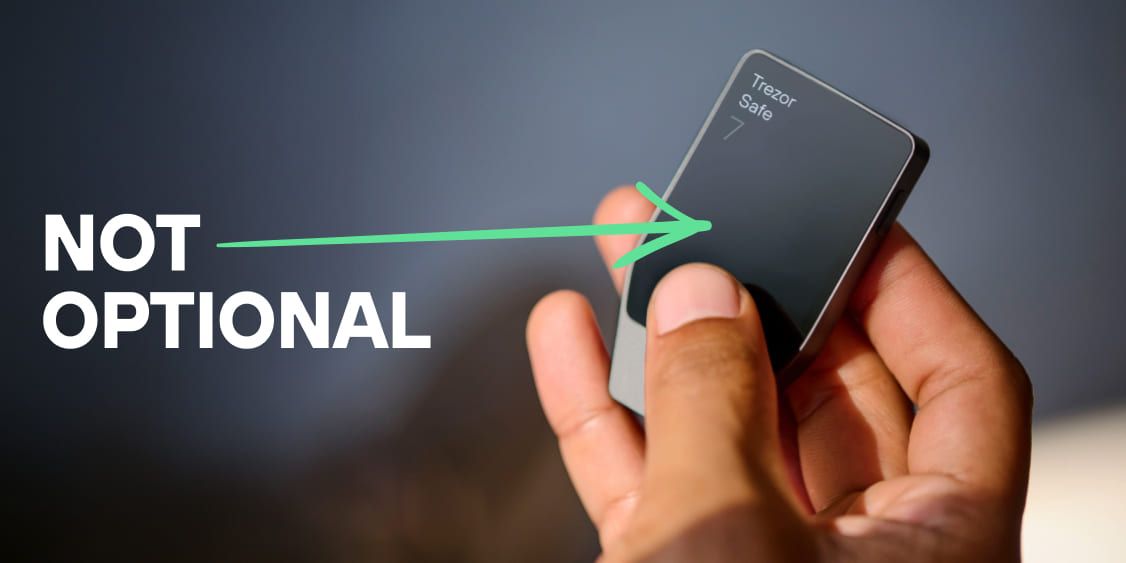
Why your hardware wallet needs a screen

If your hardware wallet doesn’t have a screen… is it really a hardware wallet?
We use a hardware wallet because we can’t trust an internet-connected device to manage the wallet backup and transactions. So if you have to use your mobile to then verify the transactions, isn’t that going against one of the main reasons for using a hardware wallet in the first place?
A screenless hardware wallet keeps your keys offline. That part is true. But offline keys are only half the job. The other half is knowing what those keys are actually signing. Without a screen on the device itself, you can't do that, and you're trusting your phone or computer to show you the truth.
As Lauri, our Product Marketing Lead describes in this interview from ETHCC:
"I personally think that a hardware wallet without a screen is not a hardware wallet, because you cannot verify what you are actually signing."
This isn’t just our opinion. Across the space, there’s a consistent view from many influential figures in the industry: without a screen, you can’t truly verify what you are signing.
Here are 5 reasons your hardware wallet needs a screen:
1. What you see is what you sign
Your phone and computer can be infected with malware. Either one can show you a legitimate-looking address while quietly swapping in a different one before the transaction goes out.
A hardware wallet with a screen signs everything offline. What appears on that screen is what gets signed. No software running on your phone or laptop can change that.
2. Your wallet backup is generated offline
When you set up a new wallet, it generates a , a set of words that can restore your funds on any compatible device. If those words appear on your phone or computer screen at any point, they've been exposed to an internet-connected device and everything that could be running on it.
On a hardware wallet with a screen, the wallet backup is generated and displayed on the device itself, offline, and nowhere else.
3. Your PIN stays on the device
Entering a PIN on your phone or computer means that PIN passes through a keyboard, a screen, and potentially software you don't control. Keyloggers and screen-recording malware exist precisely to capture this.
When you enter your PIN directly on your hardware wallet, it never touches your phone or computer. Nothing running on those devices can capture it.
4. You can verify the device is genuine
A screen lets the device communicate its own status during setup. Trezor devices contain a secret key inside the hardware, so if the device is tampered with at any point between the factory and your door, the check fails and the device tells you. Without a screen, the device can't communicate this offline, and you're back to trusting your phone for confirmation.
5. You're not dependent on us
If Trezor ever went out of business and every developer disappeared, someone else could pick it up because it’s open-source. The community isn't locked out because we designed the infrastructure to stay open. A screen is part of what makes that possible. A device that can display its own status and accept inputs directly doesn't need a proprietary app to function. It can work with third-party open-source software like Electrum or Sparrow. Access to your funds doesn't depend on any single company or app staying alive. Security in self-custody comes down to one thing: being able to verify.
Your device needs a screen because verification requires one. Don’t blindly trust!