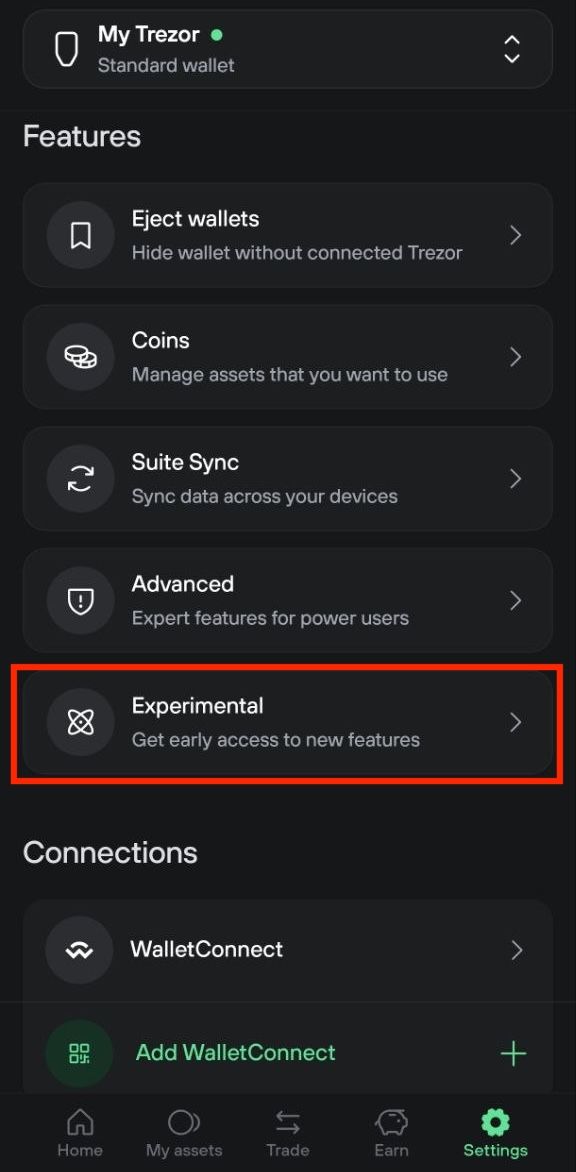
Experimental Features in Trezor Suite
Experimental features let you test new Trezor Suite functionality before it's released to everyone. These features are still in development. They might be unstable or change over time.
Enable experimental features if you want early access to new tools. You can try them, see if they work for your needs, and turn them off anytime.
Experimental features are for experienced users. They may have bugs and might not have long-term support. Use them at your own risk.
Enable experimental features on desktop
Navigate to Settings > Application and scroll to the Experimental section at the bottom.
Toggle the switch to enable Experimental features.
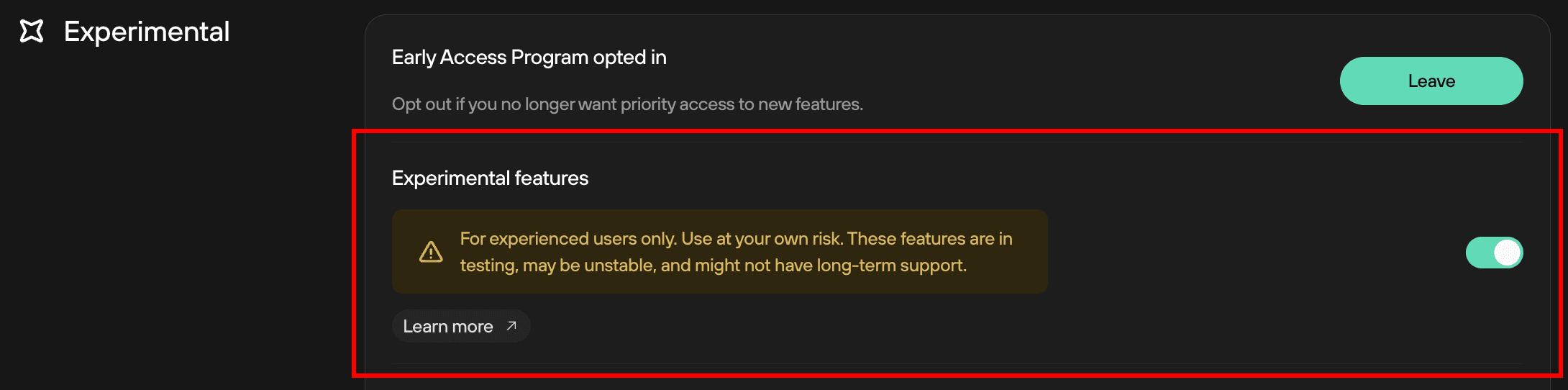
You can now access experimental features in Trezor Suite.
Each feature can be enabled or disabled independently. Check the boxes next to features you want to try.