Safe & secure Wintermute USDT Select wallet
Take control of your Wintermute USDT Select assets with complete confidence in the Trezor ecosystem.
- Secured by your hardware wallet
- Use with compatible hot wallets
- Trusted by over 2 million customers
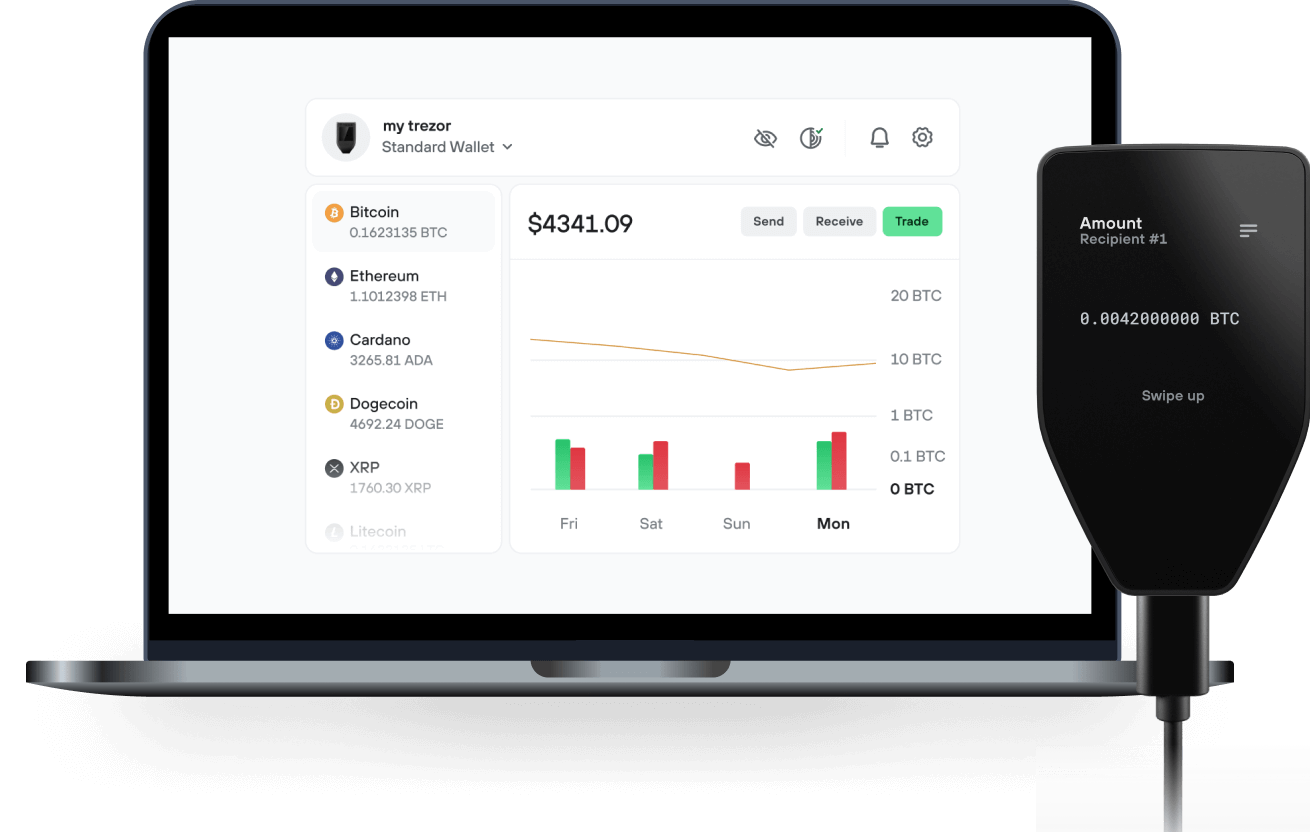
Send & receive your Wintermute USDT Select with the Trezor Suite app

Send & receive
Trezor hardware wallets that support Wintermute USDT Select
Sync your Trezor with wallet apps
Manage your Wintermute USDT Select with your Trezor hardware wallet synced with several wallet apps.
Trezor Suite
MetaMask
Rabby
Supported Wintermute USDT Select Network
Why a hardware wallet?

Go offline with Trezor
- You own 100% of your coins
- Your wallet is 100% safe offline
- Your data is 100% anonymous
- Your coins aren’t tied to any company
Online exchanges
- If an exchange fails, you lose your coins
- Exchanges are targets for hackers
- Your personal data may be exposed
- You don’t truly own your coins
How to ARMUSDTS on Trezor
Connect your Trezor
Open a third-party wallet app
Manage your assets
Make the most of your ARMUSDTS
Trezor keeps your ARMUSDTS secure
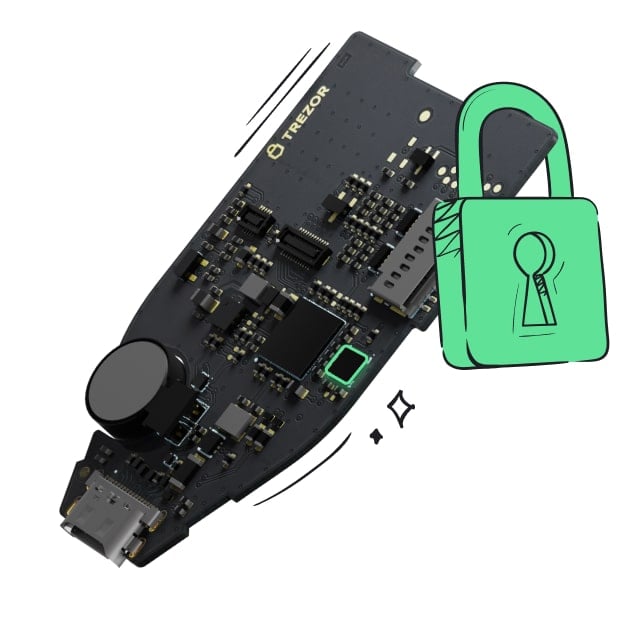 Protected by Secure Element
The best defense against both online and offline threats
 Your tokens, your control
Absolute control of every transaction with on-device confirmation
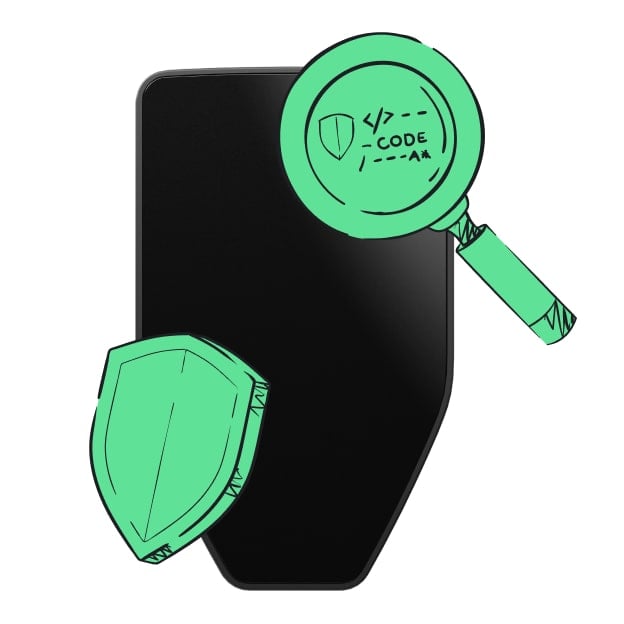 Security starts with open-source
Transparent wallet design makes your Trezor better and safer
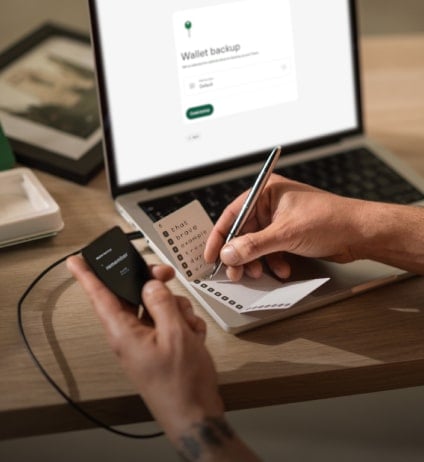 Clear & simple wallet backup
Recover access to your digital assets with a new backup standard
 Confidence from day one
Packaging & device security seals protect your Trezor’s integrity
Wintermute USDT Select (armUSDTs) is a Morpho Vault V2 on Ethereum curated by Armitage by Wintermute. Armitage Select vaults consist of existing blue-chip high-TVL markets expanded by a few select higher-yield opportunities. It provides a higher yield compared to Prime while maintaining balanced risk. Morpho Vaults are curated lending vaults that can allocate deposits to any number of Morpho protocols. Each vault is customizable and has a different risk profile. Curators are independent, third-party risk experts who use their expertise to offer various Morpho Vaults. The vault is also available through the Zama Protocol: Zama provides a confidentiality adapter that lets users deposit into the vault from confidential (encrypted-balance) tokens and hold their vault shares confidentially. Deposits made through Zama add to the TVL of this vault, so its share price needs to be available to wallets and integrators that rely on the CoinGecko API.