Safe & secure Vouch Staked PLS wallet
Use the security of your Trezor hardware wallet to safely manage your Vouch Staked PLS.
- Secured by your hardware wallet
- Trusted by over 2 million customers
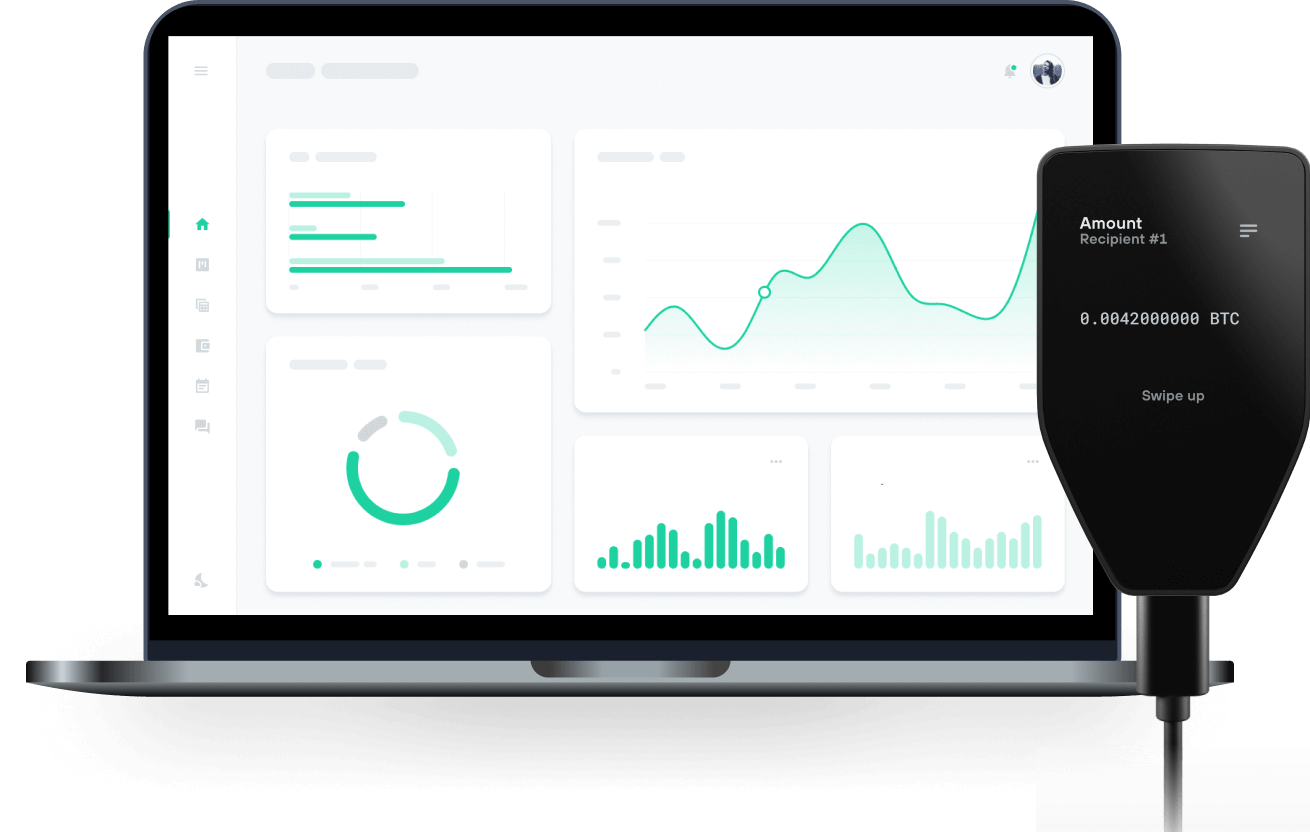
Send & receive your Vouch Staked PLS with Trezor Hardware wallets

Send & receive
Trezor hardware wallets that support Vouch Staked PLS
Sync your Trezor with wallet apps
Manage your Vouch Staked PLS with your Trezor hardware wallet synced with several wallet apps.
MetaMask
Rabby
Supported Vouch Staked PLS Network
Why a hardware wallet?
Go offline with Trezor
- You own 100% of your coins
- Your wallet is 100% safe offline
- Your data is 100% anonymous
- Your coins aren’t tied to any company
Online exchanges
- If an exchange fails, you lose your coins
- Exchanges are targets for hackers
- Your personal data may be exposed
- You don’t truly own your coins
How to VPLS on Trezor
Connect your Trezor
Open a third-party wallet app
Manage your assets
Make the most of your VPLS
Trezor keeps your VPLS secure
 Protected by Secure Element
The best defense against both online and offline threats
 Your tokens, your control
Absolute control of every transaction with on-device confirmation
 Security starts with open-source
Transparent wallet design makes your Trezor better and safer
 Clear & simple wallet backup
Recover access to your digital assets with a new backup standard
 Confidence from day one
Packaging & device security seals protect your Trezor’s integrity
Vouch is a liquid staking protocol on the Pulsechain network. It enables PLS holders to gain trustless yield on their PLS.
PLS staked in the Vouch ecosystem is used to run validators and gain rewards. People who stake their PLS, in the Vouch app, are given the liquid staking token vPLS.
The price of vPLS originally started as the same price as PLS but constantly increases over time to include the yield gained from the validator efforts. The yield is delivered in the form of an increased vPLS token value relative to PLS.
The standard block rewards are paid to the PLS stakers and people providing the validators in the system. The priority fees, which are earned when a validator is selected to process a block, go into the Vouch ecosystem as revenue.
There are two sources of revenue in the Vouch ecosystem. The first is the priority fees from the validators. The second source of the revenue comes from a buy/sell fee on the Vouch token. All of this revenue goes into the Vouch ecosystem and is distributed to system participants.
A percentage of this revenue, plus the regular validator rewards, are paid back to the holders of vPLS. Thus constantly increasing the value of vPLS. This percentage will generally vary between 10-20%. The percentage at Vouch token launch was 24%.
vPLS does not have a fixed supply. When PLS is staked in the system, vPLS is minted in response. Therefore its supply constantly varies depending on the amount of PLS staked in the Vouch staking app.
vPLS is held privately in stakers wallets. You retain self-custody of your PLS in the form of vPLS that can be redeemed through the Vouch app. The redemption time can vary, depending on the amount being redeemed. Smaller amounts are generally instant. Large amounts can take 3-5 days to bring validators offline and unlock PLS.
There is a PLS/vPLS pair on PLSX where you can instantly swap your vPLS to PLS rather than redeeming through the Vouch app.
The Vouch liquid staking protocol launched in October of 2024 and has run flawlessly since. The staking protocol was launched in collaboration with the StaFi team, utilising their open-source liquid staking protocol that had been running, exploit free, for over four years.