Safe & secure Verse wallet
Take control of your Verse assets with complete confidence in the Trezor ecosystem.
- Secured by your hardware wallet
- Use with compatible hot wallets
- Trusted by over 2 million customers

Buy, sell & manage your Verse with the Trezor Suite app

Send & receive
Buy, sell & swap
Trezor hardware wallets that support Verse
Sync your Trezor with wallet apps
Manage your Verse with your Trezor hardware wallet synced with several wallet apps.
Trezor Suite
MetaMask
Rabby
Supported Verse Networks
Why a hardware wallet?

Go offline with Trezor
- You own 100% of your coins
- Your wallet is 100% safe offline
- Your data is 100% anonymous
- Your coins aren’t tied to any company
Online exchanges
- If an exchange fails, you lose your coins
- Exchanges are targets for hackers
- Your personal data may be exposed
- You don’t truly own your coins
How to VERSE on Trezor
Connect your Trezor
Install Trezor Suite app
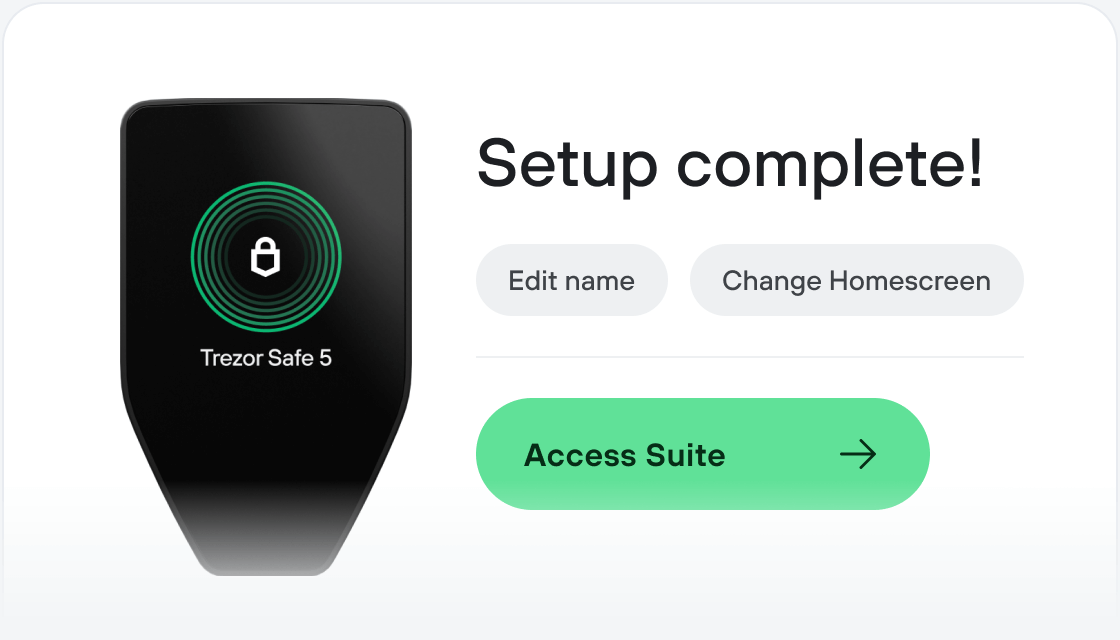
Transfer your VERSE
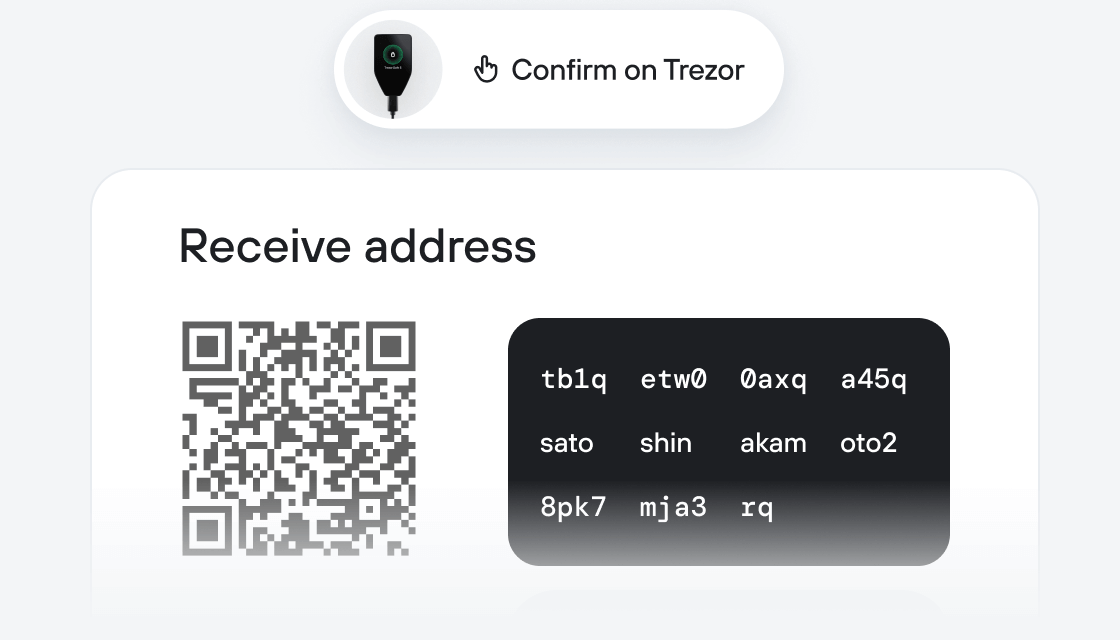
Make the most of your VERSE
Trezor keeps your VERSE secure
 Protected by Secure Element
The best defense against both online and offline threats
 Your tokens, your control
Absolute control of every transaction with on-device confirmation
 Security starts with open-source
Transparent wallet design makes your Trezor better and safer
 Clear & simple wallet backup
Recover access to your digital assets with a new backup standard
 Confidence from day one
Packaging & device security seals protect your Trezor’s integrity
About VERSE Bitcoin.com's rewards and utility token VERSE accelerates global adoption of cryptocurrency in the self-custodial model through incentives and gamification. Since 2015, Bitcoin.com has been a global leader in introducing newcomers to Bitcoin and cryptocurrency. With over 50 million self-custody wallets created (as of Jun 2024) in its multichain DeFi-ready mobile app (the Bitcoin.com Wallet app), an award-winning news portal with over 2.5 million monthly readers, a wide range of educational resources, and 24-hour human support, Bitcoin.com is the world’s gateway to Bitcoin and beyond. By incentivizing and gamifying engagement in the Bitcoin.com ecosystem, VERSE supercharges Bitcoin.com’s mission to onboard the world to decentralized money and increase economic freedom.
What makes VERSE different? VERSE is seamlessly integrated in the Bitcoin.com ecosystem and readily accessible to millions of users. Bitcoin.com attracts and retains millions of newcomers to crypto every year via its powerful brand, domain, and products. The ecosystem guides newcomers on their own individual journeys, enabling them to benefit from the rapidly expanding range of applications in crypto.
What is the utility of VERSE token? VERSE can be earned by using products in Bitcoin.com’s ecosystem, held for discounts and perks, and used in apps and dApps. In late 2023, fxVERSE was deployed on Polygon, paving the way for a micro-rewards system.
What are the key components of the Bitcoin.com VERSE ecosystem? At the heart of the ecosystem is the multichain Bitcoin.com Wallet app. Within the app, users can find a web3-enabled browser called Verse Explorer that allows for convenient interaction with a variety of dApps and web3 features. These include the multichain decentralized exchange Verse DEX, the Verse Voyager NFT collection and minting dApp, and a range of engaging dApps that are designed to educate users on how to safely interact with web3 products.
How does the buy back and burn mechanism work? Bitcoin.com buys VERSE on the open market through Bitcoin.com’s decentralized exchange Verse DEX, third-party DEXs, centralized exchanges, or in Over-The-Counter trades. This VERSE is then sent to the Verse Burn Engine, where it accumulates until a burn is triggered (anyone can trigger a burn).
What is the sustainable supple reduction mechanism? VERSE is allocated from the Ecosystem Fund to the Verse Burn Engine in a manner that is proportional to a given activity in the Verse/Bitcoin.com ecosystem, as well as in a manner that ensures that the reduction of supply is sustainable over the lifetime of the token.