Safe & secure Trenchers wallet
Take control of your Trenchers assets with complete confidence in the Trezor ecosystem.
- Secured by your hardware wallet
- Use with compatible hot wallets
- Trusted by over 2 million customers
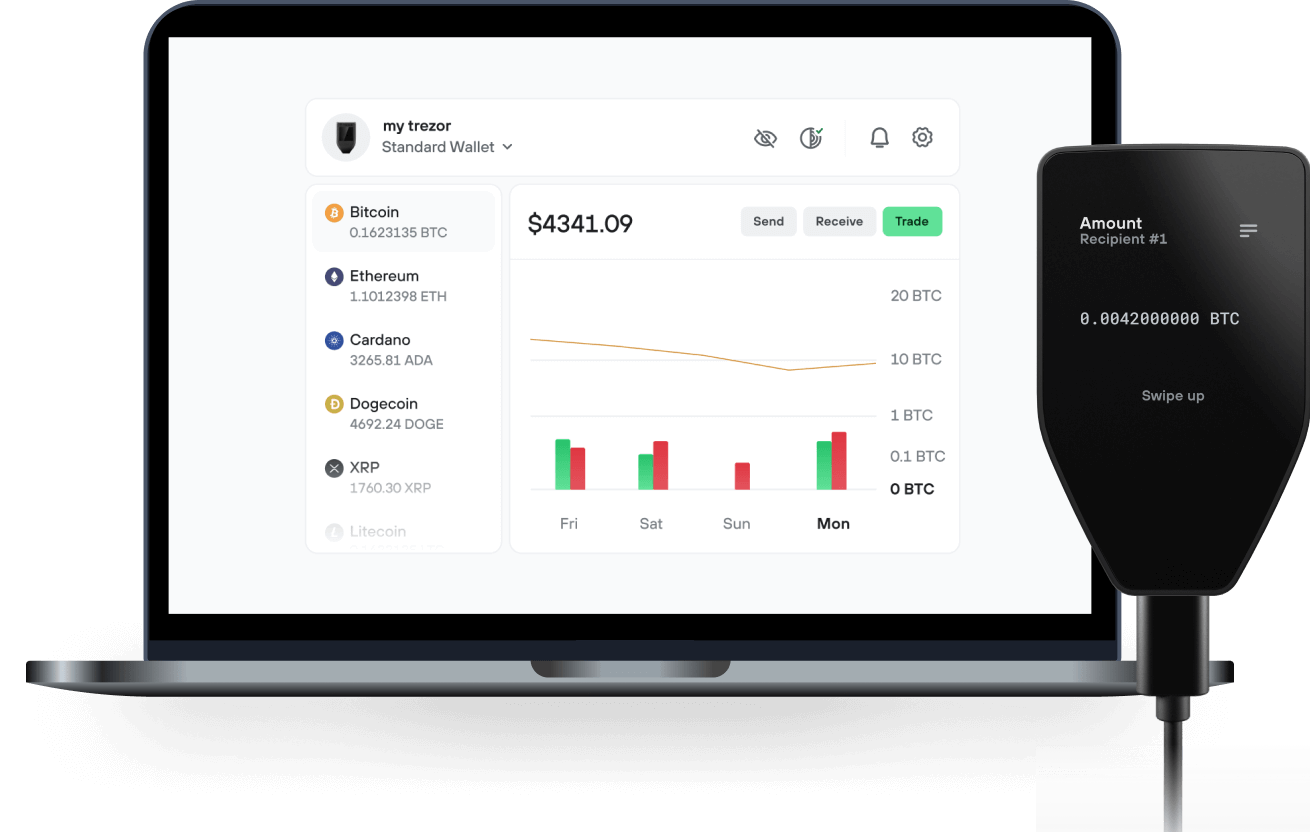
Send & receive your Trenchers with the Trezor Suite app

Send & receive
Trezor hardware wallets that support Trenchers
Sync your Trezor with wallet apps
Manage your Trenchers with your Trezor hardware wallet synced with several wallet apps.
Trezor Suite
MetaMask
Rabby
Supported Trenchers Network
Why a hardware wallet?
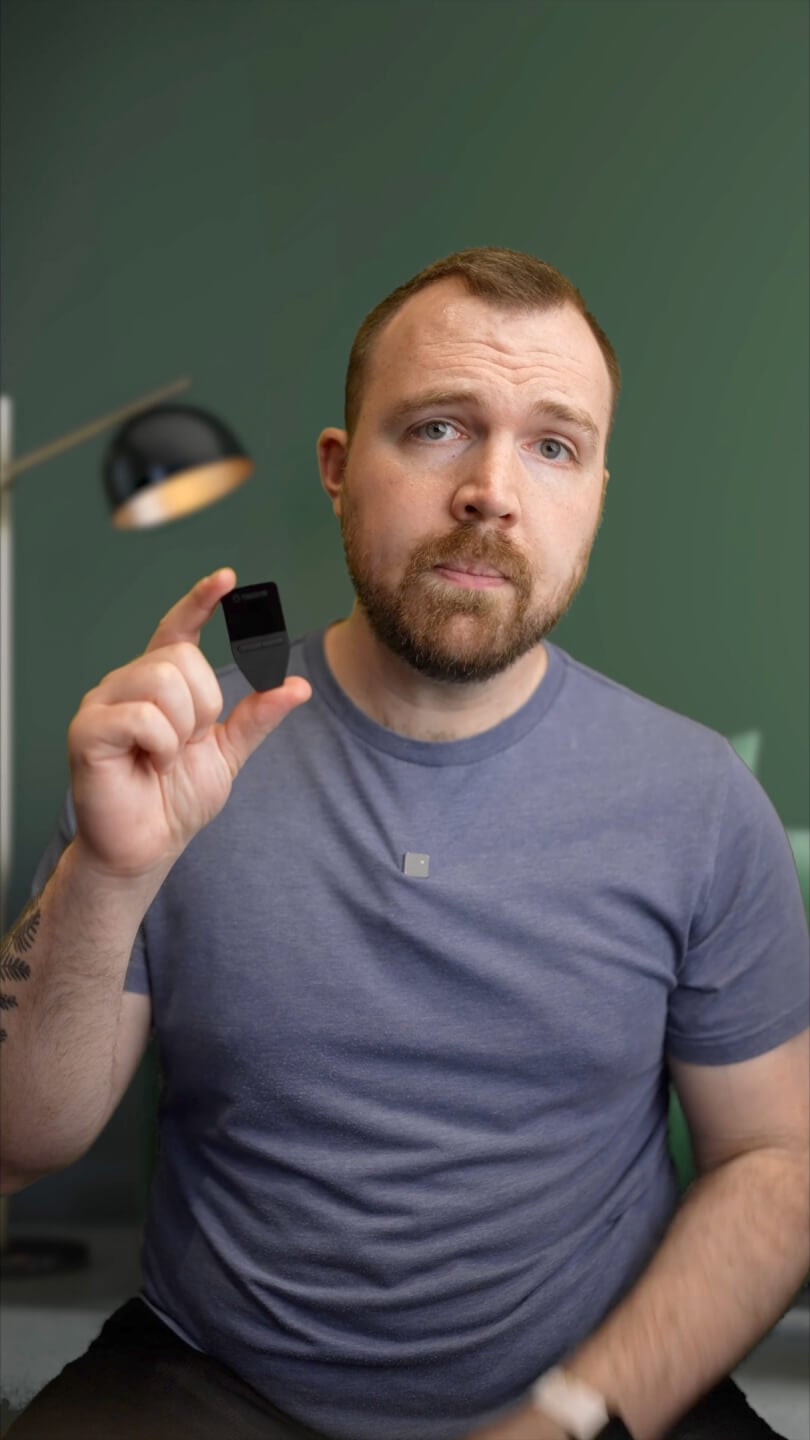
Go offline with Trezor
- You own 100% of your coins
- Your wallet is 100% safe offline
- Your data is 100% anonymous
- Your coins aren’t tied to any company
Online exchanges
- If an exchange fails, you lose your coins
- Exchanges are targets for hackers
- Your personal data may be exposed
- You don’t truly own your coins
How to TRENCHERS on Trezor
Connect your Trezor
Open a third-party wallet app
Manage your assets
Make the most of your TRENCHERS
Trezor keeps your TRENCHERS secure
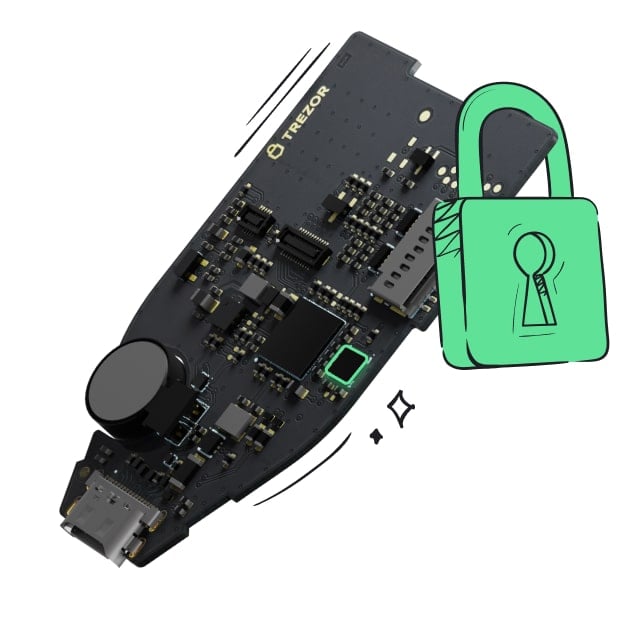 Protected by Secure Element
The best defense against both online and offline threats
 Your tokens, your control
Absolute control of every transaction with on-device confirmation
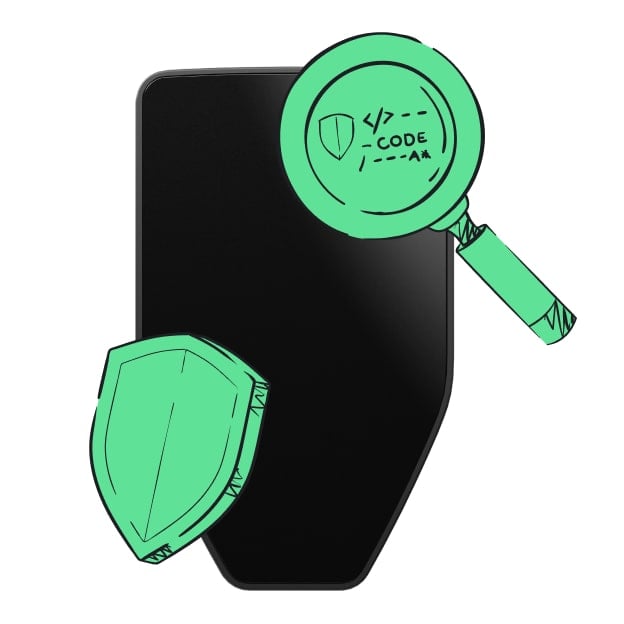 Security starts with open-source
Transparent wallet design makes your Trezor better and safer
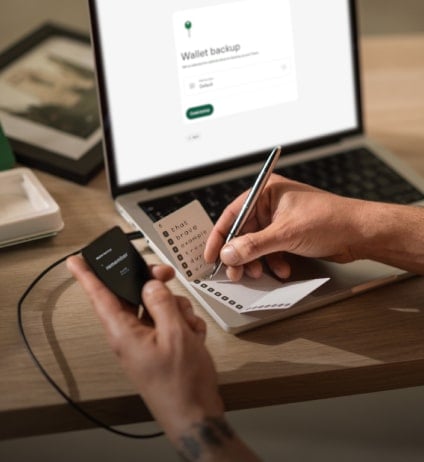 Clear & simple wallet backup
Recover access to your digital assets with a new backup standard
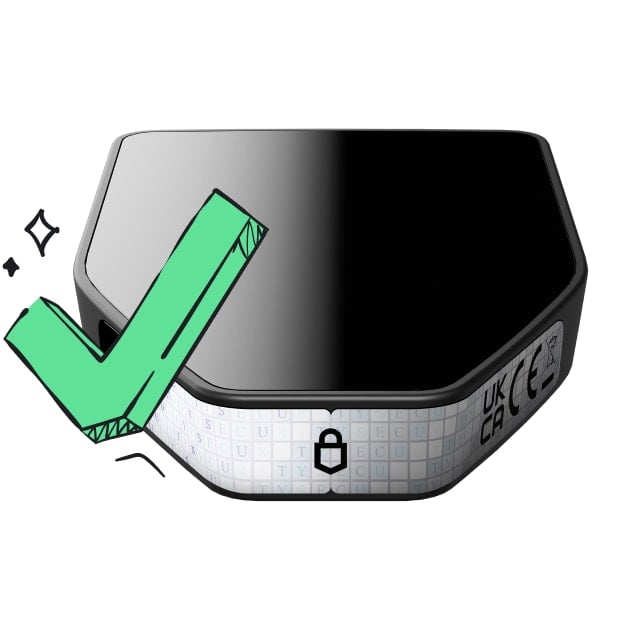 Confidence from day one
Packaging & device security seals protect your Trezor’s integrity
Trenchers is an ecosystem of 2,000 self-funding, NFT-enabled AI trading agents. Each agent is an NFT, because the NFT is what gives an agent its identity (why). Each NFT can be awakened to get:
Its own wallet, an ERC-6551 token-bound account controlled by whoever holds the NFT. An on-chain identity, an ERC-8004 agent registration that gives it a public, portable record (rolling out after the mint).
A 0.01 ETH starter balance. Every Trencher is minted on trenchers.io for 0.02 ETH, and half of that mint is set aside in the Agent Starter Fund in the same transaction (resales add nothing). Awakening the NFT claims 0.01 ETH straight into the agent wallet in one transaction.
Its own income. Every awakened agent automatically receives a share of 10% of all $TRENCHERS trading fees, and can launch its own agent coin on Pons and collect all of that coin's creator trading fees. Holders fund their agent with ETH and give it an agentic memecoin trading strategy. The agent then trades new token launches on Pons, the main launchpad on Robinhood Chain, around the clock. Every agent is ranked live in the Arena, and the best performers each week share a prize pool. Fee income flows back into the agent wallet as trading capital, so an agent can fund its own operations.
Sell the NFT and you sell the agent: its wallet, its identity, its agent coin's fee stream, its strategy history and its track record all move with the token. A well-trained agent is a strategy you can sell.