Safe & secure The Crypto Dog wallet
Take control of your The Crypto Dog assets with complete confidence in the Trezor ecosystem.
- Secured by your hardware wallet
- Use with compatible hot wallets
- Trusted by over 2 million customers

Send & receive your The Crypto Dog with the Trezor Suite app

Send & receive
Swap
Trezor hardware wallets that support The Crypto Dog
Sync your Trezor with wallet apps
Manage your The Crypto Dog with your Trezor hardware wallet synced with several wallet apps.
Trezor Suite
Backpack
NuFi
Supported The Crypto Dog Network
Why a hardware wallet?
Go offline with Trezor
- You own 100% of your coins
- Your wallet is 100% safe offline
- Your data is 100% anonymous
- Your coins aren’t tied to any company
Online exchanges
- If an exchange fails, you lose your coins
- Exchanges are targets for hackers
- Your personal data may be exposed
- You don’t truly own your coins
How to DOG on Trezor
Connect your Trezor
Install Trezor Suite app
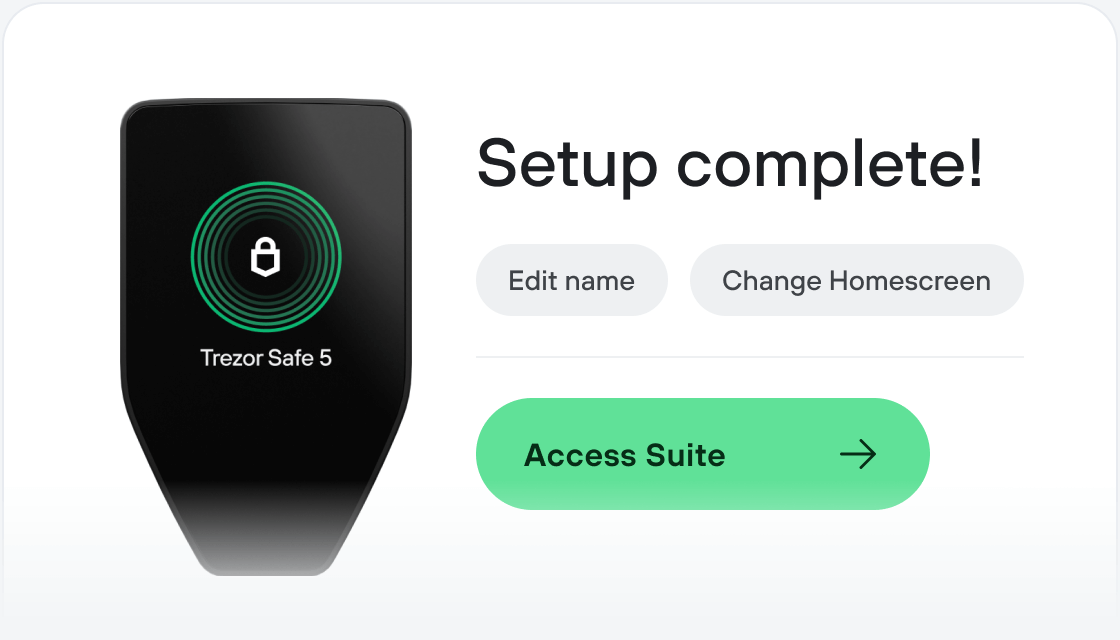
Transfer your DOG
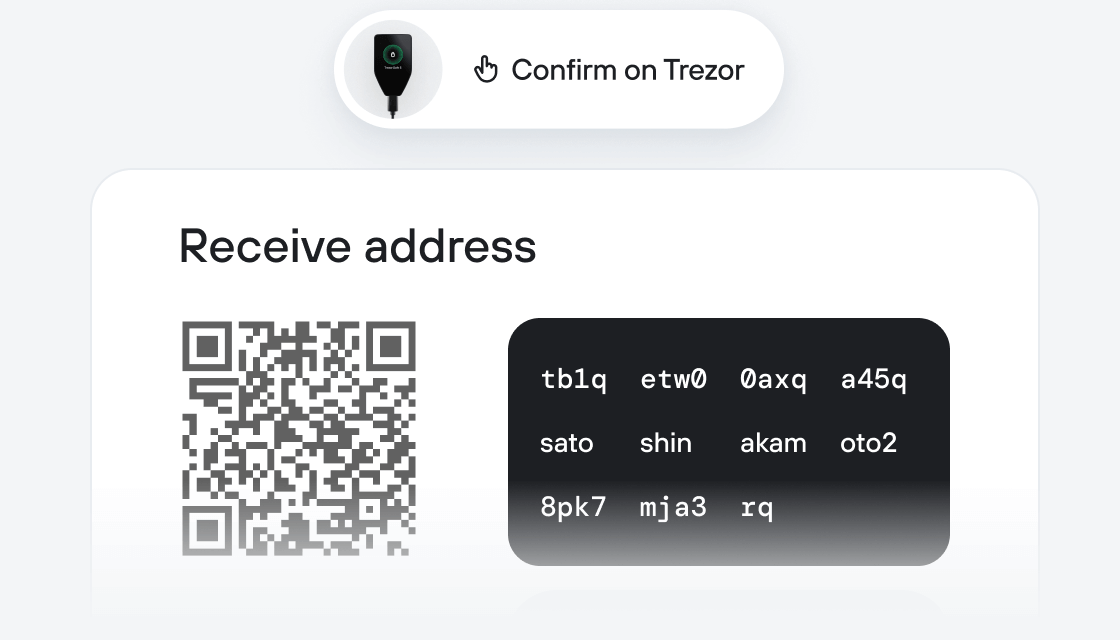
Make the most of your DOG
Trezor keeps your DOG secure
 Protected by Secure Element
The best defense against both online and offline threats
 Your tokens, your control
Absolute control of every transaction with on-device confirmation
 Security starts with open-source
Transparent wallet design makes your Trezor better and safer
 Clear & simple wallet backup
Recover access to your digital assets with a new backup standard
 Confidence from day one
Packaging & device security seals protect your Trezor’s integrity
The Crypto $DOG is a community-led memecoin launched on the Solana blockchain through Pumpfun. The project centers around a simple and recognizable meme: a dog wearing aviator sunglasses, which has been adopted by the community as a visual identity for social participation and content creation.
The token was initially created as a tribute to the well-known crypto commentator and investor known as The Crypto Dog. Following the launch, the project evolved into a community-led initiative after early volatility and the departure of the original developer. Community members organized a community takeover (CTO), established new communication channels, and began coordinating development, moderation, and content efforts.
Today, the $DOG ecosystem is primarily driven by its community through continuous improvement of token fundamentals, social platforms, meme creation, and community initiatives. The project focuses on maintaining transparency, strengthening liquidity infrastructure, and an active social presence around the $DOG meme culture.