Safe & secure Sycamore Core wallet
Take control of your Sycamore Core assets with complete confidence in the Trezor ecosystem.
- Secured by your hardware wallet
- Use with compatible hot wallets
- Trusted by over 2 million customers
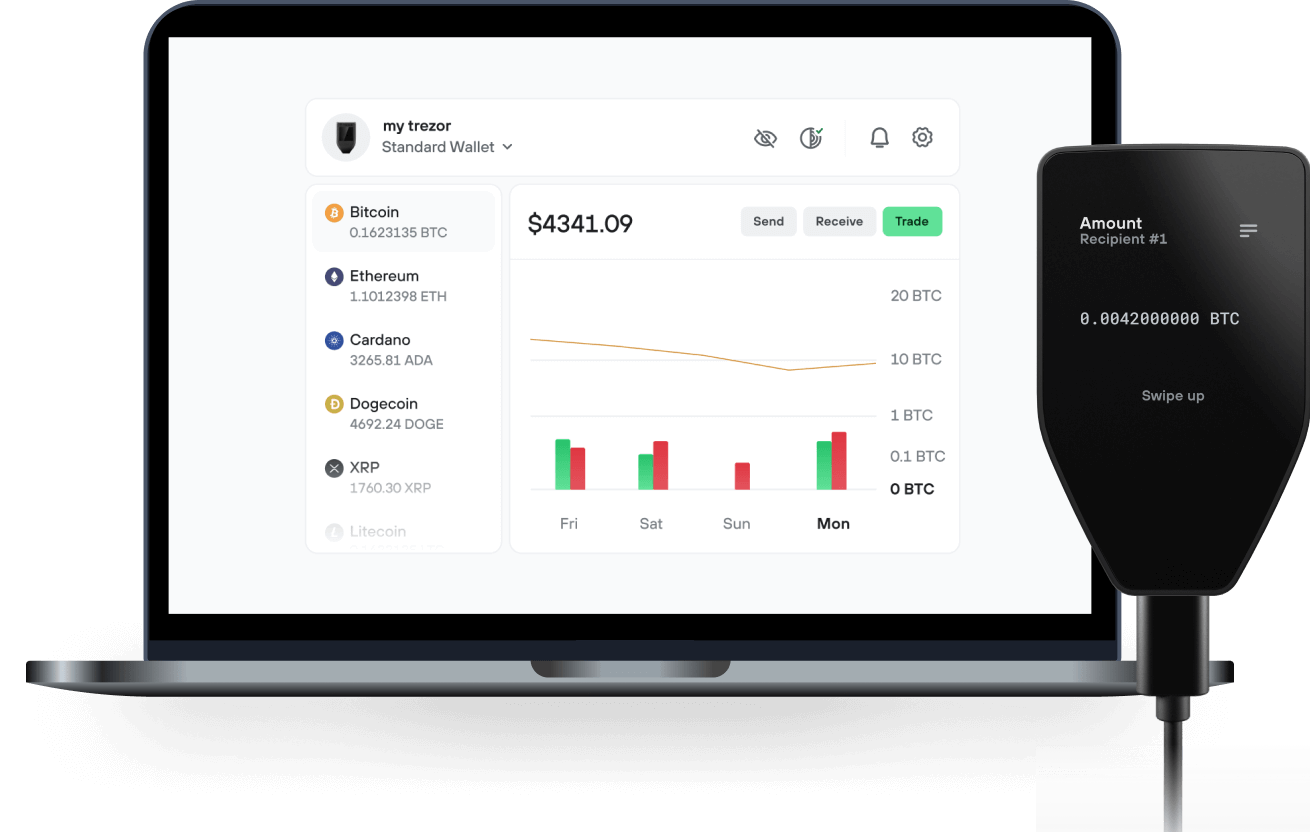
Send & receive your Sycamore Core with the Trezor Suite app

Send & receive
Trezor hardware wallets that support Sycamore Core
Sync your Trezor with wallet apps
Manage your Sycamore Core with your Trezor hardware wallet synced with several wallet apps.
Trezor Suite
Backpack
NuFi
Supported Sycamore Core Network
Why a hardware wallet?
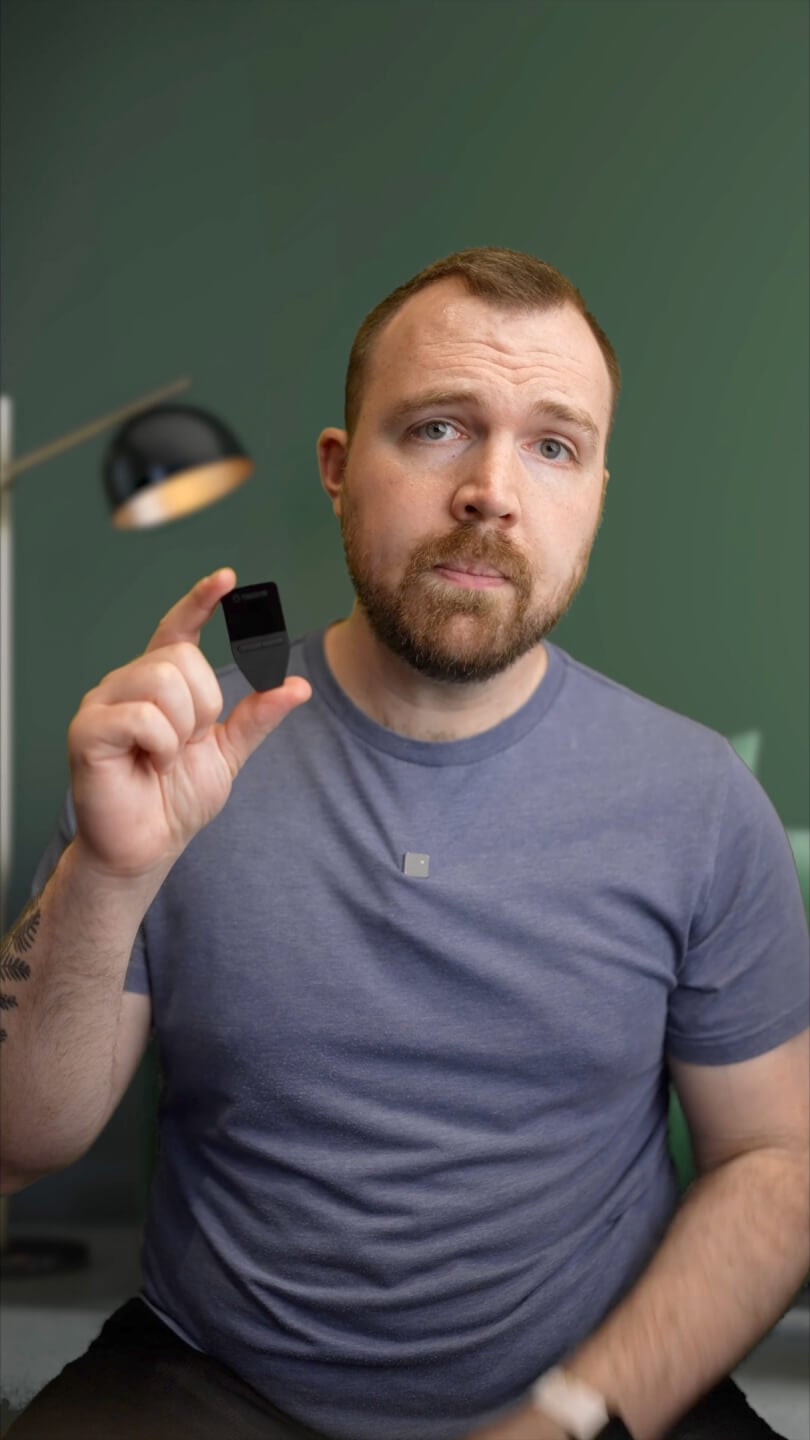
Go offline with Trezor
- You own 100% of your coins
- Your wallet is 100% safe offline
- Your data is 100% anonymous
- Your coins aren’t tied to any company
Online exchanges
- If an exchange fails, you lose your coins
- Exchanges are targets for hackers
- Your personal data may be exposed
- You don’t truly own your coins
How to SYCAMORE on Trezor
Connect your Trezor
Open a third-party wallet app
Manage your assets
Make the most of your SYCAMORE
Trezor keeps your SYCAMORE secure
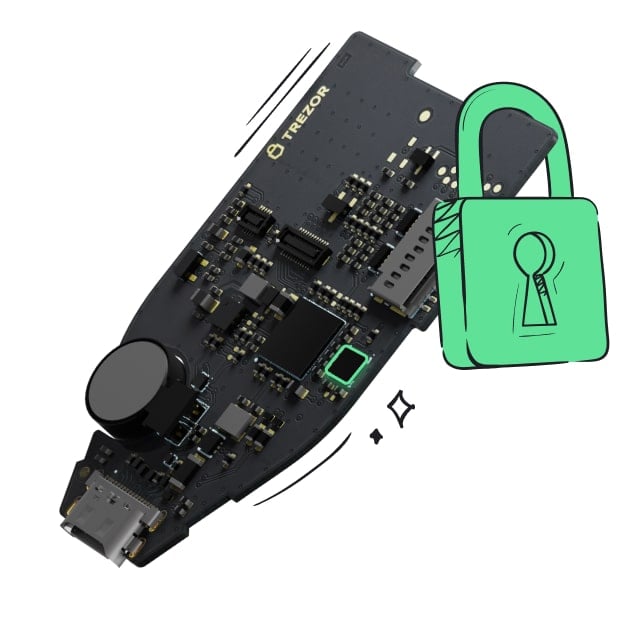 Protected by Secure Element
The best defense against both online and offline threats
 Your tokens, your control
Absolute control of every transaction with on-device confirmation
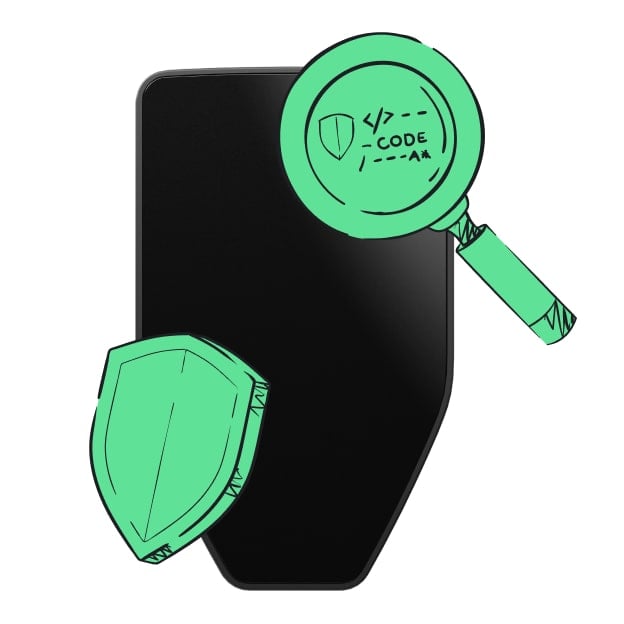 Security starts with open-source
Transparent wallet design makes your Trezor better and safer
 Clear & simple wallet backup
Recover access to your digital assets with a new backup standard
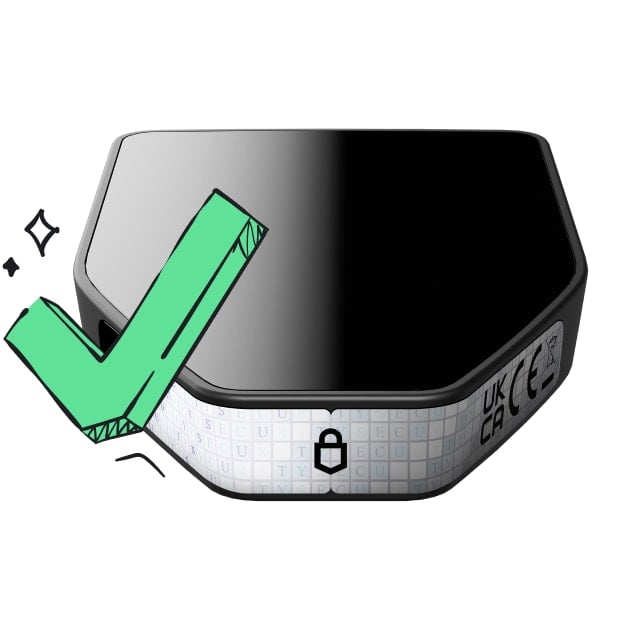 Confidence from day one
Packaging & device security seals protect your Trezor’s integrity
Sycamore is a Solana-based project focused on quantum computing awareness, blockchain security, and post-quantum cryptography research. The project aims to educate Web3 users and developers about potential quantum computing threats to existing cryptographic systems and encourage proactive preparation for the future of decentralized technologies. Through its platform, Sycamore offers research resources, quantum readiness assessments, experimental cryptography tools, and developer-focused educational materials. Its mission is to make quantum security concepts more accessible and help the blockchain community explore long-term security challenges. Sycamore combines education, technical experimentation, and awareness to support discussions about the future resilience of blockchain infrastructure.