Safe & secure Staked uWatt wallet
Take control of your Staked uWatt assets with complete confidence in the Trezor ecosystem.
- Secured by your hardware wallet
- Use with compatible hot wallets
- Trusted by over 2 million customers
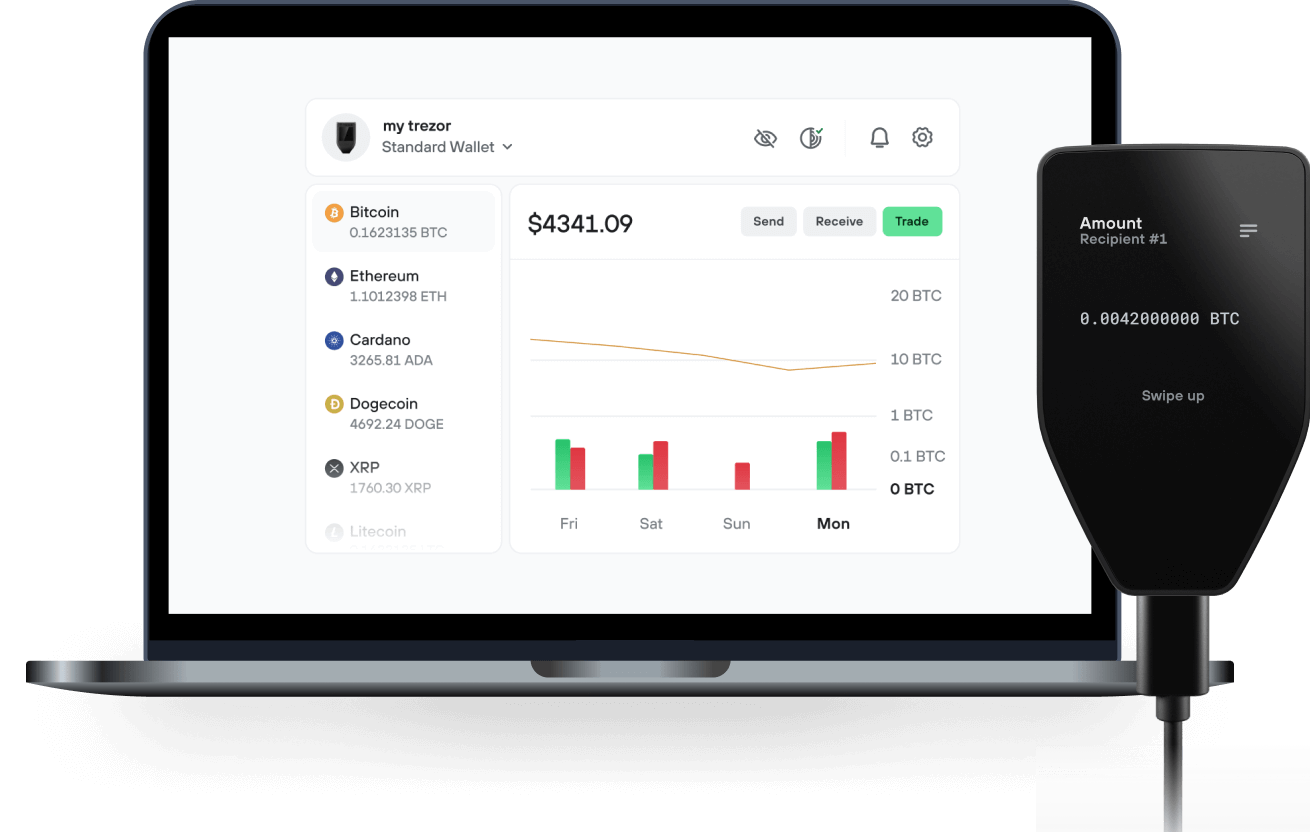
Send & receive your Staked uWatt with the Trezor Suite app

Send & receive
Trezor hardware wallets that support Staked uWatt
Sync your Trezor with wallet apps
Manage your Staked uWatt with your Trezor hardware wallet synced with several wallet apps.
Trezor Suite
MetaMask
Rabby
Supported Staked uWatt Network
Why a hardware wallet?

Go offline with Trezor
- You own 100% of your coins
- Your wallet is 100% safe offline
- Your data is 100% anonymous
- Your coins aren’t tied to any company
Online exchanges
- If an exchange fails, you lose your coins
- Exchanges are targets for hackers
- Your personal data may be exposed
- You don’t truly own your coins
How to C-UWATT on Trezor
Connect your Trezor
Open a third-party wallet app
Manage your assets
Make the most of your C-UWATT
Trezor keeps your C-UWATT secure
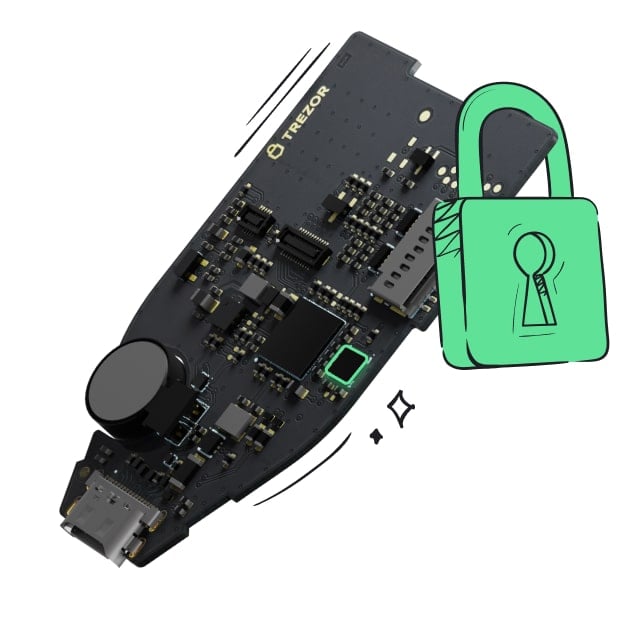 Protected by Secure Element
The best defense against both online and offline threats
 Your tokens, your control
Absolute control of every transaction with on-device confirmation
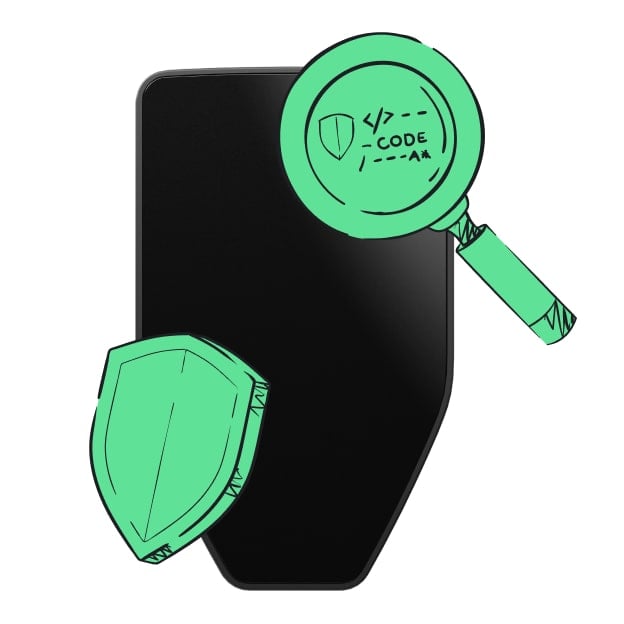 Security starts with open-source
Transparent wallet design makes your Trezor better and safer
 Clear & simple wallet backup
Recover access to your digital assets with a new backup standard
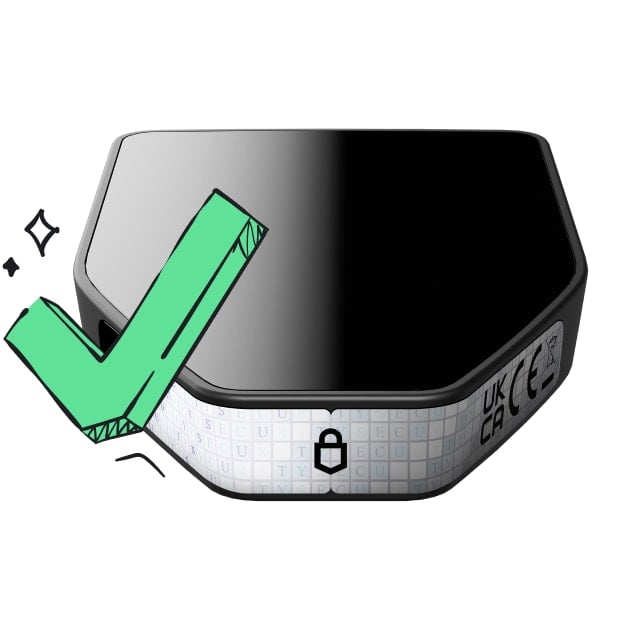 Confidence from day one
Packaging & device security seals protect your Trezor’s integrity
c-uWatt is a yield-bearing token from Suno, a protocol that brings real-world solar energy assets on-chain. Holding c-uWatt gives you a share of income generated by solar power plants already in operation.
How it works: You deposit uWatt, Suno's dollar-denominated token, and receive c-uWatt in return. As yield comes in, each c-uWatt becomes redeemable for more uWatt. The number of tokens in your wallet stays the same, but each one is worth more over time. There are no rewards to claim and nothing to restake, because earnings compound automatically.
Where the yield comes from: Suno's Reserve earns revenue from operating solar projects and from its liquid investments. Part of that income is distributed to c-uWatt holders, so the value of each c-uWatt rises as more revenue is paid out. The rest is retained in the Reserve, which keeps the protocol overcollateralized. Payouts are released gradually rather than all at once. The yield is variable and depends on how the projects and investments perform.
Technical details: c-uWatt is an ERC-4626 vault share issued on Ethereum mainnet. Staking and transferring c-uWatt do not require an on-chain KYC check. Redeeming uWatt through Suno's Desk requires verification and is subject to fees, available liquidity, and daily limits. Suno's eligibility terms apply.