Safe & secure RHEA wallet
Take control of your RHEA assets with complete confidence in the Trezor ecosystem.
- Secured by your hardware wallet
- Use with compatible hot wallets
- Trusted by over 2 million customers

Send & receive your RHEA with the Trezor Suite app

Send & receive
Swap
Trezor hardware wallets that support RHEA
Sync your Trezor with wallet apps
Manage your RHEA with your Trezor hardware wallet synced with several wallet apps.
Trezor Suite
MetaMask
Backpack
Rabby
NuFi
Supported RHEA Networks
Why a hardware wallet?

Go offline with Trezor
- You own 100% of your coins
- Your wallet is 100% safe offline
- Your data is 100% anonymous
- Your coins aren’t tied to any company
Online exchanges
- If an exchange fails, you lose your coins
- Exchanges are targets for hackers
- Your personal data may be exposed
- You don’t truly own your coins
How to RHEA on Trezor
Connect your Trezor
Install Trezor Suite app
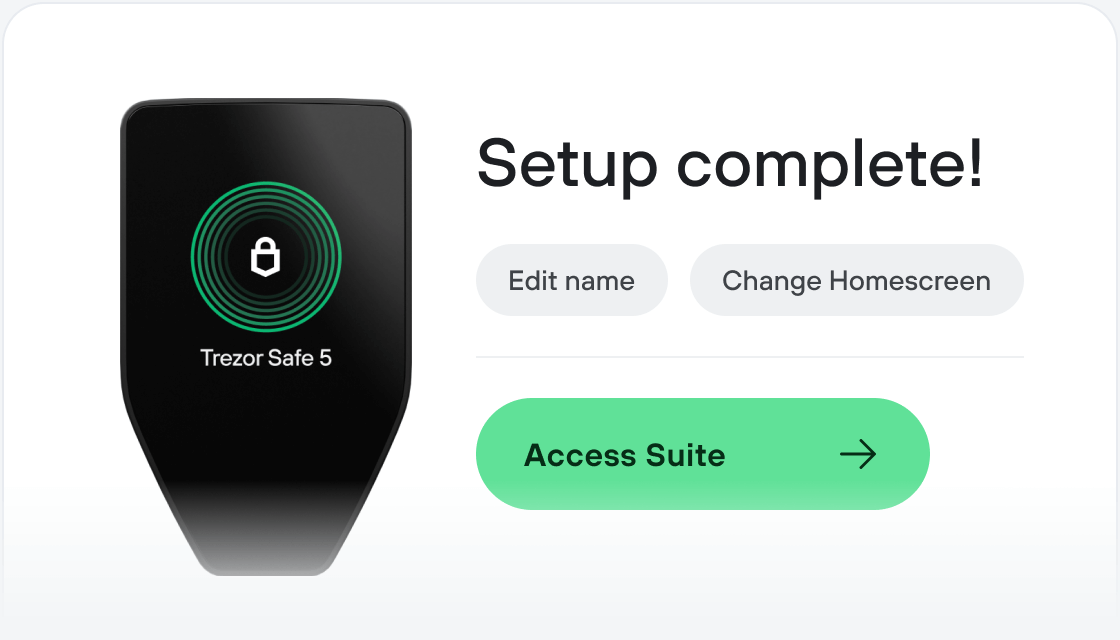
Transfer your RHEA
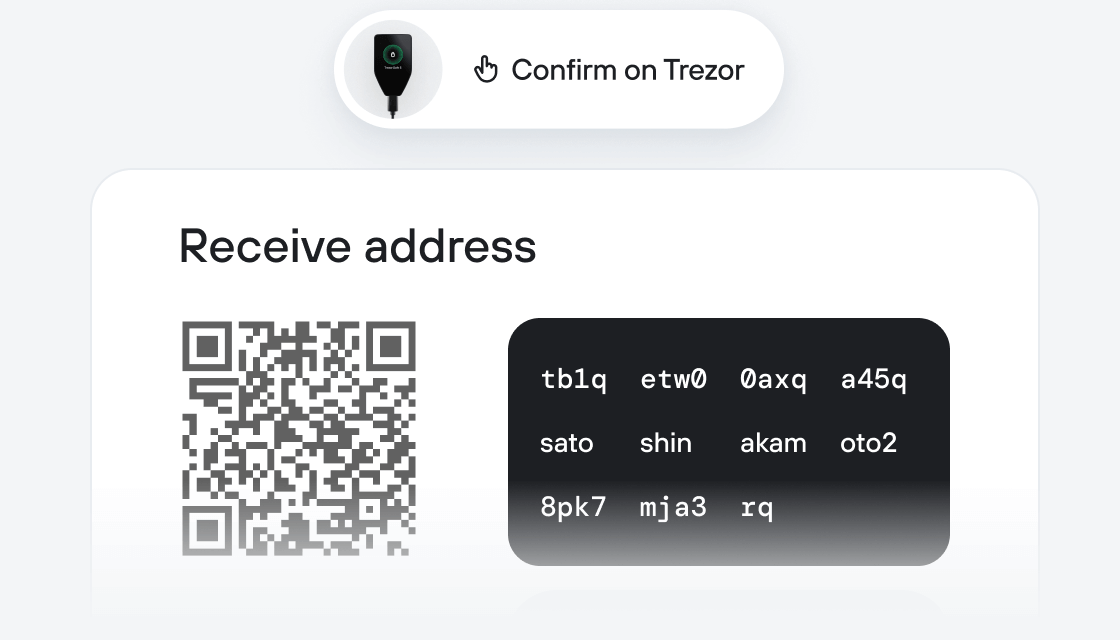
Make the most of your RHEA
Trezor keeps your RHEA secure
 Protected by Secure Element
The best defense against both online and offline threats
 Your tokens, your control
Absolute control of every transaction with on-device confirmation
 Security starts with open-source
Transparent wallet design makes your Trezor better and safer
 Clear & simple wallet backup
Recover access to your digital assets with a new backup standard
 Confidence from day one
Packaging & device security seals protect your Trezor’s integrity
The current DeFi landscape is highly fragmented—yield opportunities are spread across multiple chains, protocols, and wallets, creating a steep learning curve for users. To access the most efficient strategies, users often need to navigate different ecosystems, bridge assets across chains, and manage multiple wallets, increasing complexity, cost, and risk. This fragmentation makes it difficult for everyday users to participate in DeFi confidently and profitably.
RHEA addresses these issues by offering a unified, cross-chain platform that integrates the NEAR ecosystem's top DeFi primitives—Ref (DEX) and Burrow (lending)—with seamless BTC bridging via the Satoshi Bridge. Users can deploy capital and generate yield from a single Bitcoin wallet, eliminating operational friction while improving capital efficiency and access to higher yields. RHEA transforms a fragmented experience into a simple, streamlined, and cost-effective solution for earning yield across chains.