Safe & secure PingApp wallet
Take control of your PingApp assets with complete confidence in the Trezor ecosystem.
- Secured by your hardware wallet
- Use with compatible hot wallets
- Trusted by over 2 million customers
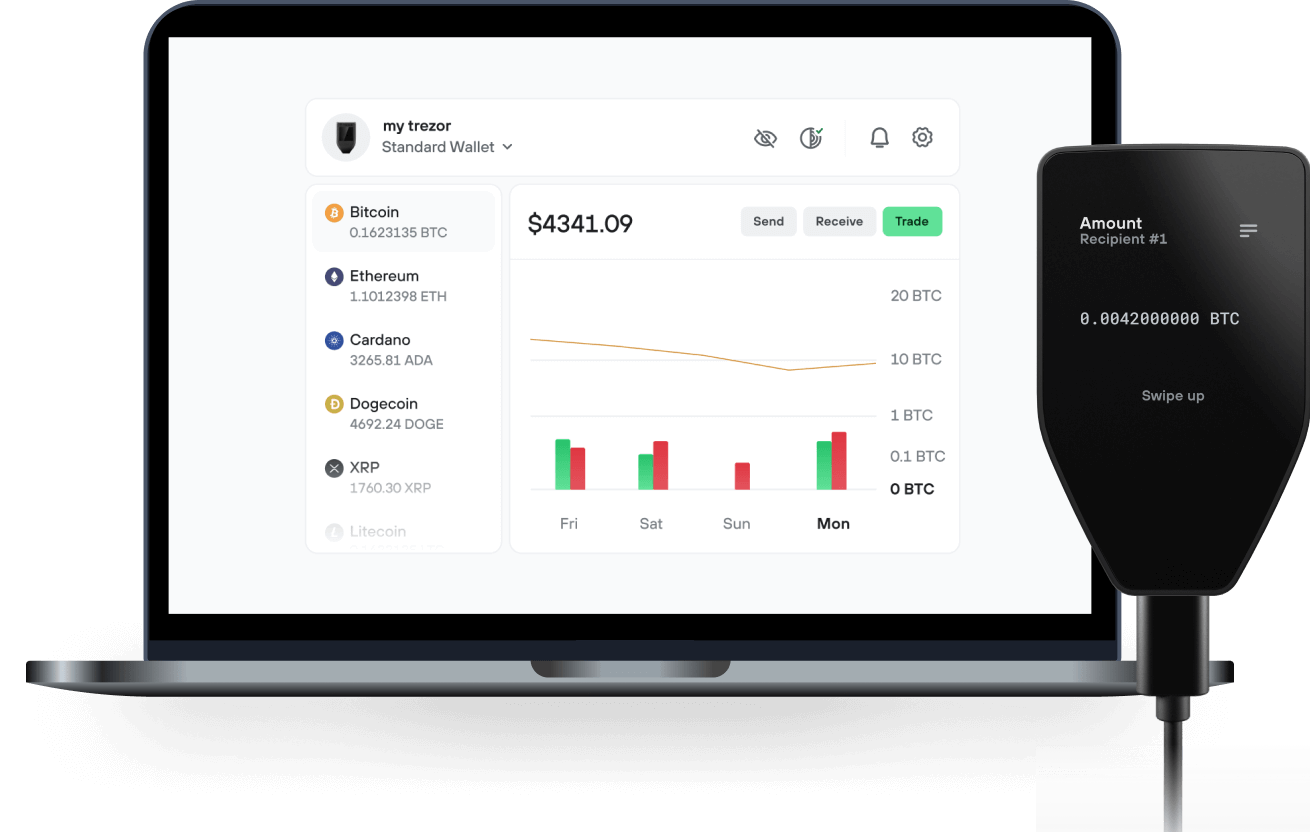
Send & receive your PingApp with the Trezor Suite app

Send & receive
Trezor hardware wallets that support PingApp
Sync your Trezor with wallet apps
Manage your PingApp with your Trezor hardware wallet synced with several wallet apps.
Trezor Suite
MetaMask
Rabby
Supported PingApp Network
Why a hardware wallet?

Go offline with Trezor
- You own 100% of your coins
- Your wallet is 100% safe offline
- Your data is 100% anonymous
- Your coins aren’t tied to any company
Online exchanges
- If an exchange fails, you lose your coins
- Exchanges are targets for hackers
- Your personal data may be exposed
- You don’t truly own your coins
How to PING on Trezor
Connect your Trezor
Open a third-party wallet app
Manage your assets
Make the most of your PING
Trezor keeps your PING secure
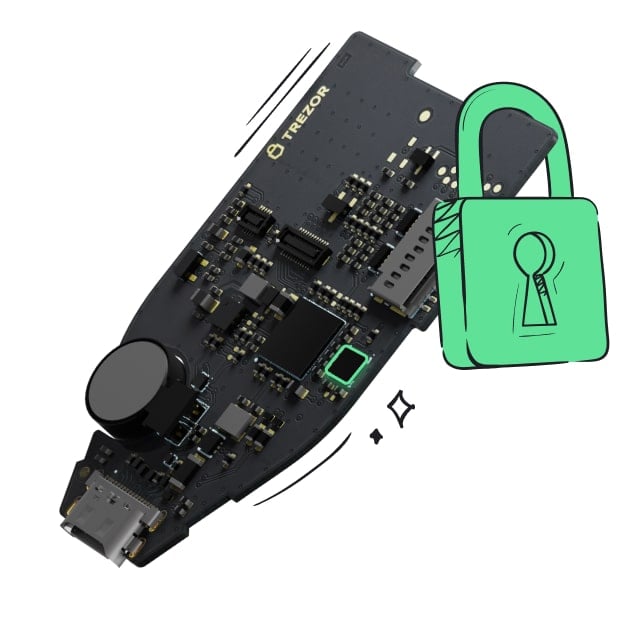 Protected by Secure Element
The best defense against both online and offline threats
 Your tokens, your control
Absolute control of every transaction with on-device confirmation
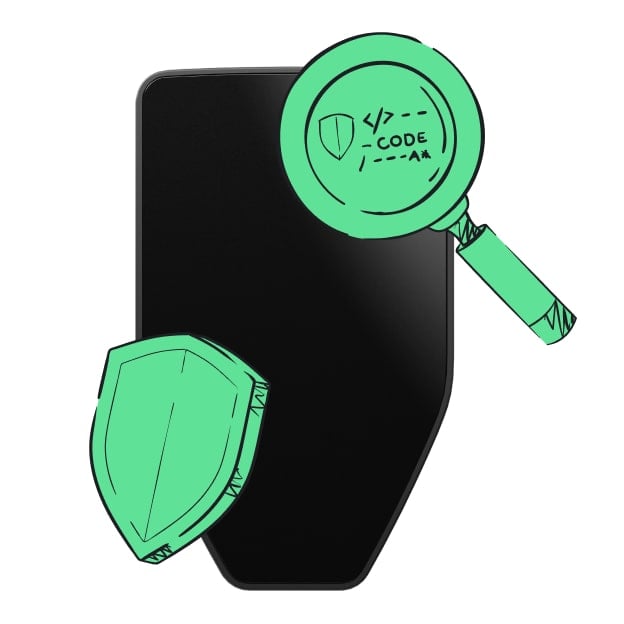 Security starts with open-source
Transparent wallet design makes your Trezor better and safer
 Clear & simple wallet backup
Recover access to your digital assets with a new backup standard
 Confidence from day one
Packaging & device security seals protect your Trezor’s integrity
PingApp is a self-custody crypto payments and spending application. It is designed to remove the need to exchange long wallet addresses for ordinary transfers. A user connects a wallet, claims a human-readable route such as an email address or @handle, and can receive through a link, email/handle or saved contact. The sender selects an asset and amount, then reviews and approves the transaction in their own wallet. PingApp does not require users to provide a seed phrase or private key. The product also includes a reloadable card experience designed as a separate spending balance: users can add funds from crypto and use the card online or in person, where issuer and regional conditions permit. Payment status, claim links, notes and activity history are shown in the interface so users can understand and track each transfer.