Safe & secure Onagi wallet
Take control of your Onagi assets with complete confidence in the Trezor ecosystem.
- Secured by your hardware wallet
- Use with compatible hot wallets
- Trusted by over 2 million customers
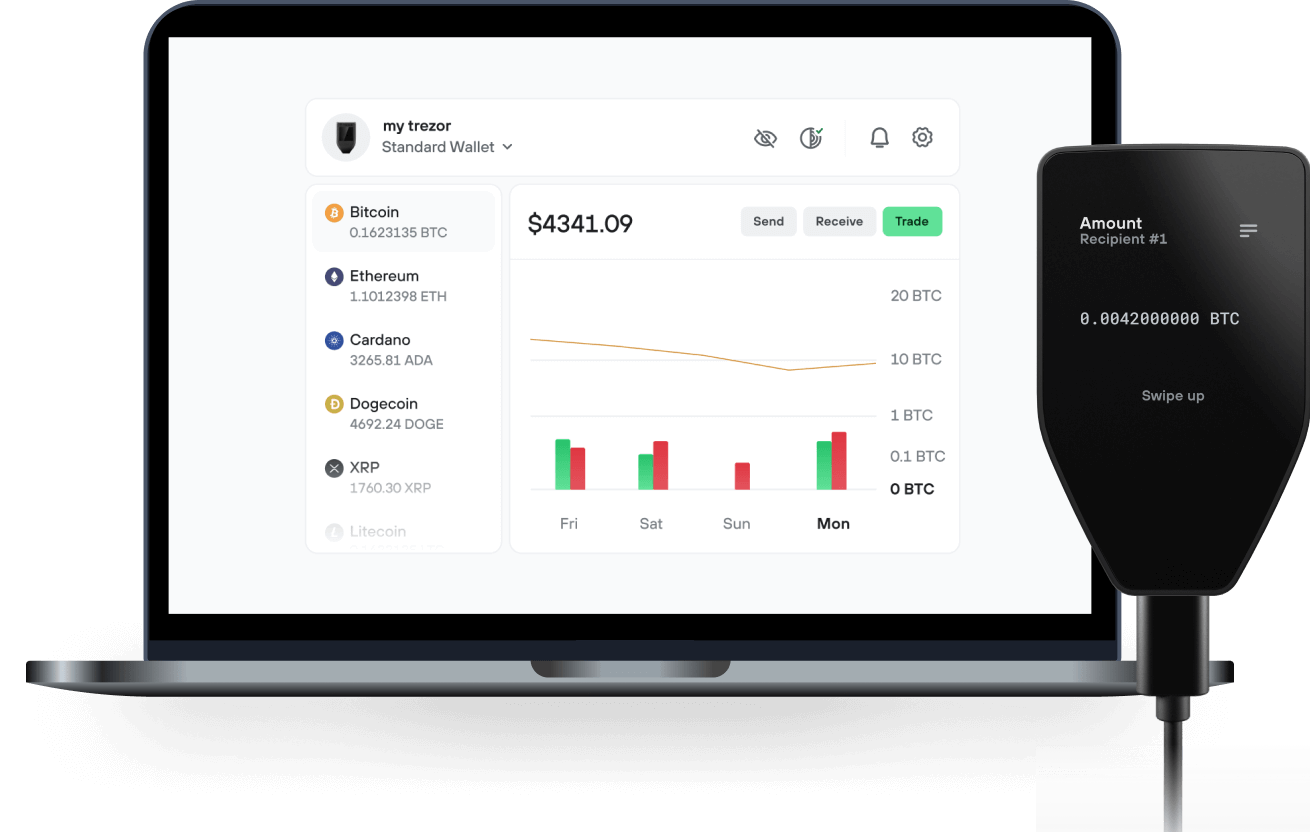
Send & receive your Onagi with the Trezor Suite app

Send & receive
Trezor hardware wallets that support Onagi
Sync your Trezor with wallet apps
Manage your Onagi with your Trezor hardware wallet synced with several wallet apps.
Trezor Suite
MetaMask
Rabby
Supported Onagi Network
Why a hardware wallet?
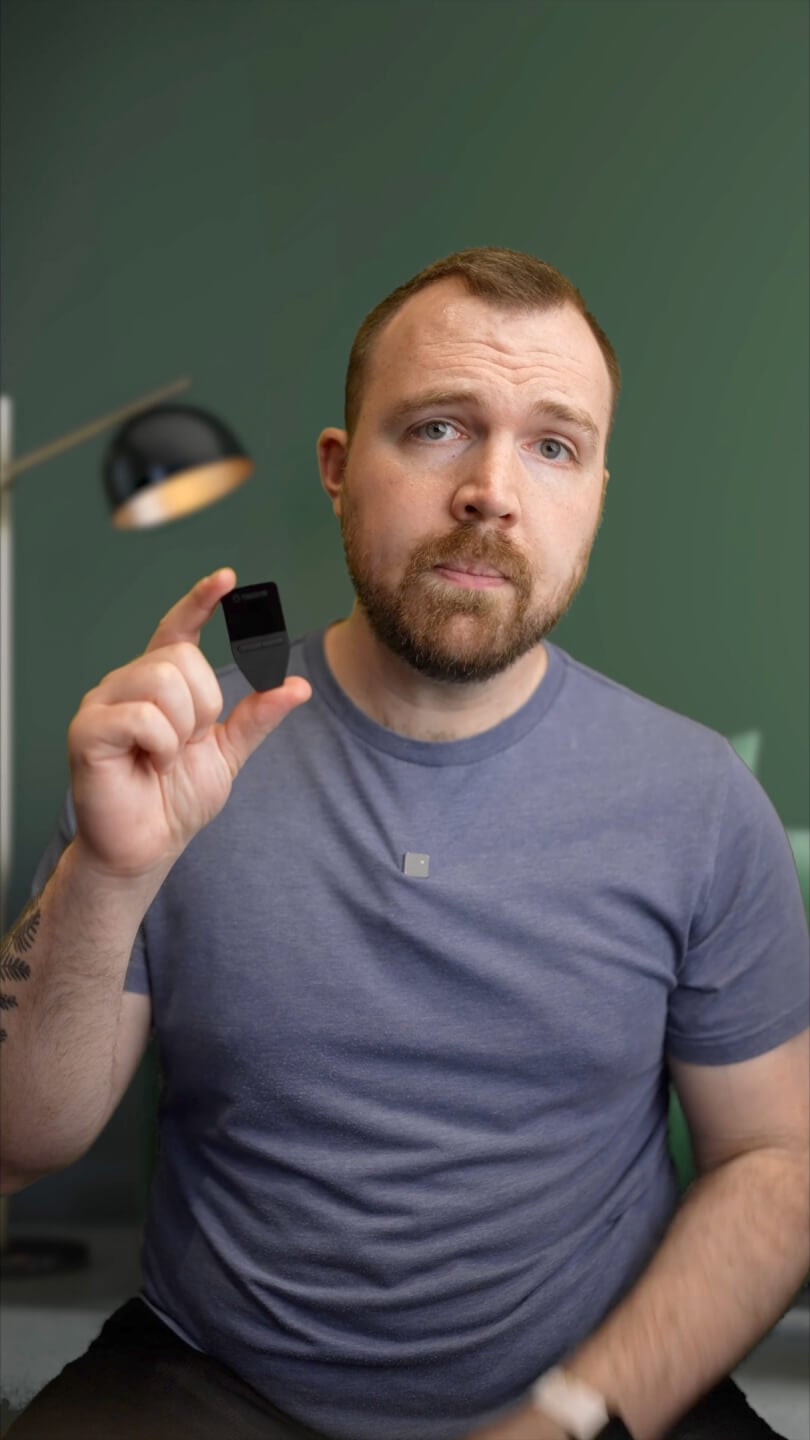
Go offline with Trezor
- You own 100% of your coins
- Your wallet is 100% safe offline
- Your data is 100% anonymous
- Your coins aren’t tied to any company
Online exchanges
- If an exchange fails, you lose your coins
- Exchanges are targets for hackers
- Your personal data may be exposed
- You don’t truly own your coins
How to ONAGI on Trezor
Connect your Trezor
Open a third-party wallet app
Manage your assets
Make the most of your ONAGI
Trezor keeps your ONAGI secure
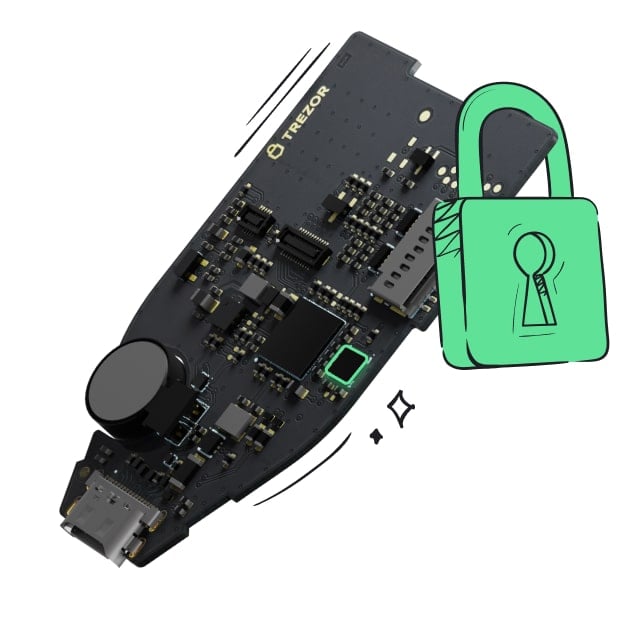 Protected by Secure Element
The best defense against both online and offline threats
 Your tokens, your control
Absolute control of every transaction with on-device confirmation
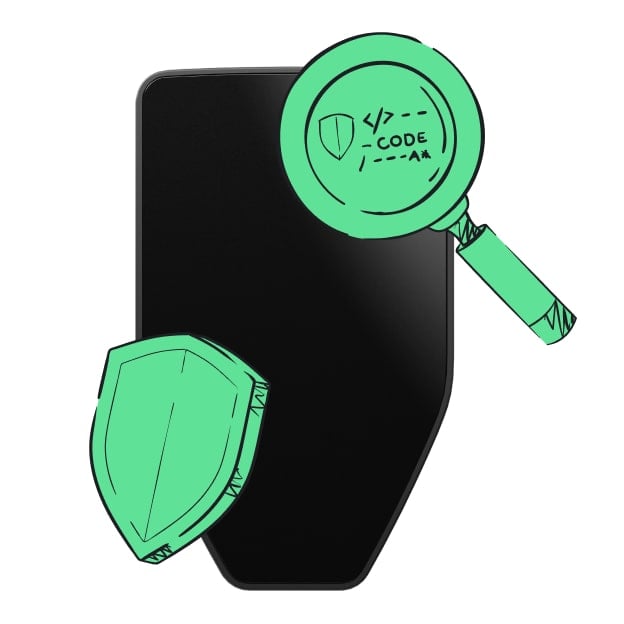 Security starts with open-source
Transparent wallet design makes your Trezor better and safer
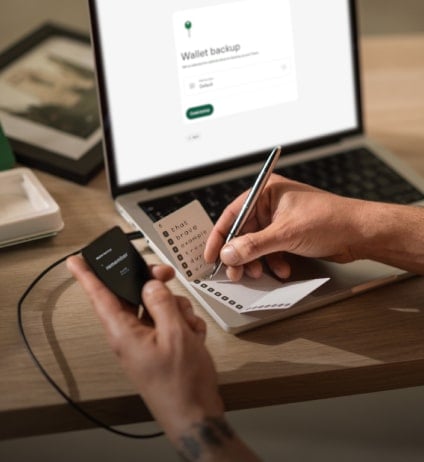 Clear & simple wallet backup
Recover access to your digital assets with a new backup standard
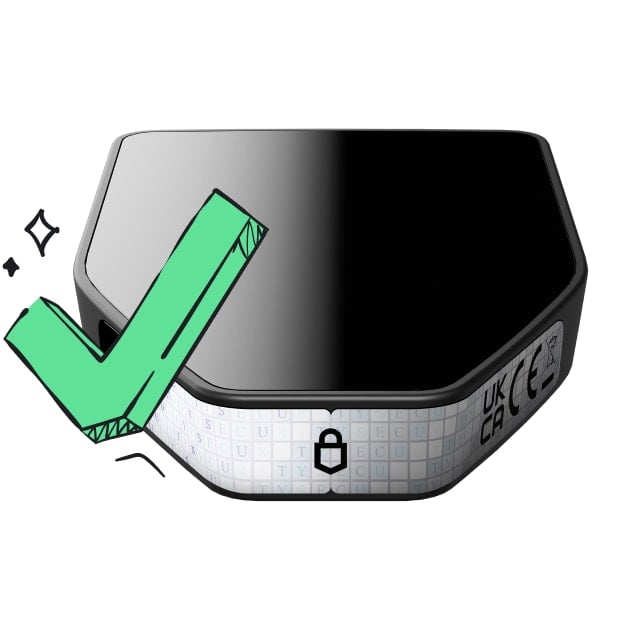 Confidence from day one
Packaging & device security seals protect your Trezor’s integrity
Onagi is a trading app on Robinhood Chain with a built-in AI agent. It works on the web at onagi.si and in Telegram through @OnagiAgentBot. Users write what they want in plain words, for example "buy $50 of NVDA". The agent prepares the order, shows it as one card, and nothing is sent until the user confirms.
One account covers three markets: tokens on Robinhood Chain (including stock tokens such as NVDA), perps on Lighter, and prediction markets sourced from Polymarket. Users do not need ETH for gas. Onagi pays the gas and collects it in USDG as a network fee. Onagi does not hold user funds. Signing in creates each user's own embedded wallet, and Onagi gets only a limited trading permission that the user can revoke at any time.
ONAGI is the platform token. It launched on Pons on 22 October 2026 with a fixed supply of 1,000,000,000 and no mint function. Every ONAGI buy and sell pays 3% in total: 2.7% goes to the Onagi fee pool and 0.3% stays with Pons. The fee pool is split 50% to USDG rewards for holders who keep at least 10,000 ONAGI in their Onagi wallet and have signed in at least once, 25% to buyback and burn, and 25% to the treasury. Rewards depend on platform fees and can change. ONAGI is not a share and gives no right to revenue, no claim on the treasury and no control over the platform.