Safe & secure Notus wallet
Take control of your Notus assets with complete confidence in the Trezor ecosystem.
- Secured by your hardware wallet
- Use with compatible hot wallets
- Trusted by over 2 million customers
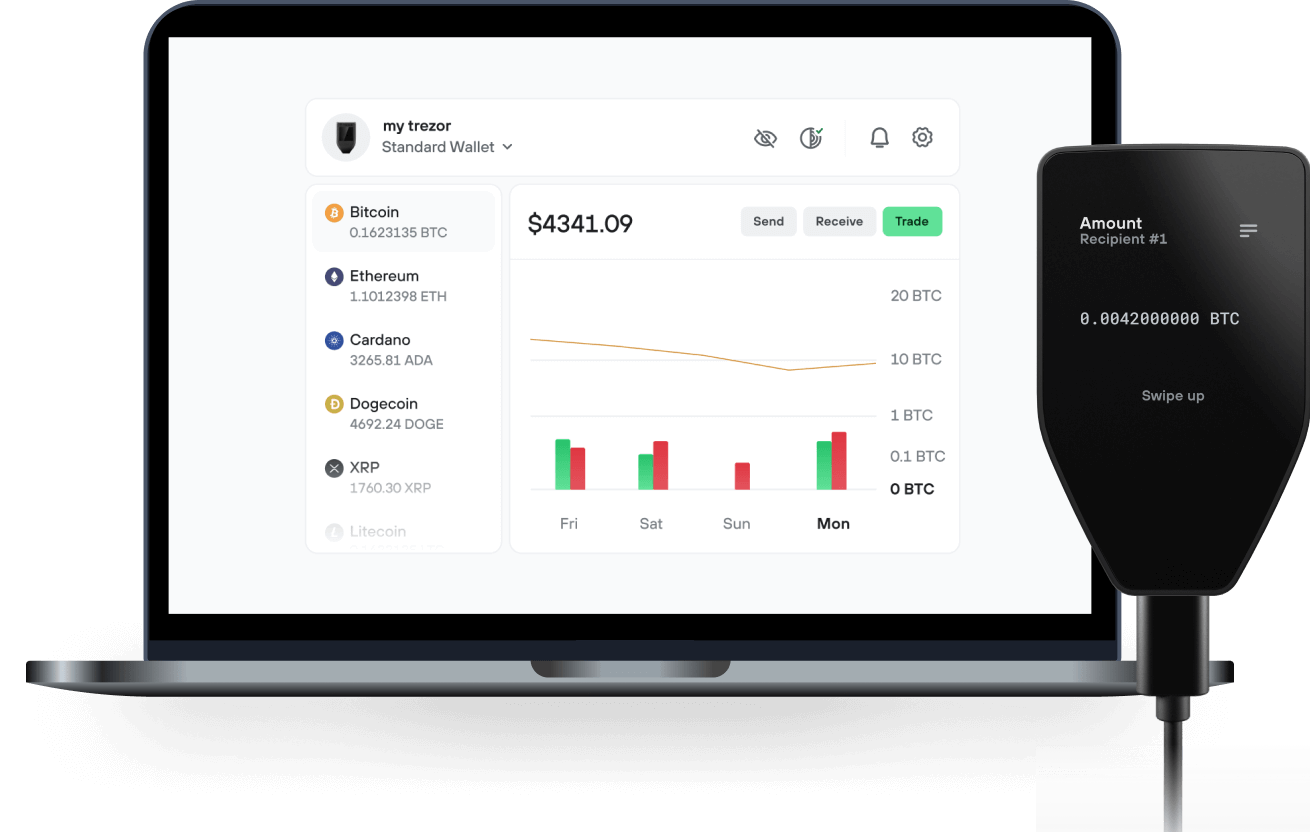
Send & receive your Notus with the Trezor Suite app

Send & receive
Trezor hardware wallets that support Notus
Sync your Trezor with wallet apps
Manage your Notus with your Trezor hardware wallet synced with several wallet apps.
Trezor Suite
MetaMask
Rabby
Supported Notus Network
Why a hardware wallet?

Go offline with Trezor
- You own 100% of your coins
- Your wallet is 100% safe offline
- Your data is 100% anonymous
- Your coins aren’t tied to any company
Online exchanges
- If an exchange fails, you lose your coins
- Exchanges are targets for hackers
- Your personal data may be exposed
- You don’t truly own your coins
How to NOTUS on Trezor
Connect your Trezor
Open a third-party wallet app
Manage your assets
Make the most of your NOTUS
Trezor keeps your NOTUS secure
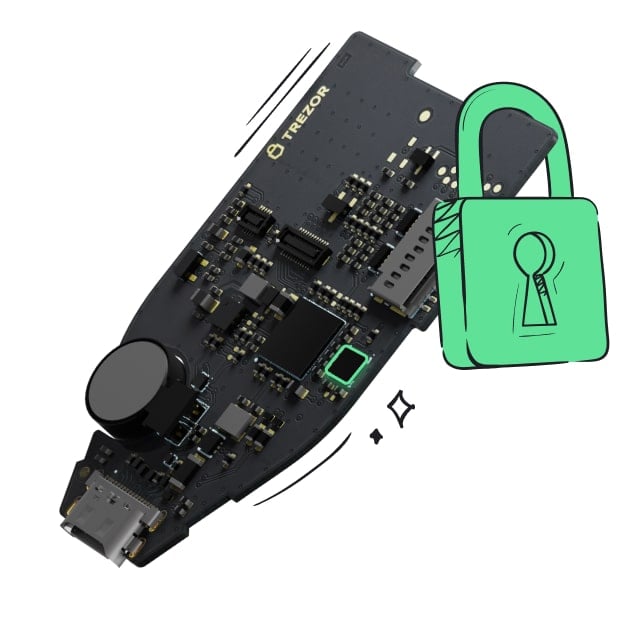 Protected by Secure Element
The best defense against both online and offline threats
 Your tokens, your control
Absolute control of every transaction with on-device confirmation
 Security starts with open-source
Transparent wallet design makes your Trezor better and safer
 Clear & simple wallet backup
Recover access to your digital assets with a new backup standard
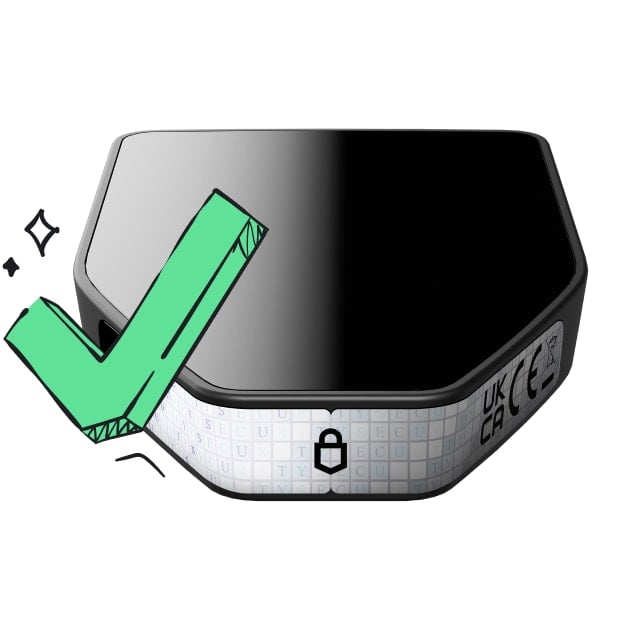 Confidence from day one
Packaging & device security seals protect your Trezor’s integrity
Notus (NOTUS) is the native coin of Notus, a token launchpad on Base whose markets are quoted in cbLTC, Coinbase’s wrapped Litecoin, instead of ETH. Anyone can launch a coin on a bonding curve priced in cbLTC, and buyers can also pay in ETH, which is swapped to cbLTC in the same transaction. When a curve raises 160 cbLTC, the coin graduates in that same transaction into a Uniswap v2 pool. Its liquidity is held by a contract with no owner and no way to withdraw it, except a migration path behind a 24-hour timelock. The launchpad takes 0.5% of every trade for its treasury. NOTUS has a fixed supply of 1,000,000,000 with no mint function. It charges a 1% tax on buys and sells in its pool, split 50% burned, 25% added to the pool’s liquidity and 25% to the creator wallet. The launchpad and every coin on it will move to LitVM, Litecoin’s EVM layer 2, when its mainnet launches, keeping the same holders and price.