Safe & secure Metavault Trade wallet
Take control of your Metavault Trade assets with complete confidence in the Trezor ecosystem.
- Secured by your hardware wallet
- Use with compatible hot wallets
- Trusted by over 2 million customers

Send & receive your Metavault Trade with the Trezor Suite app

Send & receive

Swap
Trezor hardware wallets that support Metavault Trade
Sync your Trezor with wallet apps
Manage your Metavault Trade with your Trezor hardware wallet synced with several wallet apps.
Trezor Suite
MetaMask
Rabby
Supported Metavault Trade Networks
Why a hardware wallet?

Go offline with Trezor
- You own 100% of your coins
- Your wallet is 100% safe offline
- Your data is 100% anonymous
- Your coins aren’t tied to any company
Online exchanges
- If an exchange fails, you lose your coins
- Exchanges are targets for hackers
- Your personal data may be exposed
- You don’t truly own your coins
How to MVX on Trezor
Connect your Trezor
Install Trezor Suite app
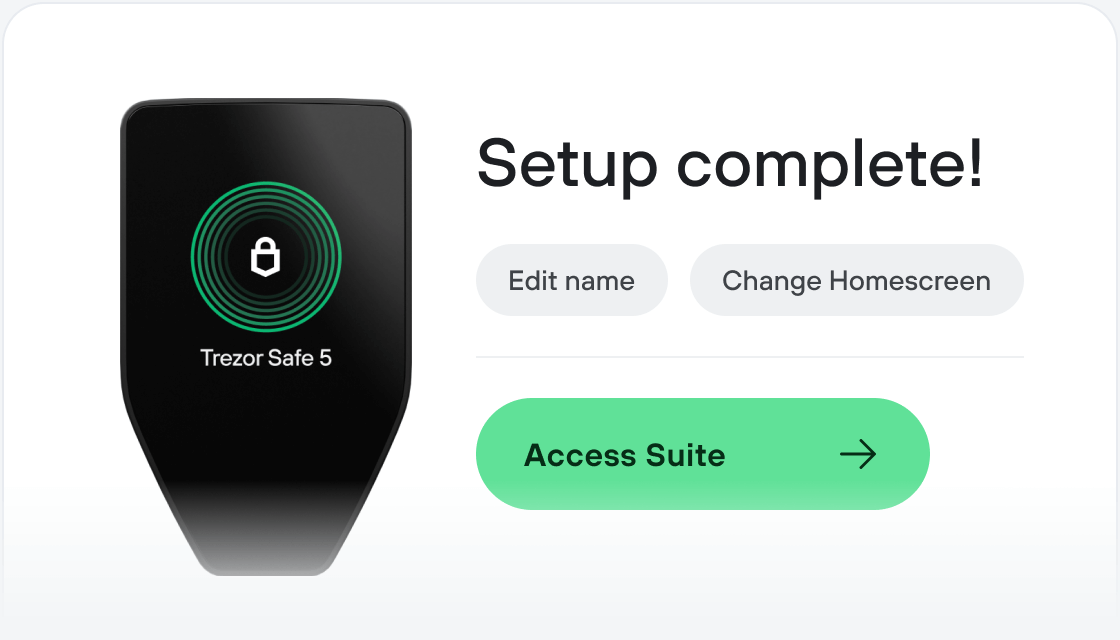
Transfer your MVX
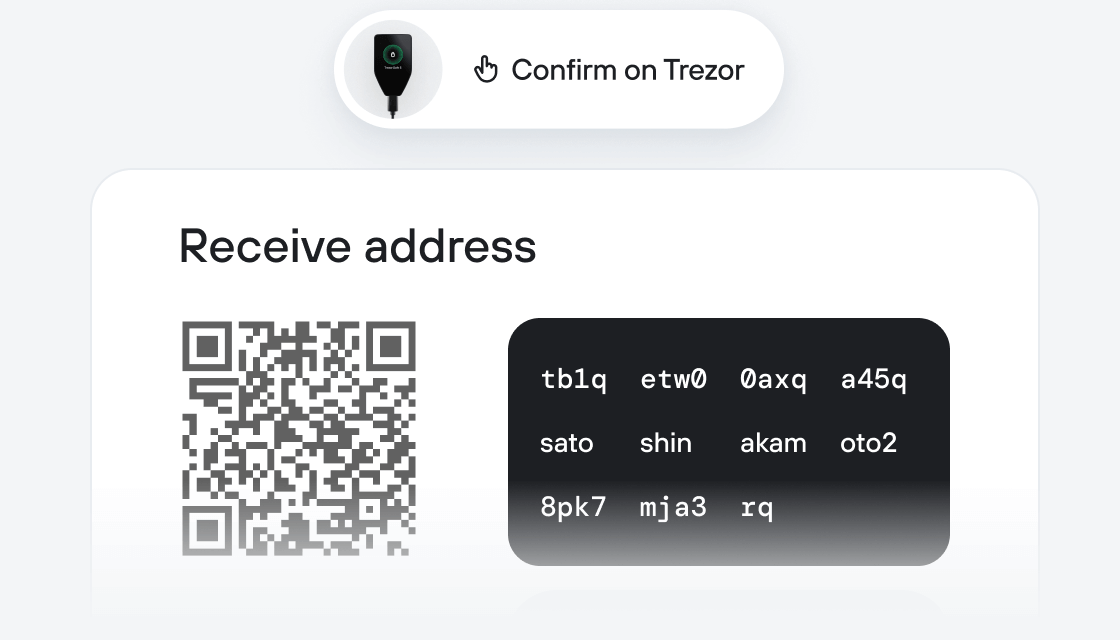
Make the most of your MVX
Trezor keeps your MVX secure
 Protected by Secure Element
The best defense against both online and offline threats
 Your tokens, your control
Absolute control of every transaction with on-device confirmation
 Security starts with open-source
Transparent wallet design makes your Trezor better and safer
 Clear & simple wallet backup
Recover access to your digital assets with a new backup standard
 Confidence from day one
Packaging & device security seals protect your Trezor’s integrity
Metavault Trade (MVX) is a utility token built on the Polygon network as part of the Meta Vilkas ecosystem. The project combines virtual reality (VR), artificial intelligence (AI), and blockchain technologies to create interactive digital environments and services.
The MVX token is used within the ecosystem for payments, access to digital content, and future integrations with VR applications, NFT assets, and community-driven platforms. The token is already available for trading on decentralized exchanges such as QuickSwap.
The project aims to build a scalable Web3 infrastructure that connects entertainment, education, and digital ownership through blockchain technology.