Safe & secure Metacade wallet
Take control of your Metacade assets with complete confidence in the Trezor ecosystem.
- Secured by your hardware wallet
- Use with compatible hot wallets
- Trusted by over 2 million customers

Send & receive your Metacade with the Trezor Suite app

Send & receive
Swap
Trezor hardware wallets that support Metacade
Sync your Trezor with wallet apps
Manage your Metacade with your Trezor hardware wallet synced with several wallet apps.
Trezor Suite
MetaMask
Rabby
Supported Metacade Network
Why a hardware wallet?

Go offline with Trezor
- You own 100% of your coins
- Your wallet is 100% safe offline
- Your data is 100% anonymous
- Your coins aren’t tied to any company
Online exchanges
- If an exchange fails, you lose your coins
- Exchanges are targets for hackers
- Your personal data may be exposed
- You don’t truly own your coins
How to MCADE on Trezor
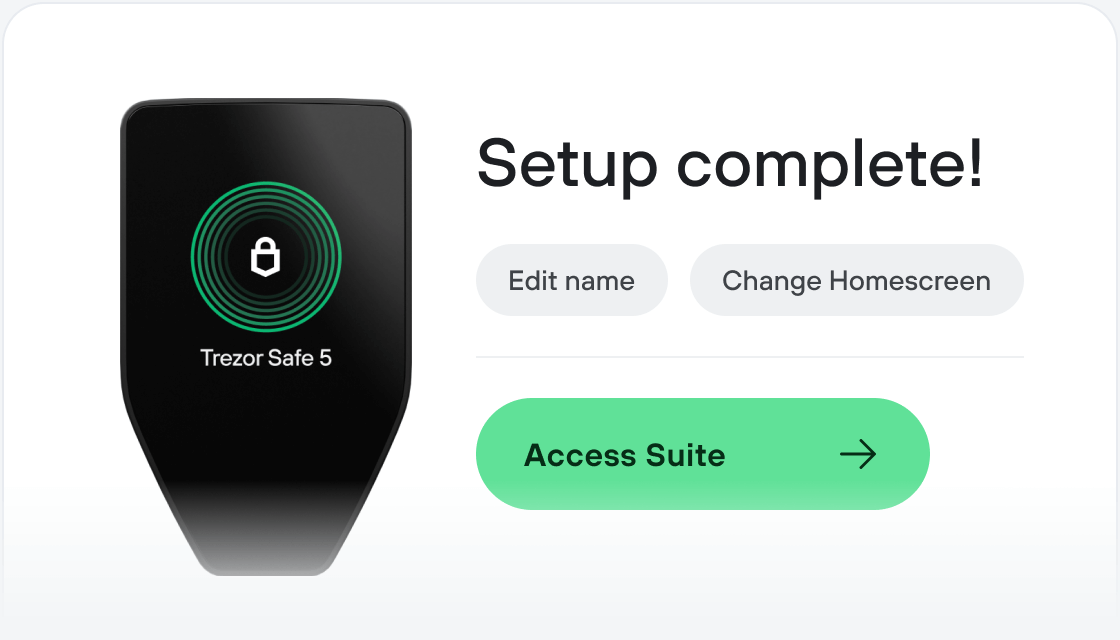
Connect your Trezor
Install Trezor Suite app
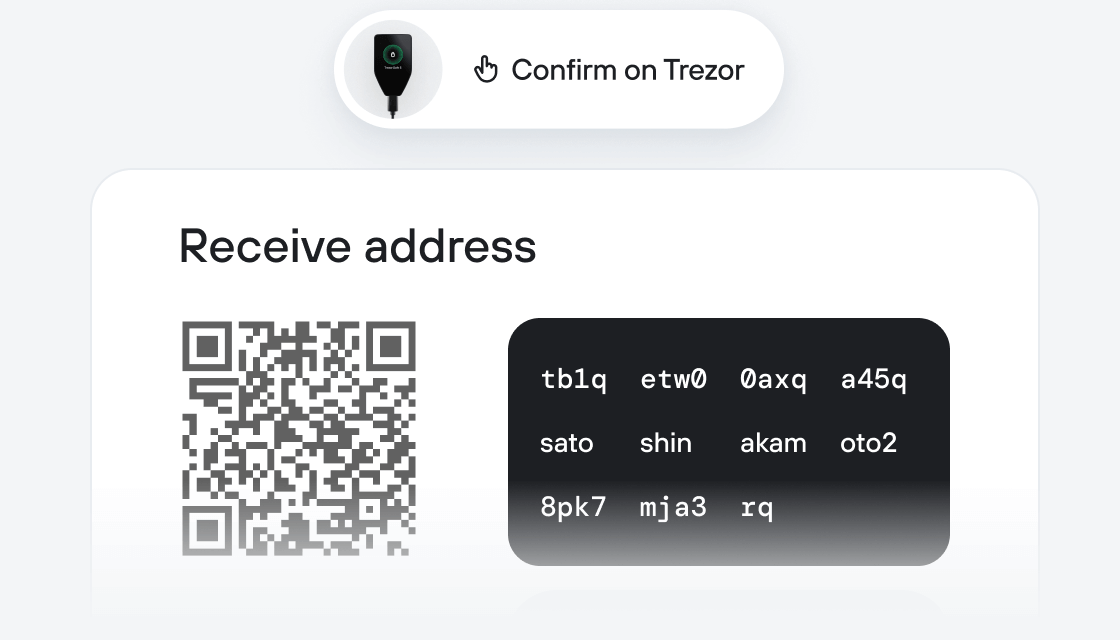
Transfer your MCADE
Make the most of your MCADE
Trezor keeps your MCADE secure
 Protected by Secure Element
The best defense against both online and offline threats
 Your tokens, your control
Absolute control of every transaction with on-device confirmation
 Security starts with open-source
Transparent wallet design makes your Trezor better and safer
 Clear & simple wallet backup
Recover access to your digital assets with a new backup standard
 Confidence from day one
Packaging & device security seals protect your Trezor’s integrity
The Metacade is the ultimate Web3 community hub where gamers and blockchain fanatics can communicate and collaborate.
Our vision is to create a fun and dynamic virtual hangout for like-minded people to enjoy all things GameFi and experience everything that Web3 culture has to offer...
In the Metacade platform, you will be able to meet fellow gamers, developers and entrepreneurs who want to share their interests, ideas, skills, and talents with one common goal.
You will be able to see what games are trending, view leaderboards, publish reviews, gain access to the most advanced GameFi alpha and interact with other members in real-time - all whilst being rewarded with the native $MCADE token for your own input into the community
We want to put games back into the hands of gamers, and that is why $MCADE token holders will be able to vote on which developer-submitted games will receive funding via our Metagrants scheme.
Web3 technology is revolutionising how the world functions and Metacade will revolutionise how a traditional community gaming hub is operated and owned.