Safe & secure MAG7.ssi wallet
Take control of your MAG7.ssi assets with complete confidence in the Trezor ecosystem.
- Secured by your hardware wallet
- Use with compatible hot wallets
- Trusted by over 2 million customers

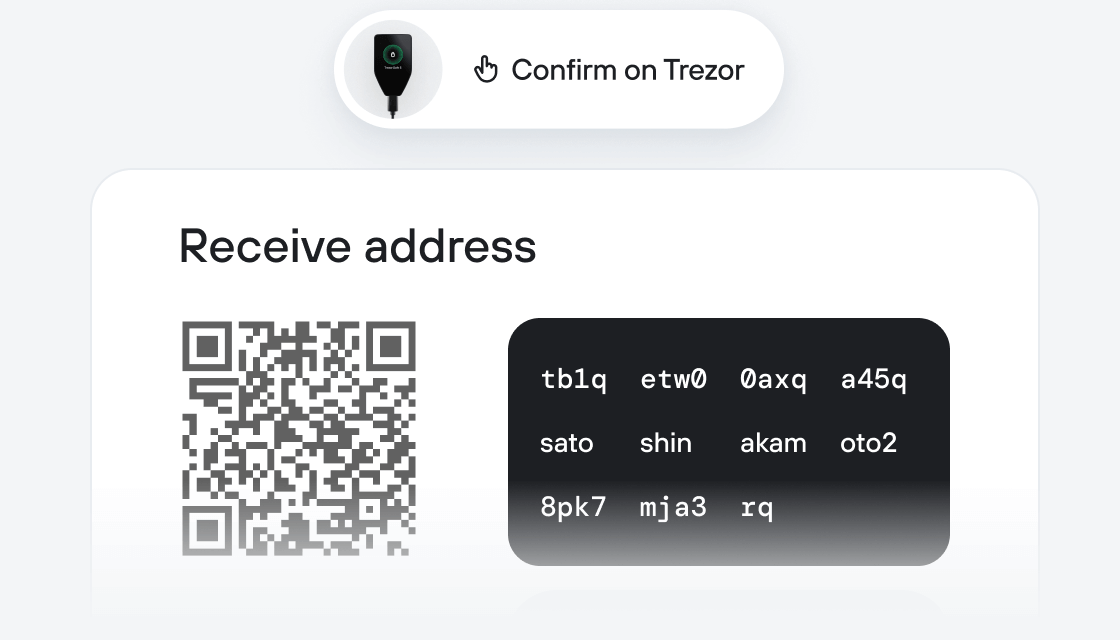
Send & receive your MAG7.ssi with the Trezor Suite app

Send & receive

Swap
Trezor hardware wallets that support MAG7.ssi
Sync your Trezor with wallet apps
Manage your MAG7.ssi with your Trezor hardware wallet synced with several wallet apps.
Trezor Suite
MetaMask
Rabby
Supported MAG7.ssi Network
Why a hardware wallet?

Go offline with Trezor
- You own 100% of your coins
- Your wallet is 100% safe offline
- Your data is 100% anonymous
- Your coins aren’t tied to any company
Online exchanges
- If an exchange fails, you lose your coins
- Exchanges are targets for hackers
- Your personal data may be exposed
- You don’t truly own your coins
How to MAG7.SSI on Trezor
Connect your Trezor
Install Trezor Suite app
Transfer your MAG7.SSI
Make the most of your MAG7.SSI
Trezor keeps your MAG7.SSI secure
 Protected by Secure Element
The best defense against both online and offline threats
 Your tokens, your control
Absolute control of every transaction with on-device confirmation
 Security starts with open-source
Transparent wallet design makes your Trezor better and safer
 Clear & simple wallet backup
Recover access to your digital assets with a new backup standard
 Confidence from day one
Packaging & device security seals protect your Trezor’s integrity
The SoSoValue Index Protocol is a cutting-edge spot index solution designed to make crypto investments simple and secured. SSI Protocol leverages on-chain smart contracts to repackage multi-chain, multi-asset portfolios into Wrapped Tokens (SSI). These tokens represent a basket of underlying assets, enabling Wrapped Tokens to track the value fluctuations of the spots basket, effectively achieving the effects of passive index investing.
MAG7.ssi carefully selected top 7 projects by market cap, with strong social consensus and ample liquidity. This product offers enhanced systematic beta returns from the crypto industry while providing high risk resistance. The initial 10% equal weighting allocation provides sufficient weight to second-tier leaders outside of Bitcoin and Ethereum. Assuming the emergence of more $100 billion market cap tokens over the next 4 years, this structure helps investors secure foundational returns from the crypto industry while also offering the opportunity to capture excess returns from the rise of new industry leaders. Monthly rebalance with a buffer setting ensures timely inclusion of emerging leaders while minimizing the transaction friction caused by frequent rebalancing.