Safe & secure Jean Phil wallet
Take control of your Jean Phil assets with complete confidence in the Trezor ecosystem.
- Secured by your hardware wallet
- Use with compatible hot wallets
- Trusted by over 2 million customers
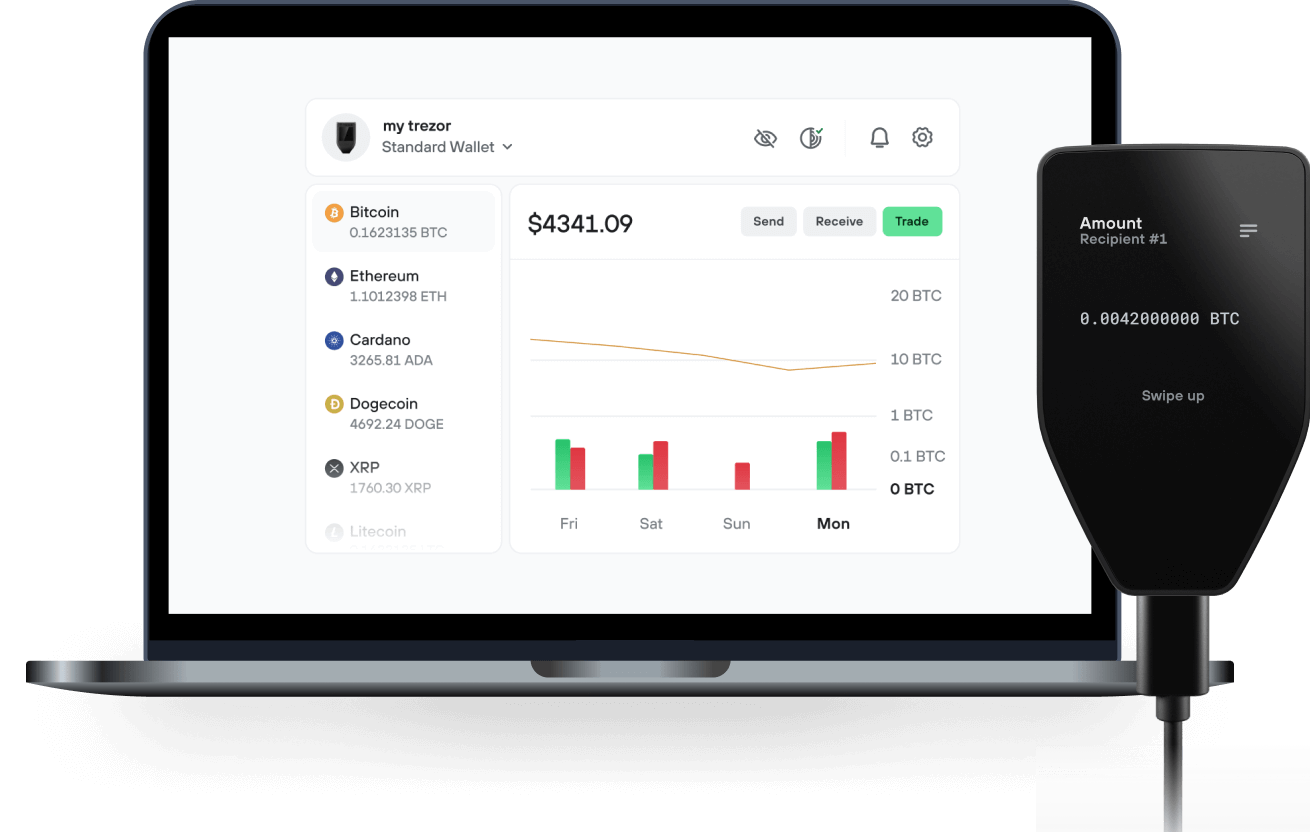
Send & receive your Jean Phil with the Trezor Suite app

Send & receive
Trezor hardware wallets that support Jean Phil
Sync your Trezor with wallet apps
Manage your Jean Phil with your Trezor hardware wallet synced with several wallet apps.
Trezor Suite
Backpack
NuFi
Supported Jean Phil Network
Why a hardware wallet?
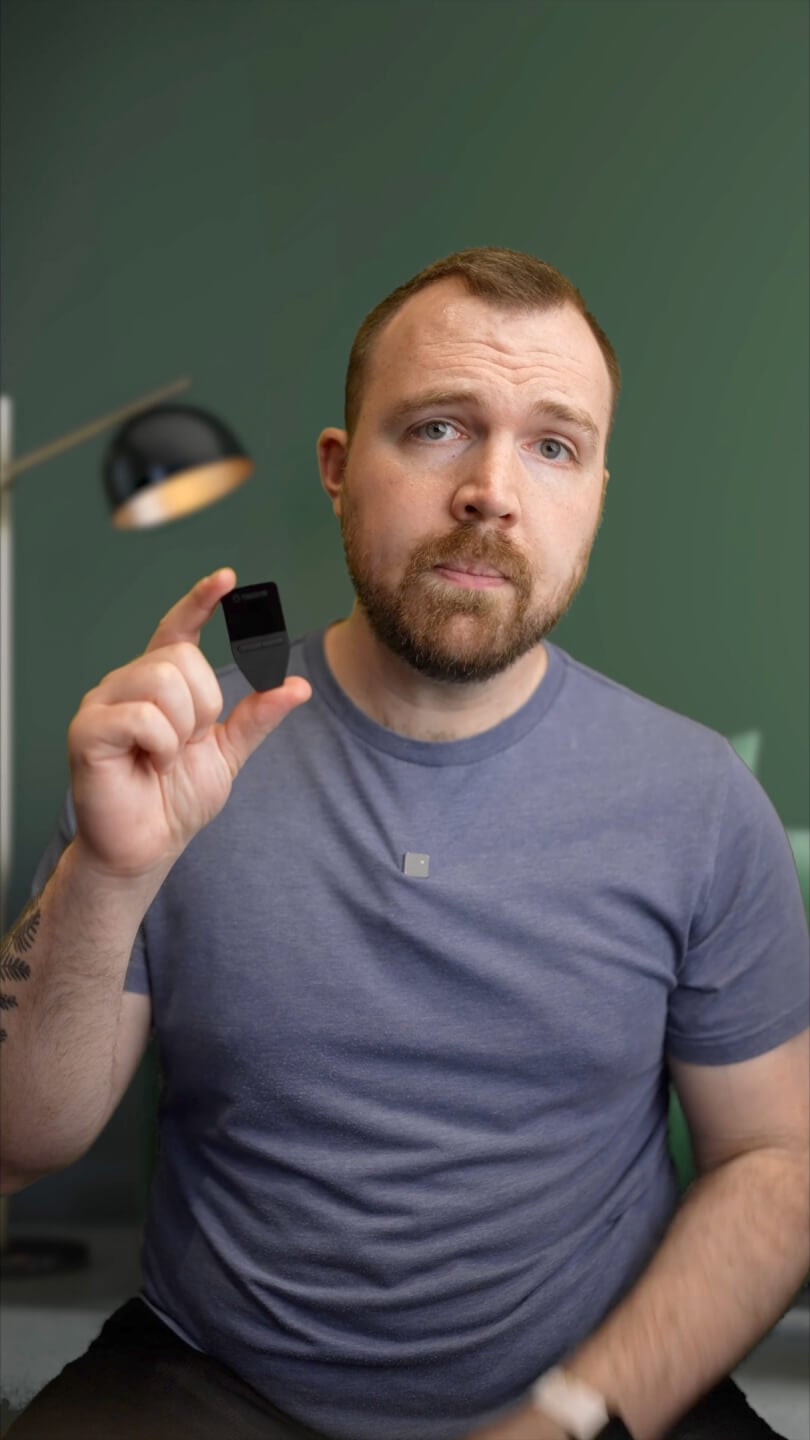
Go offline with Trezor
- You own 100% of your coins
- Your wallet is 100% safe offline
- Your data is 100% anonymous
- Your coins aren’t tied to any company
Online exchanges
- If an exchange fails, you lose your coins
- Exchanges are targets for hackers
- Your personal data may be exposed
- You don’t truly own your coins
How to JEANPHIL on Trezor
Connect your Trezor
Open a third-party wallet app
Manage your assets
Make the most of your JEANPHIL
Trezor keeps your JEANPHIL secure
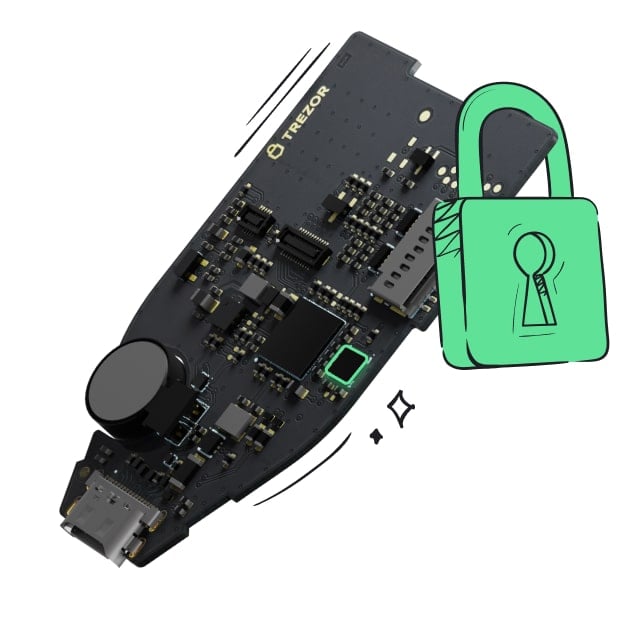 Protected by Secure Element
The best defense against both online and offline threats
 Your tokens, your control
Absolute control of every transaction with on-device confirmation
 Security starts with open-source
Transparent wallet design makes your Trezor better and safer
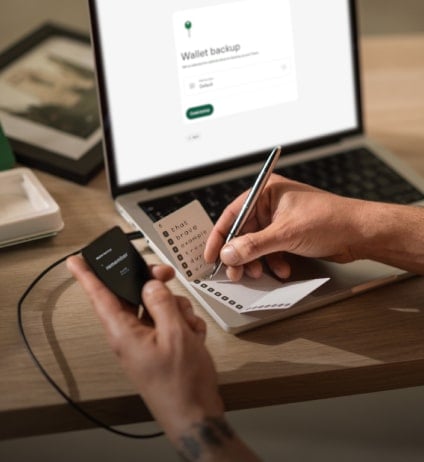 Clear & simple wallet backup
Recover access to your digital assets with a new backup standard
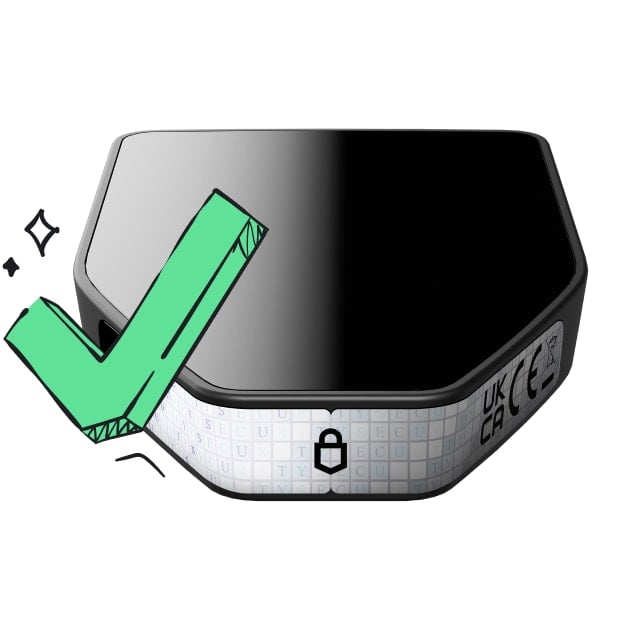 Confidence from day one
Packaging & device security seals protect your Trezor’s integrity
Jean Phil (JEANPHIL) is a token on the Solana blockchain associated with an AI-generated social media character known as "Jean Phil" or "JeanPhilanthrope." The character maintains active profiles on X (Twitter), TikTok, and Instagram, where short-form video content featuring the character has gained significant organic engagement. The JEANPHIL token launched on Pump.fun and currently trades on PumpSwap. Unlike many AI-character-themed tokens, the community around JEANPHIL produces a substantial amount of fan-made content, including original videos and edits featuring the character, rather than content being centrally produced by a single team. The person behind the Jean Phil character has engaged directly with token holders and community members, including supporting the creation of an official X Community for coordinated updates and moderation of the fanbase. The project is primarily community- and culture-driven, centered on the growth and engagement of the Jean Phil character across social platforms, rather than offering a specific technical utility or product roadmap.