Safe & secure Irys wallet
Take control of your Irys assets with complete confidence in the Trezor ecosystem.
- Secured by your hardware wallet
- Use with compatible hot wallets
- Trusted by over 2 million customers

Send & receive your Irys with the Trezor Suite app

Send & receive

Swap
Trezor hardware wallets that support Irys
Sync your Trezor with wallet apps
Manage your Irys with your Trezor hardware wallet synced with several wallet apps.
Trezor Suite
MetaMask
Rabby
Supported Irys Networks
Why a hardware wallet?

Go offline with Trezor
- You own 100% of your coins
- Your wallet is 100% safe offline
- Your data is 100% anonymous
- Your coins aren’t tied to any company
Online exchanges
- If an exchange fails, you lose your coins
- Exchanges are targets for hackers
- Your personal data may be exposed
- You don’t truly own your coins
How to IRYS on Trezor
Connect your Trezor
Install Trezor Suite app
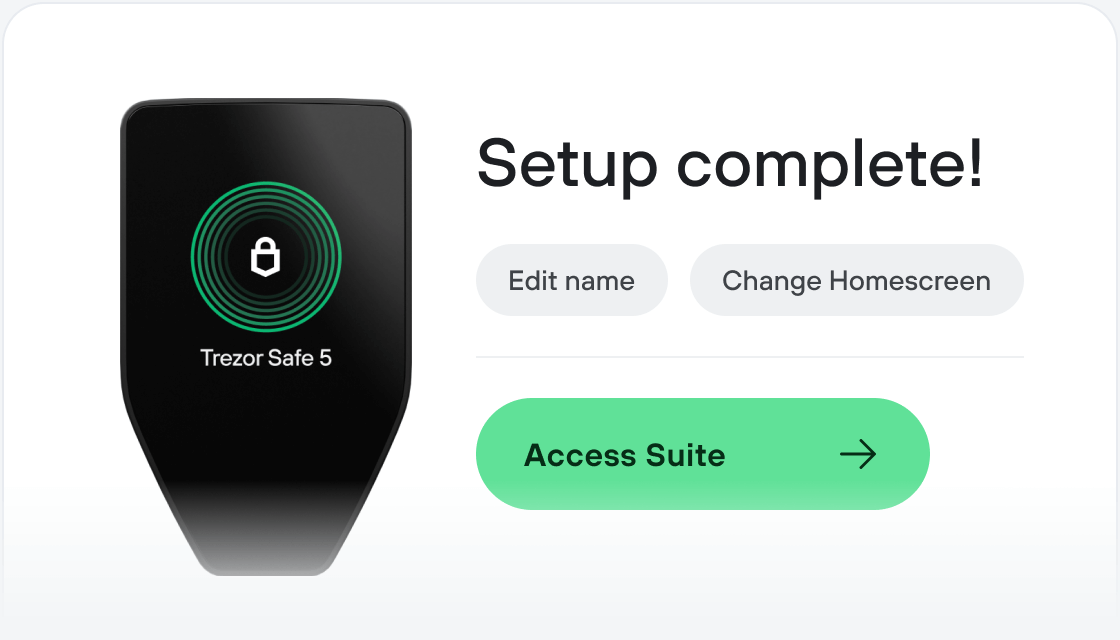
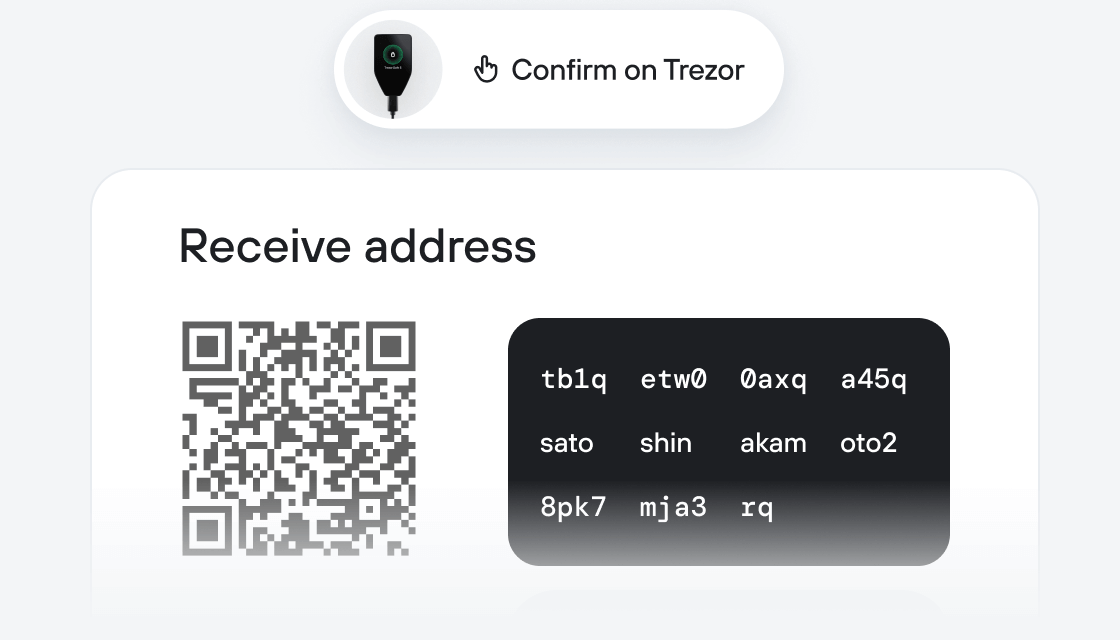
Transfer your IRYS
Make the most of your IRYS
Trezor keeps your IRYS secure
 Protected by Secure Element
The best defense against both online and offline threats
 Your tokens, your control
Absolute control of every transaction with on-device confirmation
 Security starts with open-source
Transparent wallet design makes your Trezor better and safer
 Clear & simple wallet backup
Recover access to your digital assets with a new backup standard
 Confidence from day one
Packaging & device security seals protect your Trezor’s integrity
Irys is a Layer 1 datachain that unifies onchain data storage and smart contract execution into a single network. Traditional smart contract chains handle financial transactions but lack native primitives for working with data at scale. Traditional datachains handle storage but lack integration with smart contracts. Irys serves both. Irys bridges this gap by unifying storage and execution, making data programmable through IrysVM, its native EVM execution layer. The network offers flexible storage options: users can choose between term storage (temporary, duration-based) or permanent storage (one-time payment for perpetual retention). Both operate at at-cost pricing, made possible by Irys's multi-revenue model that combines storage fees, execution fees, and programmable data transactions. This design allows Irys to remain competitive on price while maintaining economic sustainability. Irys achieves instant data retrieval and infinite horizontal scaling. As demand grows, the network expands capacity by adding validators who prove continuous maintenance of their assigned data partitions. The network's native token, $IRYS, is used for all storage and execution fees, as well as validator staking.