Safe & secure HOOKIT wallet
Use the security of your Trezor hardware wallet to safely manage your HOOKIT.
- Secured by your hardware wallet
- Trusted by over 2 million customers
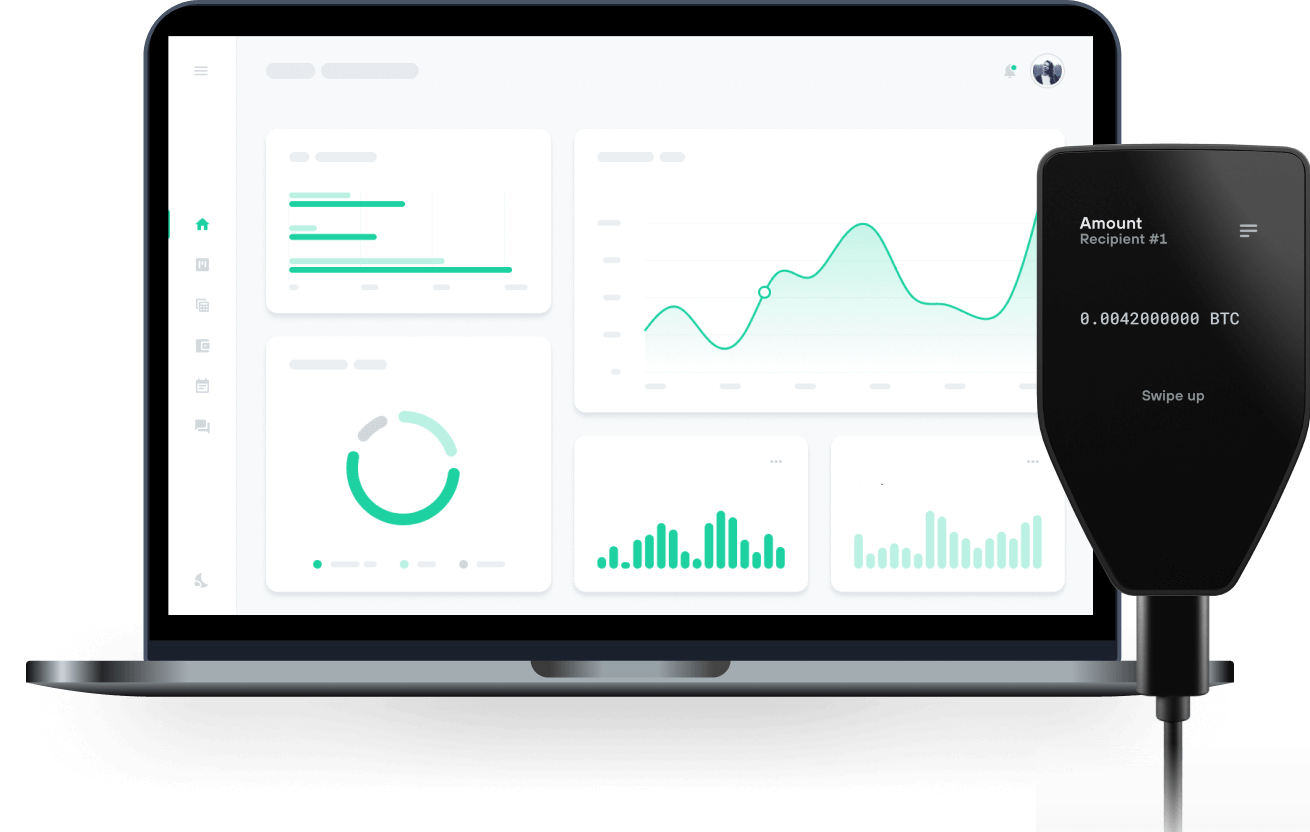
Send & receive your HOOKIT with Trezor Hardware wallets

Send & receive
Trezor hardware wallets that support HOOKIT
Sync your Trezor with wallet apps
Manage your HOOKIT with your Trezor hardware wallet synced with several wallet apps.
MetaMask
Rabby
Supported HOOKIT Network
Why a hardware wallet?

Go offline with Trezor
- You own 100% of your coins
- Your wallet is 100% safe offline
- Your data is 100% anonymous
- Your coins aren’t tied to any company
Online exchanges
- If an exchange fails, you lose your coins
- Exchanges are targets for hackers
- Your personal data may be exposed
- You don’t truly own your coins
How to HKT on Trezor
Connect your Trezor
Open a third-party wallet app
Manage your assets
Make the most of your HKT
Trezor keeps your HKT secure
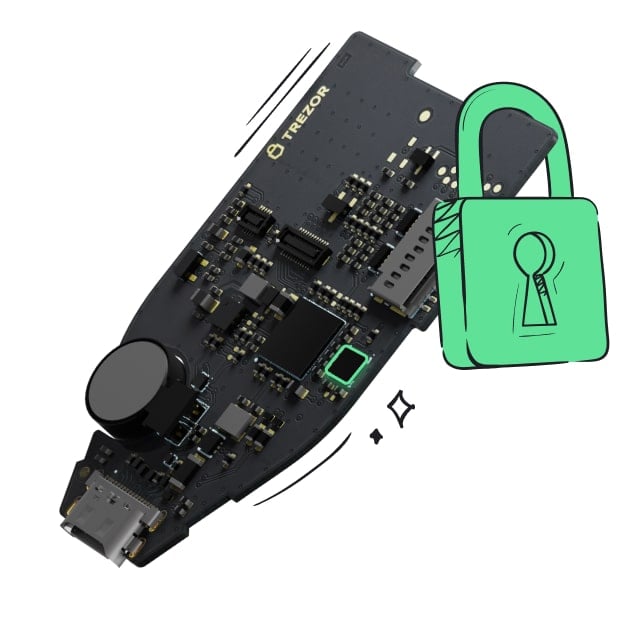 Protected by Secure Element
The best defense against both online and offline threats
 Your tokens, your control
Absolute control of every transaction with on-device confirmation
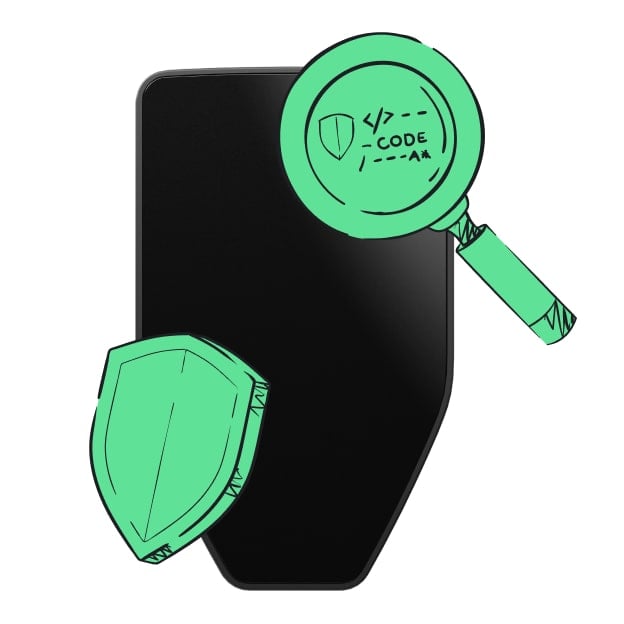 Security starts with open-source
Transparent wallet design makes your Trezor better and safer
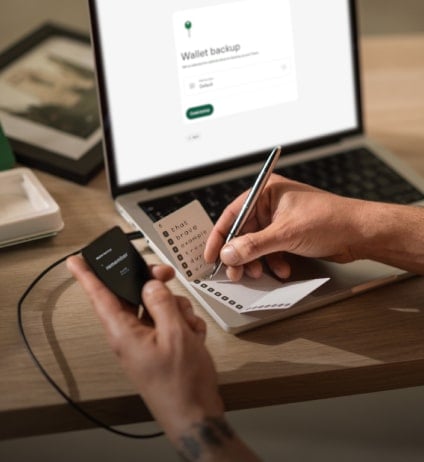 Clear & simple wallet backup
Recover access to your digital assets with a new backup standard
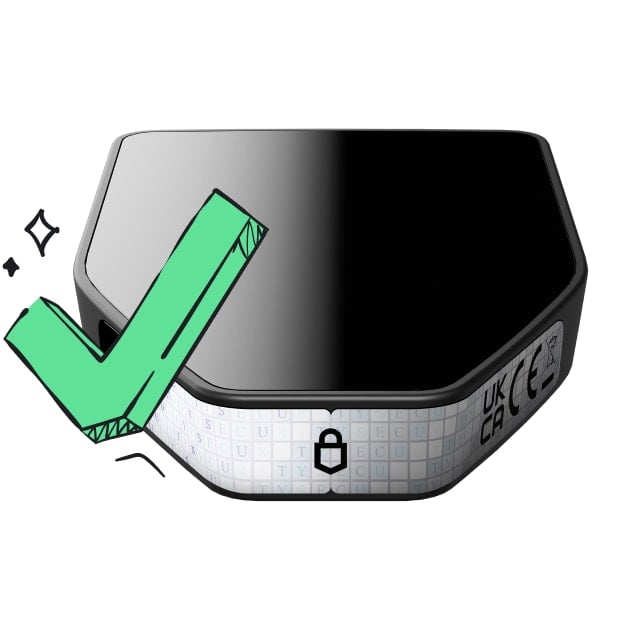 Confidence from day one
Packaging & device security seals protect your Trezor’s integrity
Hookit (hookit.fun) is a permissionless token launchpad built on Uniswap v4 and deployed on Ink, the Ethereum layer 2 developed by Kraken. Anyone can launch a token in a single transaction: the contract deploys the token, creates its Uniswap v4 pool and adds locked liquidity, so trading is open from the first block. Creators can attach optional on-chain modules, called hooks, that define how each pool behaves, such as anti-snipe protection, a backed price floor, automatic burns, liquidity deepening or holder airdrops. HKT is the native token of the Hookit protocol.