Safe & secure EnvarAI wallet
Take control of your EnvarAI assets with complete confidence in the Trezor ecosystem.
- Secured by your hardware wallet
- Use with compatible hot wallets
- Trusted by over 2 million customers
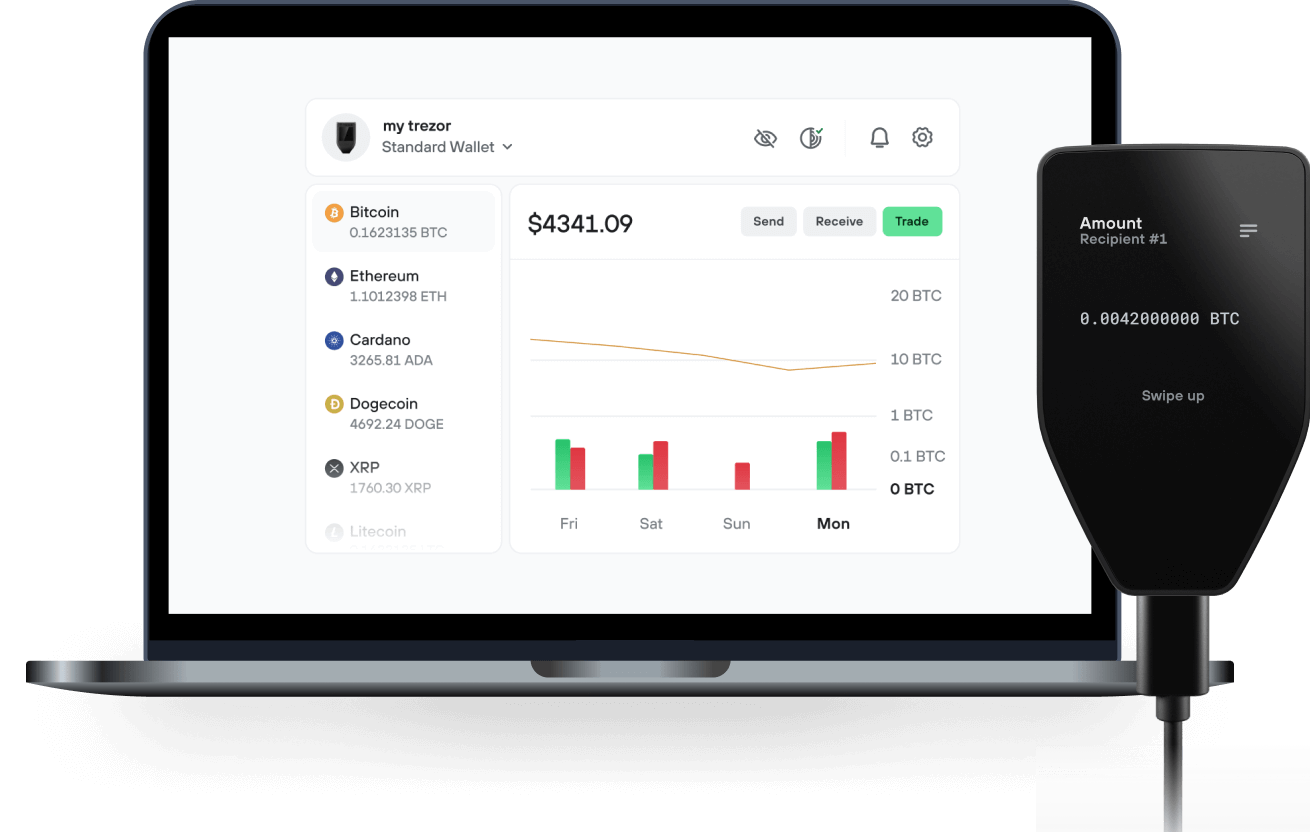
Send & receive your EnvarAI with the Trezor Suite app

Send & receive
Trezor hardware wallets that support EnvarAI
Sync your Trezor with wallet apps
Manage your EnvarAI with your Trezor hardware wallet synced with several wallet apps.
Trezor Suite
Backpack
NuFi
Supported EnvarAI Network
Why a hardware wallet?

Go offline with Trezor
- You own 100% of your coins
- Your wallet is 100% safe offline
- Your data is 100% anonymous
- Your coins aren’t tied to any company
Online exchanges
- If an exchange fails, you lose your coins
- Exchanges are targets for hackers
- Your personal data may be exposed
- You don’t truly own your coins
How to ENVAR on Trezor
Connect your Trezor
Open a third-party wallet app
Manage your assets
Make the most of your ENVAR
Trezor keeps your ENVAR secure
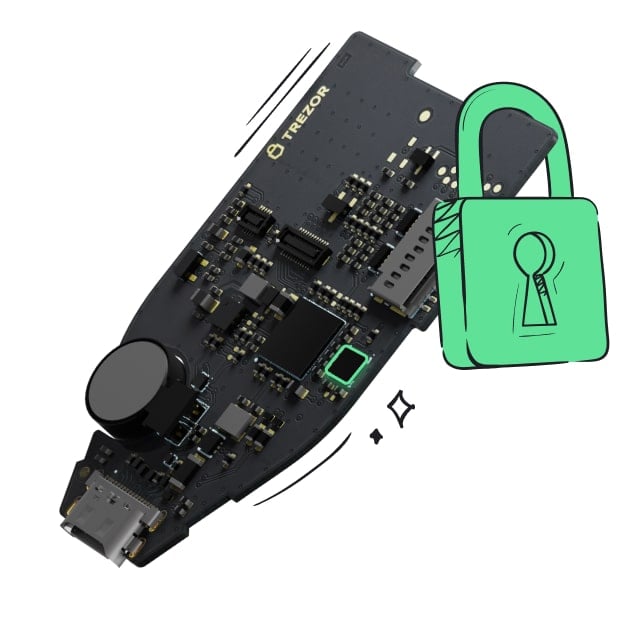 Protected by Secure Element
The best defense against both online and offline threats
 Your tokens, your control
Absolute control of every transaction with on-device confirmation
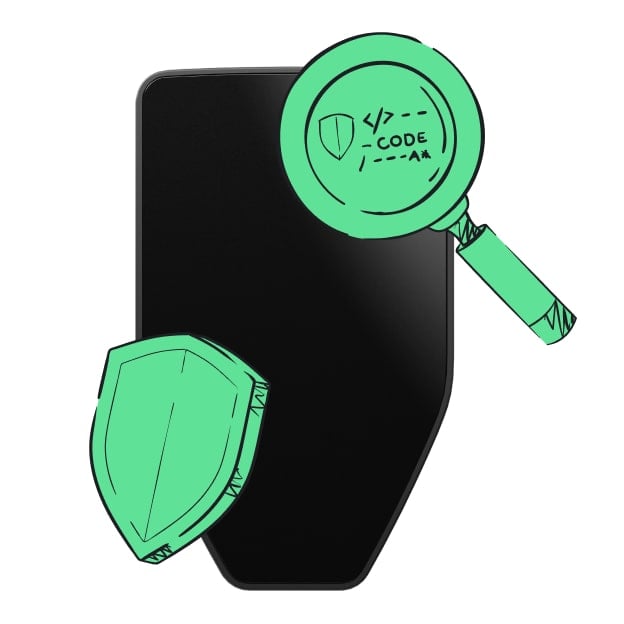 Security starts with open-source
Transparent wallet design makes your Trezor better and safer
 Clear & simple wallet backup
Recover access to your digital assets with a new backup standard
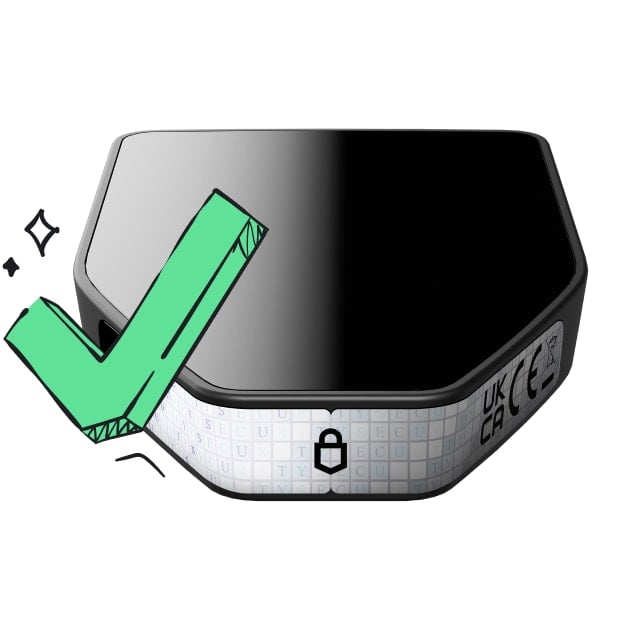 Confidence from day one
Packaging & device security seals protect your Trezor’s integrity
Envar is building an agent services marketplace where AI agents can discover services, submit defined task requests, and receive deliverables. EnvarPay is an open-source connector and seller runtime that helps builders connect supported agents and publish services through Envar. The project is associated with developer Germey and Ace Data Cloud.
Envar's account-balance payment system is under development and validation. While free services can be published, production wallet funding, refunds, and seller settlement remain gated pending further checks.
$ENVAR is a Solana-based token intended to support planned ecosystem features, including agent access, fee benefits, seller collateral, and dispute resolution. These utilities are in development and should not be interpreted as currently available features or guaranteed financial benefits.
Evidence: https://github.com/EnvarAI/EnvarPay https://github.com/EnvarAI/EnvarPay/blob/main/docs/envar-balance.md https://x.com/EnvarAI/status/2115112572211068977 https://x.com/GermeyAce/status/2115115665837428749