Safe & secure ELLIPSE wallet
Use the security of your Trezor hardware wallet to safely manage your ELLIPSE.
- Secured by your hardware wallet
- Trusted by over 2 million customers
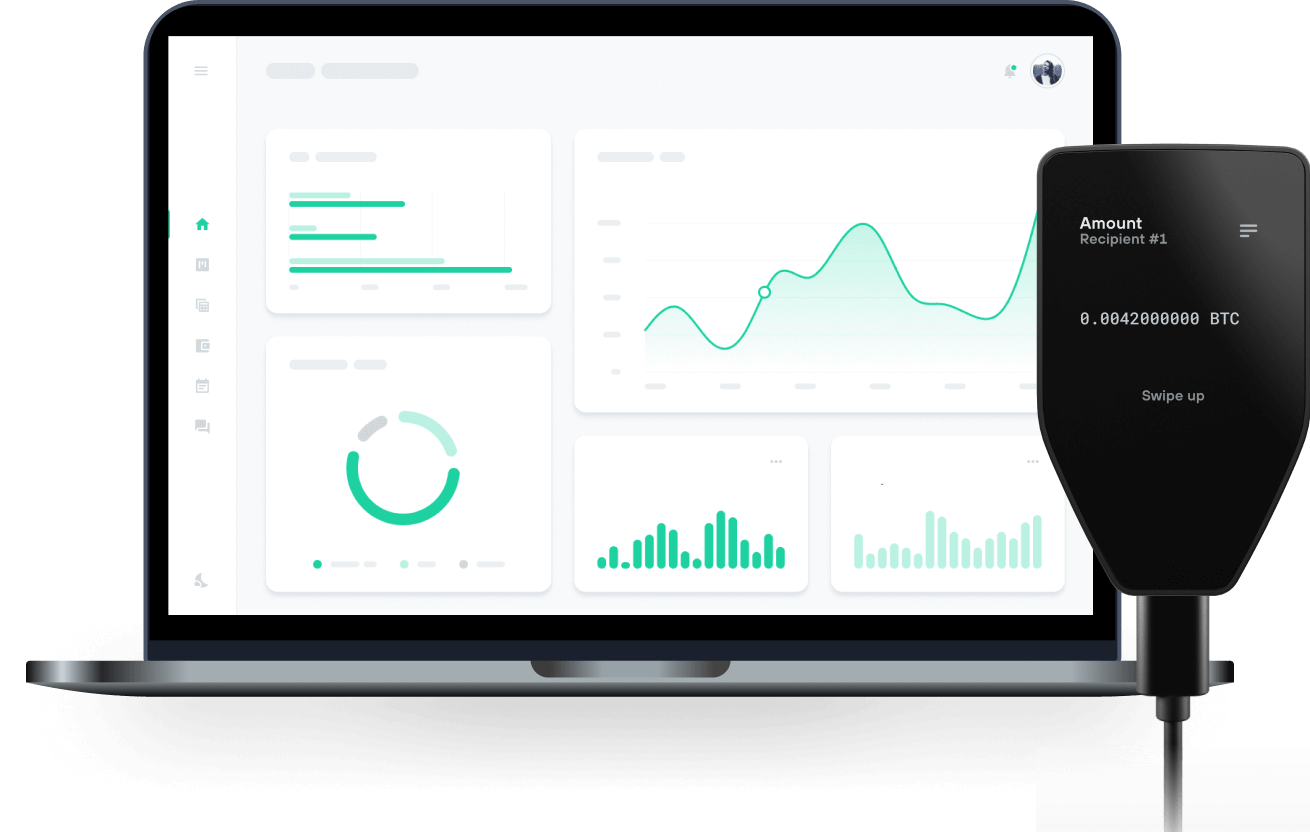
Send & receive your ELLIPSE with Trezor Hardware wallets

Send & receive
Trezor hardware wallets that support ELLIPSE
Sync your Trezor with wallet apps
Manage your ELLIPSE with your Trezor hardware wallet synced with several wallet apps.
MetaMask
Rabby
Supported ELLIPSE Network
Why a hardware wallet?

Go offline with Trezor
- You own 100% of your coins
- Your wallet is 100% safe offline
- Your data is 100% anonymous
- Your coins aren’t tied to any company
Online exchanges
- If an exchange fails, you lose your coins
- Exchanges are targets for hackers
- Your personal data may be exposed
- You don’t truly own your coins
How to ELLIPSE on Trezor
Connect your Trezor
Open a third-party wallet app
Manage your assets
Make the most of your ELLIPSE
Trezor keeps your ELLIPSE secure
 Protected by Secure Element
The best defense against both online and offline threats
 Your tokens, your control
Absolute control of every transaction with on-device confirmation
 Security starts with open-source
Transparent wallet design makes your Trezor better and safer
 Clear & simple wallet backup
Recover access to your digital assets with a new backup standard
 Confidence from day one
Packaging & device security seals protect your Trezor’s integrity
What Is Ellipse (ELLIPSE)? Ellipse is a platform on Arc. It combines three products: a bridge that brings assets from other chains to Arc, a token launchpad, and a swap interface for the markets created there. ELLIPSE is the platform token.
How Does the Ellipse Bridge Work? The bridge supports four assets. GLD and CRCL come from Robinhood Chain, while BTCB and USDT come from BNB Smart Chain. When a user deposits one of them, the original tokens stay locked in a custody vault on the origin chain and a claim token is minted on Arc: bGLD, bCRCL, bBTCB or bUSDT. A redemption burns the claim on Arc and releases the original asset.
How Does the Launchpad Work? Anyone can create a token through the launchpad. Every launch has a fixed supply of 1,000,000,000 tokens, and the creator chooses the pair: one of the bridged assets or ELLIPSE. The creator does not provide the quote side of the pool. The full supply goes into a single liquidity position that starts at the opening price, and that liquidity cannot be withdrawn. Trades pay a 1% fee. At launch the creator picks one of two splits, which cannot be changed later: 50% to the creator and 50% to the treasury, or 30% to the creator, 30% to the treasury and 40% to token holders. The current launchpad version runs on Uniswap v4 with a hook that charges a higher fee during the first eight blocks after a launch, starting at 95% and stepping down to 1%, to reduce sniping.
What Is ELLIPSE Used For? ELLIPSE was itself launched through the platform's launchpad, paired with bCRCL in a Uniswap v3 pool whose liquidity position is locked. Holder rewards are enabled for the token. On later launchpad versions ELLIPSE also serves as a quote asset, so new tokens can be launched and traded against it.