Safe & secure coins.fun wallet
Use the security of your Trezor hardware wallet to safely manage your coins.fun.
- Secured by your hardware wallet
- Trusted by over 2 million customers
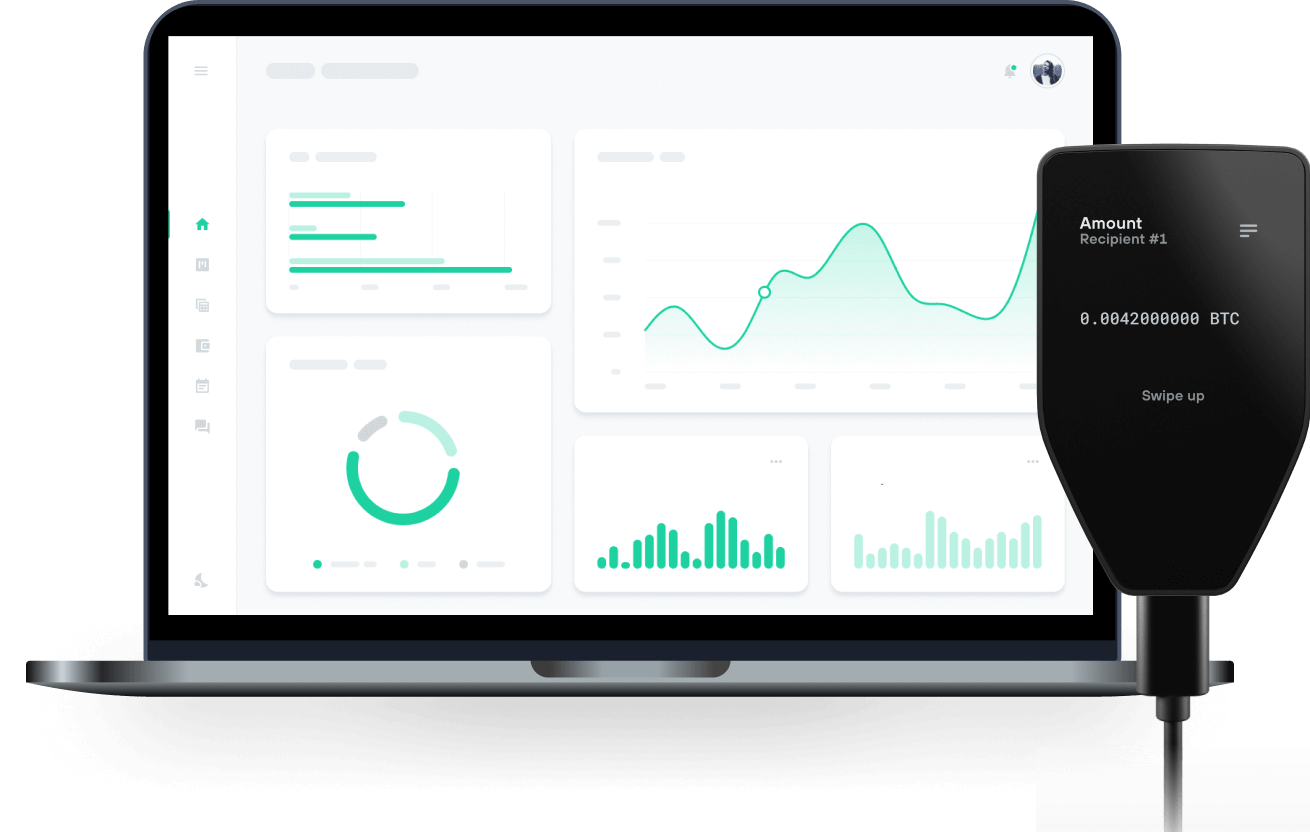
Send & receive your coins.fun with Trezor Hardware wallets

Send & receive
Trezor hardware wallets that support coins.fun
Sync your Trezor with wallet apps
Manage your coins.fun with your Trezor hardware wallet synced with several wallet apps.
MetaMask
Rabby
Supported coins.fun Network
Why a hardware wallet?

Go offline with Trezor
- You own 100% of your coins
- Your wallet is 100% safe offline
- Your data is 100% anonymous
- Your coins aren’t tied to any company
Online exchanges
- If an exchange fails, you lose your coins
- Exchanges are targets for hackers
- Your personal data may be exposed
- You don’t truly own your coins
How to COINS on Trezor
Connect your Trezor
Open a third-party wallet app
Manage your assets
Make the most of your COINS
Trezor keeps your COINS secure
 Protected by Secure Element
The best defense against both online and offline threats
 Your tokens, your control
Absolute control of every transaction with on-device confirmation
 Security starts with open-source
Transparent wallet design makes your Trezor better and safer
 Clear & simple wallet backup
Recover access to your digital assets with a new backup standard
 Confidence from day one
Packaging & device security seals protect your Trezor’s integrity
coins.fun is a permissionless token launchpad built on Stable, a layer-1 blockchain on which USDT functions as the native gas asset. The platform enables any user to deploy a fixed-supply ERC-20 token in a single transaction, without coding knowledge, and to open a tradeable market for that token at the moment of deployment.
Each token created through coins.fun has a fixed supply of one billion units and is paired against USDT in a concentrated liquidity position. There is no bonding curve and no graduation threshold: a token is tradeable in a real liquidity pool in the same block in which it is created. Because tokens are quoted directly against a US dollar stablecoin, market capitalisation and price figures displayed on the platform are denominated in US dollars rather than in a volatile base asset.
Liquidity on coins.fun is single-sided. The creator contributes the token's own supply to the pool rather than pairing it against quote-asset capital, meaning no external funding is required from the creator to establish a market. Deploying a token costs 2 USDT. Trades against a token's liquidity pool incur a 1% fee, of which 70% accrues to the token's creator and 30% accrues to the protocol. The fee split applicable to a token is recorded at the moment of its launch and cannot be changed afterward.
The liquidity position created at deployment is locked by the smart contract and cannot be withdrawn by the token creator or by the coins.fun team. The platform is non-custodial: all transactions are signed and submitted by the user's own wallet, and coins.fun does not hold, control, or have access to user funds at any point.