Safe & secure CHAD Token wallet
Use the security of your Trezor hardware wallet to safely manage your CHAD Token.
- Secured by your hardware wallet
- Trusted by over 2 million customers
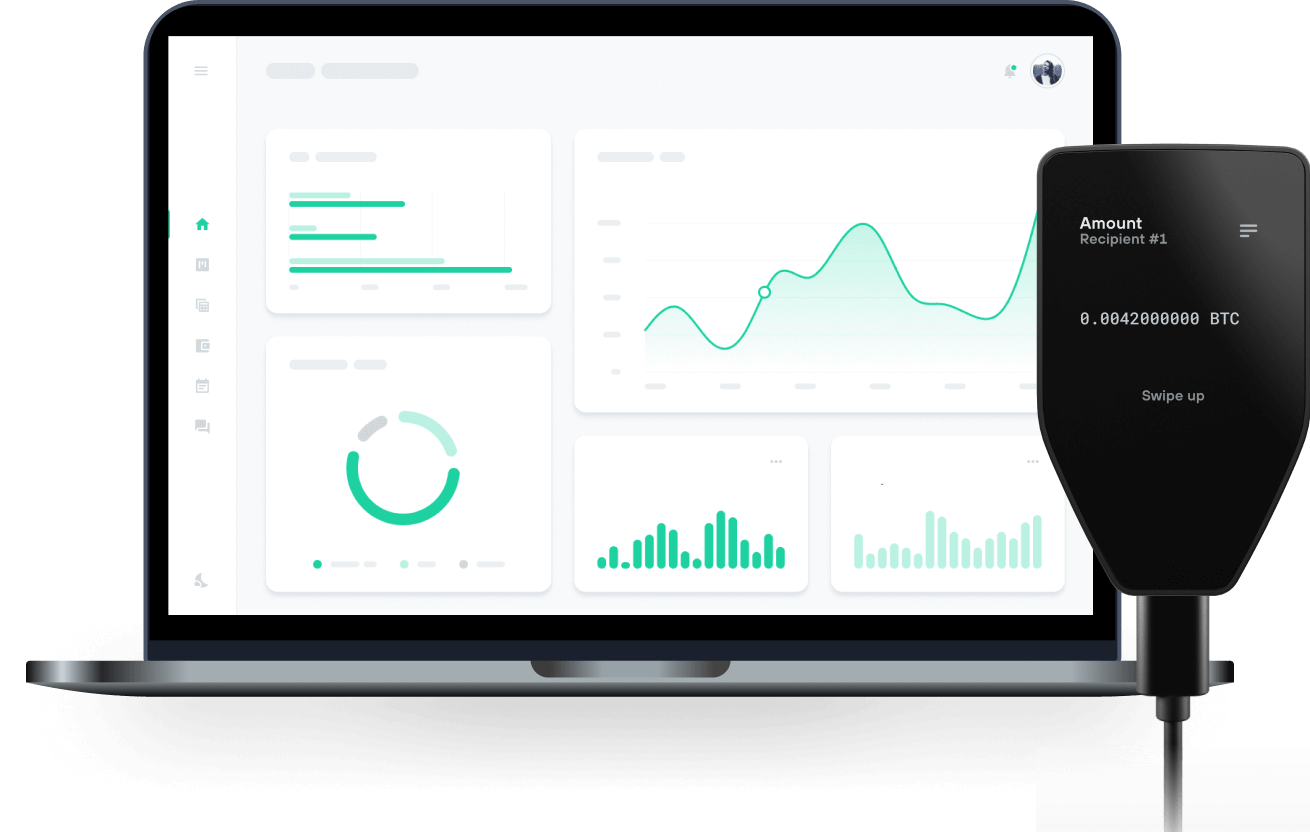
Send & receive your CHAD Token with Trezor Hardware wallets

Send & receive
Trezor hardware wallets that support CHAD Token
Sync your Trezor with wallet apps
Manage your CHAD Token with your Trezor hardware wallet synced with several wallet apps.
MetaMask
Rabby
Supported CHAD Token Network
Why a hardware wallet?

Go offline with Trezor
- You own 100% of your coins
- Your wallet is 100% safe offline
- Your data is 100% anonymous
- Your coins aren’t tied to any company
Online exchanges
- If an exchange fails, you lose your coins
- Exchanges are targets for hackers
- Your personal data may be exposed
- You don’t truly own your coins
How to CHAD on Trezor
Connect your Trezor
Open a third-party wallet app
Manage your assets
Make the most of your CHAD
Trezor keeps your CHAD secure
 Protected by Secure Element
The best defense against both online and offline threats
 Your tokens, your control
Absolute control of every transaction with on-device confirmation
 Security starts with open-source
Transparent wallet design makes your Trezor better and safer
 Clear & simple wallet backup
Recover access to your digital assets with a new backup standard
 Confidence from day one
Packaging & device security seals protect your Trezor’s integrity
GIGACHADBAT is a casual baseball game developed by Delabs and published by YGG Play, built around fast, accessible gameplay and exaggerated, arcade-style action. The project centers on simple mechanics that are easy to learn while still offering progression and competition for dedicated players. $CHAD is the game’s native token and serves as a core part of the experience, allowing players to unlock in-game boosts such as premium balls (pBalls), upgraded bats, and other exclusive gameplay perks. These upgrades enhance performance by helping players swing harder, score higher, and climb the leaderboards faster, reinforcing a progression-driven loop that rewards continued play and skill development.