Safe & secure ArcTools wallet
Use the security of your Trezor hardware wallet to safely manage your ArcTools.
- Secured by your hardware wallet
- Trusted by over 2 million customers
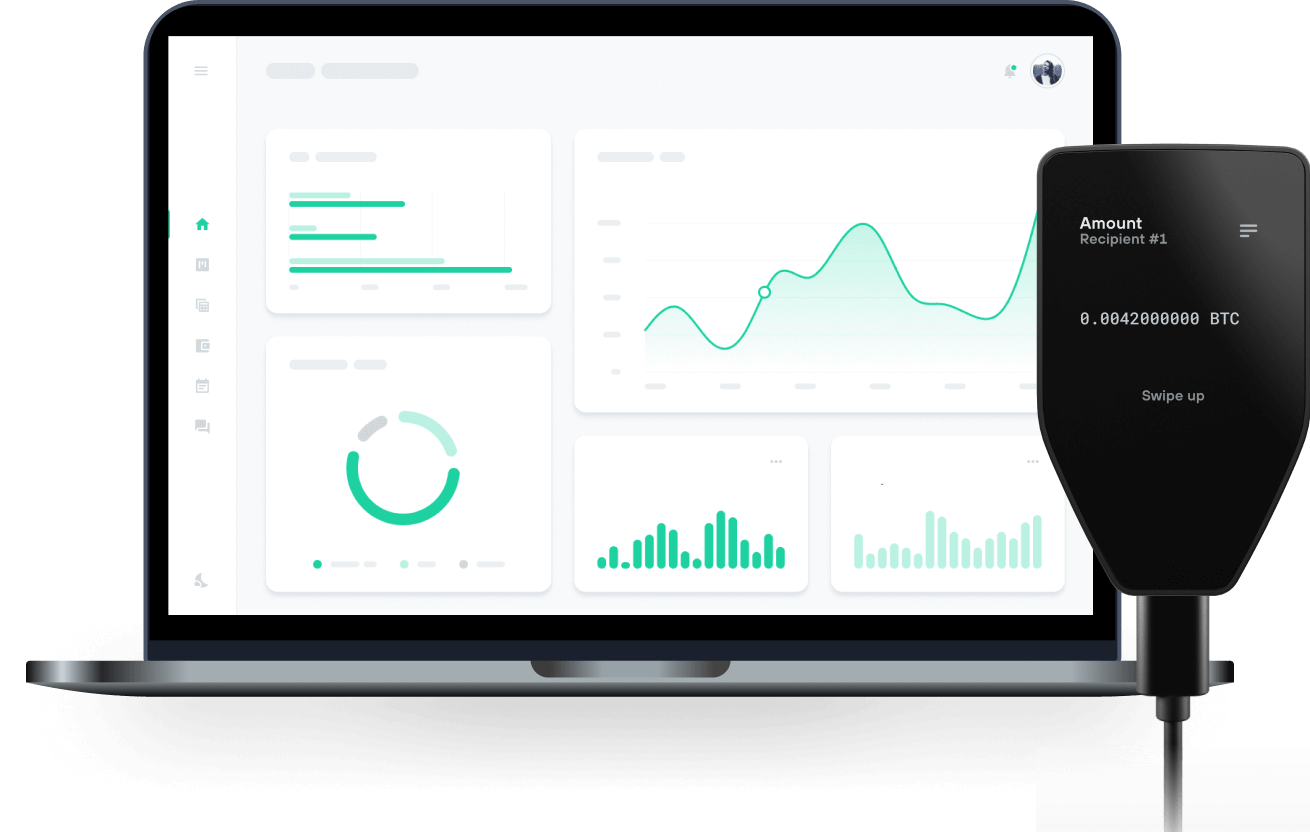
Send & receive your ArcTools with Trezor Hardware wallets

Send & receive
Trezor hardware wallets that support ArcTools
Sync your Trezor with wallet apps
Manage your ArcTools with your Trezor hardware wallet synced with several wallet apps.
MetaMask
Rabby
Supported ArcTools Network
Why a hardware wallet?

Go offline with Trezor
- You own 100% of your coins
- Your wallet is 100% safe offline
- Your data is 100% anonymous
- Your coins aren’t tied to any company
Online exchanges
- If an exchange fails, you lose your coins
- Exchanges are targets for hackers
- Your personal data may be exposed
- You don’t truly own your coins
How to ARCT on Trezor
Connect your Trezor
Open a third-party wallet app
Manage your assets
Make the most of your ARCT
Trezor keeps your ARCT secure
 Protected by Secure Element
The best defense against both online and offline threats
 Your tokens, your control
Absolute control of every transaction with on-device confirmation
 Security starts with open-source
Transparent wallet design makes your Trezor better and safer
 Clear & simple wallet backup
Recover access to your digital assets with a new backup standard
 Confidence from day one
Packaging & device security seals protect your Trezor’s integrity
ArcTools (arctools.fun) is a non-custodial trading terminal and analytics suite built for Arc, the Layer-1 blockchain launched by Circle with native USDC gas. The Terminal lists new pairs, trending tokens and insider picks from more than 20 Arc venues (ArcToolsPad, ArcPad, RadarDex, Warp, Tolly, Archemist, Arguspad, act.fun, UBI.fun, Uniswap V3/V4, long.supply stock pairs) with one-click buys through an in-browser trading wallet or MetaMask/Rabby. Token pages show live charts with dev-buy/dev-sell badges, insider trades, KOL mentions, bubble maps of connected holders, Token Score A–D, bundle percentage and social checks. The aggregator routes across Uniswap V3, V4, bonding curves and two-hop stock routes. Additional products: Insiders (top-100 wallets by real 30-day PnL with copy-trade), Intel (whale and bridge flows, dev-sell feed, alert rules), a Telegram sniper bot (t.me/ArcSniper_bot), group buy bot, ArcToolsPad launchpad, Circle CCTP v2 bridge from Ethereum/Base/Arbitrum, and a referral program (25% of platform fees). ARCT is the ArcTools platform token on Arc. Utility: staking ARCT gives a share of every ArcToolsPad fee plus 5% of every token supply launched through the pad (arctools.fun/rewards); holding 10,000 ARCT gates the Insiders smart-money leaderboard. Fees across the platform (1% sniper trades, 1% launchpad trades, 1.5% aggregator, 2% bridge) are paid in USDC.