
Stunningdesign.Seriouslypowerfulfeatures.
Vivid color touchscreen and extra-durable aluminum unibody
Three layers of hardware security and quantum-ready architecture
Secure wireless connectivity and state-of-the-art battery
The touchscreen that keeps you in control
Review every detail and sign each transaction with crystal-clear confidence on our biggest, brightest color display yet.
Perfection in every pixel
Crisp details, vivid colors, 700 nits of brightness
Gorilla® Glass protection
Scratch, damage, and fingerprint resistant
Precise haptic feedback
Reassuring touch with every interaction
Built to endure,
designed to impress
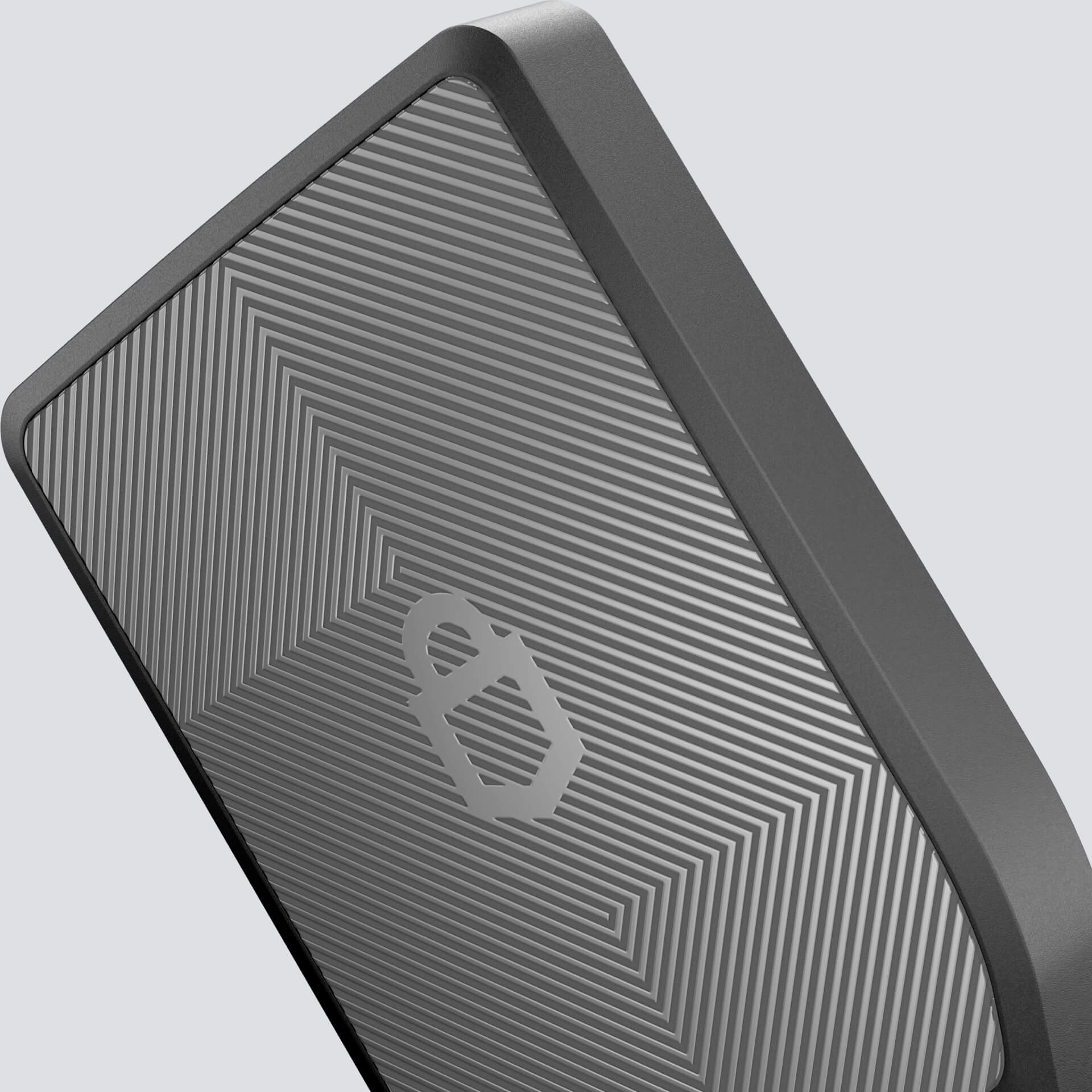
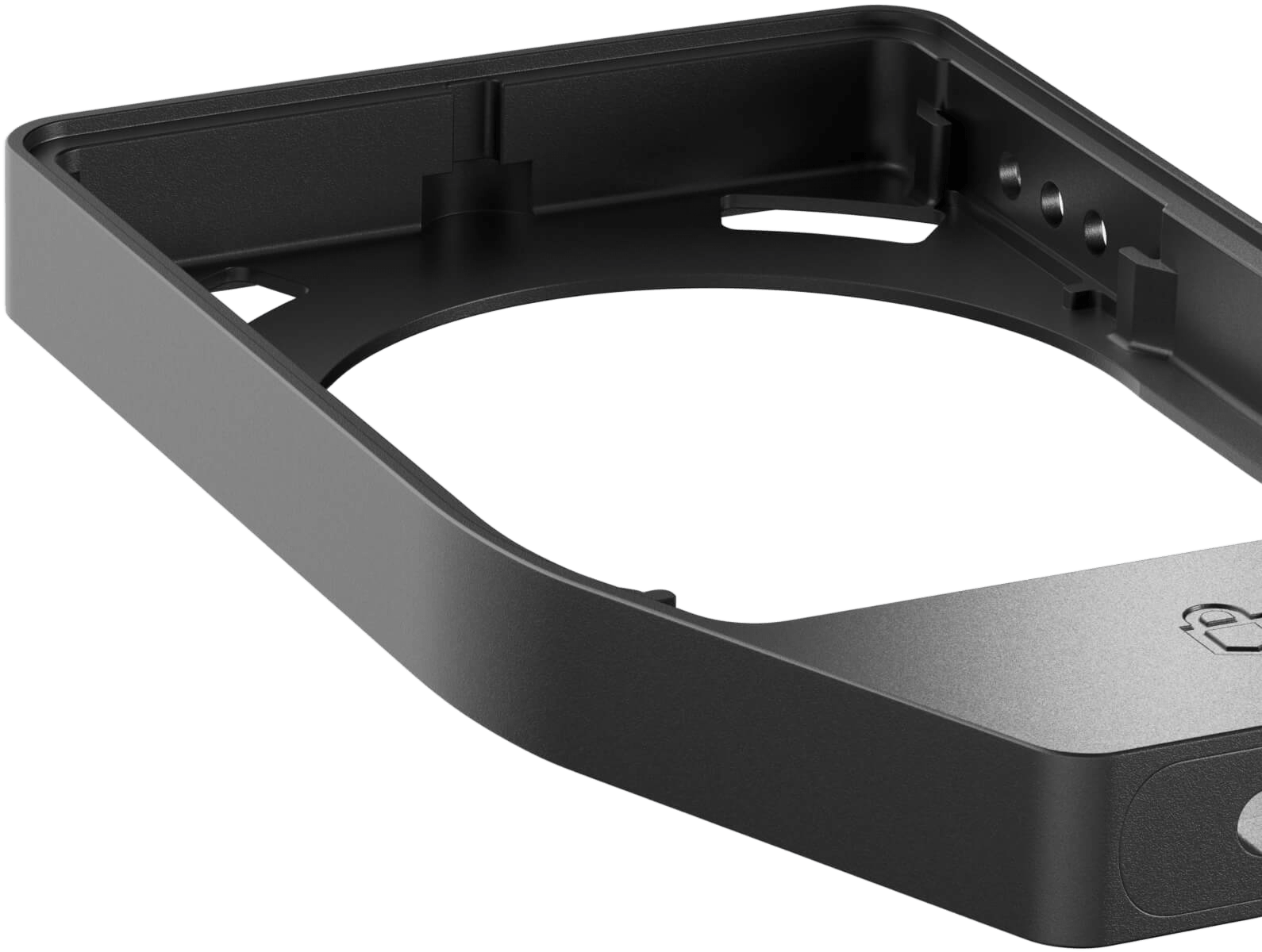
The Trezor Safe 7 features a machine-anodized aluminum unibody, reinforced glass, and IP54-rated protection against dust and water. The beautifully crafted, award-winning design is built to withstand years of everyday use.
Security for the crypto threats of today and tomorrow

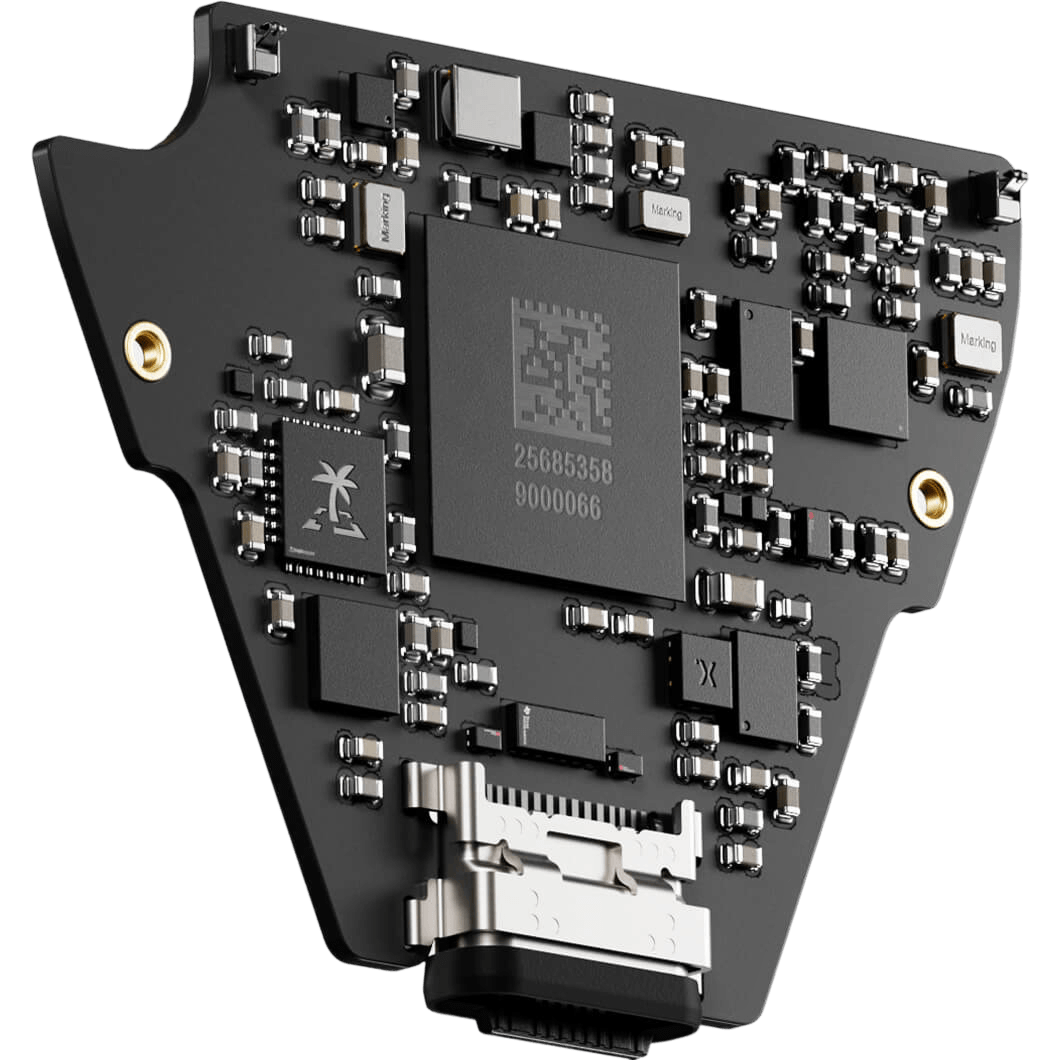
World's first auditable Secure Element
When it comes to security, we believe in radical transparency. That's why the TROPIC01 is fully auditable, allowing you to verify exactly how it protects your crypto.
Three independent layers of security
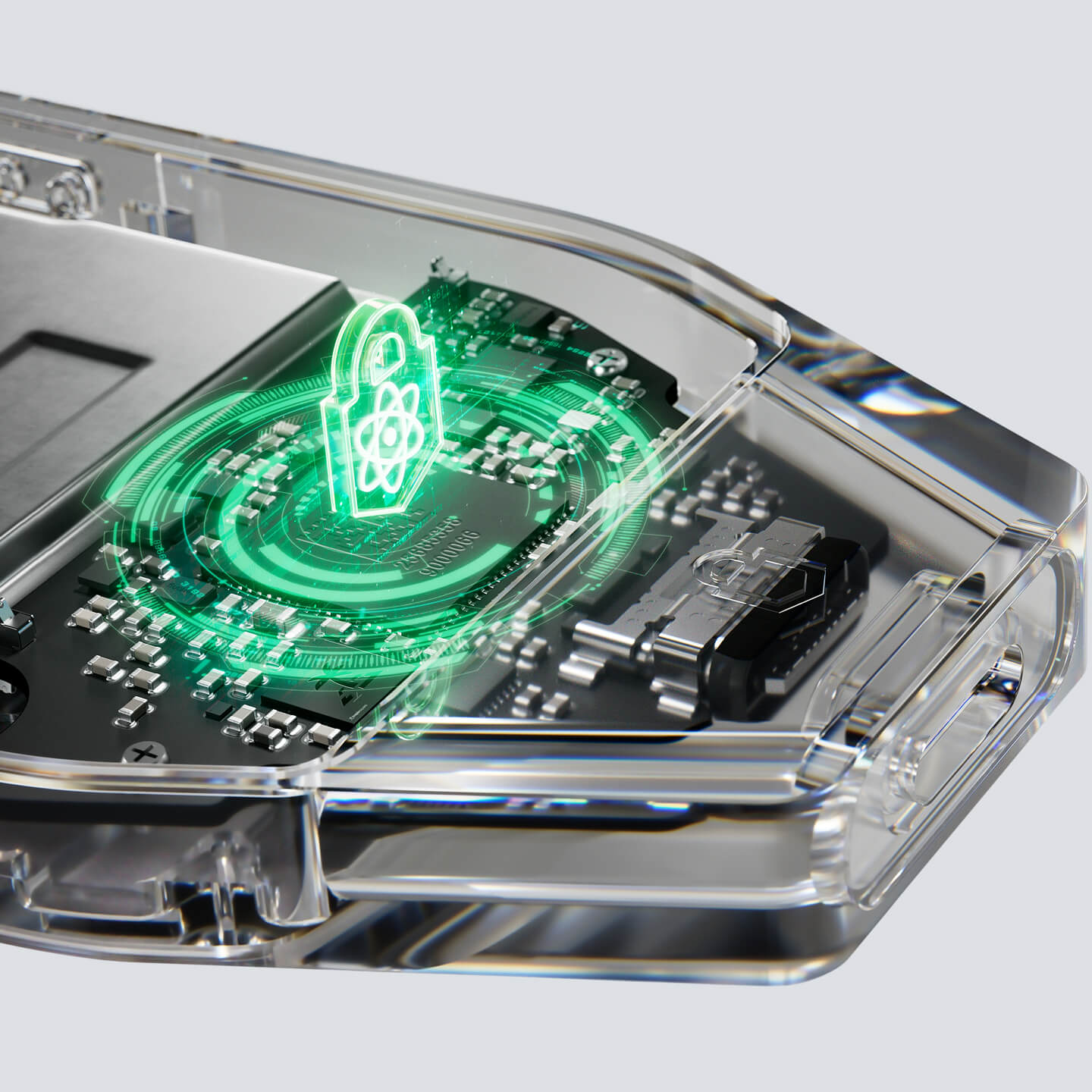
Your keys are protected by three independent chips sourced from three different vendors, so security is not reliant on one single component. TROPIC01 works together with an NDA-free EAL6+ Secure Element (Optiga) and an STM32U5 microcontroller.
Quantum-ready architecture
Trezor Safe 7 is the first hardware wallet using post-quantum cryptography to secure firmware updates, device authentication, and the boot process, defending your wallet against the quantum computing threats of tomorrow.
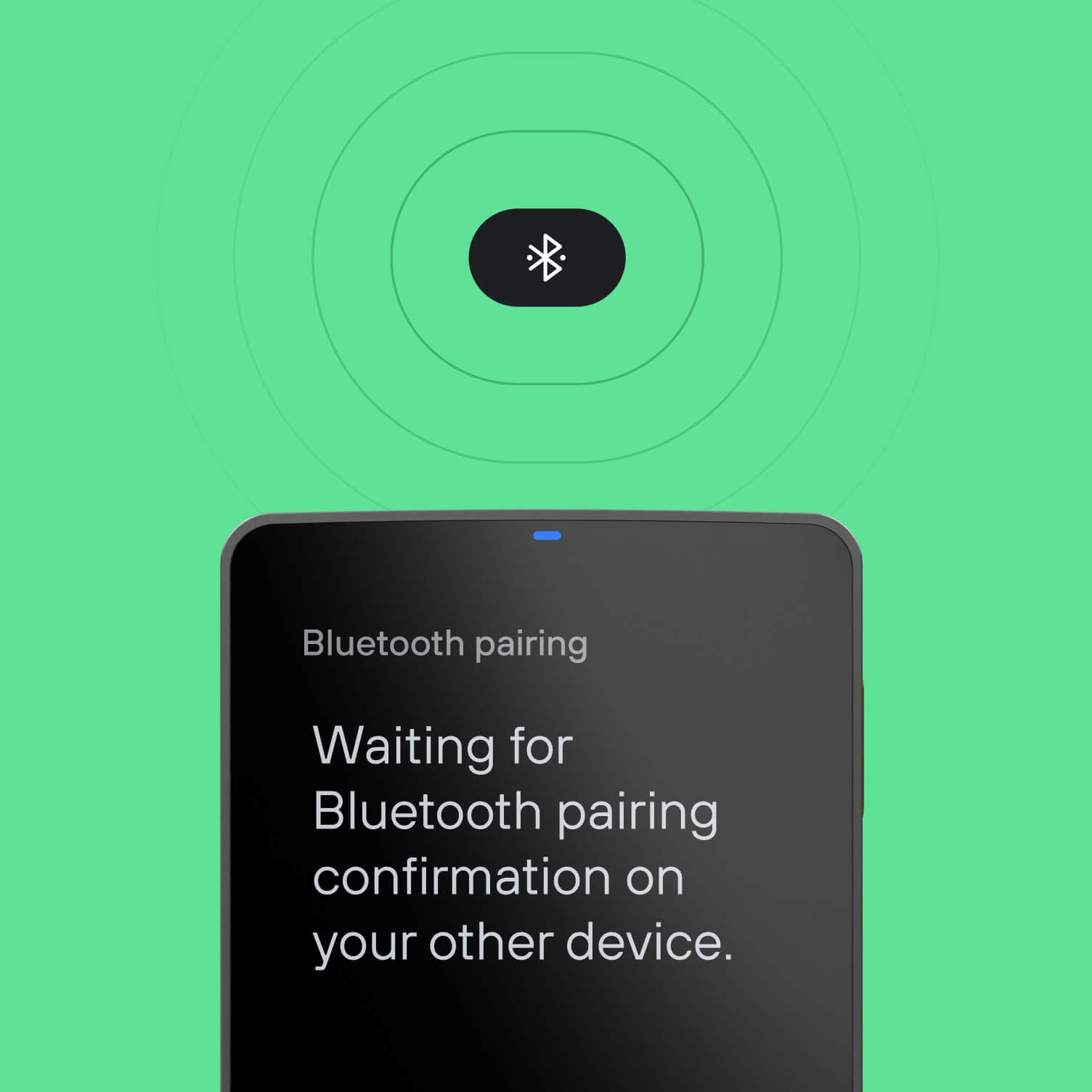
Bluetooth convenience. Easy wireless charging.
Seamlessly manage crypto on any device with open-source encrypted Bluetooth and enjoy cable-free simplicity with Qi2-compatible wireless charging.

Reliable power for the long term
Our LiFePO₄ battery outlasts standard lithium batteries, delivering 4× the charging cycles and retaining power for years, even if stored away.


All-in-one crypto app
Trezor Suite is your crypto powerhouse for managing, sending, and trading assets on desktop & mobile.
Available for

Thousands of Coins & Tokens
Easily manage Bitcoin, Ethereum, Solana, Arbitrum, USDC, and many more with one secure hardware wallet.

Access the ecosystem
Use seamlessly with leading wallet apps, DeFi platforms, dApps, NFT marketplaces, and more.
70k+
Supported dApps via


Trade & earn confidently
Buy, sell, swap & stake crypto with peace of mind directly on your Trezor.
30+
Supported third-party wallet apps

Specs
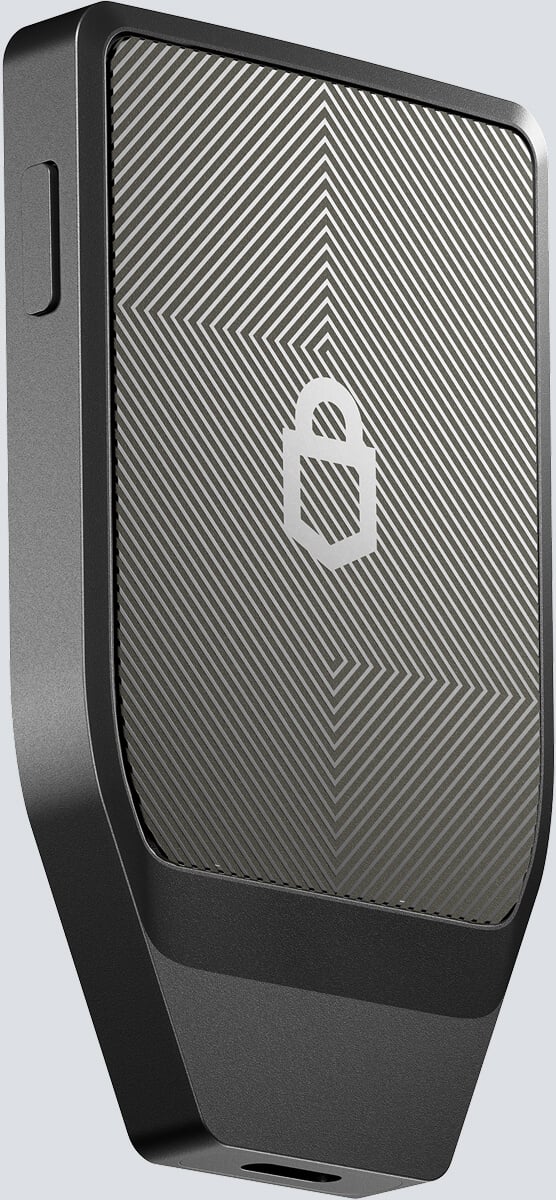
75.4 mm / 2.97 in
44.5 mm / 1.75 in
8.3 mm / 0.33 in
45 g / 1.6 oz
Quick look at the Trezor Safe 7
2.5" high-res color display520 x 380 pixels
Intuitive touchscreenEfficient, responsive navigation on a large display
Premium aluminum unibodyAll-metal body for exceptional build quality
Three layers of hardware securityTwo secure elements and an MCU, for ironclad security
Quantum-ready securitySpecifically designed to receive quantum-secure updates
Wireless connectivitySecurely pairs with mobile and desktop, no cables needed
IP54-rated protectionResistant to water splashes and dust
Buy, sell, swap & stakeSecurely trade crypto with your device
Compatible with third-party appsUse with your favorite wallets and dApps
Connect Trezor
Device security
Certified EAL6+ Secure ElementExtra layer of physical protection for your crypto
Open-source securityTransparent, public code anyone can review, audit & verify
PIN protectionProtect your device with a up to 50 digits
Connectivity & power
Bluetooth connectivitySecure pairing with Bluetooth 5.0+ devices
LiFePO₄ battery3.2V, 330mAh with built-in overheating protection
Wireless chargingQi2-compatible for effortless power-up
USB-CUSB-C → USB-C cable included
Durability
Gorilla® Glass 3 displayScratch-resistant all-glass surface
Reinforced glass backplateScratch & impact-resistant glass surface
Privacy
Increased privacy with Prevent tracking of your wallet's data
Identity protection with Hide your identity & online activity
Backup & recovery
12-, 20- & 24-word Establish your wallet backup preference
Advanced Secure your backup with multiple shares
Authentication
Use as a 2FA deviceFIDO2 for secure
Product details
Product size & weight75.4x44.5x8.3 mm / 45 g
2.97x1.75x0.33 in / 1.6 oz
2.97x1.75x0.33 in / 1.6 oz
Package size & weight145x97x32 mm / 133 g
5.7x3.8x1.26 in / 4.7 oz
5.7x3.8x1.26 in / 4.7 oz
Operating temperature0°C to +45°C / 32°F to +113°F
CPUHigh-performance STM32U5G ARM Cortex M33 processor (160MHz)
What's in the box?
Trezor Safe 7 hardware wallet
USB-C → USB-C cable
2x 20-word wallet backup cards
Start-up guide
Product safety guide
Trezor stickers
Safety & certifications
Trezor Safe 7 meets the highest standards of quality, reliability, environmental responsibility, and safety.
It is certified under:
CE, RoHS, REACH, WEEE, EN55032, EN55035, EN300328, EN303417, EN62311/50566, CE RF EMC, FCC Part 15B/15C, RSS-Gen, RSS-102, RCM CISPR32, AS4268 (BT), KC KN32/35/301489, VCCI CISPR32, BSMI CNS15396.
You can view the complete list of certifications here: Trezor Safe 7 certificates
CE, RoHS, REACH, WEEE, EN55032, EN55035, EN300328, EN303417, EN62311/50566, CE RF EMC, FCC Part 15B/15C, RSS-Gen, RSS-102, RCM CISPR32, AS4268 (BT), KC KN32/35/301489, VCCI CISPR32, BSMI CNS15396.
You can view the complete list of certifications here: Trezor Safe 7 certificates
Trezor Safe 7 is x-ray safe and suitable for air travel.
Material
Anodized aluminum unibody: A robust, lightweight, and corrosion-resistant frame milled from a single block of aluminum.
Gorilla® Glass 3 display: Industry-proven screen protection offering superior scratch and impact resistance.
NCVM-coated glass backplate: A durable glass backplate with a vibrant metallic finish that ensures flawless Bluetooth and wireless charging performance.

What our customers say
4.7
/ 5
based on 52 reviews
All the reviews come from verified buyers that have purchased this product.
5
44x
4
2x
3
4x
2
1x
1
1x
Oleh
August 18, 2026
I recently purchased the device, and today I wanted to test the wireless charging on my Trezor Safe 7. I used an original Apple wireless charger for the iPhone, connected to a 35W MacBook Air power adapter.
The device was not charging, so I tried repositioning it on the charging pad. At that point, I experienced a strange issue: the device showed 79% battery, and then the battery level suddenly dropped to 3%.
I don’t understand what happened. The battery level did not return to normal, and, as far as I understand, there is no way to completely power off the device. I then connected it for charging via USB using the original cable.
At the moment, the battery seems to be working normally. My understanding is that the charging controller’s data or battery statistics may have become corrupted or reset.
After I connected the device via USB using the original cable, the battery level slowly increased from 3% to 79%. As soon as it reached 79%, it instantly jumped to 100%, and charging then stopped.
Based on this behavior, I believe there was a malfunction or data error in the charging controller, possibly triggered by the electromagnetic field from the wireless charger. I consider this situation potentially dangerous, because it is unclear what other components could short-circuit, malfunction, or behave unpredictably during wireless charging.
For myself, I have decided not to use wireless charging with this device at all.
You can draw your own conclusions about what should be done with this information.
The device is a Trezor Safe 7.
Trezor Support
Hi,
Thank you so much for the 5-star review and for sharing such detailed observations. Placing the device off-center on certain wireless chargers can cause the power management chip to temporarily misread the voltage curve, which explains the sudden percentage drops and jumps while the gauge re-calibrated over USB. Please rest assured that the Trezor Safe 7 uses a highly stable LiFePO4 battery with built-in thermal protection. If you ever want our technical team to log these details or check in on your device, please feel free to drop by https://trezor.io/support anytime
Anonymous user
August 18, 2026
I am really impressed my new Trezor 7. The setup was seamless, I love the app, and its very user friendly. I am very happy.
Anonymous user
August 18, 2026
The best
Anonymous user
August 17, 2026
Trezor leaked clients data through a shipping partner. Terrible service.
Anonymous user
August 17, 2026
The Safe 7 is awesome & a huge upgrade from the previous Model T. Large screen, easy to setup, dependable, smooth functionality, & reliable. Trezor customer support is professional & prompt to reply to questions. Great job Trezor team.
Your questions, answered

What makes the Trezor Safe 7 different from other hardware wallets?
The Trezor Safe 7 isn't just another hardware wallet. It is built for transparency, usability, and long-term security. With dual Secure Elements, a full-color intuitive touchscreen, wireless and wired options, open-source firmware, and a quantum-ready foundation, you stay in charge of your assets and privacy without relying on hidden components or closed NDAs. Advanced backup options, including Multi-share Backup and Protection, give you extra control and peace of mind, ensuring your funds are always protected.
What does a quantum-ready hardware wallet mean?
A “quantum-ready” hardware wallet is designed to keep critical operations—such as firmware updates and device authentication—secure even in the era of powerful quantum computers. Trezor Safe 7 uses post-quantum cryptography (SLH-DSA-128 signature scheme standardized in 2024) to verify the bootloader and firmware every time the device powers on, ensuring they are authentic and secure.
Hardware wallets without quantum-ready architecture are vulnerable to quantum attacks, as quantum computers could break traditional signatures used internally and trick unprotected wallets into installing malicious updates. With a quantum-ready hardware wallet, the boot process is protected against this threat, ensuring that only verified updates are accepted. When quantum computers become powerful enough, your Trezor Safe 7 won’t need to be replaced, as its architecture is built to adapt and remain secure.
How can a hardware wallet be quantum-ready when blockchains are not?
For crypto security to be fully quantum-ready, there are two core elements that must adopt post-quantum cryptography (PQC): the blockchains themselves and the hardware wallets that protect your private keys.
Upgrading blockchains is a large-scale effort that requires time and global coordination. In contrast, hardware wallets can implement PQC today to secure critical internal functions against potential quantum attacks.
At Trezor, we focus on what we are able to control—the security of your device. That’s why the Trezor Safe 7 hardware wallet is built with post-quantum cryptography, ensuring it’s ready for the future.
When blockchains eventually become quantum-safe, wallets with quantum-ready architecture like the Trezor Safe 7 can seamlessly update to stay compatible, so your device maintains its integrity and security for the long term.
What’s a transparent secure element, and why does it matter?
A transparent Secure Element lets anyone verify how their crypto is protected. What sets apart the next-generation TROPIC01 chip used in the Trezor Safe 7 from other secure elements is its auditability and open architecture. It’s tested by experts, customers, and the open-source community, with results publicly disclosed for verifiable trust and reliability. With the Trezor Safe 7, you can be confident your crypto is protected by security you can see and trust.
Does the Trezor Safe 7 work with dApps and other wallet apps?
Yes. The Trezor Safe 7 is compatible with a wide range of third-party dApps such as Aave, Uniswap, and Polymarket, as well as popular software wallets including Rabby, MetaMask, Backpack, and more. Through WalletConnect, it creates a secure, encrypted connection between your wallet and apps, keeping your private keys safely on your device while letting you approve transactions directly.
More than just a physical wallet, the Trezor Safe 7 is the ideal decentralized wallet to provide a gateway to the crypto ecosystem while keeping your assets private, secure, and fully under your control.
How long does the battery last?
The Trezor Safe 7 uses a LiFePO₄ (lithium iron phosphate) battery, known for long life, thermal stability, and safety. It offers up to 4x more charge cycles than standard lithium batteries and is safe to fully drain, keeping your crypto secure for years. Even if your battery eventually fails, the device can still be used and powered via the USB-C cable, ensuring your wallet remains fully functional and your crypto accessible whenever you need it.
Is wireless connectivity secure, and can I use the wallet without Bluetooth?
Wireless security comes built in with the Trezor Safe 7. Both Bluetooth and USB-C connections are secured with open-source Trezor Host Protocol (THP), which encrypts every command and transaction to ensure no one can intercept, alter, or inject malicious messages. The wallet stays invisible to unknown devices and uses open-source encryption to ensure it connects only with trusted devices and applications, keeping your wireless connections protected.
The Trezor Safe 7 also works perfectly with only USB-C, so you can use it as a wired wallet whenever you like. If you prefer to stay connected with a cable, Bluetooth can be turned off anytime in settings, giving you total control of your connections.