
Trezor Model T
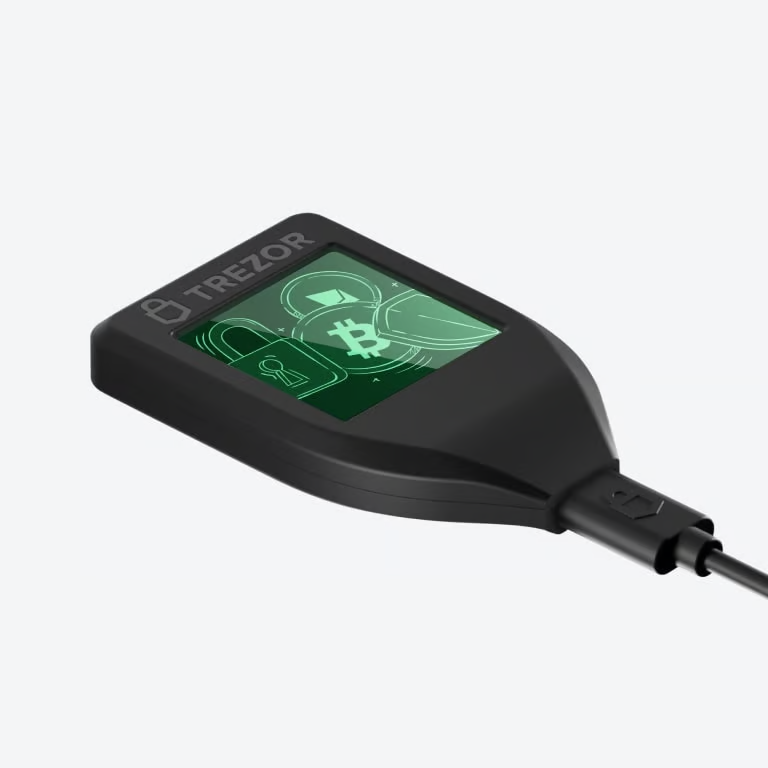
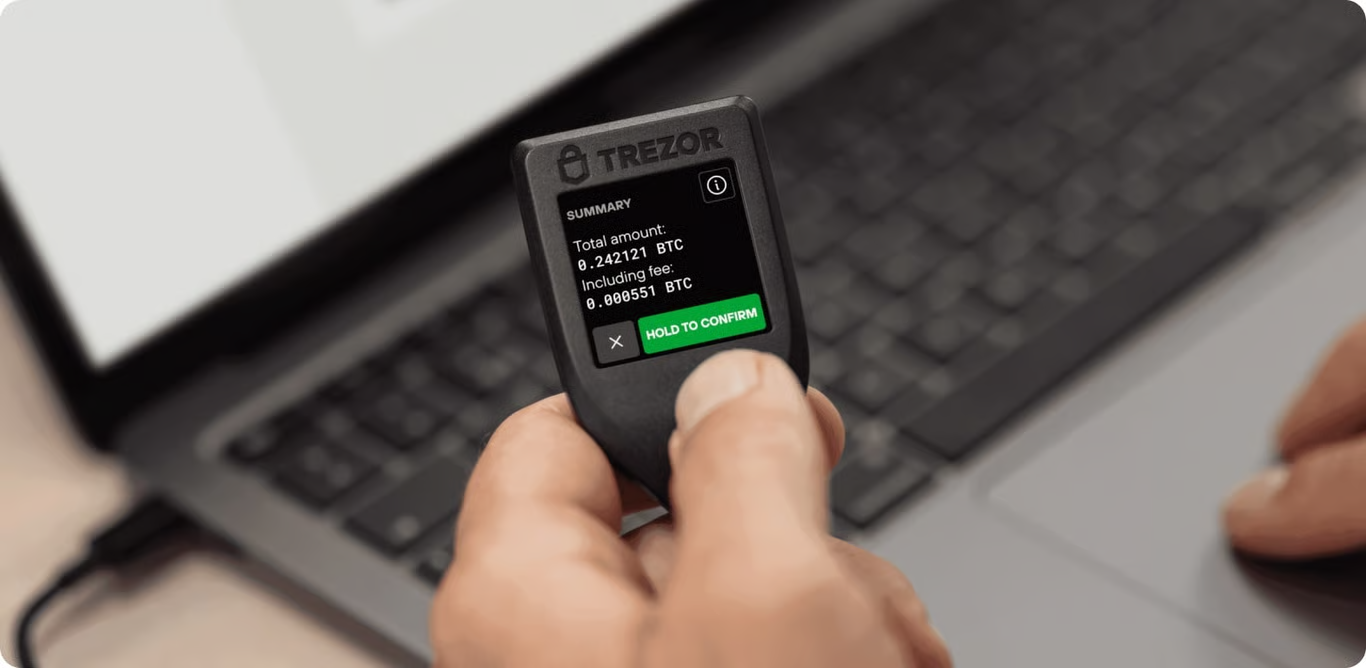
The sleek, stylish & secure hardware wallet with a vivid touchscreen, Shamir Backup, and on-device transaction confirmation.
The Trezor Model T is no longer sold, but its spirit lives on in the Trezor Safe 5. Enjoy all the security you trust, now with improved features and a fresh design. Buy Trezor Safe 5
The Trezor Model T will continue to receive software updates until at least 2031 and critical security fixes until at least 2036, ensuring your device stays secure and fully supported. Learn more
Specs
Sleek, secure design
Trezor Model T’s function and design ensure that your assets are always safe. The touchscreen provides a seamless user experience with exceptional device responsiveness while managing your crypto assets. Trezor with confidence as your keys never leave the device, keeping them isolated from online vulnerabilities.
Digital independenceSecuring your digital assets has never been simpler. Take ownership of your data with Trezor and protect cryptocurrencies, passwords, and other digital keys from hacks and theft. The Trezor Model T is a cold storage wallet, authenticator, and digital ID inside an advanced and secure hardware device.
Easy hardware wallet backupTrezor helped create the industry standards for recovery seeds (BIP39, BIP44, SLIP39). This means you can easily recover your entire wallet using a 20-word recovery seed if your device is lost. The Trezor Model T is the first hardware wallet in the world to implement Multi-share Backup (SLIP39) for even greater security.
At a glance
Color touchscreen
1.54' Color display240 x 240 pixels
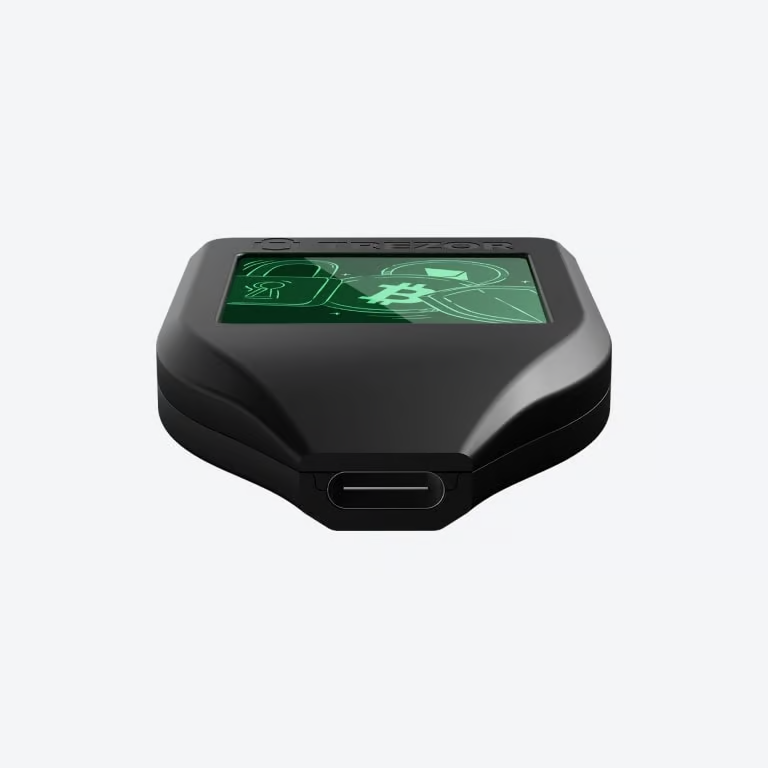
USB-C connection
Send, receive, & trade
MicroSD card slot
Compatible with Trezor Suite app and third-party wallet apps
Connect Trezor
View-only
Backup & recovery
Device security
security and design
& protection
Privacy
Increase privacy with
Protect identity with
Authentication
Use your Trezor as a FIDO2 Standard
Product details
Product size & weight64x39x10 mm / 22 g
2.52x1.54x0.39 in / 0.77 oz
2.52x1.54x0.39 in / 0.77 oz
Package size & weight152x102x20 mm / 92 g
5.98x4.02x0.79 in / 3.25 oz
5.98x4.02x0.79 in / 3.25 oz
Operating temperature-20°C to +60°C / -4°F to +140°F
CPU180 MHz embedded ARM processor (Cortex-M4)
What's in the box?
Trezor Model T hardware wallet
USB-C → USB-A cable
2x Wallet backup card
Magnetic dock
Start-up guide
Trezor stickers
Safety & certifications
All Trezor devices are CE and RoHS certified meeting all quality, reliability, and environmental standards. Trezors are X-ray safe and suitable for air travel.
Material
Trezor uses a durable casing made from a PC/ABS engineering thermoplastic blend, designed for long-lasting durability. The color LCD touchscreen, constructed with a high-quality transparent polymer blend, delivers vivid colors and stunning visuals, creating a seamless and user-friendly interface.
Which Trezor is yours?
Compare modelsYour questions, answered
What’s the difference between Trezor Safe 5 and Trezor Model T?
The main difference between the Trezor Safe 5 and the Trezor Model T is their usability. The Trezor Safe 5 is designed to be the most comfortable, user-friendly hardware wallet on the market. It also comes with a Secure Element chip, making it super secure, along with a slick, vibrant touchscreen and haptic feedback for more intuitive usability. The Trezor Model T uses a touchscreen and several security features designed to keep your crypto safe and secure.
What are the reviews of Trezor Model T?
The Trezor Model T earns praise for its top-notch security, user-friendly touchscreen, compatibility with numerous cryptocurrencies, robust build quality, regular security updates, and reputation as a trusted brand in crypto security and privacy.
What is the best hardware wallet for altcoins and other digital assets?
The Model T is a crypto hardware wallet designed to securely store access to your coins and tokens with a sleek touchscreen interface. The wallet provides native support for 14 assets, including well-known cryptocurrencies like Bitcoin, Ethereum, and Dogecoin. Additionally, it offers support for a vast array of 1000s of coins and tokens.
How do I transfer my funds from an online exchange (including Coinbase and Binance) to Trezor Model T?
To move your crypto from your online exchange to your Trezor, connect your Trezor device, open Trezor Suite app, and enter your PIN. Then, select your receiving account and copy the wallet address. Log into your online exchange, choose the cryptocurrency, paste the address, and confirm the transaction. Your crypto will be securely transferred to your Trezor hardware wallet.
Why should I use Trezor Model T instead of holding crypto on an exchange?
Storing anything online is risky. Exchanges, which serve as platforms for trading and storing digital assets, are often attractive targets for hackers, susceptible to security breaches, and a high risk of exposing your personal data, including sensitive info. Trezor Model T is keeps the access to your crypto offline, safe and secure.