ご注意:当社記事は現在英語のみでのご提供となっています。
Concierge trading in Trezor Suite
Concierge is a trading option offered in Trezor Suite for large cryptocurrency purchases of €50,000 or more. Trades are handled by BTC Direct.
Requirements
Concierge is available to users in the Single Euro Payments Area (SEPA). If your country isn’t supported, Concierge is not offered and each Buy transaction is limited to €30,000 / $30,000.
How to use Concierge
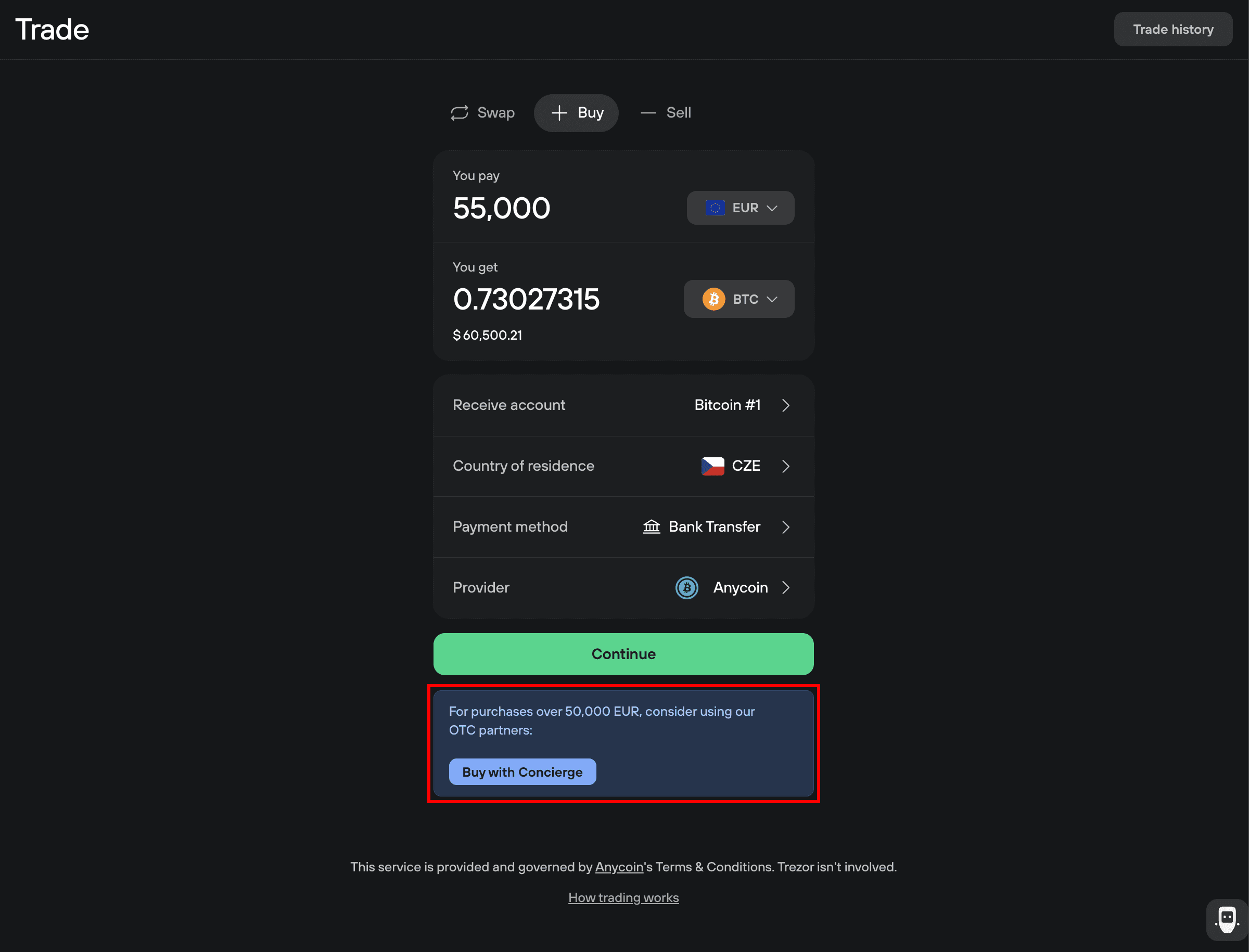
Click Buy in the top-right corner of Trezor Suite to open the Trade menu. When you enter a value in the ‘You pay’ field of €50,000 or more, the Concierge option appears at the bottom of the form:
Click Buy with Concierge and you'll be shown a summary of the service:
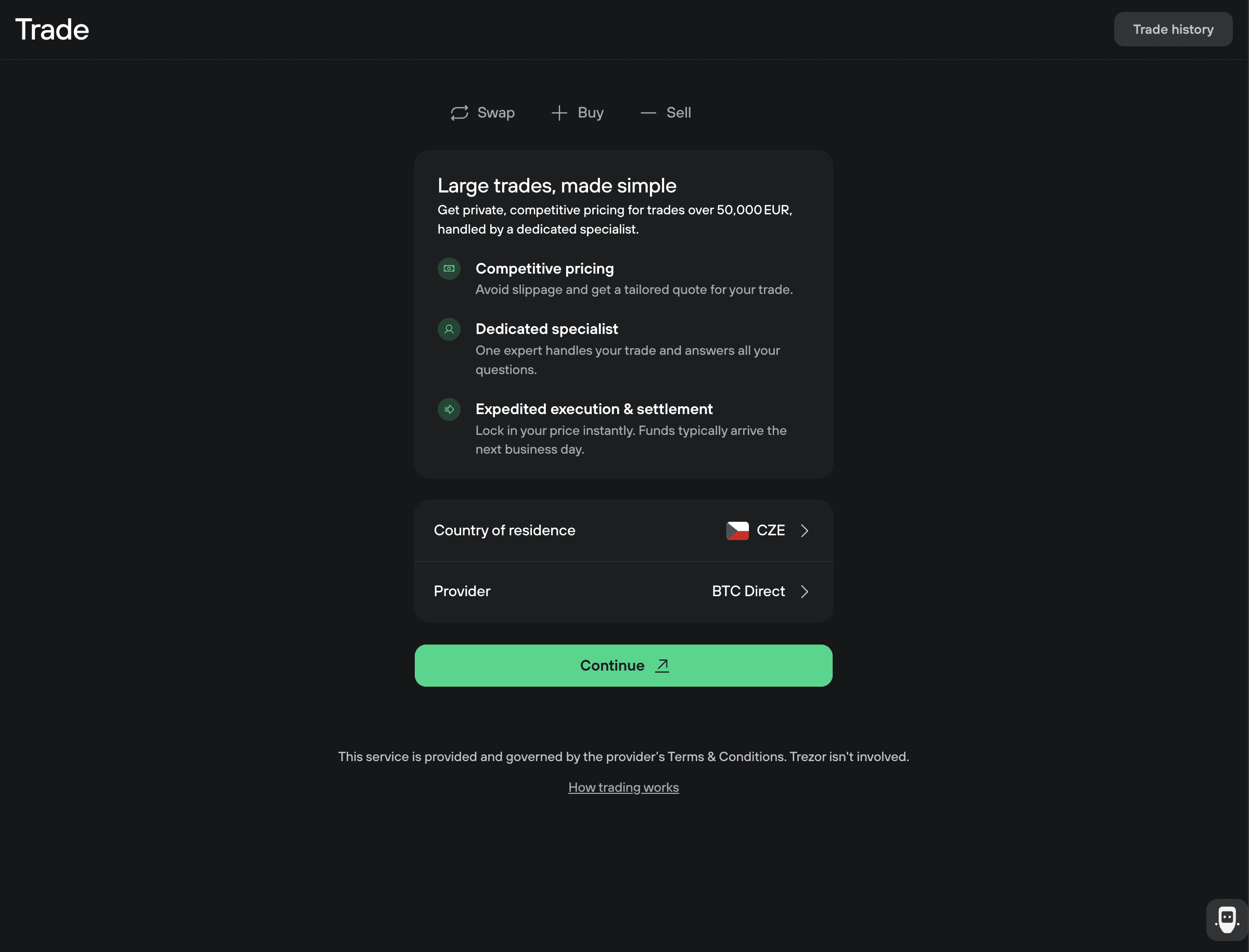
Click Continue and you’ll be taken to the BTC Direct private trading page. Fill in your order details and personal information. A BTC Direct representative will follow up with next steps, including KYC verification and trade execution.
BTC Direct manages all KYC and identity verification. Trezor doesn't store or handle any personal data from this process.