安心・安全なモネロ(XMR)ウォレット
Trezorハードウェア・ウォレットのセキュリティを活用し、モネロ(XMR)を安全に管理しましょう。
- ハードウェア・ウォレットで保護
- 200万人以上のお客様に信頼されています
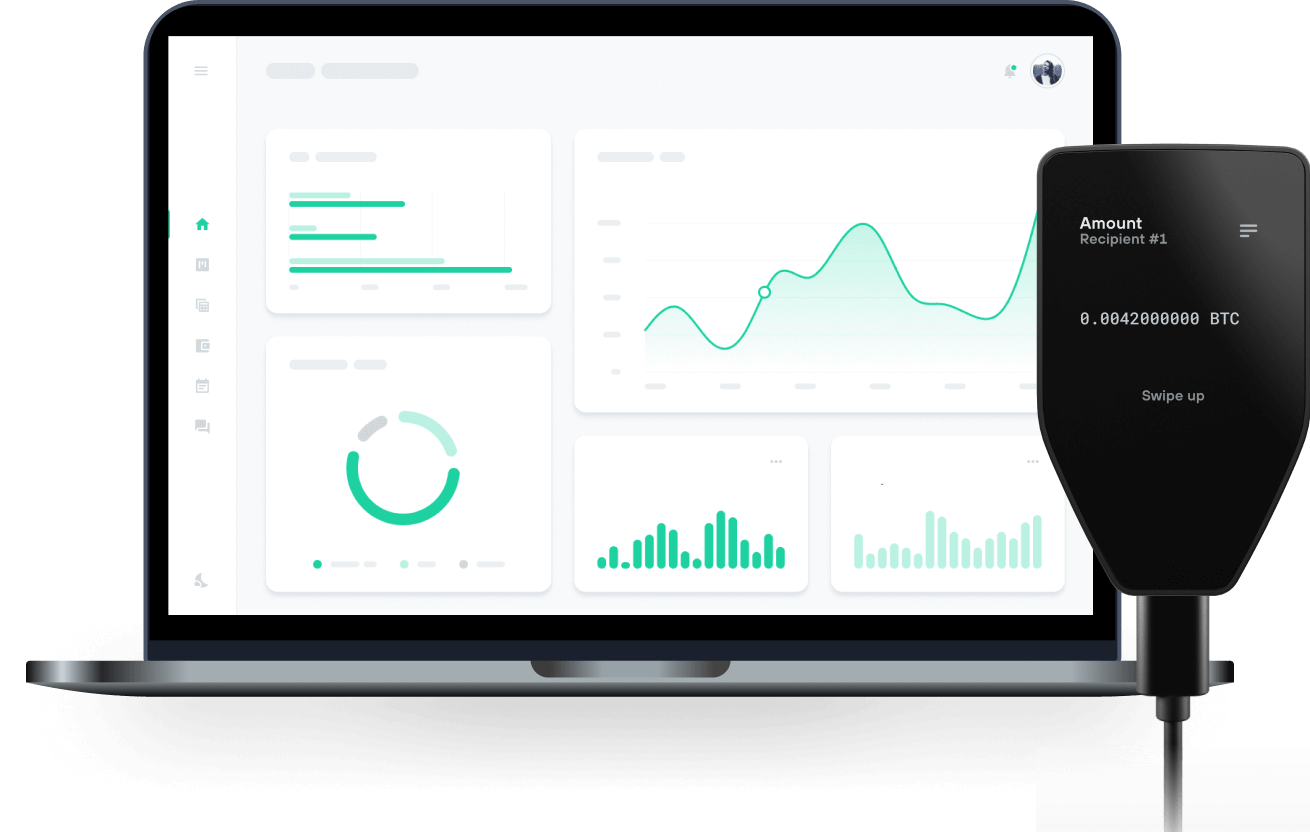
モネロ(XMR)をTrezorハードウェア・ウォレットで で送信、受信

送信&受信

交換
モネロ(XMR)をサポートするTrezorハードウェア・ウォレット
Trezorをウォレットアプリと同期
モネロ(XMR)を、複数のウォレットアプリと同期させたTrezorハードウェア・ウォレットで管理しましょう。
Monero CLI/GUI
Cake
- Feather
対応 モネロ(XMR) ネットワーク
なぜハードウェア・ウォレットを使うのですか?

Trezorでオフライン管理
- コインは100%あなたのものです
- あなたのウォレットはオフラインで100%安全です
- お客様のデータは100%匿名です
- あなたのコインはどの会社にも紐付いていません
オンライン取引所
- 取引所が破綻すると、コインを失うことになります
- 取引所はハッカーの標的
- あなたの個人データが漏洩する可能性があります
- コインを、あなたはまだ完全に自分のものにしていません。
TrezorでXMRを使う方法
Trezorを接続
サードパーティ製のウォレットアプリを開く
資産を管理しましょう
お手持ちのXMRを最大限に活用しよう
TrezorはあなたのXMRを安全に保護します
 セキュア・エレメントにより保護されています
オンラインとオフライン、両方の脅威に対する最強の防御
 あなたのトークン、あなたの管理
デバイス上での承認により、すべてのトランザクションを完全に制御
 セキュリティシールが、梱包やTrezorハードウェア・ウォレットに改ざんがないことを保証します。
透明なウォレットデザインが、あなたのTrezorをより優れた、より安全なものにします。
 シンプルでわかりやすいウォレット・バックアップ
新しいバックアップ規格でデジタル資産へのアクセスを取り戻しましょう
 初日からの安心を
パッケージとデバイスのセキュリティ・シールでTrezorの完全性を守ります
よくある質問
モネロ(XMR)を安全に保管・管理したい方には、Trezorがおすすめです。Trezorは最も信頼性の高いハードウェア・ウォレットのひとつで、モネロへのアクセスをオフラインで管理し、ハッキングやマルウェアなどのオンライン脅威から強力に守ります。
Trezor Suite アプリはモネロに直接対応していませんが、Trezorのハードウェア・ウォレットをサードパーティ製のウォレットと組み合わせて使えば、モネロの送信・受信・トランザクション管理も安全に行えます。Trezorの業界最高水準のセキュリティ機能により、モネロ資産を守りたい方にも安心しておすすめできます。
はい、モネロウォレットの利用は、特にTrezorハードウェア・ウォレットを使う場合、無料で行えます。Trezor デバイスを持っていれば、サードパーティ製のウォレットアプリと連携して追加料金なしで XMR を管理できます。サードパーティのウォレットアプリを使えば、Trezor のセキュリティを活かしながら、モネロの送信・受信・管理を簡単に行うことができます。
Trezor ハードウェアウォレットは購入時に初期費用が必要ですが、モネロを管理するためにサブスクリプション料金などが発生することはありません。Trezor を接続するだけで、安全にモネロにアクセスし、残高を確認できます。
注意点として、ウォレットの利用は無料でも、モネロネットワークで送金を行う際には少額のネットワーク手数料、XMRが必要になります。これはモネロブロックチェーンの取引手数料であり、Trezor が課金するものではありません。総じて、Trezorウォレットでモネロを管理することは、資産の安全性を確保しながらコストも抑えられる方法です。
モネロを保管する最適な場所は、 Trezorハードウェアウォレットです。これは、お客様の資金に最高レベルのセキュリティを提供します。モネロのような暗号資産を管理する上で、自己管理(セルフカストディ)が鍵となります。これは、資産を取引所に預けたままにするのではなく、ご自身で完全にコントロールすることを意味します。
もしXMRをオンライン取引所に保管している場合は、ことが重要です(https://trezor.io/learn/a/move-crypto-to-trezor) 。これにより、お客様の秘密鍵がオフラインに保たれ、オンラインの脅威から保護されるため、モネロに最大限の防御が保証されます。
Moneroウォレットの取得・セットアップはとても簡単です。Trezor Safe 3やTrezor Safe 5のようなTrezorハードウェア・ウォレットを使う場合、まず公式Trezorショップでデバイスを購入し、本物を入手してください。
Trezor到着後、Trezor Suiteアプリをダウンロード・インストールしてTrezorをセットアップ。パソコンにTrezorを接続し、セットアップ手順に従いましょう。初回利用時は新規ウォレットの作成とウォレット・バックアップも必ず記録・安全に保管を。
Trezor SuiteアプリはMonero(XMR)にはネイティブ非対応ですが、サードパーティ製ウォレットアプリとTrezorを組み合わせれば、XMRアドレスの生成や送受信、管理も可能です。Trezorが秘密鍵を常にオフラインで守ることで、サードパーティアプリ利用時も強固なセキュリティが維持されます。
この手順を守れば、Trezorのハードウェアによる高いセキュリティとサードパーティアプリの利便性を融合した安全なMoneroウォレットが手に入ります。安心してXMRの管理をお楽しみください!
モネロ(XMR)を安全に購入するには、まず信頼できるオンライン取引所を選びましょう。アカウントを作成し、必要な本人確認を完了させ、法定通貨または他の暗号資産を入金します。モネロを入手したら、最大限のセキュリティを確保するため、必ずTrezorハードウェア・ウォレットへ送金してください。
Trezor Suiteアプリはモネロを直接サポートしていないため、サードパーティ製アプリをご利用ください。Trezorをそのウォレットアプリに接続し、受け取りアドレスを生成します。その後、オンライン取引所に戻り、「出金」を選び、アドレスを貼り付けて送金手続きを行います。取引が承認されれば、モネロへのアクセスはTrezorハードウェア・ウォレットでしっかり保護され、あらゆるオンラインの脅威から安全に守られます!