Billetera Monero segura y protegida
Usa la seguridad de tu billetera física Trezor para gestionar de forma segura tu Monero.
- Protegido por tu billetera física
- Con la confianza de más de 2 millones de clientes
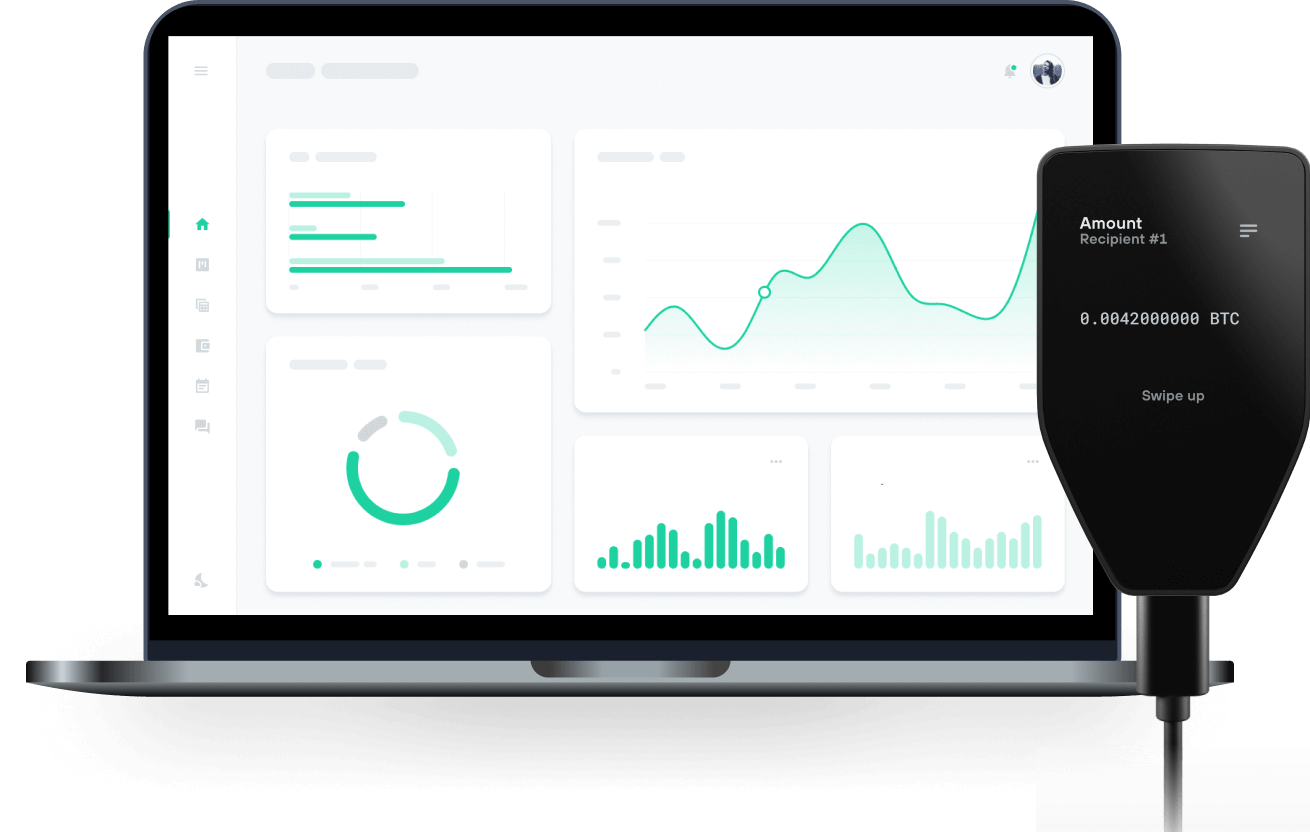
Envía y recibe tu Monero con las billeteras físicas de Trzor

Enviar y recibir

Intercambiar
Billeteras físicas Trezor compatibles con Monero
Sincroniza tu Trezor con apps de billeteras
Gestiona tus Monero con tu billetera física Trezor sincronizada con apps de billeteras.
Monero CLI/GUI
Cake
- Feather
Red Monero Compatible
¿Por qué una billetera física?

Desconéctate con Trezor
- Tus monedas son 100% tuyas
- Tu billetera está 100% segura offline
- Tus datos son 100% anónimos
- Tus monedas no están atadas a una compañía
Exchanges en línea
- Si un exchange falla, pierdes tus monedas
- Los exchanges son blanco de los hackers
- Tu información personal puede ser expuesta
- Tus monedas no son realmente tuyas
¿Cómo usar XMR en Trezor?
Conectar tu Trezor
Abre una app de billetera de terceros
Gestiona tus activos
Aprovecha al máximo tus XMR
Trezor mantiene tus XMR seguros
 Protegido por Elemento Seguro
La mejor defensa contra amenazas tanto online como offline
 Tus tokens, bajo tu control
Control absoluto de cada transacción con confirmación directa en el dispositivo
 La seguridad empieza por código abierto
Un diseño de billetera de forma transparente hace que tu Trezor sea más seguro y confiable
 Copia de seguridad de billetera clara y sencilla
Recupera el acceso a tus activos digitales con nuevo estándar de copia de seguridad
 Confianza desde el primer día
El embalaje y los sellos de seguridad del dispositivo protegen la integridad de tu Trezor
Comunidades
Respondemos tus preguntas
Si buscas una forma segura de almacenar y gestionar tu Monero (XMR), Trezor es una excelente elección. Como una de las billeteras físicas más confiables, brinda una seguridad sólida al mantener el acceso a tu Monero offline, protegiéndote de hacks, malware y otras amenazas online.
Si bien la app Trezor Suite no soporta Monero de forma nativa, puedes utilizar tu billetera física Trezor junto con billeteras de terceros para enviar, recibir y monitorear tus transacciones Monero de manera segura. Con las funciones de seguridad avanzadas de Trezor, es una opción sólida para quien se tome en serio la protección de sus fondos Monero.
Sí, puedes utilizar una billetera Monero de manera gratuita, especialmente si tienes una billetera física Trezor. Una vez que tengas tu dispositivo Trezor, combínalo con una app de billetera de terceros para gestionar tu XMR sin costes adicionales. Estas apps permiten enviar, recibir y administrar Monero fácilmente, aprovechando la seguridad de tu dispositivo Trezor.
Aunque la billetera física requiere una compra inicial, no hay tarifas de suscripción para gestionar Monero con apps de terceros compatibles. Solo conecta tu Trezor y podrás acceder y monitorear tu Monero de forma segura.
Recuerda que, aunque usar la billetera es gratis, cualquier transacción en la red de Monero puede conllevar una pequeña comisión de red, a pagar en XMR al enviar fondos. Así que, aunque la billetera en sí no tiene costo, hay tarifas de red al mover Monero. En general, administrar Monero con una billetera física Trezor es una forma segura y económica de proteger tus activos.
El mejor lugar para guardar Monero es en una billetera física Trezor, que ofrece la máxima seguridad a tus fondos. La autocustodia es clave cuando se trata de criptomonedas como Monero: deberías tener el control total de tus activos digitales en vez de dejarlos en exchanges.
Si tienes tus XMR en un exchange, es importante transferirlos a una billetera física Trezor de inmediato. Así mantendrás tus claves privadas offline y a salvo de amenazas online, garantizando la máxima protección para tu Monero.
Conseguir y configurar una billetera Monero es sencillo, especialmente si utilizas una billetera física Trezor como la Trezor Safe 3 o la Trezor Safe 5. Para comenzar, adquiere tu Trezor en la [Tienda Trezor] (https://shop.trezor.io/es) oficial para asegurarte de que es un producto genuino. Cuando recibas tu Trezor, descarga e instala la app Trezor Suite para configurar tu dispositivo. Abre la app, conecta el dispositivo al ordenador y sigue los pasos indicados. Si es tu primera vez, crearás una nueva billetera y una copia de seguridad—no olvides anotarla y guardarla bien.
Aunque Monero (XMR) no está disponible de forma nativa en Trezor Suite, puedes gestionarlo de forma segura usando apps de billetera de terceros combinadas con tu hardware Trezor. Estas apps te permiten generar una dirección de Monero, enviar y recibir Monero mientras mantienes tus claves privadas protegidas offline en tu Trezor.
Siguiendo estos pasos, tendrás una billetera Monero segura que combina los beneficios de la seguridad física de Trezor con la funcionalidad de apps de terceros de confianza. ¡Disfruta gestionando XMR de forma segura!
Para comprar Monero (XMR) de forma segura, comienza eligiendo un exchange online de confianza. Solo crea una cuenta, completa las verificaciones necesarias y deposita fondos en fiat u otra cripto. Una vez que tengas tu Monero, asegúrate de transferirlo a tu billetera física Trezor para máxima seguridad.
Como Monero no está disponible directamente en la app Trezor Suite, deberás utilizar una app de billetera de terceros. Conecta tu Trezor a la app, genera una dirección donde recibir los fondos y luego, en el exchange online, selecciona "Retirar", pega la dirección y realiza la transferencia. Una vez confirmada, tu Monero estará seguro en tu billetera física Trezor, protegido de cualquier amenaza online.