Sichere & geschützte Cosmos Hub Wallet
Nutze die Sicherheit deiner Trezor Hardware-Wallet zur sicheren Verwaltung deiner Cosmos Hub.
- Gesichert durch deine Hardware-Wallet
- Über 2 Millionen Kunden vertrauen uns
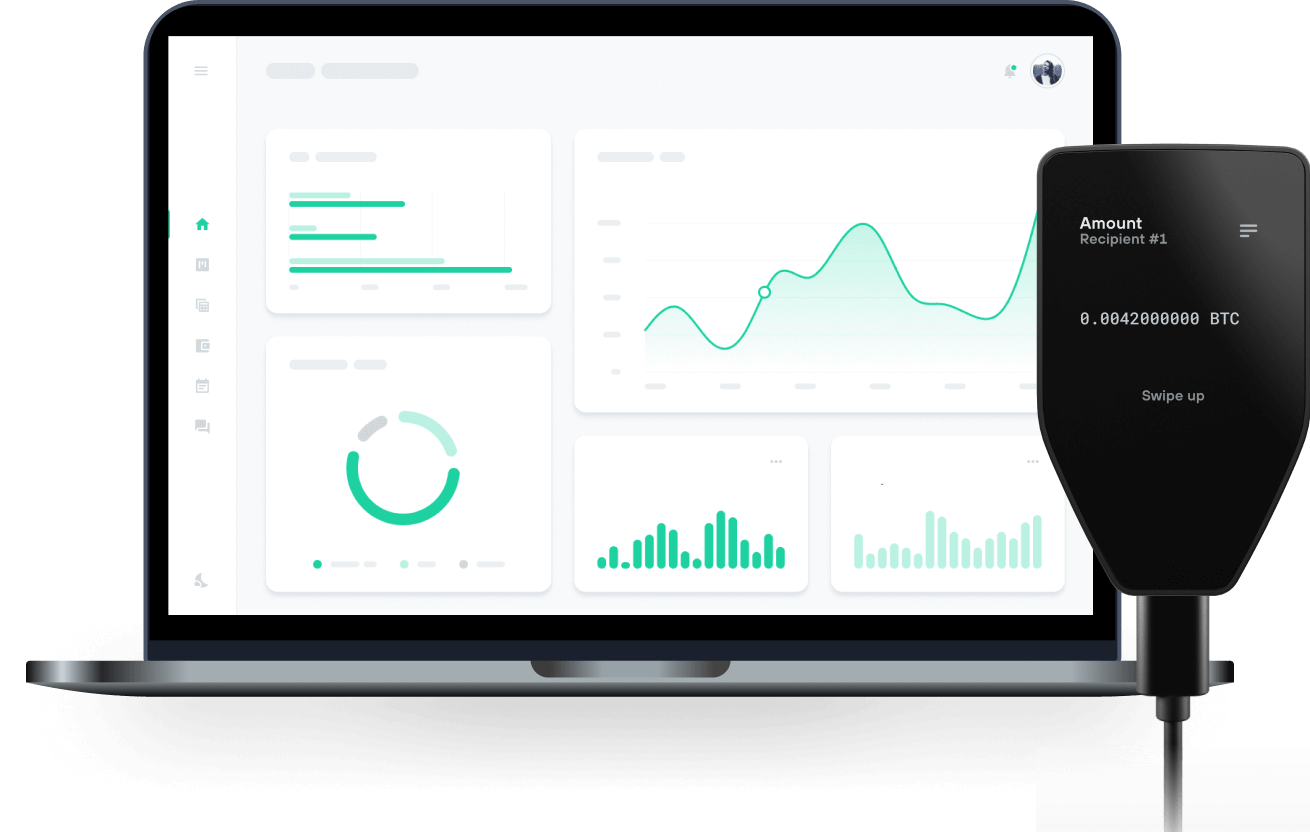
Kaufe, verkaufe & verwalte dein Cosmos Hub mit den Trezor Hardware-Wallets

Sende & empfange

Kaufe, verkaufe & tausche
Trezor Hardware-Wallet, die Cosmos Hub unterstützen
Unterstütztes Cosmos Hub Netzwerk
Warum eine Hardware-Wallet?

Gehe offline mit Trezor
- Du besitzt 100 % deiner Coins
- Deine Wallet ist offline zu 100 % sicher
- Deine Daten sind zu 100 % anonym
- Deine Coins sind an keine Firma gebunden
Online-Börsen
- Wenn ein Umtausch fehlschlägt, verlierst du deine Coins
- Börsen sind Ziele von Hackern
- Deine persönlichen Daten könnten offengelegt werden
- Du besitzt deine Coins nicht wirklich
Wie man ATOM auf Trezor
Verbinde deinen Trezor
Öffne eine Drittanbieter-Wallet-App
Verwalte dein Vermögen
Mache das Beste aus deinen ATOM
Trezor hält dein ATOM sicher
 Geschützt durch Secure Element
Die beste Verteidigung gegen beides, online und offline Bedrohungen
 Deine Token, deine Kontrolle
Absolute Kontrolle über jede Transaktion mit Bestätigung auf dem Gerät
 Sicherheit beginnt mit Open-Source
Das transparente Wallet-Design macht deinen Trezor besser und sicherer
 Übersichtliches & einfaches Wallet-Backup
Stelle deinen Zugriff auf deine digitalen Assets wieder her mit einem neuen Backup-Standard
 Vertrauen vom ersten Tag an
Verpackungs- & Gerätesicherheitssiegel schützen die Integrität deines Trezors
Das Cosmos-Netzwerk besteht aus vielen unabhängigen, parallelen Blockchains – sogenannten Zonen – die jeweils durch klassische byzantinisch fehlertolerante Consensus-Protokolle (BFT) wie Tendermint abgesichert werden. Einige Zonen fungieren als Hubs für andere Zonen, sodass viele Zonen über einen gemeinsamen Hub interoperieren können. Die Architektur setzt auf klassische BFT- und Proof-of-Stake-Algorithmen, statt auf Proof-of-Work. Cosmos kann mit zahlreichen Anwendungen und Kryptowährungen interoperieren – etwas, das viele andere Blockchains nicht können. Durch das Anlegen einer neuen Zone kann jedes Blockchain-System mit dem Cosmos Hub verbunden und Token zwischen den Zonen transferiert werden, ohne dass ein Intermediär nötig ist.
Der Cosmos Hub ist ein Multi-Asset-Ledger mit einem besonderen nativen Token namens Atom. ATOM haben drei Anwendungsfälle: Als Spam-Schutzmaßnahme, als Staking-Token und als Abstimmungsmechanismus im Governance.
Als Spam-Schutzmaßnahme werden ATOM genutzt, um Gebühren zu zahlen. Die Gebühr kann proportional zum benötigten Rechenaufwand der Transaktion sein, ähnlich wie „Gas“ bei Ethereum. Die Verteilung der Gebühren erfolgt im Protokoll und ist spezifiziert.
Als Staking-Token können ATOM „gebunden“ werden, um Blockbelohnungen zu verdienen. Die wirtschaftliche Sicherheit des Cosmos Hub hängt von der Menge der gestakten ATOM ab. Je mehr ATOM als Sicherheit eingebracht werden, desto höher ist der Aufwand für einen Angriff und die Sicherheit des Netzwerks steigt. Je mehr ATOM gebunden sind, desto sicherer das Netzwerk.
Atom-Inhaber können den Cosmos Hub durch Abstimmungen mit ihren gestakten ATOM mitbestimmen.