Portefeuille sûr et sécurisé Cosmos Hub
Utilisez la sécurité de votre portefeuille matériel Trezor pour gérer vos Cosmos Hub en toute sécurité.
- Sécurisé par votre portefeuille matériel
- Adopté par plus de 2 millions de clients
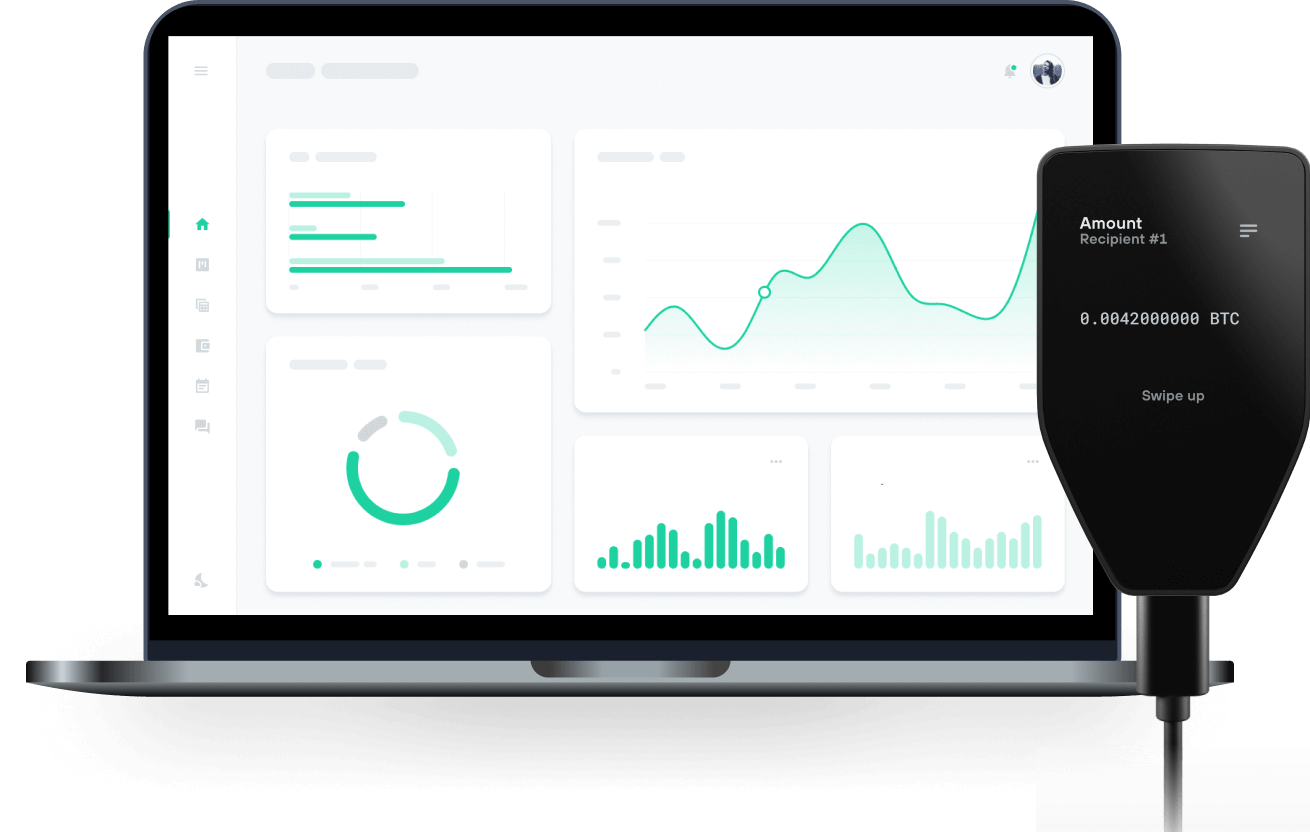
Achetez, vendez et gérez vos Cosmos Hub avec les portefeuilles matériels Trezor

Envoyer et recevoir

Achetez, vendez et échangez
Portefeuilles matériels Trezor qui supportent Cosmos Hub
Cosmos Hub Réseaux supportés
Pourquoi un portefeuille matériel ?

Allez hors ligne avec Trezor
- Vous possédez 100% de vos cryptos
- Votre portefeuille est 100% sécurisé hors ligne
- Vos données sont 100 % anonymes
- Vos cryptos ne dépendent d’aucune entreprise
Échanges en ligne
- Si un échange échoue, vous perdez vos cryptos
- Les échanges sont des cibles pour les pirates
- Vos données personnelles peuvent être exposées
- Vous ne possédez pas réellement vos cryptos
Comment utiliser ATOM sur Trezor
Connectez votre Trezor
Ouvrez une application de portefeuille tierce
Gérez vos actifs
Profitez pleinement de votre ATOM
Trezor garde vos ATOM en sécurité
 Protégé par Élément Sécurisé
La meilleure défense contre les menaces en ligne et hors ligne
 Vos jetons, votre contrôle
Contrôle absolu de chaque transaction avec confirmation sur l'appareil
 La sécurité commence par l'open source
Le design de portefeuille transparent rend votre Trezor meilleur et plus sûr
 Sauvegarde de portefeuille claire et simple
Récupérez l’accès à vos actifs digitaux avec un nouveau standard de sauvegarde
 Confiance depuis le premier jour
Les sceaux de sécurité sur l’emballage et l’appareil protègent l’intégrité de votre Trezor
Le réseau Cosmos est composé de nombreuses blockchains indépendantes et parallèles, appelées zones, chacune reposant sur des protocoles de consensus byzantins tolérants aux pannes (BFT) classiques, comme Tendermint. Certaines zones jouent le rôle de hubs vis-à-vis d’autres zones, permettant à de nombreuses blockchains d’interopérer via un hub commun. Cette architecture repose sur des algorithmes BFT classiques et de proof-of-stake, plutôt que sur le proof-of-work. Cosmos peut interopérer avec de multiples applications et cryptomonnaies, ce que d’autres blockchains gèrent difficilement. En créant une nouvelle zone, il est possible de connecter n’importe quel système blockchain au hub Cosmos et de transférer des jetons entre ces zones, sans intermédiaire.
Bien que le Cosmos Hub soit un registre distribué multi-actifs, il existe un jeton natif spécifique appelé ATOM. Les ATOM ont trois cas d’usage : un mécanisme de prévention du spam, le staking, et la gouvernance.
En tant que mécanisme de prévention du spam, les ATOM sont utilisés pour payer les frais. Ces frais peuvent être proportionnels à la quantité de calcul requise par une transaction, de manière similaire au concept de « gas » d’Ethereum. La distribution des frais est gérée au niveau du protocole.
En tant que jetons de staking, les ATOM peuvent être « bondés » afin de percevoir des récompenses de bloc. La sécurité économique du Cosmos Hub dépend de la quantité d’ATOM mis en staking. Plus le nombre d’ATOM collatéralisés est élevé, plus l’enjeu économique est important et plus le coût d’une attaque sur le réseau augmente. Ainsi, plus il y a d’ATOM bondés, plus la sécurité économique du réseau est élevée.
Les détenteurs d’ATOM peuvent participer à la gouvernance du Cosmos Hub en votant sur des propositions avec leurs ATOM mis en staking.