安心・安全なFaroo Liquid Staked PROSウォレット
Trezorハードウェア・ウォレットのセキュリティを活用し、Faroo Liquid Staked PROSを安全に管理しましょう。
- ハードウェア・ウォレットで保護
- 200万人以上のお客様に信頼されています

Faroo Liquid Staked PROSをTrezorハードウェア・ウォレットで で送信、受信

送信&受信
Faroo Liquid Staked PROSをサポートするTrezorハードウェア・ウォレット
Trezorをウォレットアプリと同期
Faroo Liquid Staked PROSを、複数のウォレットアプリと同期させたTrezorハードウェア・ウォレットで管理しましょう。
MetaMask
Rabby
対応 Faroo Liquid Staked PROS ネットワーク
なぜハードウェア・ウォレットを使うのですか?

Trezorでオフライン管理
- コインは100%あなたのものです
- あなたのウォレットはオフラインで100%安全です
- お客様のデータは100%匿名です
- あなたのコインはどの会社にも紐付いていません
オンライン取引所
- 取引所が破綻すると、コインを失うことになります
- 取引所はハッカーの標的
- あなたの個人データが漏洩する可能性があります
- コインを、あなたはまだ完全に自分のものにしていません。
TrezorでSTPROSを使う方法
Trezorを接続
サードパーティ製のウォレットアプリを開く
資産を管理しましょう
お手持ちのSTPROSを最大限に活用しよう
TrezorはあなたのSTPROSを安全に保護します
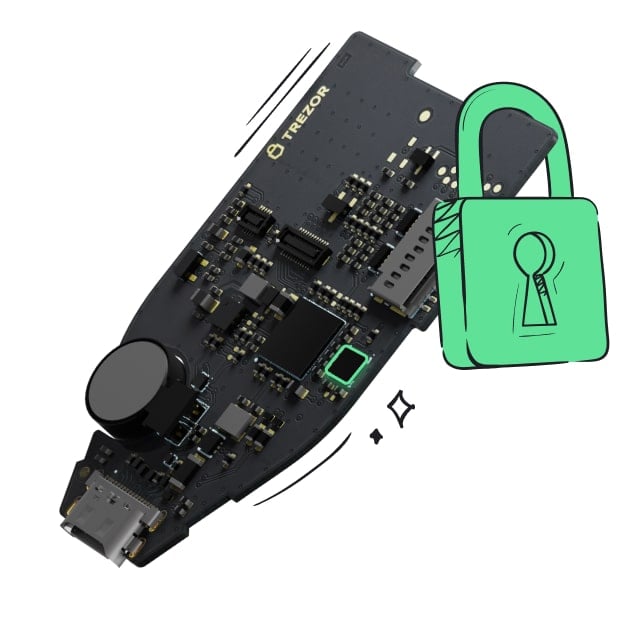 セキュア・エレメントにより保護されています
オンラインとオフライン、両方の脅威に対する最強の防御
 あなたのトークン、あなたの管理
デバイス上での承認により、すべてのトランザクションを完全に制御
 セキュリティシールが、梱包やTrezorハードウェア・ウォレットに改ざんがないことを保証します。
透明なウォレットデザインが、あなたのTrezorをより優れた、より安全なものにします。
 シンプルでわかりやすいウォレット・バックアップ
新しいバックアップ規格でデジタル資産へのアクセスを取り戻しましょう
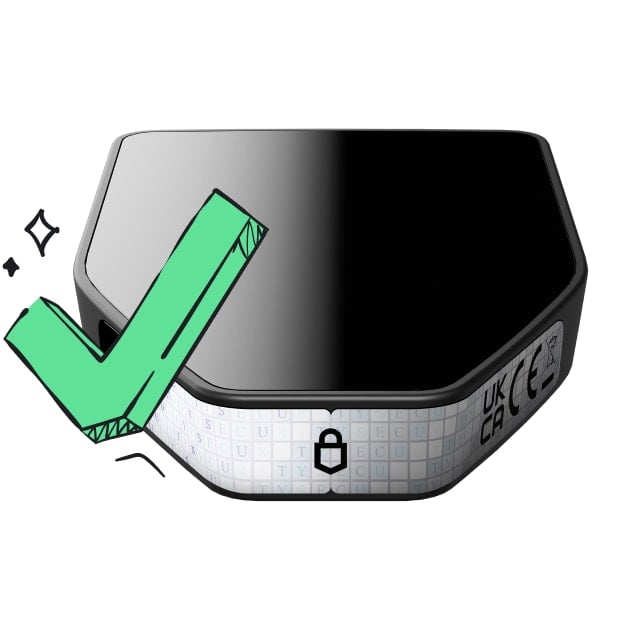 初日からの安心を
パッケージとデバイスのセキュリティ・シールでTrezorの完全性を守ります
What is stPROS? Faroo is a liquid staking protocol in the Pharos ecosystem. Users stake PROS and receive stPROS, a transferable token representing their staked position. Staking rewards and the protocol’s stated RWA yield accrue through an increasing PROS-to-stPROS redemption rate, rather than an increasing stPROS token balance. Overview · FAQ
How to Mint stPROS
- Open the official Faroo app and connect a wallet holding PROS.
- Enter the amount of PROS in the staking interface. Review the displayed transaction details and confirm.
- Once the transaction completes, stPROS is credited to your wallet.
Behind the scenes, SLPx sends the mint request to Bifrost, where stPROS is issued and accounted for, then returned to the user. Check the app for the current network, fees, and transaction status. Minting flow
FAQ
Is stPROS always worth 1 PROS? No. The documentation describes an initial 1:1 rate. As rewards accrue, each stPROS can represent more redeemable PROS. FAQ
How do I redeem stPROS for PROS? Submit stPROS for redemption in the Faroo app. The documented exit period is 14 days, after which PROS is returned according to the applicable conversion rate. FAQ
Can I use stPROS in DeFi? Yes, where integrations exist. Potential uses include trading, liquidity provision, and collateral; availability depends on each protocol. FAQ
Are returns guaranteed? No fixed return should be assumed. Consider PROS price volatility, protocol and cross-chain risks, and any additional risks of third-party DeFi applications. Faroo’s separate Pre-mint fixed-term incentive product uses stPROS as its underlying asset; participating in it is not required to mint stPROS. Pre-mint documentation